Why Convert Notion to PowerPoint?
Notion is excellent for organising thinking. It's not built for presenting it. Copying content block by block into PowerPoint destroys your formatting, breaks your lists, and burns time you don't have before the meeting.
Presentations.AI reads your Notion page's structure — H1s, H2s, databases, images, and text blocks — and converts it into a visual narrative built for slides, not scrolling. It's the same workflow as our URL to PPT converter, optimised specifically for Notion's block-based structure. The same engine powers our text to ppt tool, so even loose notes pasted as plain text become a structured deck.
Common use cases: turning project plans into executive review decks, converting wiki content into new-hire onboarding presentations, building client presentations from meeting notes, and transforming OKR docs into quarterly review slides.
Why Choose Presentations.ai to Convert Notion to PowerPoint?
Smart Block-to-Slide Content Mapping
AI understands Notion's block structure. Headings become slide titles. Bullet points become clean lists. Text blocks become speaker notes. Your Notion hierarchy translates directly to presentation structure — no manual reorganising required. It works like a full ai presentation generator — not just relocating your blocks, but building structured, designed slides around them.
Brand Sync — Logo, Colors, Fonts Applied
Choose from professional themes or connect your brand — Brand Sync pulls your logo, colors, and fonts and applies them automatically. Your Notion doc arrives looking like an official corporate deck, not a copy-paste job.
Handles Images, Databases and Embedded Blocks
Embedded images are placed on the relevant slides. Database list views and table data are visualised as structured slide content. For text-heavy pages, the AI sources high-quality stock visuals automatically to keep slides engaging throughout.
Toggles, Callouts and Nested Pages Supported
Toggle blocks, callout boxes, and code blocks are intelligently interpreted and mapped to slide elements. Nested Notion pages can be mapped as separate slide sections, preserving the document's information architecture in the final deck.
Fully Editable PowerPoint Output
Every text box, shape, and image is a native PowerPoint object — not a screenshot. Edit copy, resize elements, swap layouts, and update content directly in PowerPoint after export. Use our AI slide creator to build new slides on top of your converted deck.
SOC 2 Type II — Notion Data Stays Private
Your Notion data is processed in an end-to-end encrypted environment and never used for public AI model training. SOC 2 Type II certified. You only need the page published for the duration of the import — revert the share setting immediately after.
How to Convert Notion Pages to PowerPoint
Step 1 — Publish your Notion page and copy the URL
Open your Notion page, click Share, go to the Publish tab, and click Publish. Copy the URL. You only need the page public for the duration of the import — revert the share setting once conversion is complete.
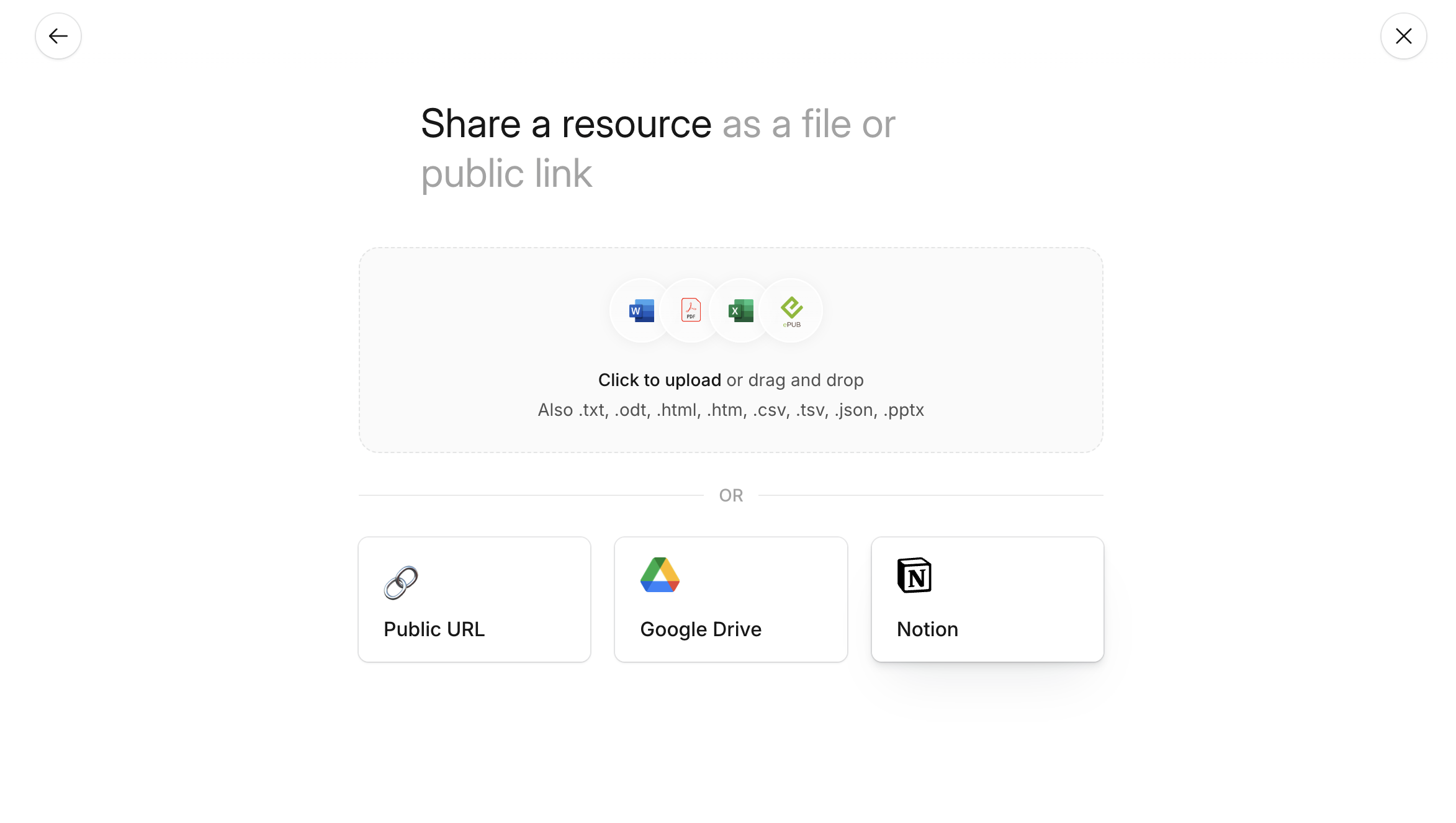
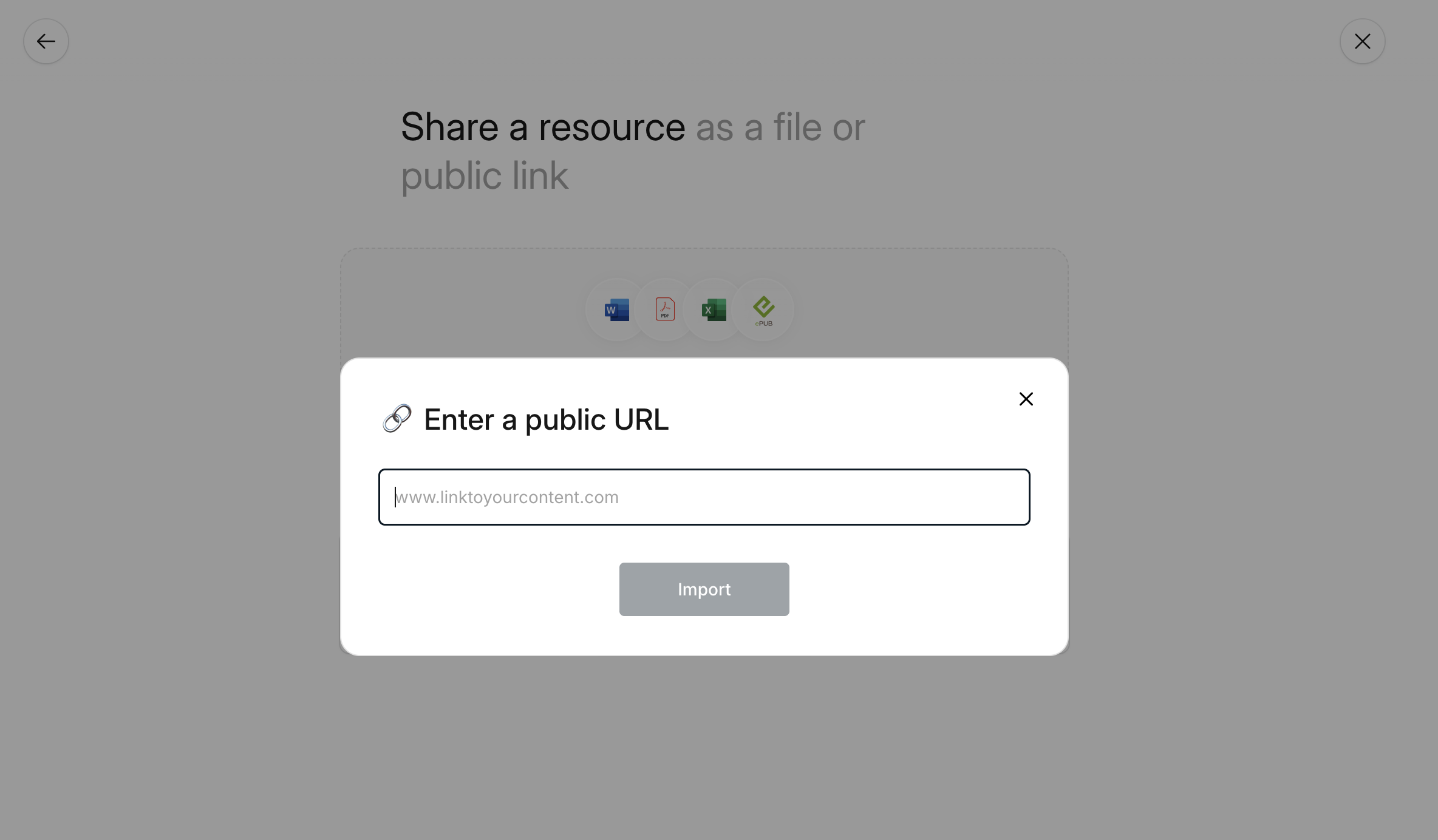
Step 2 — Paste the URL into the import field
Drop your Notion link into the import field. The system extracts your content, reads the block structure, and prepares everything for conversion. Already have a PDF or Word export from Notion? Use our PDF to PPT converter or Word to PPT converter instead.
Step 3 — AI generates and structures your deck
One click converts your page into a complete presentation. The AI identifies your main points, supporting detail, and information hierarchy — structuring slides that follow your document's logic. Brand Sync applies your corporate colors and fonts automatically.

Step 4 — Edit, export as PPTX, or share a link
Adjust text, swap images, rework layouts, or add slides directly in the editor. Use AI commands to summarise, add speaker notes, or modernise the design. Then export as a fully editable .pptx, download as PDF, or publish as a shareable link. See the pricing page to see what's included free.