PPT to PDF

PPT to PDF Converter: Convert Any PowerPoint to PDF Free

Drop in your PowerPoint and get a polished, share-ready PDF in seconds. Fonts, images, and layout stay exactly where you put them - free, instant, with no signup or install.

Encrypted in transit · Files auto-deleted after 1 hour · We never store your slides

Free PPT to PDF conversion

No watermark

Keeps original formatting

Works on any device or browser

Build Your Next Deck With Presentations.ai

Why stop at converting? Start your next presentation with AI and get a designed, on-brand deck in minutes — then export it to PDF or PowerPoint whenever you need.

Try PPT to PDF for Free

How to Convert PPT to PDF in 4 Easy Steps

Step 1: Upload your PPT file

Drag your .ppt or .pptx onto the box above, or click to browse and pick it from your device. Decks with hundreds of slides upload just as easily as a single page.

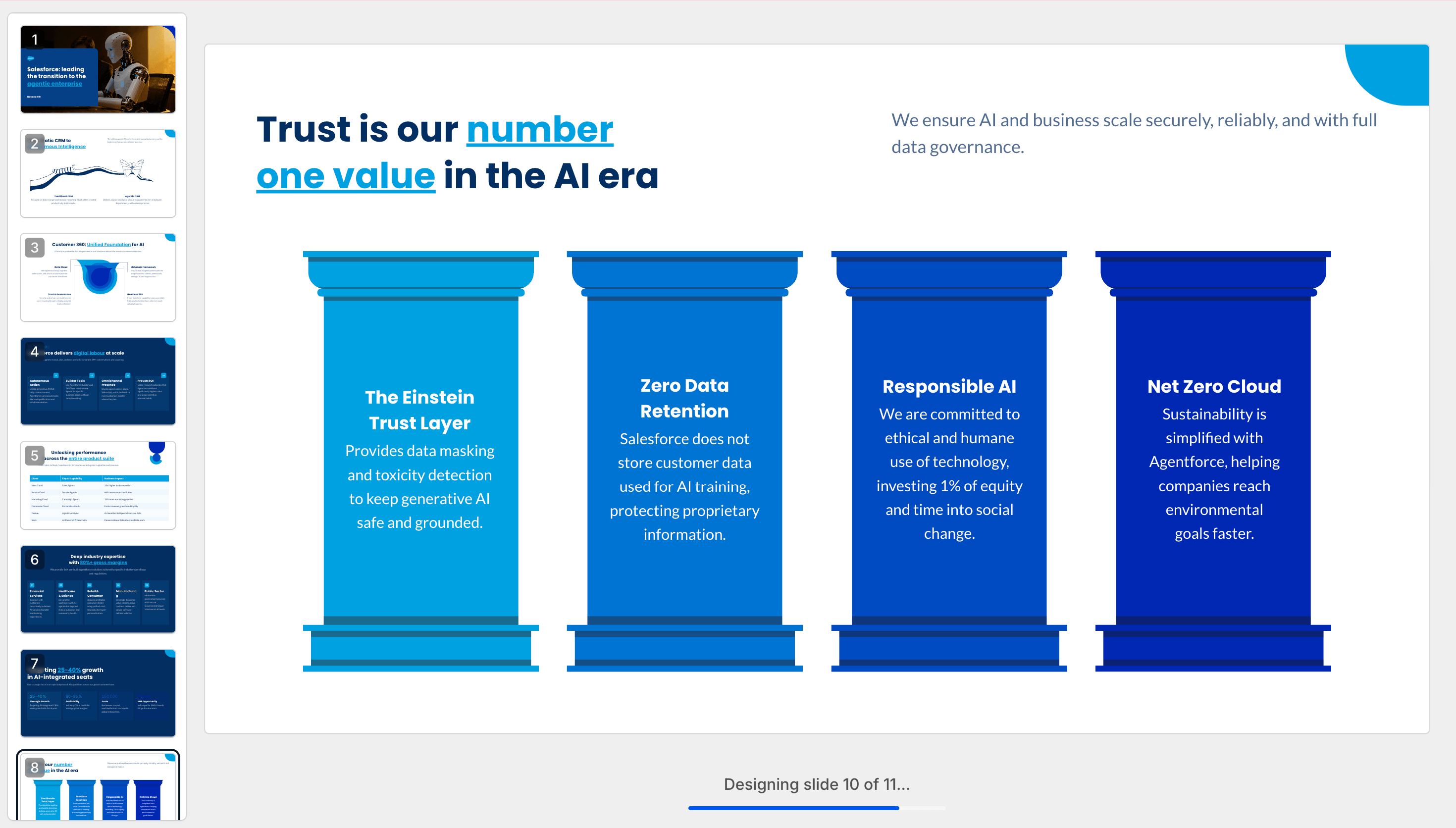
Step 2: Watch Your PDF Export Automatically

In seconds, your PowerPoint becomes a polished, pixel-perfect PDF — every slide preserved as its own page with embedded fonts, sharp graphics, and your exact layout intact. Text stays crisp and selectable, and since PDFs are static, each animated slide flattens to a clean final-state page. Behind every conversion is the same Presentation.AI engine that powers the full platform.
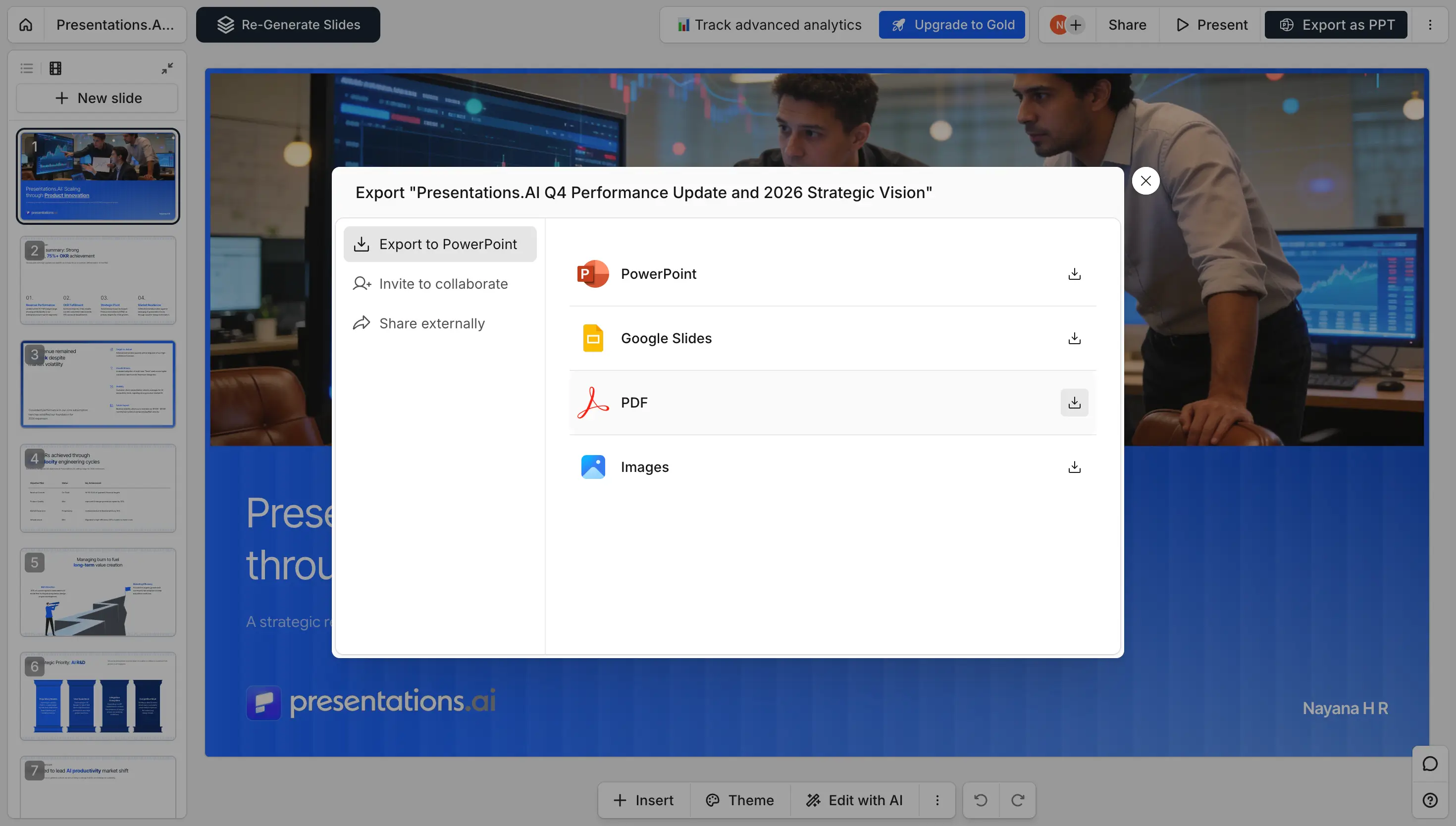
Step 3: Convert to PDF

Hit convert and every slide is flattened into a crisp, pixel-perfect PDF page. Fonts are embedded and images stay sharp, so nothing shifts or reflows.

Step 4: Download your PDF

Your PDF is ready instantly. Save it, email it, print it, or share a link — with no watermark and no account required.
Convert PowerPoint to PDF Without Losing Formatting

The number one worry with any converter is a broken deck. Ours keeps every slide faithful to the original, so what you designed is exactly what you get.

Keeps your fonts, images, and layout

Embedded fonts, full-resolution images, and exact slide positioning carry straight into the PDF. No reflowed text, no shifted boxes, and no missing graphics.

Works on any device or browser

Convert from Windows, Mac, iPhone, Android, or Chromebook. Everything runs in your browser, so there's nothing to download and nothing to install.

No watermark, no signup

Your PDF comes out clean and professional — no stamps, no logos, and no account required to convert and download your file.

Polish Your Slides With AI Before You Convert

Before you lock your deck into a PDF, make it one worth sending. Presentations.ai redesigns cluttered slides, tightens your story, and applies your brand colors, fonts, and logo in seconds — then exports to a flawless PDF when it's ready.

Made for Students, Sales Teams, and Professionals

If you need a deck that looks identical everywhere and can't be edited, a PDF is the answer.

Students

Submit assignments, theses, and class projects as locked PDFs that look identical on your professor's screen — no broken fonts, no shifted slides.

Sales teams

Send proposals and pitch decks as PDFs that can't be edited and open perfectly on any client device, in email or a boardroom.

Professionals

Share reports, plans, and read-only decks that hold their formatting across print, email, and archives — polished and ready every time.

Divider Lines
Testimonials Background

Testimonials

Hear what teams around the world are saying about Presentations.AI

I needed a pitch deck for investment but had no business background. Your AI created a near-perfect presentation in minutes.

Erin T. Roussey

Erin T. Roussey

Your product is clearly extremely good with the research part. I got data about the startup that I didn’t even know existed. The design and the animations are also great, and I found the overall product a really helpful, useful and dynamic tool.

Sumer Pandey

Sumer Pandey

Your product was very good at creating a presentation based on my prompt and short brief of a technical topic. The subject content generated for the scenarios was particularly interesting in how it was structured and the layout with use of animation was particularly surprising. Overall a game changer!

Chris Greenham

Chris Greenham

After drafting long documents, I struggle to summarize them and prepare presentations. I found the platform surprisingly intuitive and effective. The quality of the presentation is exactly what we needed for our first client presentation.

Thembinkosi Sibeko

Thembinkosi Sibeko
Divider Lines

Frequently Asked Questions

Is converting PPT to PDF free?

Down IconUp Icon

Yes. You can start converting Powerpoint to PDF for free with 200 AI credits. See the pricing page for what's included in each plan.

Will my PDF look like my original PPT?

Down IconUp Icon

Your PDF closely reflects your original deck, with each slide as a clean page. Since it's AI powered, expect a polished result rather than an exact pixel copy.

Will fonts and images stay the same?

Down IconUp Icon

Your PDF keeps clear, high quality fonts and visuals on any device. Branding styles and logos are matched to your content, and images are pulled from your PowerPoint or AI generated to fit each slide, so the result stays polished and on brand rather than an exact copy.

Will animations carry over?

Down IconUp Icon

No. A PDF is a static document, so slide transitions and animations don't carry over. Each animated slide is flattened into a single clean page showing its final state.

Can I convert a PPT with many slides?

Down IconUp Icon

Yes. Each slide becomes its own PDF page in order. We support most decks up to around 30 slides, with higher file size and slide limits available depending on your workspace plan.

Can I save a PowerPoint as PDF with notes?

Down IconUp Icon

Yes. Your speaker notes are included in the exported PDF beneath each slide, so your full presentation, talking points and all, stays together in one file.

What devices and browsers work?

Down IconUp Icon

Convert PPT to PDF on any device with a modern browser, with nothing to install. It works best in Chrome, but Safari, Edge, and Firefox are fully supported too.

Is Our PPT to PDF Converter Safe?

Down IconUp Icon

Yes. Every upload is encrypted in transit, processed in an isolated environment, and permanently deleted within one hour. We never store, share, or train on your slides. What you convert stays yours.

Divider Lines