Why Convert PDF to PowerPoint?
PDFs are made for reading, not presenting. They're locked, so you can't edit them or reshape the content for a live audience.
Copy-pasting a PDF into slides breaks the formatting and leaves you rebuilding everything by hand.
Our PDF to PPT converter reads the full PDF and turns it into editable, designed slides in seconds - charts stay charts, tables stay tables, and nothing is flattened into an image. It runs on the same Presentations.ai engine behind every deck built on the platform.
Use it for:
- Pitch decks from your investor PDF
- Training slides from manuals and SOPs
- Client presentations from reports and proposals
- Research summaries from academic papers
- Webinar slides from white papers and eBooks
Only have raw notes rather than a finished PDF? Our text to ppt converter builds slides from any block of writing. Starting from nothing but an idea? The AI presentation maker generates the whole deck from one prompt.
Why Choose Presentations.ai to Convert PDF to PPT?
AI Restructuring — Not Just Format Conversion
Most PDF to PPT converters treat pages like images. Our AI PDF to PowerPoint converter treats them like information, reading structure, identifying hierarchy, and rebuilding your content as native, editable presentation elements designed for an audience, not just display.
Editable PowerPoint - Not Static Screenshots
Basic tools paste your PDF onto slides as flat images you can't touch. Every conversion here gives you fully editable PowerPoint: real text, native tables, and movable objects you can reshape in seconds, then export as a true PPTX file. Need a slide the PDF never had? Our AI slide maker adds one on-brand slide in seconds.
Auto Brand Kit - Your Colours, Fonts, Logo Applied
No more black text on white slides. Every PDF to PowerPoint conversion applies professional templates, modern typography, and your own brand colours, fonts, and logo, so slides come out on-brand and presentation-ready from the start.
Works with Any PDF - Scanned, Multi-Column, Tables
Multi-column academic papers? Financial reports with embedded spreadsheets? Scanned technical manuals with diagrams? Our AI PDF to PPT converter processes them all with precision, converting PDF to PowerPoint online has never been this accurate.
Free to Start - No Signup Required
Upload your first PDF and watch it become a deck without creating an account or entering a card. Convert PDF to PowerPoint free, preview the result, and only sign up when you're ready to download or share.
AI PDF to PPT vs a Basic File Converter
Utility converters like iLovePDF and Smallpdf drop your PDF pages onto slides largely as-is. Presentations.ai reads the document, restructures it into a real presentation, and applies design and branding, so you get an editable, on-brand deck instead of a page-for-page copy.
How to Convert PDF to PPT Online in 3 Steps
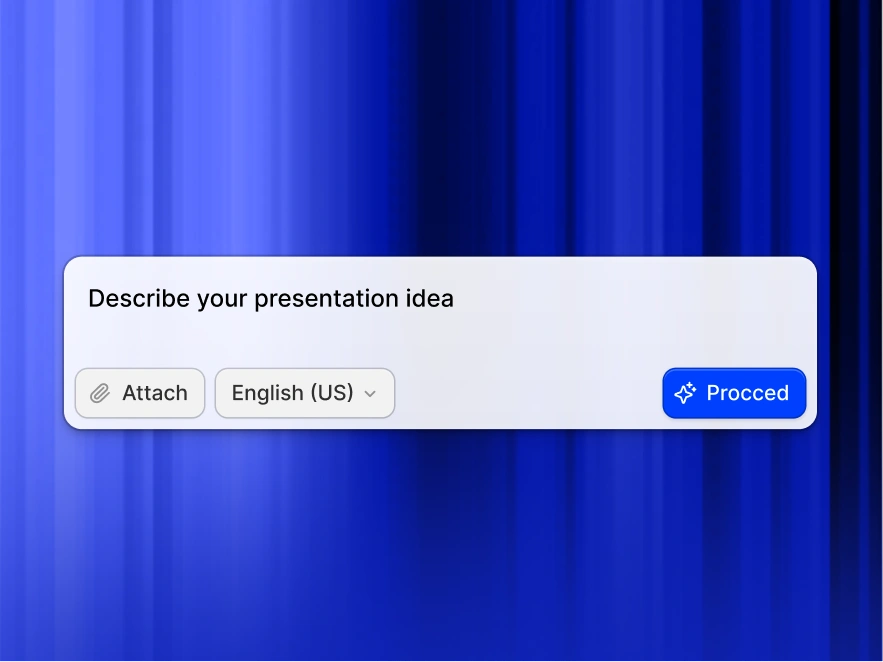
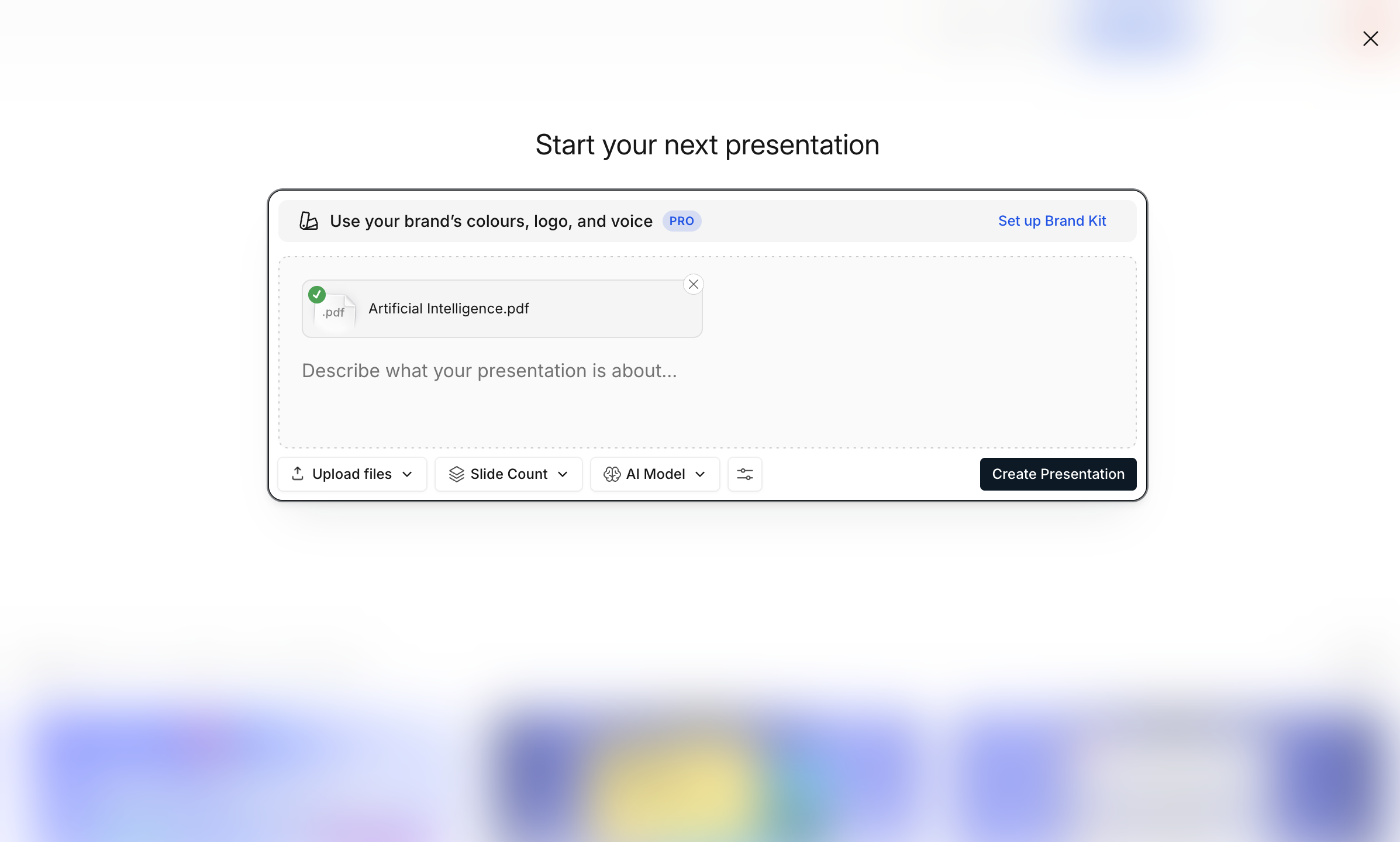
Step 1: Upload your document
Choose the PDF you want to convert. Scanned, multi-column, and table-heavy PDFs all work. Starting from a Word file instead? Our Word to PPT tool converts documents the same way.
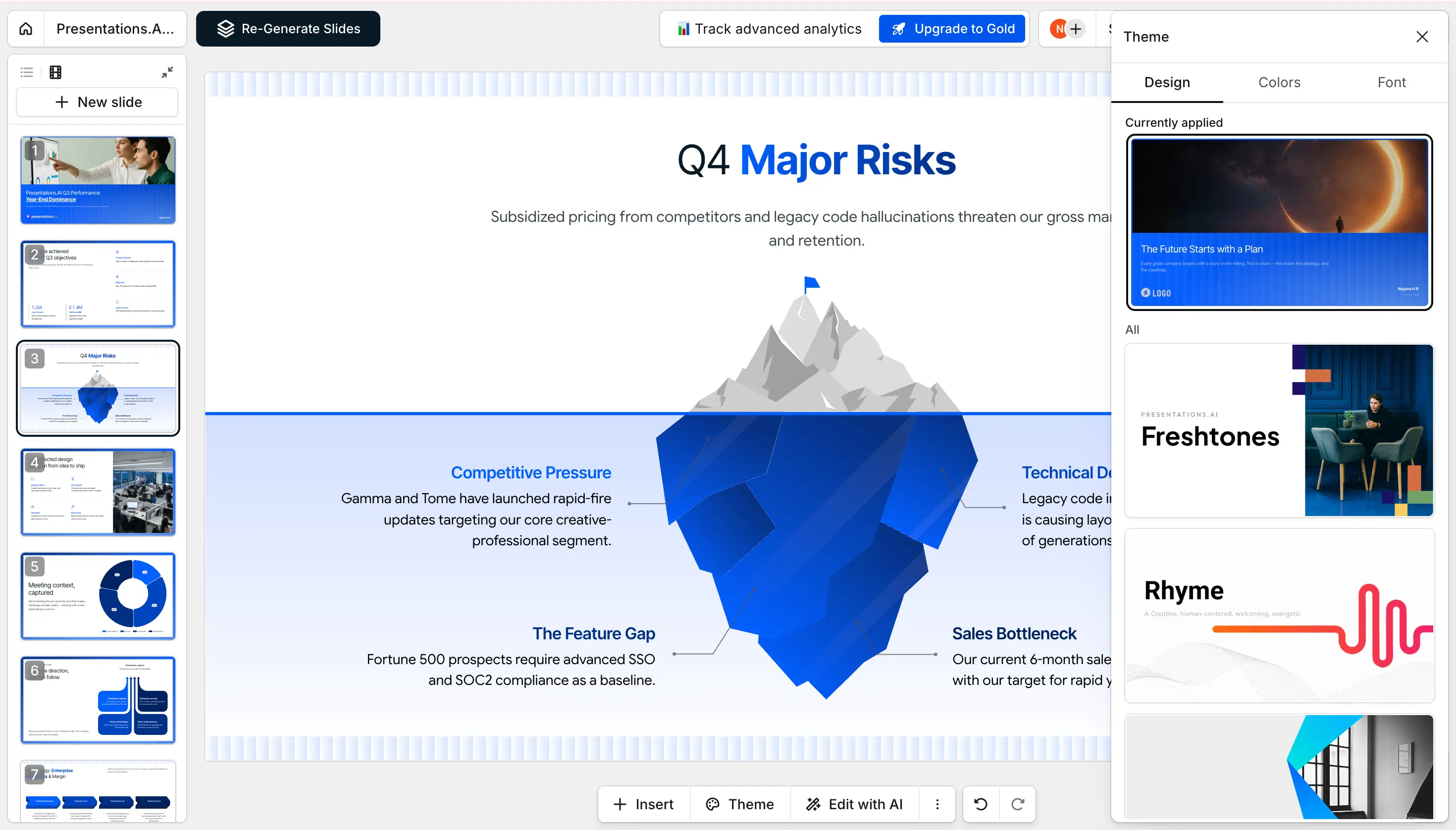
Step 2: AI Converts & Designs Slides
In about 30 seconds the AI rebuilds your PDF into a full deck - editable text, native tables, high-res graphics, and clean layouts. Charts stay charts, tables stay tables.
Step 3: Download PPTX or Share
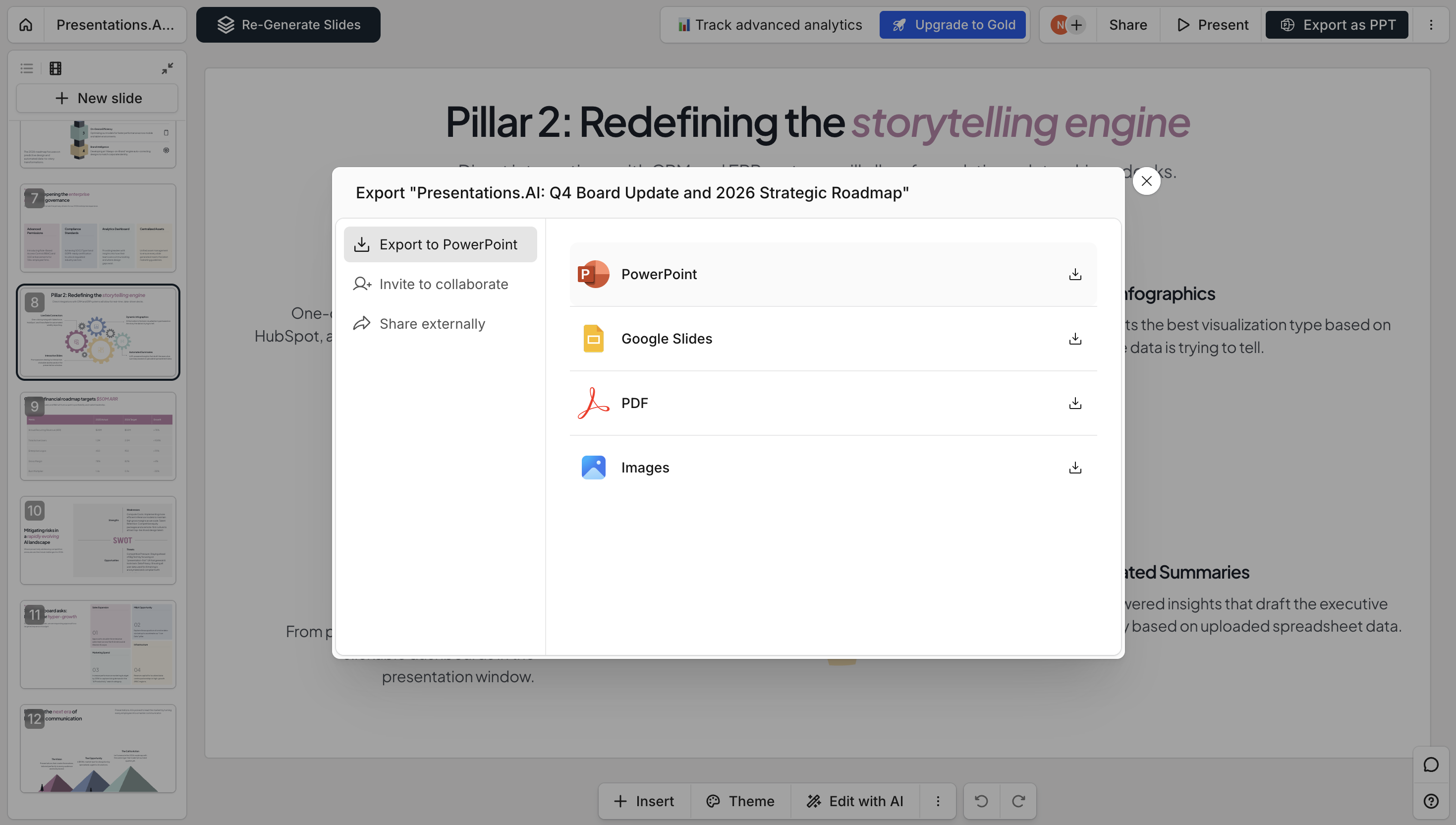
Export a fully editable .pptx or PDF, share a link, or invite teammates to view and edit with you.
Supported Formats & Specifications
Everything our PDF to PPT converter accepts, handles, and outputs — at a glance.
- Input formats — PDF, scanned PDF (OCR), password-protected PDF
- Maximum file size — 100MB (Free), 200MB (Pro)
- Output formats — PPTX, PDF, PNG, shareable link
- Languages — 30+ with automatic detection