



Feature Breakdown: Slidesgo vs Presentations.AI
1. Template Uniqueness vs Generated Content
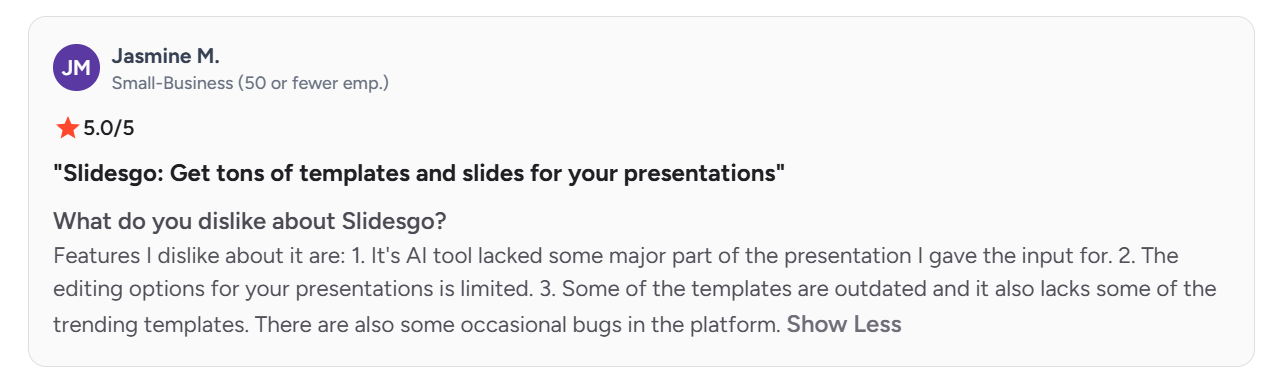
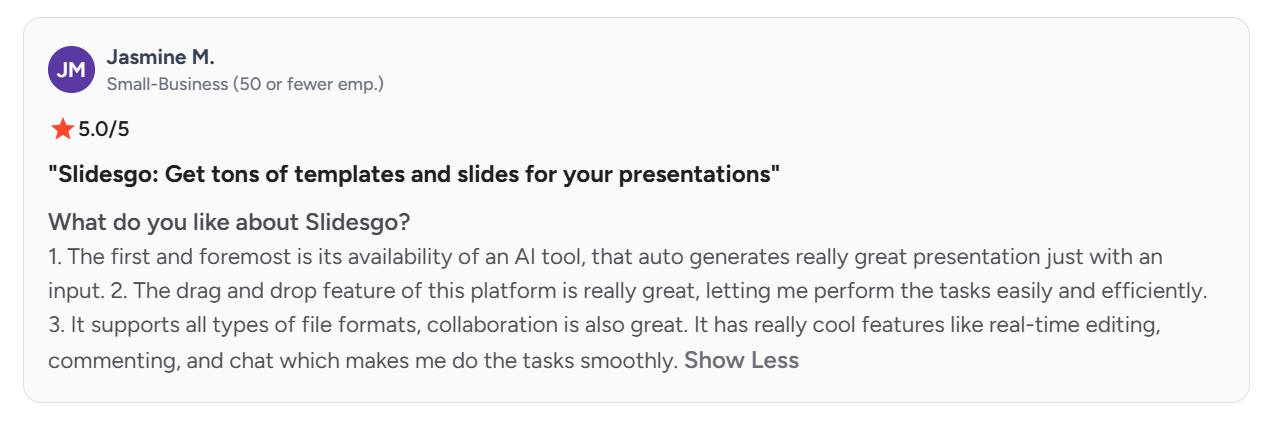
Because Slidesgo's popular templates are free and widely downloaded, several Slidesgo G2 reviewers note the same designs turning up in other people's decks. Presentations.AI generates each deck from your own content, so there's no shared template to run into someone else's version of.
2. AI Generation Depth
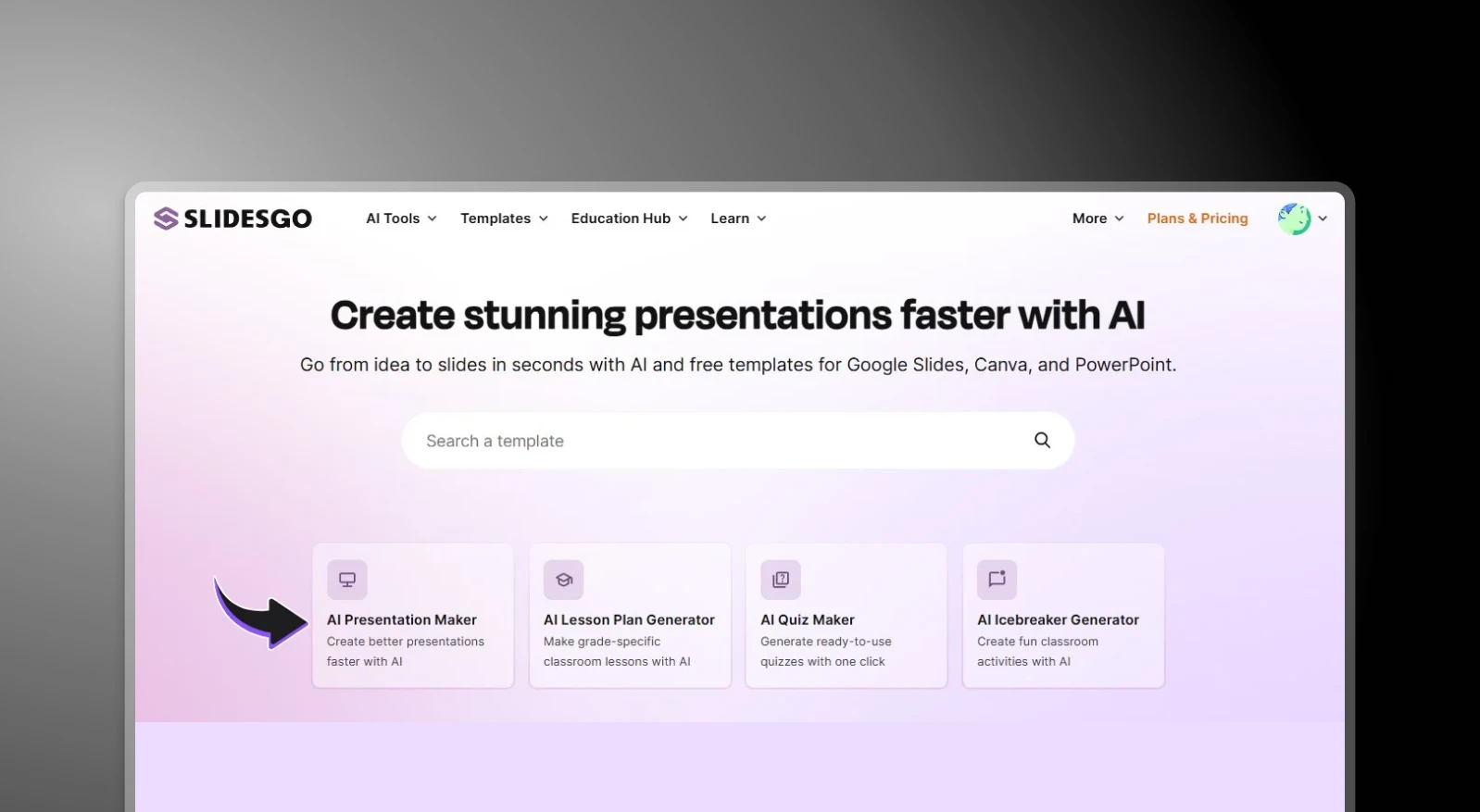
Slidesgo has added an AI Presentation Maker that drafts from a topic prompt, but at least one reviewer found the output missed "some major part" of what they'd actually asked for, requiring manual rebuilding. Presentations.AI's AI Presentation Maker reads a full document, outline, or prompt in context and structures the entire deck around it, with your branding intact, for every presentation.
3. Editing & Customization
Slidesgo reviewers repeatedly mention hitting a wall once they need something outside the template's structure. Users struggle with repetitive layouts, limited icon/asset crossover between templates, and edits that almost always need manual modification. Presentations.AI's slides are editable directly, with no fixed template constraining what can change.
4. Brand Consistency
Slidesgo requires reapplying brand colors and fonts manually on every new download; there's no carryover between decks. Presentations.AI's Brand Sync automatically pulls your logo, fonts, and colors from your company URL and reuses them in every deck after the initial setup.
5. Access & Pricing Friction
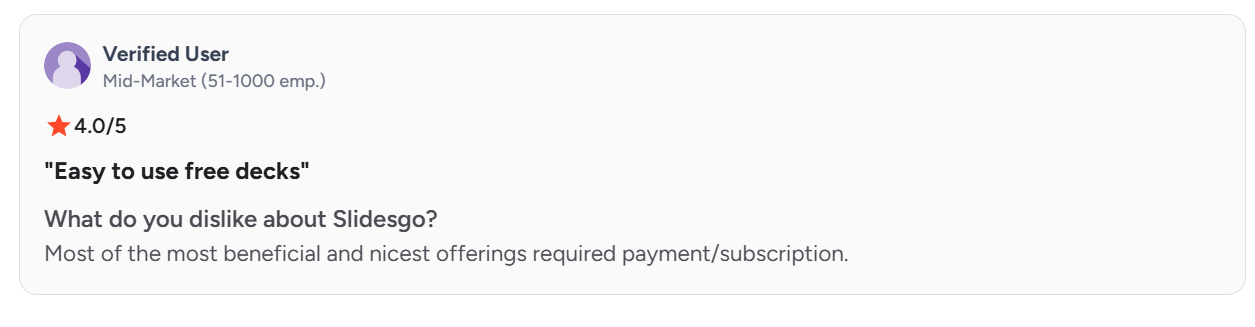
The most valuable Slidesgo content sits behind a subscription, and free-tier downloads are capped monthly. Presentations.AI's free Starter plan includes AI deck generation, presentations up to 20 slides, and full access to its template catalog.
6. Security & Certification
Slidesgo has no publicly listed security certification, compliance documentation, or data-handling practices that a procurement or IT team could review. For personal or classroom use, that's rarely a blocker. For a business deck that has to clear an IT or legal review before it's approved for use, it often is. Presentations.AI is SOC 2 Type II certified and supports single sign-on (SSO) for its enterprise users, making it an optimum choice for business teams.
Slidesgo vs Presentations.AI: At a Glance
Slidesgo is a template library with a large catalogue of designer-made slides for Google Slides and PowerPoint that users download and fill in manually. It's a solid resource for a polished starting point if you have time to customize it yourself. But it's purely a design repository. There's limited scope for AI-driven content generation and brand automation, and every slide is built by hand after download.
Presentations.AI starts where Slidesgo stops. Input a document, outline, or prompt, and the AI generates a complete deck, with content structured, brand applied, animations included, without touching a template. For anyone searching for an AI PowerPoint generator that skips the manual design phase entirely, the two tools aren't really solving the same problem.
For occasional personal use, Slidesgo's free templates are hard to beat on price. For business teams creating presentations regularly, the hidden costs are time and, per its own reviewers, originality, since every deck runs the same manual formatting cycle and risks looking like the next person's. Presentations.AI removes that cycle.
Who Each Tool Is Really For
Slidesgo is best for
- Students and educators building classroom or academic decks
- Freelancers making an occasional, low-stakes presentation
- Anyone who enjoys picking a template and customizing it by hand
- Teams comfortable with free content that others may also be using
Presentations.AI is built for
- Business teams producing presentations regularly
- Consultants, sales teams, and founders who need decks that stay original and on-brand
- Anyone starting from an existing document, report, or set of notes
- Teams that need PowerPoint export to actually work without cleanup
How Slidesgo Works
Step 1: Browse the library. Visit Slidesgo and search by category, style, or topic.
Step 2: Download your chosen template. Choose PowerPoint or Google Slides format, then download the file.

Step 3: Open and edit manually. Customize every slide: replace placeholder text, swap images, adjust layouts, apply your brand colors and fonts by hand.
Step 4: Apply branding manually. There's no brand memory or automation; every new presentation starts the same manual process from scratch.
How Presentations.AI Works
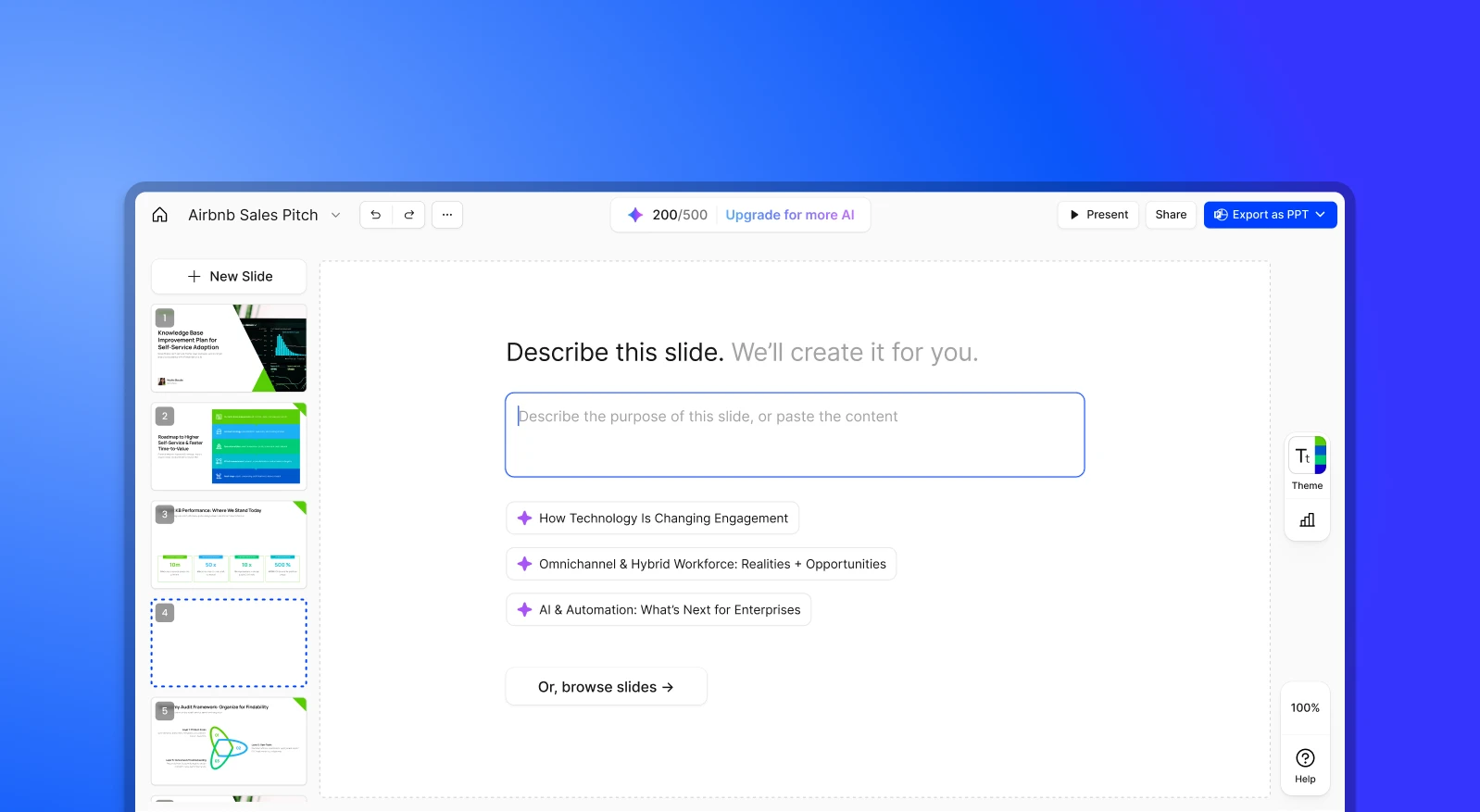
Step 1: Sign up. The free Starter plan includes 200 AI credits and up to 20 slides in presentations. No credit card required.
Step 2: Input your content. Upload a PDF, Word doc, or type an outline.
Step 3: AI generates a branded deck. Content structured, brand colors and fonts applied, animations included automatically.
Step 4: Export or present. Download a high-fidelity .pptx, or present directly online.
Pricing & Value: Slidesgo vs Presentations.AI
| Plan tier | Slidesgo | Presentations.AI |
|---|---|---|
| Free plan | 3 AI-generated presentations/month, 3 template downloads/month, ads, required attribution | 200 credits, presentations up to 20 slides, no credit card required |
| Entry paid plan | Premium, $5.99/mo (or $3/mo billed annually); unlimited downloads (capped at 150/month), full 30,000+ template library, no ads, no attribution | Pro, $20/mo (billed annually); 5,000 credits, high-quality PowerPoint export, analytics, brand customization |
| Volume/team pricing | Premium scales with per-seat discounts up to 37% for larger teams; no distinct enterprise tier, SSO, or compliance documentation | Gold, $100/mo (billed annually), 50,000 credits, frontier AI models, advanced brand customization, shared knowledge base |
| Enterprise | Not offered | Enterprise, custom pricing, SOC 2 Type II certified by default on every plan |
Prices as of August 2026
Takeaway: Slidesgo's Premium tier is genuinely cheap, and the right call if a template library and download access are all you need. But every tier still buys you a starting point, not a finished deck. Content, structuring, and brand application stay manual work regardless of which plan you're on. Presentations.AI's Pro tier costs more, but it includes AI generation and brand automation that no Slidesgo tier offers, at any price point.
5 Reasons Teams Choose Presentations.AI Over Slidesgo
1. Generation vs. Retrieval
Slidesgo finds a template that might work. Presentations.AI creates a unique deck from your actual content that's structured, designed, and branded from scratch.
2. No More Template Hunting
A Slidesgo template is still just a starting point. Presentations.AI skips the search and delivers a finished presentation directly from your input, or a single slide from the AI slide maker when that's all you need.
3. Decks That Don't Look Borrowed
Multiple G2 reviewers note Slidesgo's popular templates showing up in other people's presentations. Presentations.AI generates each deck from your own content, so there's no shared design to run into.
4. Brand That Sticks
Slidesgo requires manual brand application every time. Enter your company URL in Presentations.AI once, and every deck is automatically on-brand.
5. One Platform, Full Workflow
Slidesgo needs at least two tools to reach a finished deck, starting with the library, then PowerPoint or Google Slides for the actual editing. Presentations.AI handles content, design, collaboration, and export in one place.
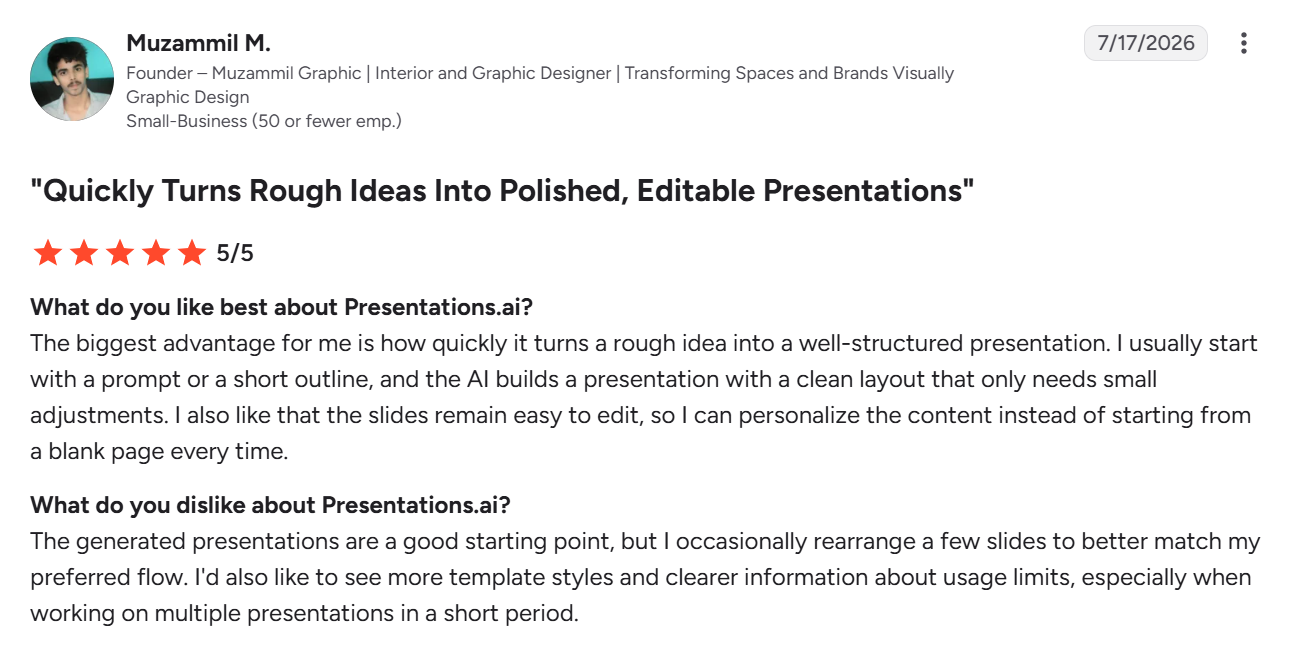
What Presentations.AI Users Say
Slidesgo vs Presentations.AI: Which Should You Choose?
If you need a one-off deck and enjoy picking a template and making it your own, Slidesgo's library is hard to beat, especially for personal projects, school assignments, or an occasional pitch where nobody's cross-checking your slide design against anyone else's.
If you're creating presentations regularly, usually starting from something that already exists, Presentations.AI gets you to a finished, on-brand deck without the template search, the manual formatting cycle, or the risk of it looking like everyone else's.
