


AI Presentation Maker
Type a topic, paste a URL, or upload a document. Our AI builds a complete, on-brand presentation in seconds - slide copy, layouts, and PPTX export included.
12M+ Users
14+ Languages
SOC 2 Type II
4.4 · G2
20M+ presentations created
Trusted by over 12 million professional users
TRUSTED BY







What Is an AI Presentation Maker?
An AI presentation maker is an AI tool that turns a prompt, document, or URL into a complete, designed deck in under 60 seconds - writing the slide copy, picking layouts, applying your brand, and exporting to PowerPoint automatically.
It works with multiple input formats - a text prompt, PDF, Word doc, URL, YouTube video, or an existing PowerPoint file - so you can start from whatever content you already have.
Traditional tools like PowerPoint, Google Slides, Keynote, and Canva make you build every slide manually - picking layouts, writing copy, sourcing visuals, fixing spacing. An AI presentation maker eliminates all of that: type your topic, and the AI generates a complete, designed deck ready to present or export.
A deck that costs $300–$3,500 from a freelancer takes seconds with our AI presentation maker - with no design skills, no back-and-forth, and no waiting.
Why Choose an AI Presentation Maker?
Speed Without Sacrificing Quality
Save hours of manual formatting. The AI handles layout and design decisions so you don't have to. The deck gets designed in under 60 seconds, ready for your review.
Structure That Keeps Your Audience With You
Every deck follows a logical flow, built to guide an audience from problem to conclusion. The AI structures the narrative so each slide builds on the last.
No Design Skills Required
Type your content. The AI picks layouts, spacing, and hierarchy. The output looks professionally designed regardless of your own design experience.
Brand Consistency, Every Time
Brand Sync applies your logo, colors, and fonts automatically, on every deck, without manual setup. Set it up once and every future presentation stays on-brand.
Everything a Powerful AI Presentation Maker Does
One AI presentation maker. Ten features that replace an entire design workflow.
AI-Powered Slide Generation
Type a topic or paste your content. Turn plain text into a polished deck — our text-to-slides engine handles copy, layout, and design in one pass. It writes the copy, picks the layouts, and builds up to 20 slide deck in about a minute, in any of 14+ languages.
Multimodal Inputs
Start from whatever you already have: a text prompt, an outline, a PDF, Word doc, Excel sheet, a URL, Notion page, or Markdown file. The AI pulls out the key points, including data from spreadsheets, and builds a complete deck, so you don't have to rewrite or reformat a thing.
Brand Sync
Paste your company URL, and Presentations.AI pulls your logo, colors, and fonts straight from your site, then applies them across every slide. In Canva and Gamma, you set up your brand manually every time you start. Brand Sync does it once and reuses it on every deck your team builds after that.
Anti-fragile Templates
Edit AI-generated slides the same way you'd edit any deck: click any text, image, or layout and change it directly, or tell the AI what to fix. In other tools, content changes collapse the design. Anti-fragile Templates recalculate spacing and hierarchy automatically, so your slides stay polished no matter how much you edit.
PPTX, PDF & Link Export
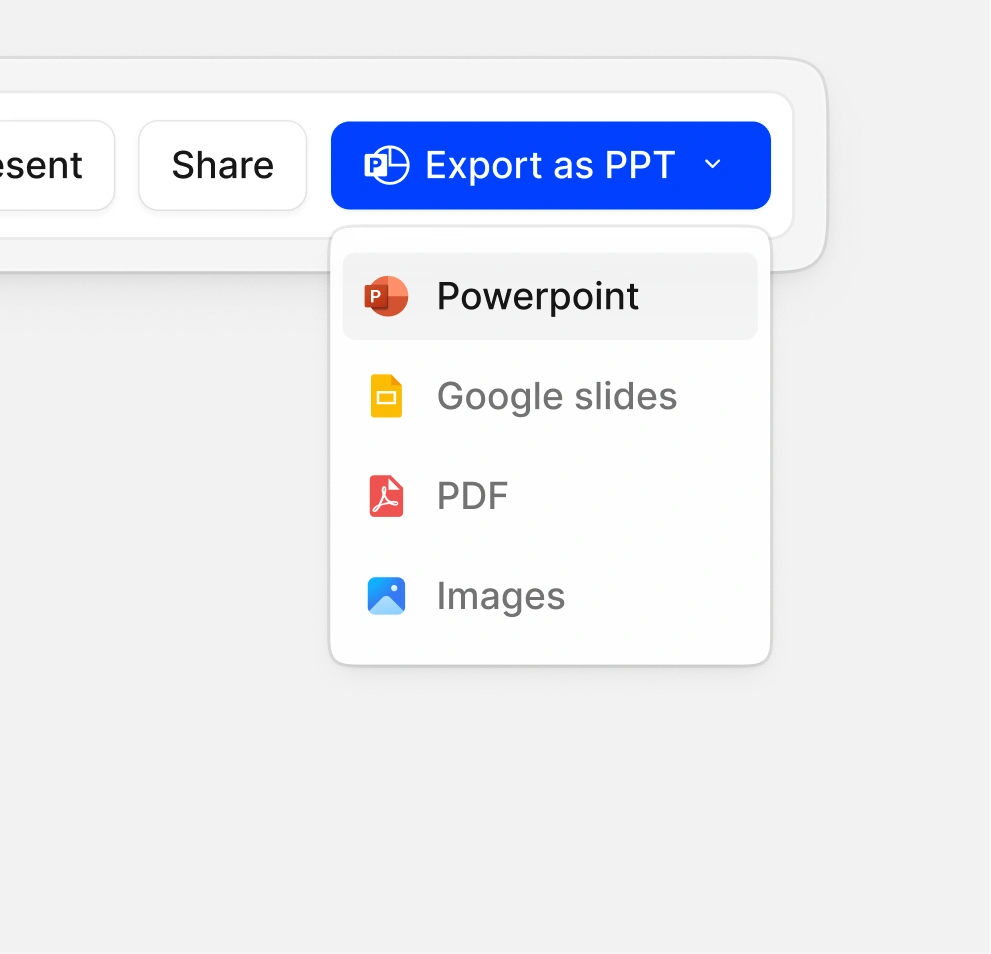
Download a native .pptx with editable text, shapes, and layouts. Open it in PowerPoint, import it straight into Google Slides, share a live link, or save it as a PDF. One deck, four ways to deliver. Every deck exports in editable PPTX format, ready to open and adjust in PowerPoint or Google Slides.
Real-Time Collaboration
Edit the same deck with your team at the same time. Leave comments on specific slides, track changes, and stop emailing files back and forth.
Presentation Analytics
Share a link instead of an attachment. See who opened the deck, how long they spent on each slide, and whether they finished. Useful for spotting which slides lose attention and which prospects are actually engaged before you follow up.
100+ Designer Templates
Pick a template that already fits what you're building - pitch decks, sales proposals, board reports, course material, or product launches. Each one is designed for the actual scenario, so you start with a structure that works instead of a blank slide.
Accuracy Check
Every generated slide gets checked against your source material. Presentations.AI flags numbers, stats, or claims that don't match what you uploaded, so you're not presenting something you'd need to walk back later.
Live Data & Interactive Elements
Slides aren’t just static snapshots from whenever the template was made. Build in animated charts, interactive widgets, and up-to-date research pulled in as you generate, so your deck reflects what's happening now.
Who Uses Our AI Presentation Maker?
Business & Sales Teams
Marketing & Creative Teams
Startups & Founders
Consultants & Agencies
Students & Educators

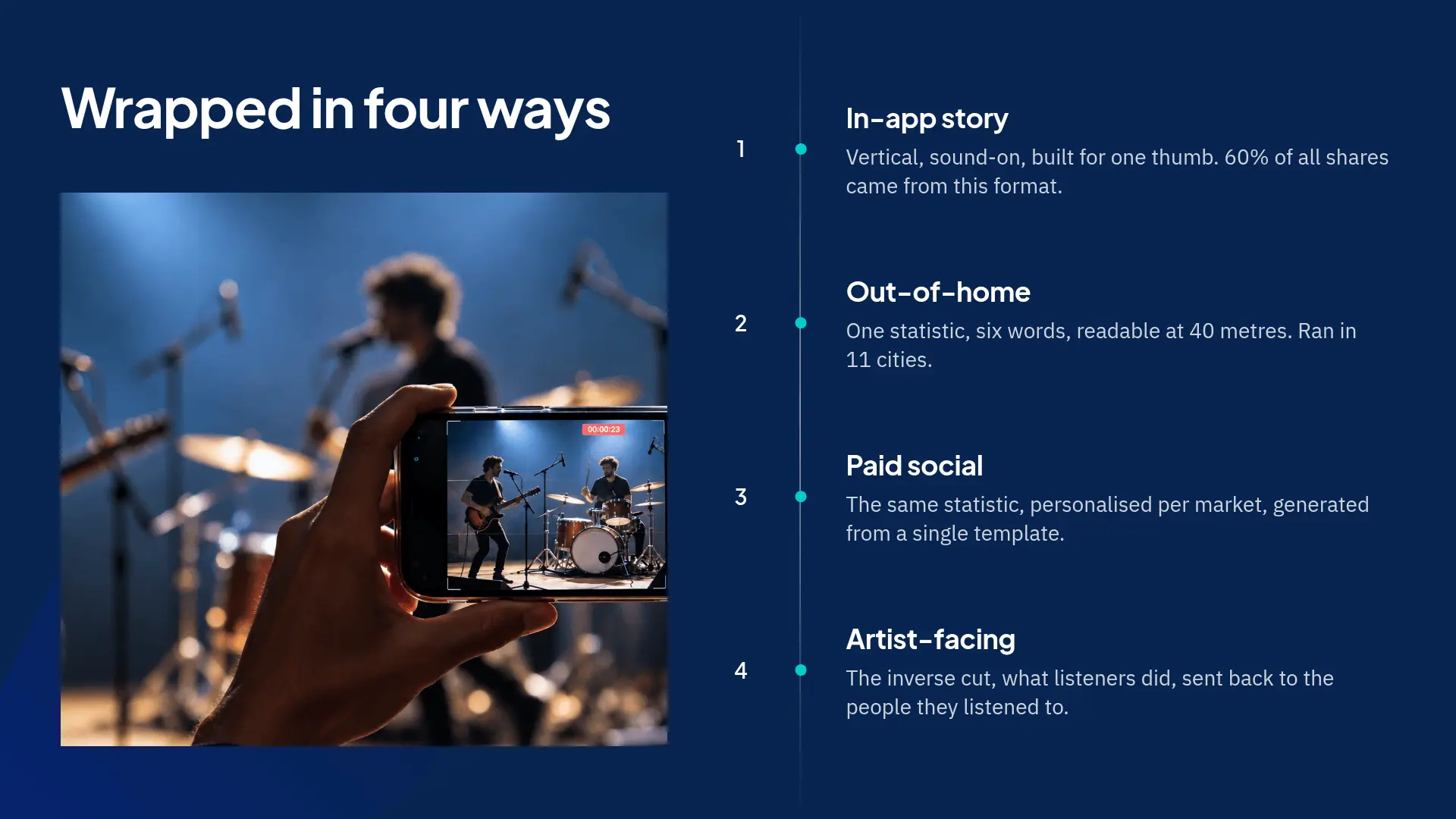
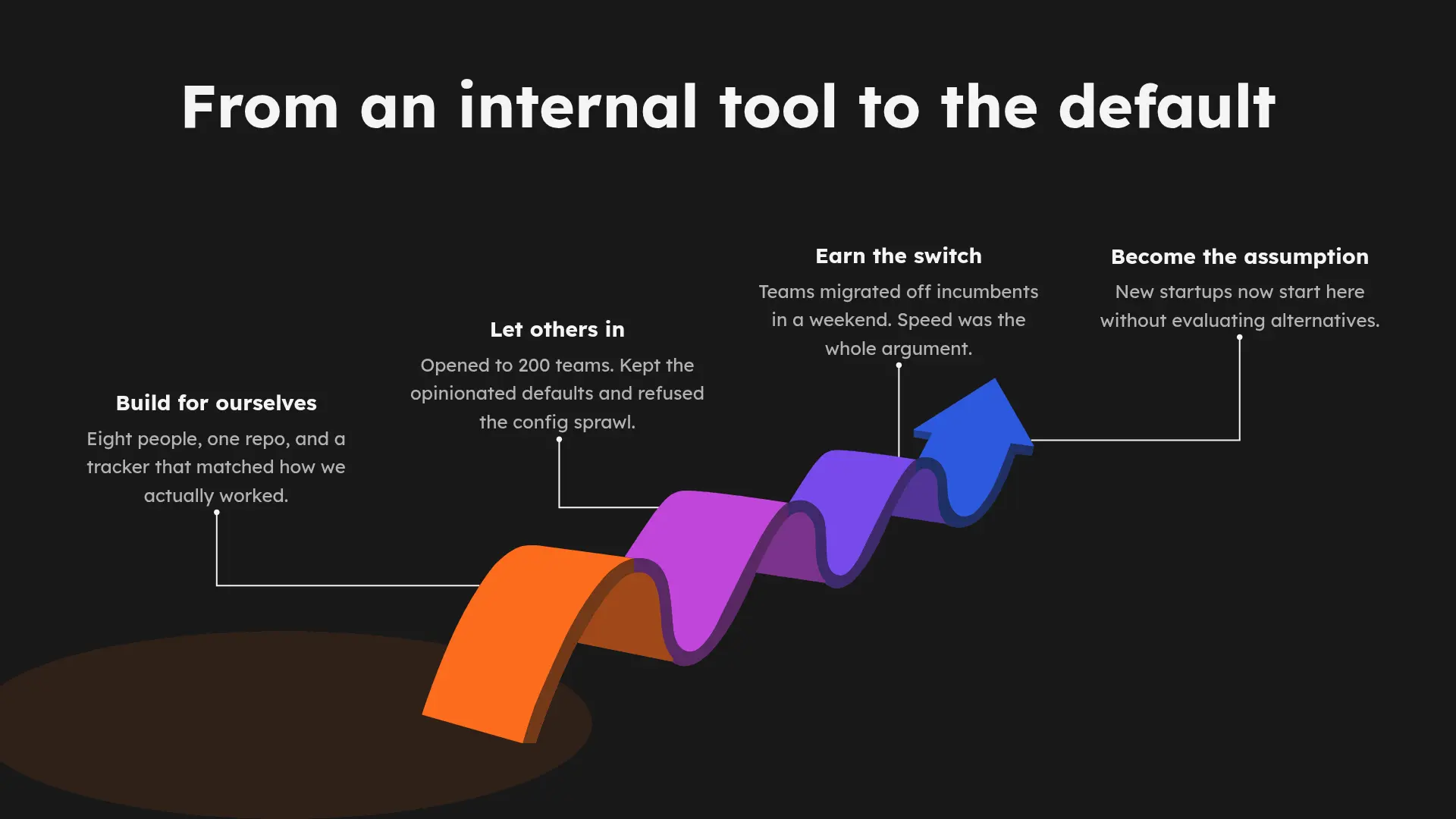
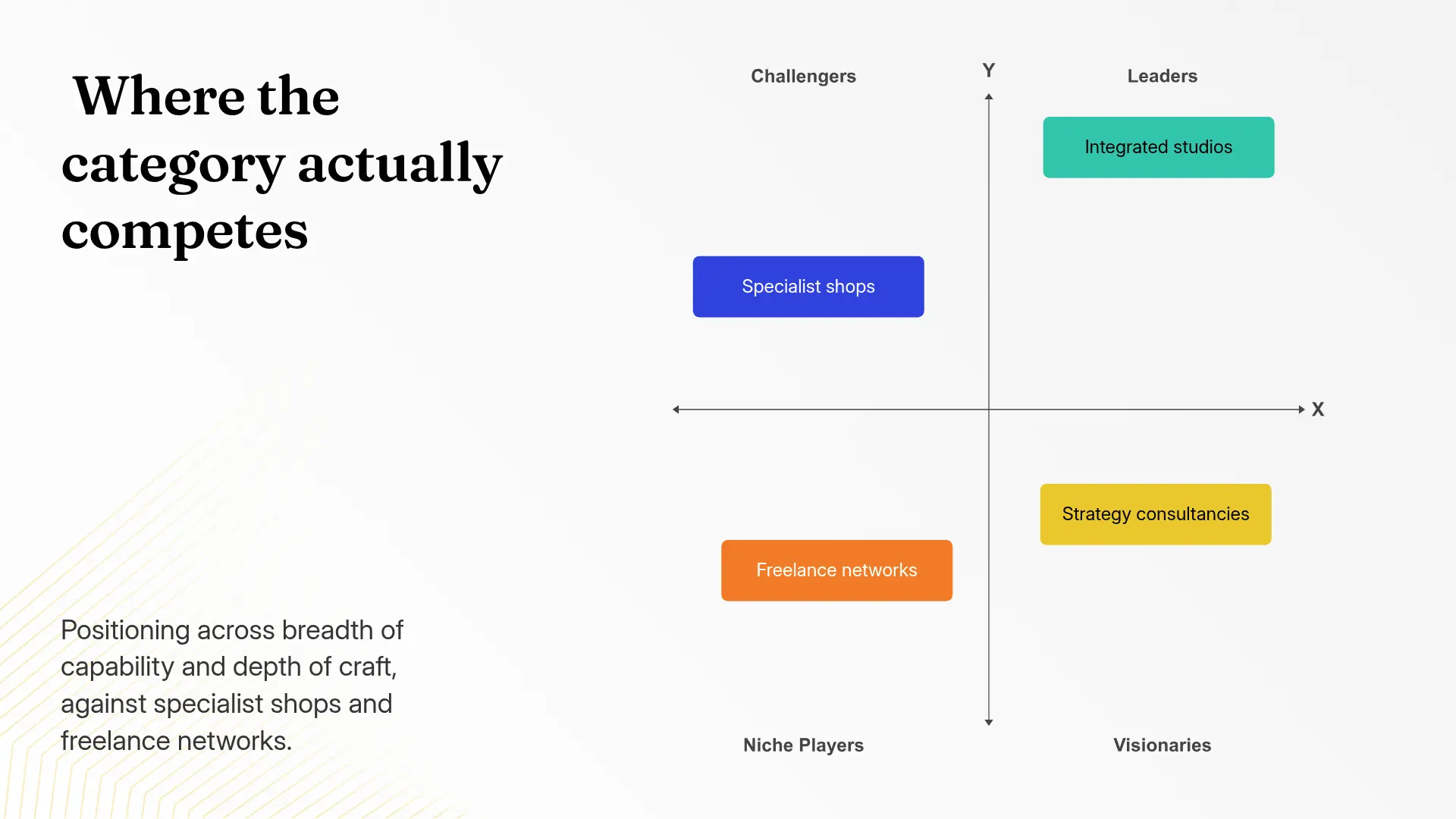
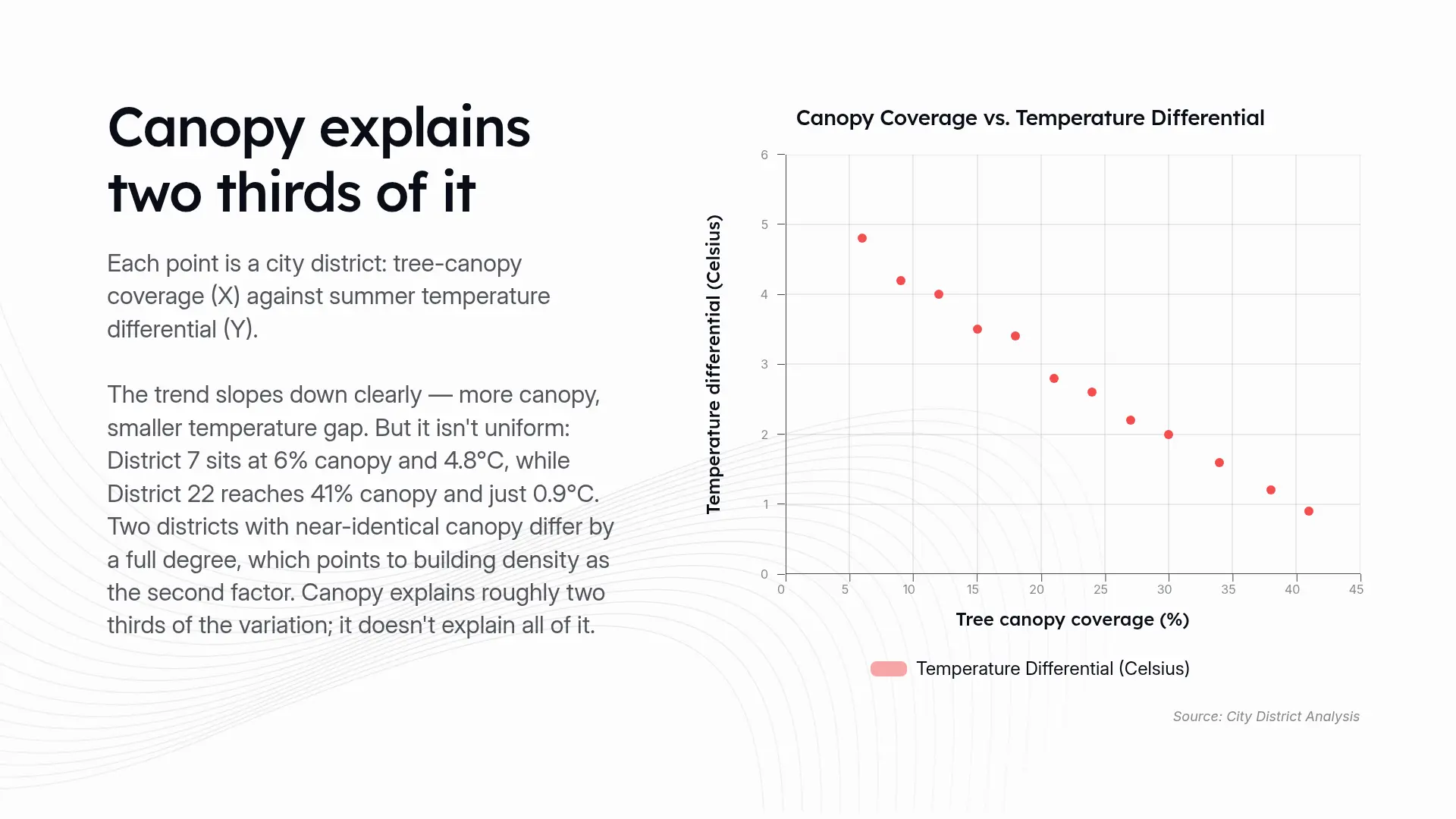
Use cases
What Will You Create With Our AI Presentation Maker?
Create professional presentations for every business workflow, from sales pitches and marketing campaigns to executive updates and strategic planning.
Business Reports & Executive Reviews
Create quarterly business reviews, performance reports, and leadership presentations with AI-generated insights, structured narratives, and polished visuals.
Sales Pitches & Client Presentations
Turn sales notes, proposals, and customer information into persuasive decks designed for client meetings and revenue conversations.
Marketing & Campaign Decks
Build campaign strategies, marketing plans, and creative presentations faster with AI-generated layouts, messaging, and visuals.
Startup & Fundraising Decks
Transform your business idea into investor-ready presentations with structured storytelling and professional slide designs.
Training & Educational Presentations
Create engaging learning materials for internal training, workshops, and classrooms.
Steps
How to Make an AI Presentation in 3 Steps
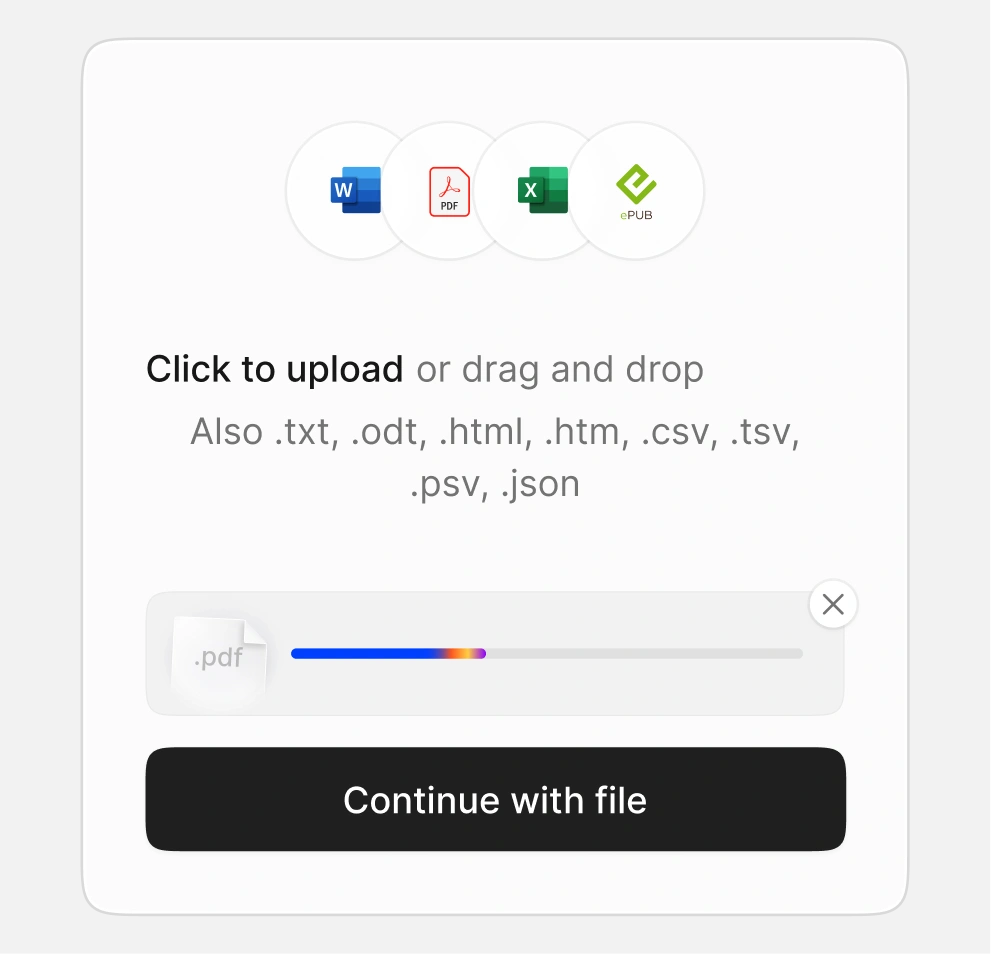
Type a topic, paste an outline, or upload a PDF, Word doc, Excel file, or URL
Start from a text prompt, a rough outline, or upload a PDF, Word doc, Excel spreadsheet, or URL. If you already have content, there's nothing to prepare first.
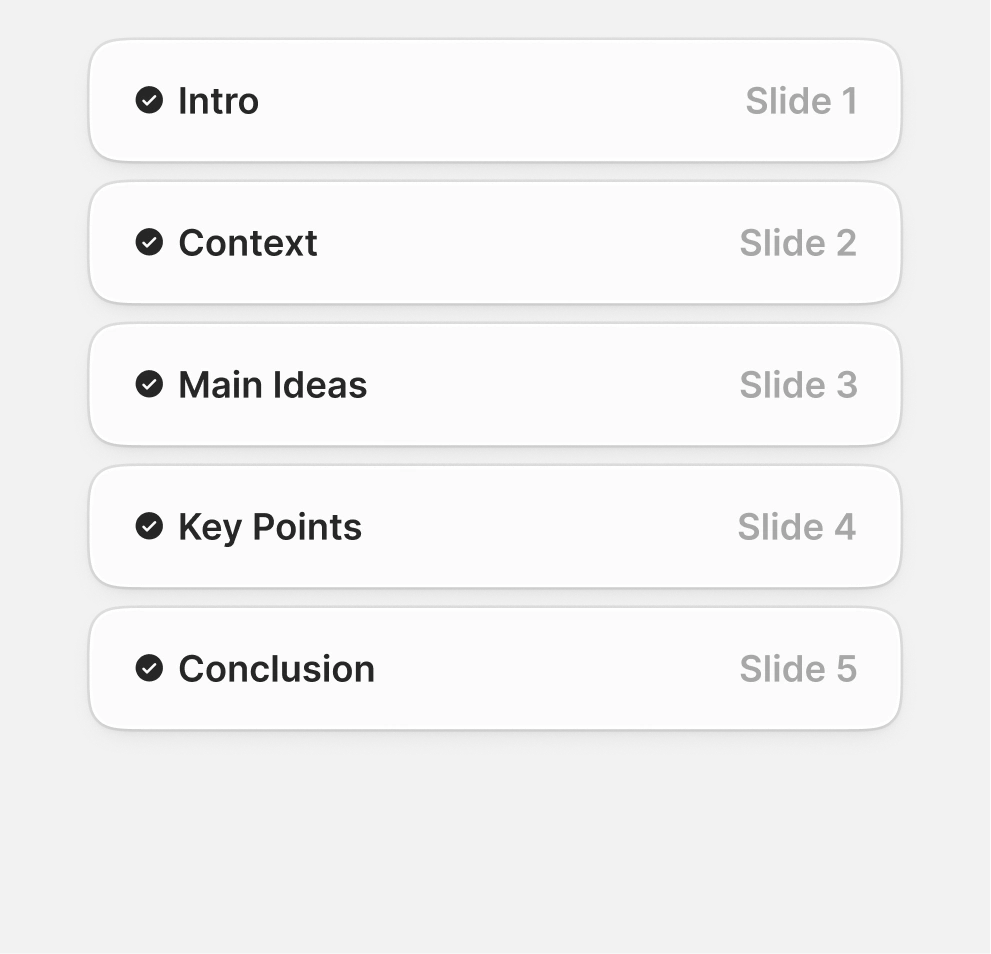
AI generates your presentation
Once the outline is approved, the AI builds the full deck: layout, design, and visuals included.
Customize your slides and export as PowerPoint, Google Slides, PDF, or live link
Edit any text, image, or layout directly, then export as PowerPoint, Google Slides, PDF, or a live shareable link.
AI Presentation Maker vs Manual Slide Creation
AI Presentation Maker Templates for Every Use Case
Free AI presentation templates - built for every audience, ready in seconds.
Browse by use case, or filter by industry, visual style, and color palette to find a starting point that already looks like the deck you had in mind.

Investor Pitch Deck template:
Problem, solution, market size, traction, team, financials, and ask - built for seed and Series A founders.

Sales & Proposal Deck template:
Company overview, services, case studies, pricing, and next steps. Polished, on-brand client decks every time.

Campaign & Strategy Deck template:
Campaign briefs, market analysis, channel strategy, and performance reporting - designed for marketers in a hurry.

Lesson & Course Deck template:
Lesson plans, lecture material, and student-facing course presentations with clear visual hierarchy and pacing.

Board & Quarterly Review template:
Quarterly reviews, board updates, and executive summaries. Data visuals and exec-friendly layouts pre-built.

Product Launch Deck template:
Product features, GTM plan, market opportunity, and roadmap - ready for internal alignment and external launches.

Testimonials
Trusted by teams worldwide - here's why they switched to an AI presentation maker

I really like how Presentations.ai converts my ideas into presentations instantly, removing my dependency on others. The variety of templates supports my use cases well, fitting the tags and insights perfectly. It's also very easy to set up, with a simple form to fill out, making my workspace ready smoothly and quickly.

I've tried four or five AI deck tools and this is the one I actually kept using. The slides look good straight away, I can edit anything I want, and it exports cleanly to PowerPoint so it drops right into how my team already works. Great-looking decks without losing control of them.

Perfect for business presentations. I've had a great experience with Presentations.ai. It's incredibly fast to go from a blank page to a polished presentation, and the template library gives you plenty of well-designed starting points for different use cases.
One feature that really stands out is how well it handles data visualisations.


Frequently Asked Questions
What is an AI presentation maker?

An AI presentation maker is a tool that builds complete slide decks from text, documents, or data - without you having to design or format anything. You give it the input; the AI handles the structure, copy, and layout.
Presentations.AI takes it further: it turns your ideas into clear, decision-ready decks that help your audience understand and act.
How does an AI presentation maker work?
You give it an input - a topic, a prompt, a Word doc, a PDF, or a URL. The AI reads your content, builds the slide structure, writes the copy, picks the right layout for each slide, and applies a clean design across the deck. The full deck is ready in under 60 seconds.
What can I use to create a presentation - a prompt, PDF, or Word file?
All of the above. You can start with a short topic prompt, paste in your notes, upload a Word document or PDF, or share a URL. The AI presentation maker pulls the key ideas from your input and turns them into a full slide deck.
Can I edit the slides after the AI creates them?
Yes. Every slide is fully editable. You can change the text, swap images, move slides around, or update colors using the drag-and-drop editor. You can also ask Clip-E, our built-in AI assistant, to rewrite a section for you.
Will the slides match my brand colors, fonts, and logo?
Yes. Brand Sync pulls your logo, fonts, and colors straight from your company website. Once it's set up, every new deck is on-brand from the first slide - no manual styling needed.
Can I export my AI presentation as a PowerPoint file?
Yes. You can download your deck as a native .pptx file - a real PowerPoint file with editable text, shapes, and layouts, not a flat image or PDF. Anyone with PowerPoint can open it and edit it like a normal file.
Can my team work on the same presentation together?
Yes. Real-time collaboration is built in. Your team can edit the same deck at the same time, leave comments on specific slides, and track changes without sending files back and forth.
What languages does the AI presentation maker support?
Presentations.AI works in 14+ languages, so you can create and present in the language your audience speaks.
Is the AI presentation maker free to use?
Yes. The Free plan includes 100 credits to start - enough to build complete presentations, No credit card needed. If you need more, the Pro plan ($20/mo) gives you 5000 credits, PowerPoint export, Brand Sync, deck analytics, and team features.
How is this different from PowerPoint or Google Slides?
PowerPoint and Google Slides give you a blank canvas - you decide every layout, write every word, and style every slide yourself. The AI presentation maker gives you a finished deck in under a minute, on-brand and ready to present. You can still edit anything you want.
Is my data safe and secure on Presentations.AI?
Yes. Presentations.AI is SOC 2 Type II certified. Your content is encrypted both in transit and at rest, and your files are never used to train public AI models.
How do I write a good prompt for a presentation?
Be specific about three things: your topic, your audience, and how many slides you want. "A presentation on Q3 marketing results for our leadership team, 10 slides" works better than "marketing presentation." You can also paste in rough notes, bullet points, or an existing document instead of writing a prompt from scratch. The more context you give, the closer the first draft lands to what you actually need.
Who owns the copyright of AI-generated slides?
You own the content you create with Presentations.AI, including the text, structure, and any material you upload or generate through the platform. Stock images, icons, or template elements included in the design follow their standard licensing terms.
Can I use presentations I create for client-facing or commercial work?
Yes. Presentations you create are yours to use for client work, sales, marketing, or any commercial purpose.
PRICING
The perfect plan for every team
Start free, no credit card required. Upgrade when you need more credits, models, and brand control.

Starter
For those who want to make simple decks occasionally
$0
Build complete presentations at no cost. No credit card required to start.

100
credits

Starter AI model and agent

Up to 20 Slides

Pro
For individuals who present regularly and cannot afford rough edges.
$20
/mo
Billed annually
For individuals and small teams who present regularly. More credits, more templates, full export options.
5,000
credits
All Basic features plus the following:
Advanced AI Models and agents

Presentation tracking & analytics

Basic brand customization

Gold
For professionals where presentation quality affects revenue, credibility, or decisions.
$100
/mo
Billed annually
For teams and businesses that need brand control, collaboration, and priority support at scale.
50,000
credits
All Pro features, plus the following:
Frontier AI models and agents
Advanced brand customization

Projects with a shared knowledge base

Just exploring?
The free plan lets you build complete presentations - no credit card needed.