



TL;DR
• Slidesgo works well as a template library. The free tier caps downloads and requires on-slide attribution, and the built-in AI tool matches content to a template instead of drafting it independently. Reviewers consistently note that the real work starts after downloading, when users must resize slides, rebuild placeholders, and match brand guidelines manually.
• For most teams, Presentations.AI is the strongest replacement. It drafts a complete, brand-matched deck from a single prompt, then adds Brand Sync, clean PowerPoint export, and built-in analytics on top of that first draft.
• If the download cap is the main frustration, SlidesCarnival and SlidesMania remove it entirely, with no account or limit required. For AI-first drafting with no templates at all, Gamma and Canva's Magic Design skip the template step altogether.
Slidesgo works well as a starting point. You can browse its library with 30,000+ templates, pick a design, and skip the blank page. The friction, however, shows up when you have to build actual presentations. Slidesgo caps downloads at 3 a month for free accounts. There’s a built-in AI, but it will match your outline to the template rather than drafting original content.
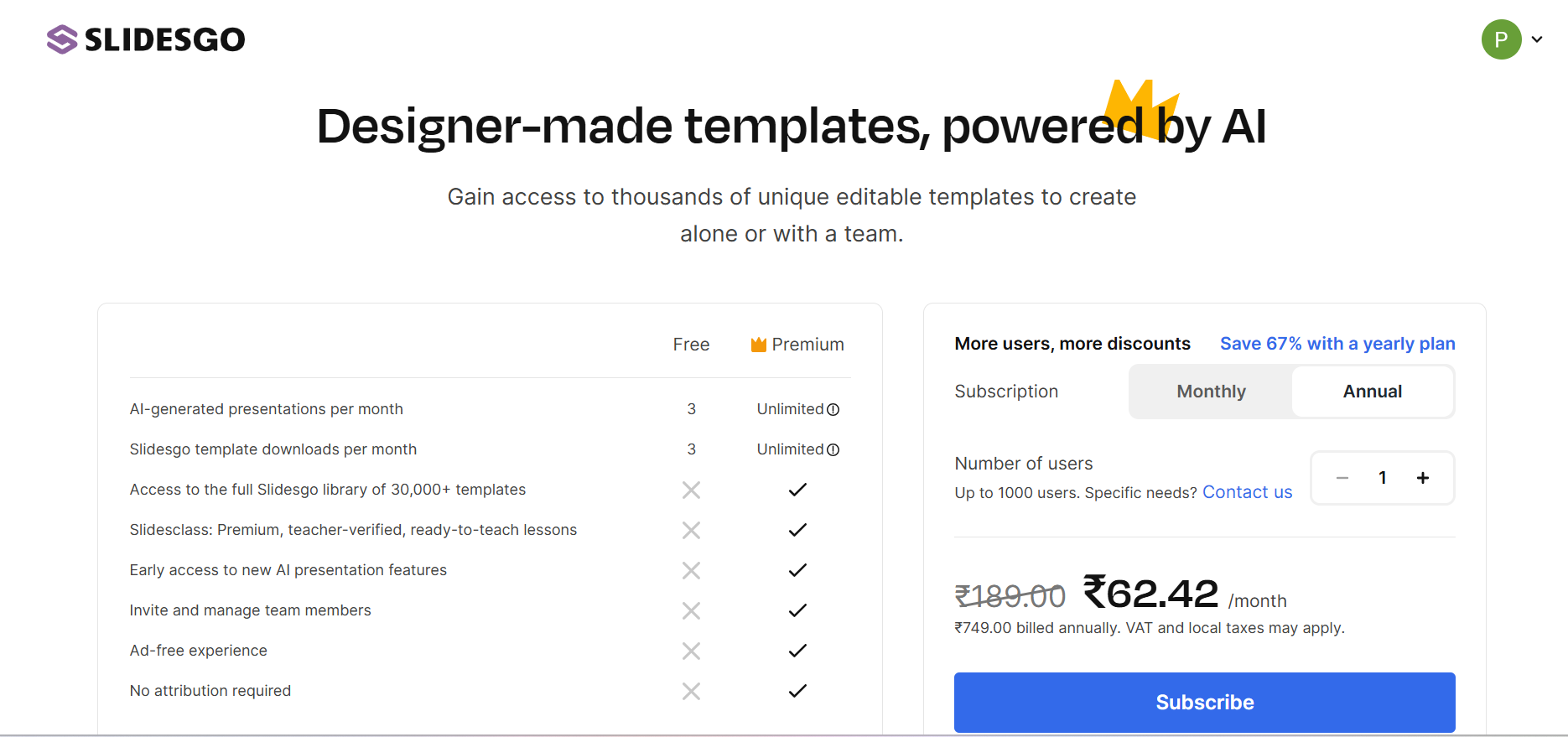
Distinctive templates sit behind the paywall while free ones get reused often enough that colleagues or classmates end up with matching decks. Whatever brought you here, you're not the only one looking for a better option.
This guide compares 10 practical Slidesgo alternatives that real teams are using in 2026, evaluated on what actually matters day to day, i.e., whether the AI drafts real content or just matches a template, how much manual rebuilding remains after the first draft, brand control, export reliability, and value for money.
Ranking Methodology and How We Compared These Tools
Not all best-of lists apply the same standard. Here's exactly how we selected and ranked these alternatives. We evaluated each tool across six criteria:
• AI draft quality: Does the tool generate ready-to-use content, or hand over a template that still needs to be built out?
• Brand control: Can fonts, colors, and layouts be locked in so every deck matches your brand automatically?
• Export options: Do PowerPoint and PDF exports hold their formatting, and can recipients edit them without a rebuild?
• Template and design quality: Are the built-in designs genuinely professional, or do they feel dated?
• Collaboration features: Can a team work on the same deck with real permissions, and not just a shared link?
• Pricing and value: Do the free-tier limits make sense for typical use, and is the jump to paid justified?
Note: We cross-referenced G2, Trustpilot, and Capterra reviews alongside hands-on testing to validate real pain points instead of relying on marketing pages.
Common Pain Points That Send Teams Looking Beyond Slidesgo
Before getting into the alternatives, it helps to be specific about what tends to nudge teams toward exploring alternatives. The reasons fall into a few clear patterns, each backed by user reviews:
1. You're capped before you've even started
Unregistered users can't download a template. Creating a free account raises that limit to three downloads a month, and free-tier slides carry a Slidesgo attribution mark on every slide. Removing both the cap and the attribution requires a Premium subscription.
2. You keep landing on the same template as someone else
The most frequently raised criticism across G2 and Trustpilot reviews is that the most distinctive templates sit behind the paywall, and free templates get reused often enough that classmates or colleagues end up with matching decks.
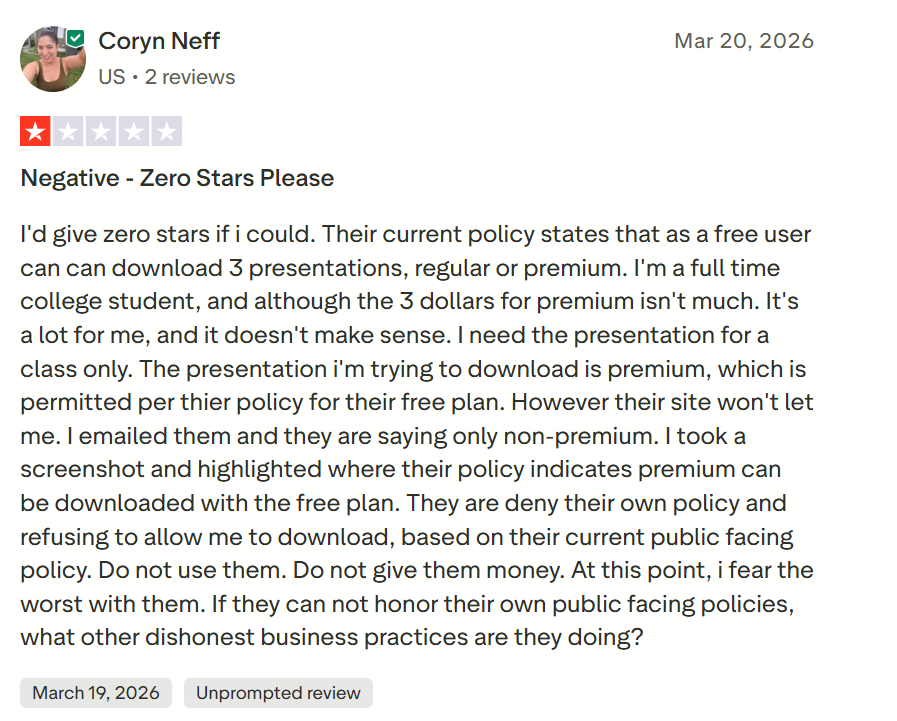
3. The “AI” matches a template
Comparative testing places Slidesgo's AI feature well below dedicated AI presentation tools. It generates an outline and matches it to an existing template, without independently drafting original, context-aware content.
G2 reviews also point to how the tool lacks editing options, missing presentation, and templates feel outdated.
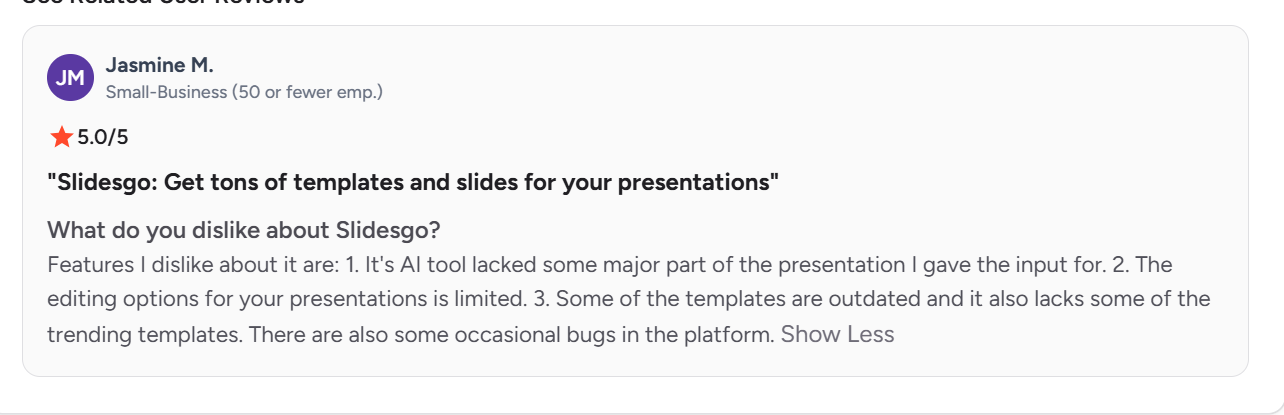
4. Most of the design work still falls on you
The premium subscription can solve the template design scarcity. But the underlying work remains the same. You must browse templates, download the one you like, and then manually replace every placeholder with your content.
If you calculate that for a 20-slide deck, you need to rebuild 60 to 100 text boxes and swap 15 to 20 images before the content reflects the actual presentation.
5. Brand consistency isn't built in
Slidesgo works well for individual and classroom use, but teams with established brand guidelines have no way to enforce those rules across templates. Each new deck starts from Slidesgo's design, and the team rebuilds its own on top of it.
The 10 Best Slidesgo Alternatives in 2026
Here's a closer look at 10 tools worth considering, each evaluated on the same criteria.
1. Presentations.AI
Presentations.AI turns a prompt, document, or URL into a complete, structured slide deck instead of matching content to a pre-built template. The platform describes itself as “ChatGPT for Presentations,” built to move from raw input to a decision-ready deck in one pass rather than a design that still needs to be filled in by hand.
Where a Slidesgo download hands over a template to rebuild, Presentations.AI hands back a draft that's already written, structured, and branded. Choose from a suite of tools on one engine: AI Presentation Maker, AI Slide Creator, AI Pitch Deck Generator, ChatGPT for Presentations, and presentation and slide template libraries.
Key Strengths
• Brand Sync pulls a logo, fonts, and color palette directly from a company URL and applies them across every slide automatically.
• Refresh connects a master presentation to live data sources, including Salesforce, HubSpot, Google Sheets, Tableau, and Snowflake, updating the deck on a schedule as the underlying numbers change.
• API and no-code integrations (Zapier, Make) generate hundreds of personalized decks from a single source of truth, with white-label options for embedding the engine inside other products.
• Native .pptx export that opens cleanly in PowerPoint or Google Slides, with formatting intact.
• SOC 2 Type II certified and GDPR compliant, with enterprise controls including SSO, audit logs, and role-based access.
Limitations
Built around AI-first drafting so users who prefer scrolling through hundreds of pre-made designs before generating anything will find fewer templates to start from.
Best For
Sales and customer success teams tying decks to live account data, founders and consultants sending a personalized proposal to every prospect, and product teams generating client-facing decks at volume through the API.
Suggested Read: Slidesgo vs Presentations.ai: 2026 comparison for business teams
2. Canva
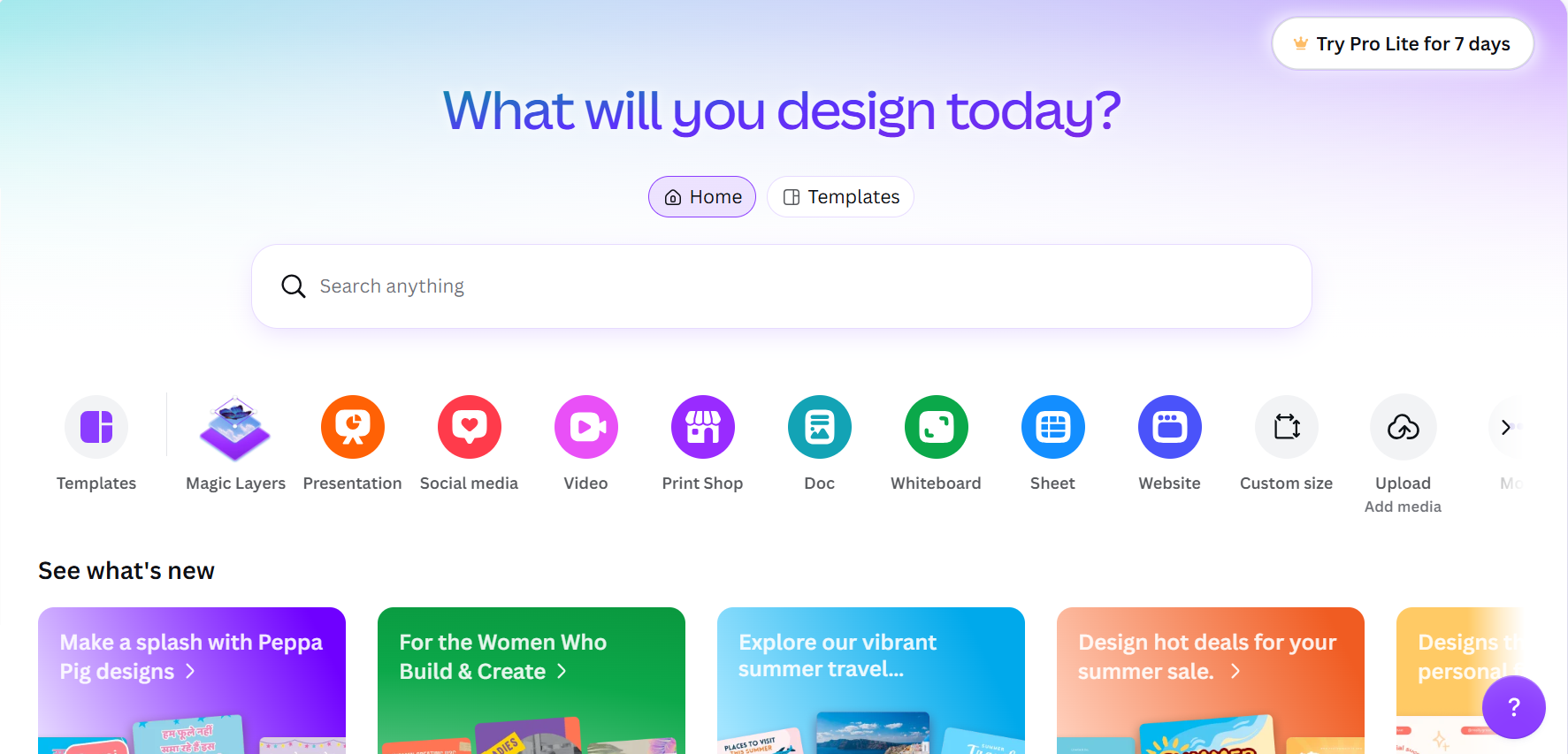
Canva's Magic Design brings AI slide generation into a design platform used by more than 190 million people worldwide. A prompt or uploaded document produces a structured deck built from Canva's own template library, which a user can then edit with the same drag-and-drop tools used for social graphics and documents.
Key Strengths
• Massive template and stock asset library, spanning over 100 million photos, icons, and graphics.
• Brand Kit applies logos, colors, and fonts automatically across every design type, not just presentations.
• Broadest export range of any tool on this list: PDF, PPTX, video, and more.
• Genuinely usable free tier, with 200 AI credits included before a paid plan is needed.
Limitations
Magic Design fills existing Canva templates rather than generating an original layout, and PowerPoint export can shift formatting once opened outside Canva.
Best For
Marketing teams and social media managers already working inside Canva for other content, who want presentations to share the same brand system without switching tools.
3. Gamma
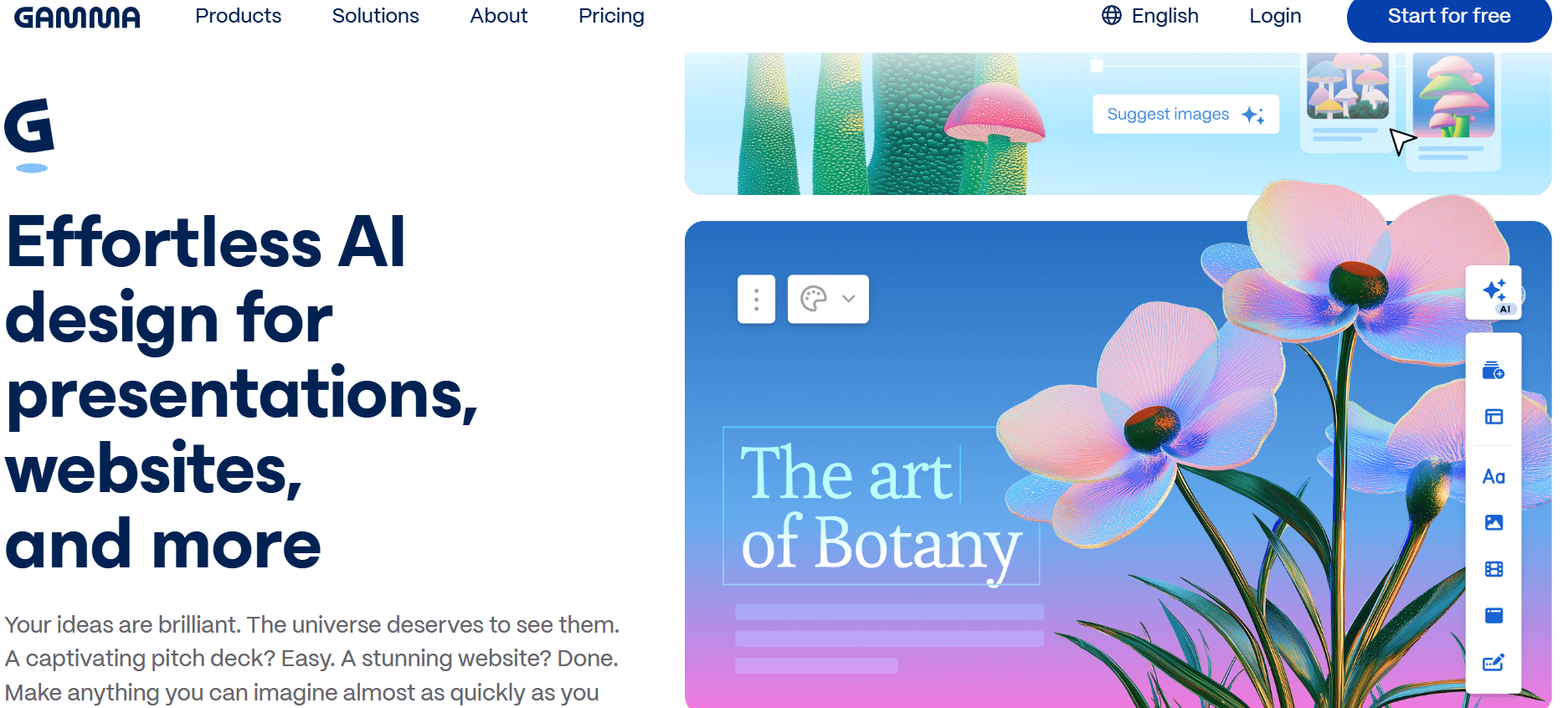
Gamma turns a prompt or uploaded document into a scrollable, web-first deck. Its card format renders cleanly in a browser and adapts well to different screen sizes, and an AI agent can apply edits across the entire deck from a single instruction.
Key Strengths
• Fastest prompt-to-draft speed in the category, with a complete first version generated in under a minute.
• Deck-wide AI editing lets one instruction update headings, tone, or length across every slide.
• Built-in analytics show views and time spent per card on shared decks.
Limitations
PowerPoint export is the most consistently flagged weakness in independent testing: dynamic layouts often flatten into static images once exported, and text can shift out of place. Teams whose final deliverable is a .pptx file tend to treat Gamma as a first draft rather than the finished deck.
Best For
Individuals and small teams sharing decks as a web link rather than a downloaded file, and anyone who prioritizes drafting speed over PowerPoint fidelity.
Suggested Read: 10 best Gamma alternatives in 2026
4. SlidesCarnival
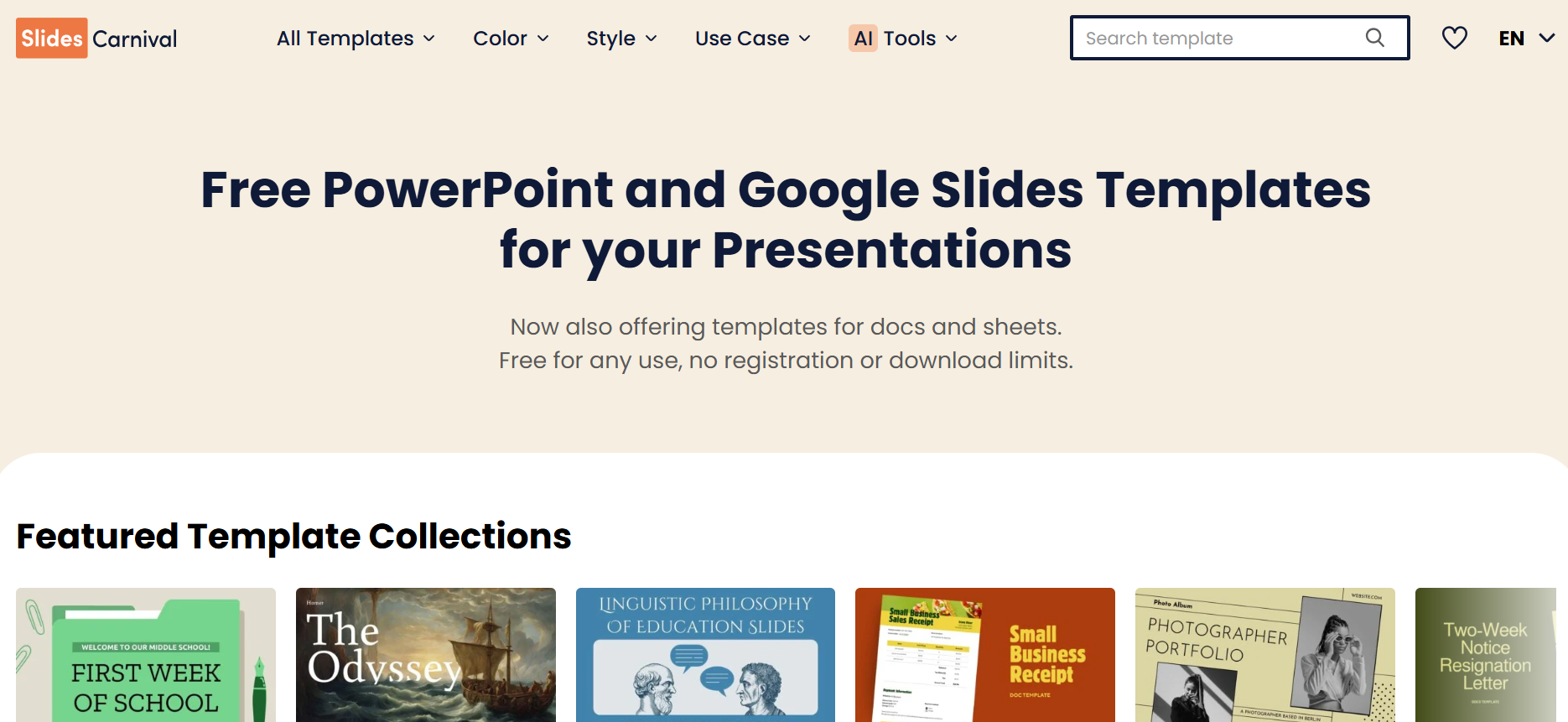
SlidesCarnival is a free template library for PowerPoint and Google Slides, with no account, no signup, and no download limit on any template. Where Slidesgo caps free downloads at three a month and adds attribution, SlidesCarnival removes both restrictions entirely and makes its full catalog free for personal and commercial use.
Key Strengths
• No download cap and no required account, unlike Slidesgo's registered-user limit.
• Over 3,700 templates across business, education, and creative categories.
• Recently added an AI presentation maker alongside its template library, plus a font pairing tool and citation generator.
Limitations
Templates still require manual editing after download, since there's no AI drafting layer built into the core template experience the way there is with a dedicated AI generator.
Best For
Students, educators, and solo creators who want Slidesgo's template-first workflow without the download cap or attribution requirement.
5. SlidesMania
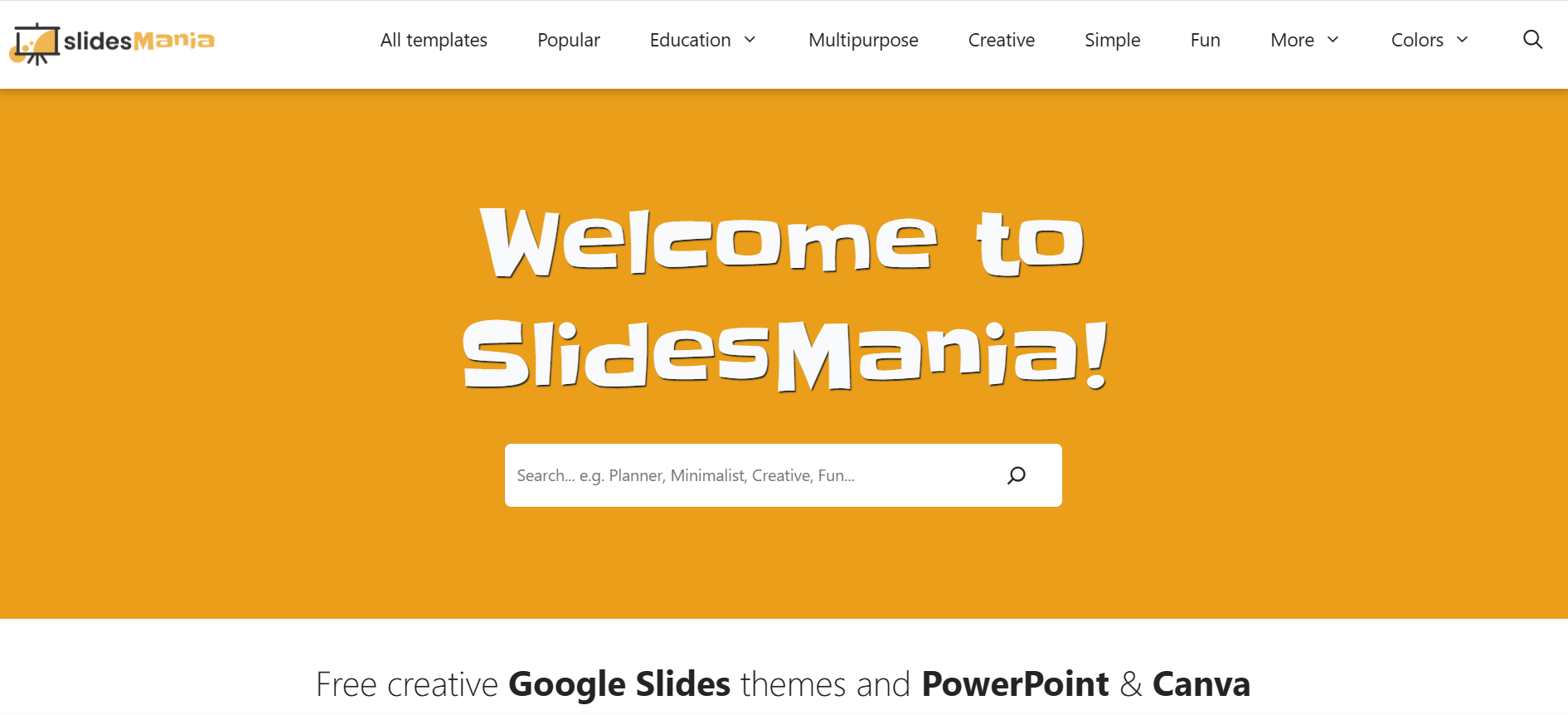
SlidesMania offers a separate free template catalog for PowerPoint, Google Slides, and Canva, also with no registration and no download limits. Its design sensibility leans more colorful and illustrated than SlidesCarnival's, with a strong following among teachers building classroom materials.
Key Strengths
• 100% free templates with no account required, compatible across PowerPoint, Google Slides, and Canva.
• Original, illustrated designs that stand apart from the more corporate look of many template sites.
• Active library updates, including recurring monthly templates like calendar-based designs.
Limitations
The catalog leans heavily toward education and creative use cases, with fewer options for formal business or enterprise presentations.
Best For
Teachers and students building lesson materials, and anyone who wants a free, no-account template outside Slidesgo's download restrictions.
6. Beautiful.ai
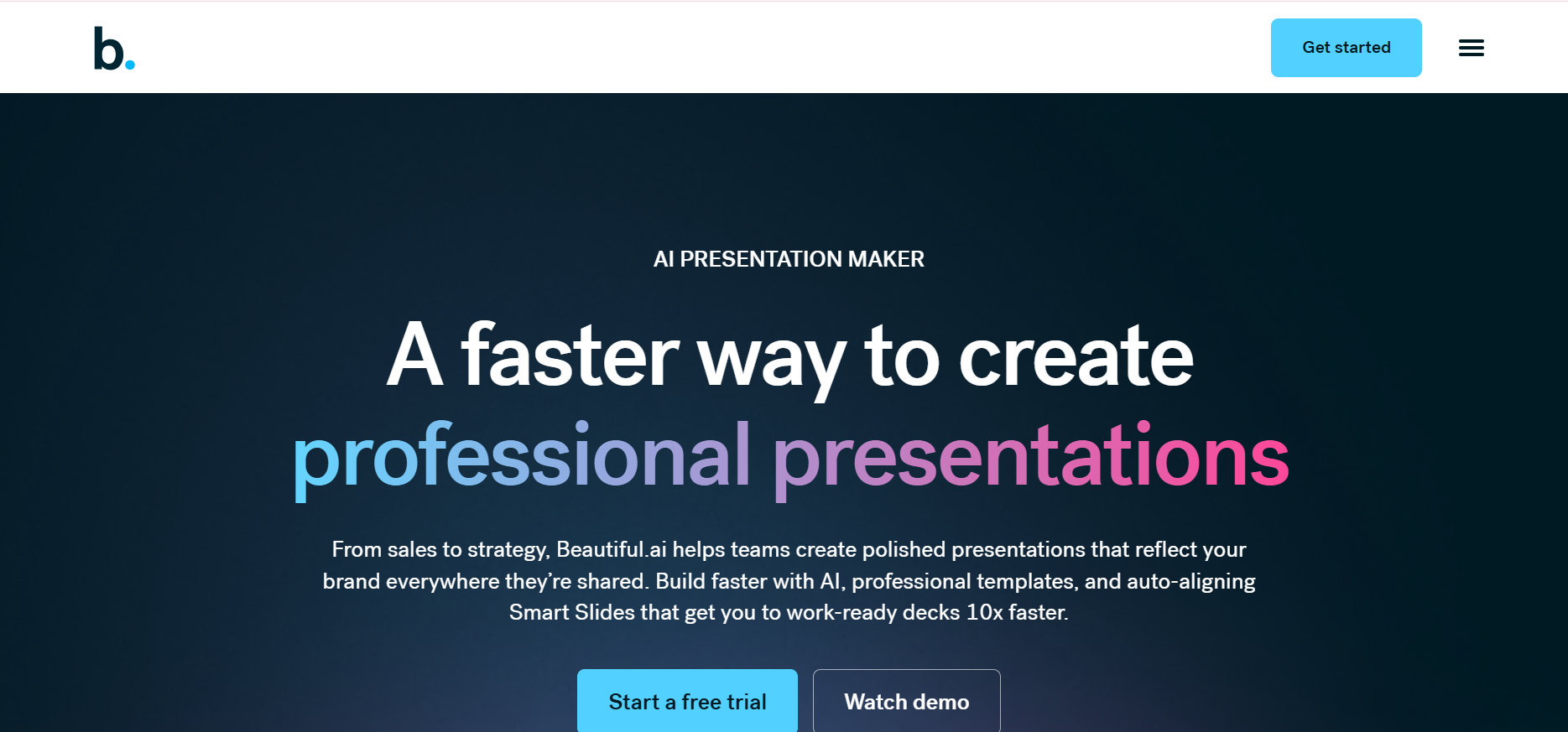
Beautiful.ai is built around Smart Slides, a layout system that automatically adjusts spacing and alignment as content is added or removed, so a slide is difficult to break by accident. DesignerBot, its AI layer, now generates a text outline before building slides, giving users a chance to review the narrative before any design is applied.
Key Strengths
• Smart Slides auto-adjust layout in real time, keeping every slide visually consistent regardless of who edits it.
• Brand Kit locks fonts, colors, and logos into an enforced palette across the whole team.
• Strong G2 rating, averaging 4.7 out of 5 across more than 190 reviews.
Limitations
There's no permanent free plan. The 14-day trial requires a card and converts to a paid plan automatically, and PowerPoint export can lose some Smart Slide formatting once opened outside the platform.
Best For
Teams that need every deck to look design-reviewed regardless of who builds it, particularly where brand consistency matters more than layout flexibility.
7. Visme
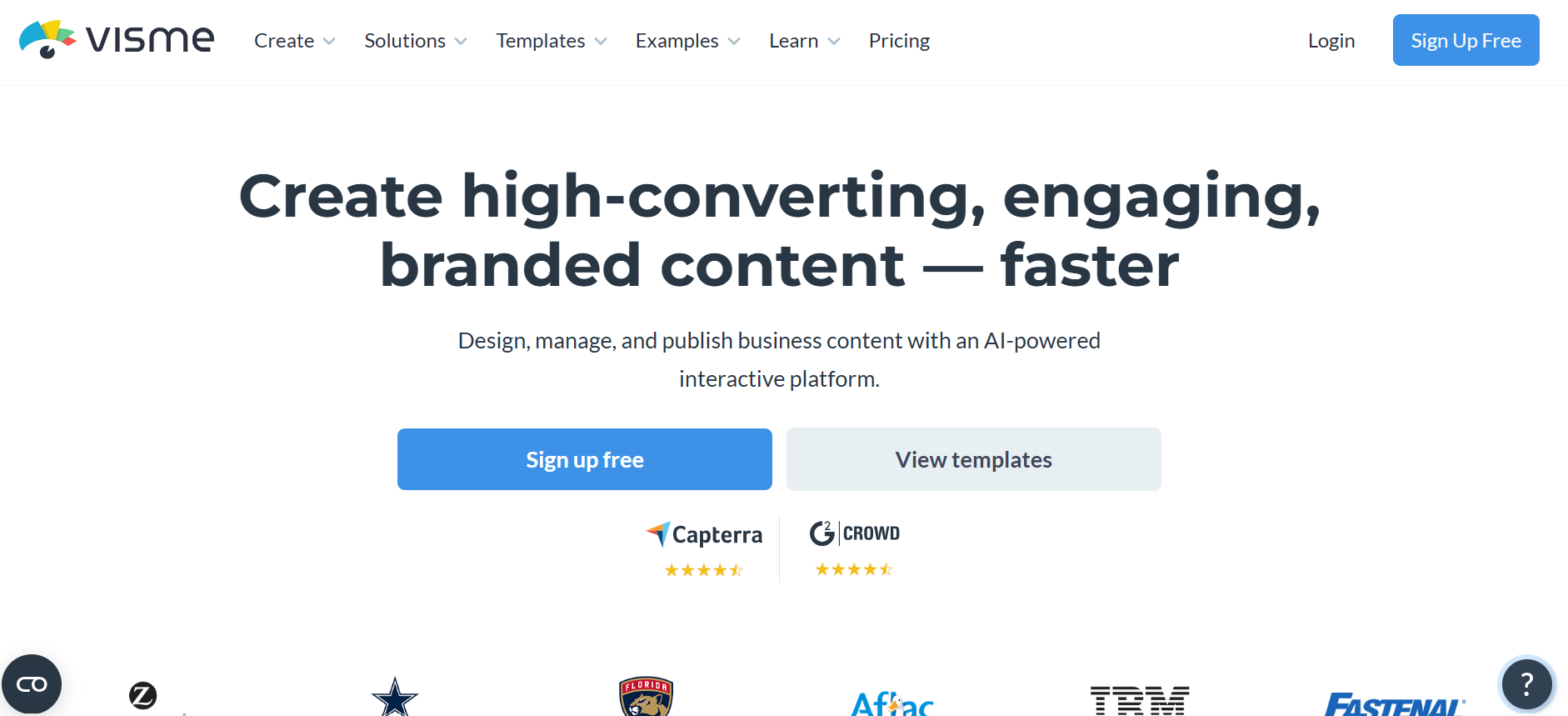
Visme is a broader visual content platform that covers presentations, infographics, and reports in one tool. Its standout feature is live data linking: a chart connected to a Google Sheet updates automatically when the underlying numbers change, a capability most presentation-first tools don't offer.
Key Strengths
• Charts and data visualizations can link directly to a live spreadsheet and update automatically.
• Covers more than 100 project types beyond presentations, including infographics, reports, and social graphics.
• Brand Kit and analytics available on paid plans, with a free tier for basic use.
Limitations
The free plan carries a watermark and limited templates, and the AI slide generator produces a rough first draft that still needs manual work on narrative flow and hierarchy.
Best For
Marketing teams and educators who need data-driven visuals and presentations in the same platform, rather than exporting charts from elsewhere.
8. Google Slides + Gemini
Overview
Gemini's AI features sit inside Google Slides for Workspace Business and Enterprise plans, generating slides from a prompt and pulling content directly from a linked Google Doc or Gmail thread. The base product remains free for any personal Google account, with AI generation gated behind a paid Workspace add-on.
Key Strengths
• Free for personal use, with real-time collaboration that remains the category standard.
• Pulls content directly from other Google Workspace files, including Docs and Sheets.
• No separate software to install, as it runs entirely in the browser.
Limitations
AI generation is one of the slower tools tested, with a 10-slide deck taking roughly five minutes to generate, and the output tends toward standard Slides themes rather than distinctive design.
Best For
Teams already standardized on Google Workspace who want AI assistance layered into an existing, familiar tool rather than a separate platform.
9. Microsoft PowerPoint + Copilot
Overview
Copilot for Microsoft 365 generates and restructures full decks from prompts or existing Word documents, working inside the desktop PowerPoint application rather than a separate browser tool. It requires a Microsoft 365 Copilot license in addition to the base subscription, and access depends on an organization's IT admin enabling it.
Key Strengths
• The Word-to-PowerPoint workflow is one of the strongest AI presentation paths available, since Copilot can draft in Word first and import the outline directly.
• Full access to PowerPoint's native design and animation controls once a draft is generated.
• Speaker note generation is a genuine strength of the integration.
Limitations
There's no free tier for the business version, and it adds roughly $30 per user per month on top of an existing Microsoft 365 license.
Best For
Organizations already standardized on Microsoft 365 that want AI drafting without leaving PowerPoint's native design environment.
10. Pitch
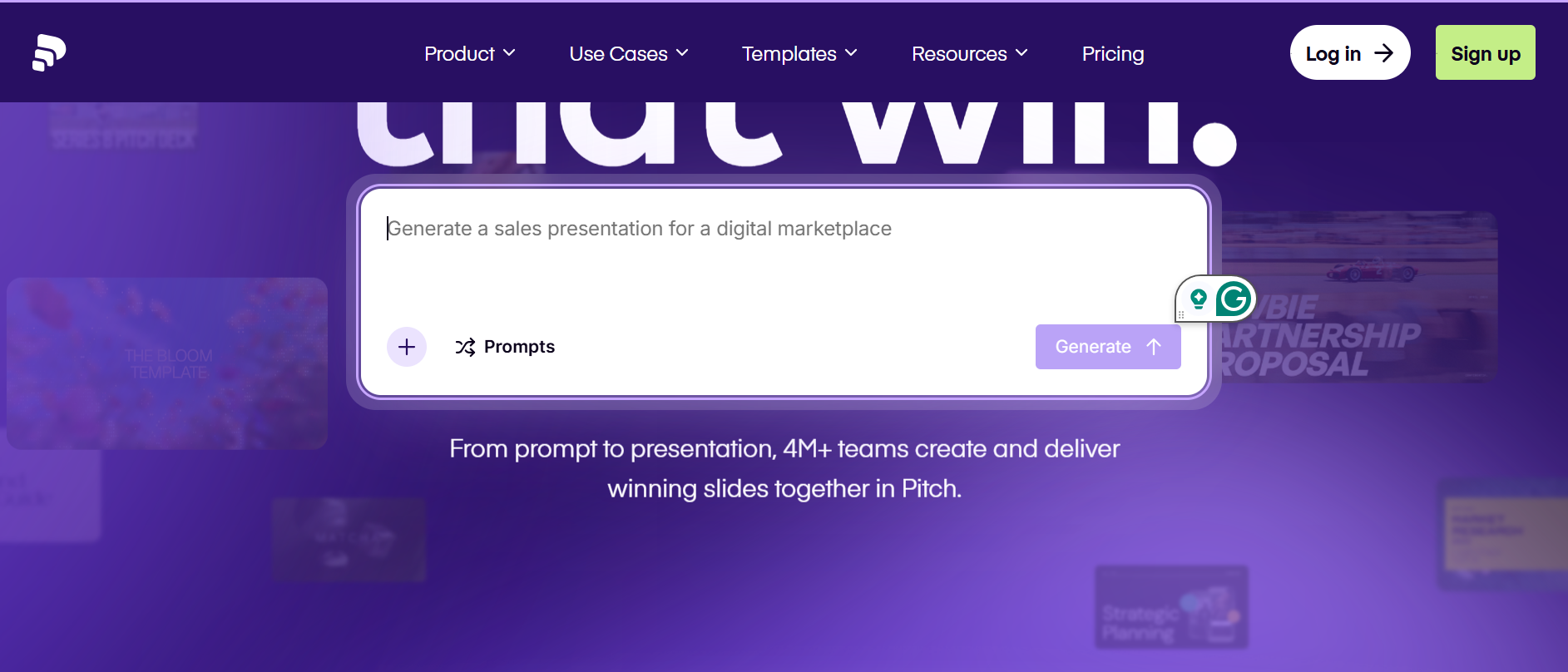
Pitch is collaborative presentation software built for teams, with live co-editing, commenting, and slide assignment on every deck. Its AI layer, Pitch Agent, generates on-brand slides from a prompt and can produce personalized decks in bulk from imported customer data.
Key Strengths
• Real-time collaboration rated on par with Google Slides, including live cursors and async commenting.
• Viewer analytics show who opened a shared deck and how long they spent on each slide.
• Free plan supports unlimited decks and basic collaboration before any upgrade is needed.
Limitations
AI generation quality trails Gamma's for solo, prompt-to-deck work, and the brand kit is locked to the Business plan at $20 per user per month.
Best For
Startup teams and agencies where multiple people build the same deck together and need review and approval built into the workflow.
Quick Comparison Table: 10 Best Slidesgo Alternatives
For the two free template libraries, SlidesCarnival and SlidesMania, the AI Drafting and Brand Control columns read “None.” That's the direct trade-off against Slidesgo's own model.
Removing the download cap and attribution requirement doesn't add an AI layer. Teams solving that specific frustration get relief from the cap but still do the manual work Slidesgo already requires after a download.
What to Look for in a Slidesgo Alternative
Choosing a replacement comes down to five factors, each tied to a specific lack in the Slidesgo workflow.
1. Does the AI draft content, or just match a template?
Slidesgo's generator produces an outline and matches it to an existing design. It isn’t an AI presentation tool by definition. Tools like Presentations.AI, Gamma, and Beautiful.ai draft original slide content from a prompt or document, which changes how much editing happens after generation.
2. How much manual rebuilding is left after the first draft?
A downloaded Slidesgo template still needs text boxes rewritten and images swapped before it reflects real content. Ask how a tool's first draft compares: is it ready to review, or ready to rebuild?
3. Can brand guidelines apply automatically?
Slidesgo has no mechanism to enforce a company's fonts, colors, or logo placement across templates. Look for a brand kit, brand sync, or equivalent feature, and check whether it applies once or needs to be reset on every new deck.
4. Does the export hold its formatting?
PowerPoint export quality varies more than most buyers expect. Gamma's card-based layouts frequently flatten into static images on export, while native .pptx tools tend to preserve formatting more reliably. Test this with a real deck before committing to a paid plan.
5. Is the pricing model actually transparent?
Free-tier limits, credit systems, and trial-to-paid conversions all shape real cost. Slidesgo's own billing has drawn complaints about charges continuing after cancellation. Read the cancellation policy, not just the pricing page, before entering a card number.
The Best Slidesgo Alternative for Most Teams: Presentations.AI
Every pain point raised earlier traces back to one root issue: Slidesgo hands over a template, and the user does the rest. Presentations.AI was built around a different starting point, and each of its core features maps directly to a specific place where Slidesgo falls short:
1. The download cap and attribution requirement
Slidesgo blocks unregistered downloads entirely, and caps registered free accounts at three templates a month, with attribution on every free-tier slide. Presentations.AI's Starter plan includes AI deck creation at no cost, with 100 credits provided on signup and no attribution mark on the output.
2. Landing on the same template as someone else
Slidesgo's most distinctive designs sit behind Premium, which free users frequently pull from the same shared pool of templates. Presentations.AI generates a deck from the specific prompt, document, or URL entered, so the structure and content are built around that input rather than pulled from a shared gallery of pre-made designs.
3. An “AI” that matches a template instead of drafting one
Slidesgo's AI produces an outline and fits it into an existing template. Presentations.AI's AI Presentation Maker drafts the structure, copy, and design together from a single prompt, document, or URL, so the output is a working first draft rather than a shell waiting to be filled.
4. The 60-to-100-text-box rebuild
A 20-slide Slidesgo deck may require editing 60 to 100 text boxes and swapping 15 to 20 images before it reflects real content. Presentations.AI drafts content directly instead of matching it to a template. That rebuild step is largely what the AI does on the first pass, not what a user does after downloading.
5. No way to enforce brand guidelines
Slidesgo has no mechanism for applying a company's fonts, colors, or logo across templates, leaving brand-conscious teams to rebuild that consistency by hand on every deck. Presentations.AI's Brand Sync pulls a logo, fonts, and color palette directly from a submitted company URL and applies them across every slide automatically, so brand consistency is set.
One feature goes beyond fixing Slidesgo's issues entirely: Presentation.ai’s Refresh connects a master presentation to live data sources like Salesforce, HubSpot, or Google Sheets, updating the deck automatically as the underlying numbers change, something no template library, including Slidesgo, is built to do.
Suggested Read: Slidesgo vs Presentations.ai: Feature comparison
Which Slidesgo Alternative Is Right for You?
The right pick comes down to what's actually driving the search for something else.
For most teams, Presentations.AI solves the core issue. A template you rebuild by hand becomes a draft that's already written, structured, and branded. If Brand Sync and Refresh matter, this is the strongest starting point.
For a few narrower needs, other tools on this list fit better:
• Free-tier download caps are the main frustration → SlidesCarnival or SlidesMania remove the limit entirely, with no account required.
• Design flexibility and a huge asset library matter more than AI drafting → Canva, especially for teams already using it for other content.
• Decks are shared as a web link, not downloaded as a file → Gamma, for the fastest prompt-to-draft speed.
• A team is standardized on Microsoft 365 or Google Workspace → PowerPoint with Copilot, or Google Slides with Gemini, keeps AI drafting inside the existing ecosystem.
• Multiple people build the same deck together → Pitch, for its collaboration and review workflow.
• Data visualization matters as much as slide design → Visme, for live-linked charts and reports.
• Every slide needs to look design-reviewed regardless of who built it → Beautiful.ai, for teams that value brand guardrails over layout flexibility.
Whichever direction fits, the underlying question is the same one this guide opened with: does the tool draft real content, or hand over a template and leave the rest to you?






