


.webp)
TL;DR
- Prezi's zooming canvas creates visually striking, non-linear presentations that are different from slide-by-slide tools, but that uniqueness comes with trade-offs in export quality and flexibility.
- PPTX exports break. Zoom effects and dynamic navigation flatten into static slides with broken layouts, making Prezi a poor fit if your workflow ends in PowerPoint.
- Any paid plan (Plus and above) unlocks unlimited AI credits, which is a genuine advantage over tools that meter AI usage at every tier.
- Brand control is a Teams-only feature. Smart branding is available from Plus, but a full brand kit with centralized control requires a Teams subscription at $39/month per user (billed annually; minimum of 2 users).
- If you need clean PowerPoint output, real-time AI iteration, and automatic brand sync, Prezi isn't built for that. Presentations.ai is, and you can try it for free.
Prezi made its name by doing something PowerPoint never could: making presentations feel cinematic. The zooming canvas, the non-linear storytelling, and the ability to fly from a big-picture overview into a specific detail all genuinely changed what people expected a presentation could look like. For teachers, TEDx speakers, and creative pitches, it was a revelation.
But that was 2012. It's now 2026, and the presentation landscape has fundamentally shifted. AI can draft a full deck from a prompt. Remote teams need clean exports that work in PowerPoint, Google Slides, and Zoom screen shares without visual artifacts.
Branding needs to be automatic, not another 30-minute setup task. The question isn't whether Prezi is cool (it is), but whether cool is enough when you're under deadline pressure, and your stakeholders live inside Microsoft 365.

How We Evaluated Prezi
We assessed Prezi across six dimensions that matter most to business teams building presentations in 2026:
- AI capability and depth
- Export fidelity
- Brand control and setup time
- Collaboration workflow
- Pricing transparency and value
- Real user feedback
Prezi ratings
G2: 4.2/5 (5,243 reviews)
TrustRadius: 7.5/10 (144 reviews)
Capterra: 4.6/5 (2,214 reviews)
Where Prezi Falls Short
Prezi's strengths are real, but several gaps are hard to overlook for business users evaluating it against modern workflow requirements.
Your PowerPoint Exports Will Look Nothing Like Your Prezi
Prezi's .pptx exports lose the very thing that makes Prezi special. Zoom effects, canvas navigation, and non-linear flow all flatten into static slides with layouts that frequently break. If your workflow involves sending a deck to a client or presenting on a machine without Prezi installed, you're left with a degraded version of what you built. Presentations.ai exports clean .pptx with full fidelity: what you see in the editor is what opens in PowerPoint.
Advanced AI Tools Are Locked Behind a Paywall
Prezi's free plan includes 500 AI credits, but the AI design assistant and advanced generation are Plus-only. More meaningfully, Prezi's AI is transactional: you request an output, it delivers, and the exchange ends. There's no conversational iteration. Presentations.ai's Clip-E lets you generate from a prompt, PDF, Word doc, or URL, then refine through natural-language requests without starting over.
Brand Control Requires a Teams Subscription
A centralized brand kit is Teams-only on Prezi. Individual users on Plus or Premium configure brand settings manually, with no guarantee of consistency across teammates. There's no URL-based brand extraction at any tier. Presentations.ai's Brand Sync automatically extracts your colors, fonts, and logo from your company URL, so every deck starts on-brand without touching a settings panel.
The Free Plan Makes Your Presentations Public
Prezi's Basic plan limits you to public presentations with no privacy toggle, password protection, or download capability. For anyone working on sales decks, board updates, or anything involving sensitive data, this is a non-starter. Privacy unlocks at Plus ($4/month). Presentations.ai's free Starter plan keeps your work private, supports unlimited users, and requires no credit card.
The Zooming Canvas Locks You Into Prezi's Ecosystem
Once you build on Prezi's canvas, you're committed to it. There's no clean path to a linear slide deck, no advanced business chart types, and no native PowerPoint integration in the traditional sense. For teams that need to start from a prompt or document and end with a .pptx that works anywhere, it's a fundamental mismatch.
Prezi Pricing Plans and What You Get
Prezi's pricing looks straightforward until you start mapping features to tiers. The gap between what's advertised and what's actually usable at each level is wider than that of most competitors, particularly regarding AI access, privacy, and export options. Here's the full breakdown.
Plans at a Glance
| Feature | Basic (Free) | Plus | Premium | Teams |
|---|---|---|---|---|
| Price | $0 | $4/mo (annual) or $6/mo (monthly) | $7/mo (annual only, ~$84/year) | $39/mo per user (annual, min. 2 users) |
| AI credits | 500 | Unlimited | Unlimited | Unlimited |
| Advanced generative AI | No | Yes | Yes | Yes |
| AI design assistant | No | Yes | Yes | Yes |
| Privacy control | No | Yes | Yes | Yes |
| PDF export | No | Yes | Yes | Yes |
| PowerPoint converter | No | Yes | Yes | Yes |
| Smart branding | No | Yes | Yes | Yes |
| Watermark-free | No | Yes | Yes | Yes |
| Offline access | No | Yes | Yes | Yes |
| Presentation analytics | No | No | Yes | Yes |
| Collaboration (unlimited) | No (max 2) | No (max 2) | No (max 2) | Yes |
| Brand kit | No | No | No | Yes |
| Admin controls | No | No | No | Yes |
| Centralized billing | No | No | No | Yes |
One notable strength across Prezi's paid tiers: any plan from Plus upward includes unlimited AI credits. There's no rationing or per-cycle cap once you upgrade, a meaningful advantage for teams with high presentation output.
The core tension in Prezi's pricing is that the features most business users need, including private presentations, full AI access, and clean exports, require upgrading. Plus addresses the access and privacy gaps at a low annual price. Still, teams that require real collaboration or brand governance quickly find themselves paying nearly 10x the per-user cost for Teams.
Presentations.ai offers a free Starter plan with no credit card required, unlimited users, private presentations, and a clean .pptx export from day one. Brand Sync, Clip-E conversational AI, and anti-fragile templates are built into the experience and not gated behind premium tiers. If your team's presentation volume makes per-seat pricing a real line item, the math favors a tool that doesn't charge you extra for the basics.
How AI Works in Prezi
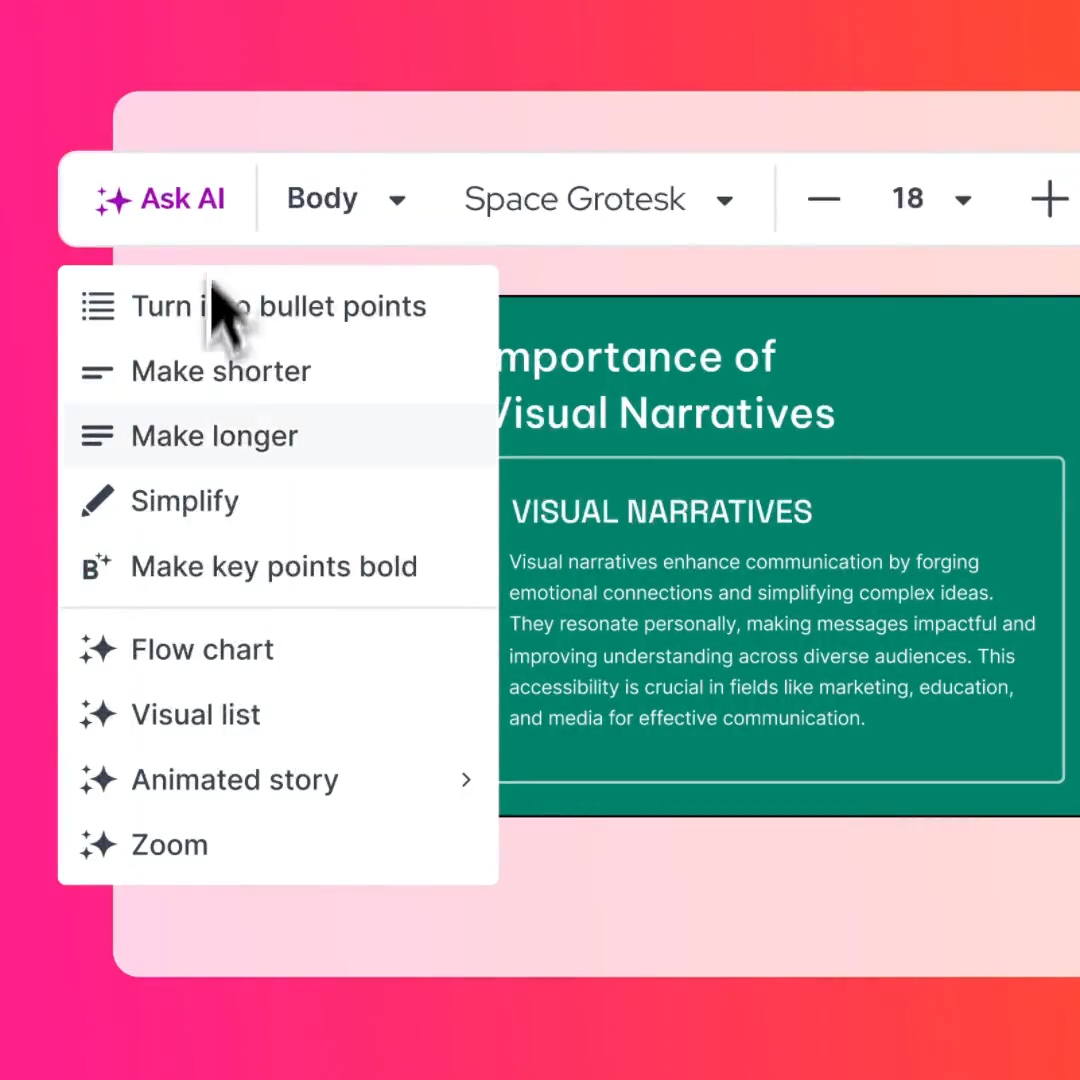
Prezi's AI capabilities span presentation generation, image creation, file import, content transformation, and background removal. One thing worth acknowledging upfront: any paid Prezi plan unlocks unlimited AI credits. Unlike tools that continue to meter AI usage on mid-tier plans, Prezi removes the ceiling entirely from Plus onward. For frequent creators on a paid plan, that's a genuinely useful policy.
The more substantive question is what the AI actually does with that access, and where the interaction model hits its limits, regardless of how much usage you're allowed.
What the AI Actually Produces
When it works, Prezi's AI generates presentations with the zooming canvas structure intact, with topics arranged spatially and zoom paths between them. The output leans on Prezi's template library, so visual quality depends heavily on which template the AI selects. Content tends to be generalized: serviceable for a first draft, but you'll spend significant time editing, reorganizing, and refining before it's client-ready.
Image generation produces usable results for decorative visuals such as backgrounds, abstract illustrations, and thematic graphics. It's not generating data visualizations, custom charts, or anything that requires precision. Since Prezi lacks advanced business chart types (waterfall, Mekko, Gantt), the AI can't help you there either. If your presentation needs to communicate financial data or operational metrics, you're building those visuals manually or importing them as static images.
What's Missing: Iterative AI Collaboration
When you're iterating on a deck, tightening messaging, restructuring sections, and adapting content for different audiences, you need an AI that stays in the loop, not one that produces a single output and considers its job done.
Presentations.ai's Clip-E is built for exactly this workflow. It's a conversational AI assistant that works with you end-to-end: generate from a prompt, PDF, Word doc, or URL, then iterate through natural-language requests.
Where Prezi Shines
A fair review acknowledges what works. Prezi does several things genuinely well, and for the right use cases, those strengths are meaningful.
The Zooming Canvas Is Still Unmatched for Visual Storytelling
No other mainstream presentation tool replicates what Prezi's canvas does. The ability to place ideas spatially, zooming from a high-level overview into nested subtopics, panning across a visual landscape, creates a presentation experience that feels more like exploration than a slideshow.
Prezi Video Adds a Unique Layer for Remote Presenters
Prezi Video, which overlays your presentation content around you on camera, is genuinely useful for remote demos, webinars, and video messages. Instead of sharing your screen and disappearing behind slides, you appear alongside your content. It integrates with Zoom, Microsoft Teams, Google Meet, and Webex.
Non-Designers Can Produce Visually Striking Results
Prezi's template library and the zooming canvas mechanic do a lot of heavy lifting for users without design skills. Because the canvas handles visual hierarchy through zoom levels rather than slide layout, you don't need to think about typography balance or grid alignment the same way you would in PowerPoint or Keynote.
Cloud-Native With Real-Time Access
Prezi is fully cloud-based (with offline access on Plus and above), which means your presentations are accessible from any browser without installing software. Version history is automatic.
Prezi's Learning Curve and Performance
Prezi isn't a drop-in replacement for tools your team already knows. The interface, the canvas structure, and the non-linear logic all require adjustment, and some of those adjustments take longer than most users expect.
It's Not PowerPoint, and That Takes Adjustment
Multiple user reviews across G2, Capterra, and TrustRadius flag Prezi's learning curve as steeper than expected. The zooming canvas is conceptually different from linear slides, and new users frequently report spending their first few sessions figuring out spatial organization, zoom paths, and how to structure content non-linearly.
Performance Can Be Inconsistent
Users report occasional rendering lag, particularly with complex presentations that use heavy imagery or multiple zoom levels. Browser-based performance varies depending on hardware and internet connection.
Customization Has a Ceiling
While Prezi's templates are visually striking, the customization options within them are more limited than what PowerPoint or dedicated design tools offer. You're working within the template's structure and zoom logic. Moving elements, creating custom animations, or building non-standard layouts requires workarounds or isn't supported.
How Prezi Stacks Up Against the Competition
Prezi's pricing and feature set made more sense when the competitive landscape was PowerPoint, Keynote, and Google Slides. In 2026, the field includes AI-native platforms built from the ground up for speed, brand consistency, and export reliability.
At Plus and Premium pricing, Prezi is more accessible than it used to be, starting at $4/month annually. But the features business teams increasingly treat as non-negotiable, including clean .pptx export, automatic brand enforcement, and conversational AI that iterates beyond a first draft, either don't exist in Prezi or don't work as expected.
This is where Presentations.ai enters the conversation, not as another slide tool, but as a fundamentally different approach to how presentations get built.
Build your next deck with AI that doesn't cap out, branding that applies itself, and exports that actually work in PowerPoint.
(No Credit Card Required)
Presentations.ai: Built for How Business Teams Actually Work
Presentations.ai is an AI-native presentation platform designed around the workflows that Prezi struggles with: turning raw inputs into polished, branded decks that export cleanly and work everywhere your audience needs them to.
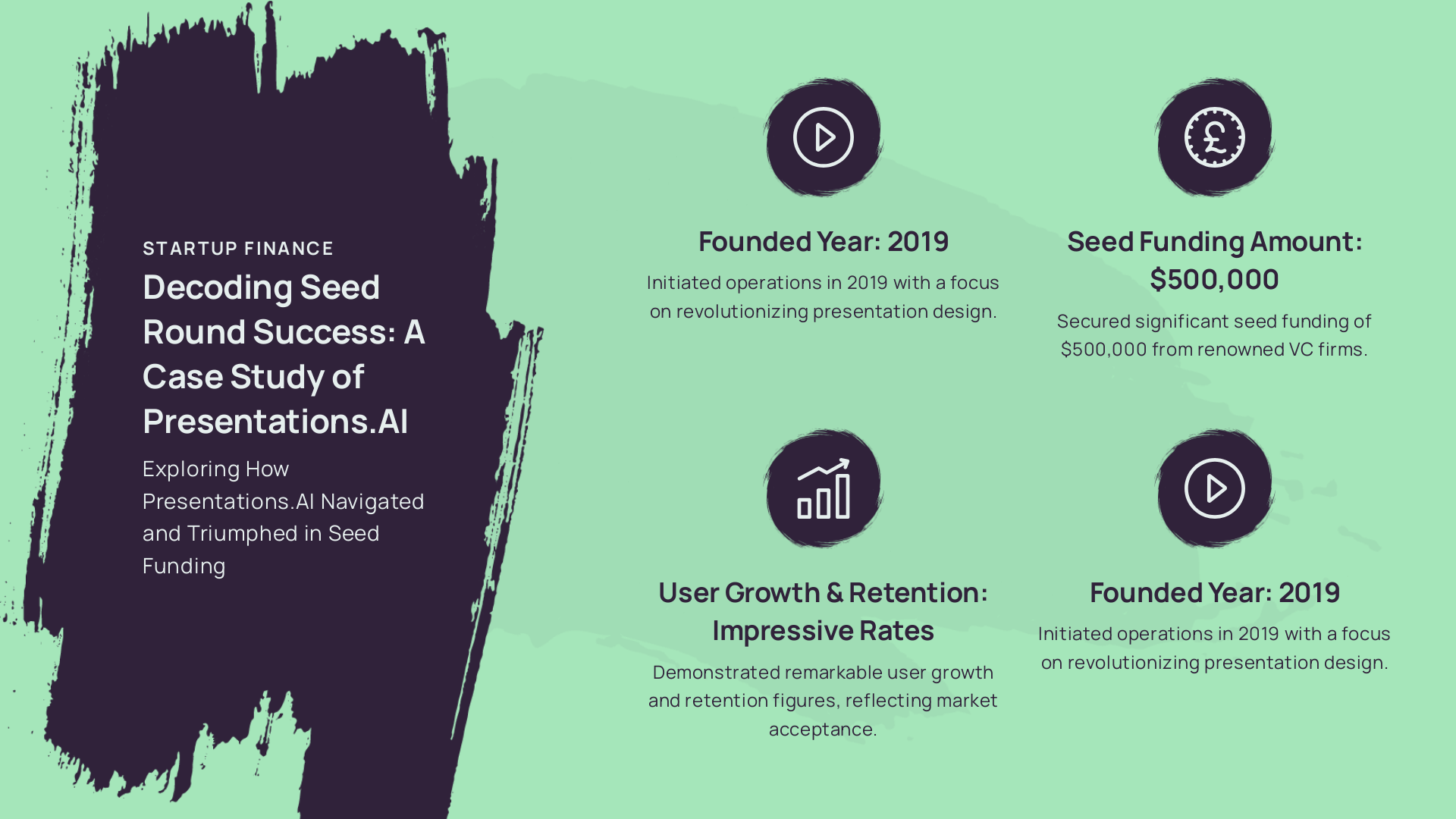
Where Prezi bets on a unique visual mechanic and charges you to unlock the basics around it, Presentations.ai gives you the basics (privacy, export, branding, AI) from day one, and scales from there.
Presentations.ai Features
| Factor | Starter | Pro | Enterprise |
|---|---|---|---|
| Price | $0/month | $240/year (~$20/mo) | Custom pricing |
| Users | Unlimited | Unlimited | Unlimited |
| AI creation (Clip-E) | Yes | Full access | Full access |
| Brand Sync | Yes | Yes | Yes + multi-brand |
| PPTX export | Clean fidelity | Clean fidelity | Clean fidelity |
| Multi-format input | Yes | Yes | Yes |
| Anti-fragile templates | Yes | Yes | Yes |
| Analytics and tracking | No | Yes | Advanced |
| SOC 2 Type II | No | Yes | Yes |
| Credit card required | No | No | No |
What Makes Presentations.ai Different
Presentations.ai isn't a reskinned slide tool with an AI layer bolted on. The platform is built around three capabilities that directly address the gaps Prezi leaves open.
Brand Sync: Your Brand, Extracted Automatically. Paste your company URL. Presentations.ai automatically pulls your brand colors, fonts, and logo. Every presentation starts on-brand.

Templates That Adapt Without Breaking: Presentations.ai’s anti-fragile templates are built to accommodate content variation. Add content, remove content, restructure sections, and the layout adapts intelligently. Your deck looks polished, whether your slide has three or seven bullets.
Multiple Creation Modes: Start From Whatever You Have. Presentations.ai accepts various formats as starting inputs (prompt, PDF, Word doc, URL, or raw text) and produces a structured, branded presentation from any of them. You're not retyping content into a new tool or copying and pasting between windows.
Prezi vs Presentations.ai: Which Offers Better Value?
The comparison between these two tools goes beyond headline pricing. Here's how they stack up across the dimensions that matter most for business use.
Headline Price
Prezi Plus starts at $4/month (annual) for individuals. Teams pricing runs $39/month per user annually, with a two-user minimum ($936/year). Presentations.ai Pro runs $240/year with unlimited users. For a 10-person team, Prezi Teams costs $4,680/year. Presentations.ai Pro covers the same team (and more) for $240/year.
Brand Control
Prezi's Smart Branding on Plus lets you configure color themes manually. A full brand kit with centralized control requires Teams at $39 per user per month. Presentations.ai's Brand Sync extracts everything from your URL automatically at every plan tier, including the free Starter.
Document Import
Prezi can import files using AI, but advanced import integrations (iFrame, SQL connectors) aren't available until Premium. Presentations.ai accepts PDF, Word, URL, and raw text as native inputs with no tier restrictions.
Export Reliability
Presentations.ai exports to .pptx with full fidelity. What you see in the editor is what opens in PowerPoint every time. For any workflow that ends with someone opening your file in Microsoft 365, this isn't a feature comparison; it's a pass/fail test.
AI Interaction Model
Both tools give paid users unlimited AI generation. The distinction is in how that AI works with you. Prezi's AI produces an output and stops. Presentations.ai's Clip-E stays in the conversation, iterating on structure, copy, and layout through natural-language requests without losing context. For single-draft use cases, the difference is minimal. For teams refining a deck through multiple rounds, the compounding effect accelerates quickly.
The Starter plan is free, requires no credit card, and supports unlimited users. Start free here.
How to Choose the Right Plan
The right choice depends on how you actually work.
You're just exploring: Start with Presentations.AI's free Starter plan. No credit card, no user limits, no public-only restriction. Prezi's free tier works for testing the canvas mechanic but isn't practical for real work.
You create presentations every week: You need AI that doesn't run out, exports that don't break, and branding that doesn't need manual setup every time. Prezi Plus at $4/month resolves the AI access gap but the export problem remains. Presentations.AI Pro at $240/year covers all three.
Your team needs a shared workflow: Prezi Teams at $39/user/month is $4,680/year for 10 people, with manual brand setup and export quality checks on top. Presentations.AI's unlimited-user model removes that overhead.
Prezi is genuinely compelling for educators, keynote speakers, and creative professionals who present live and never need a .pptx file. For business teams that need to start from existing content, stay on-brand automatically, and deliver clean PowerPoint files, the fit isn't there.






