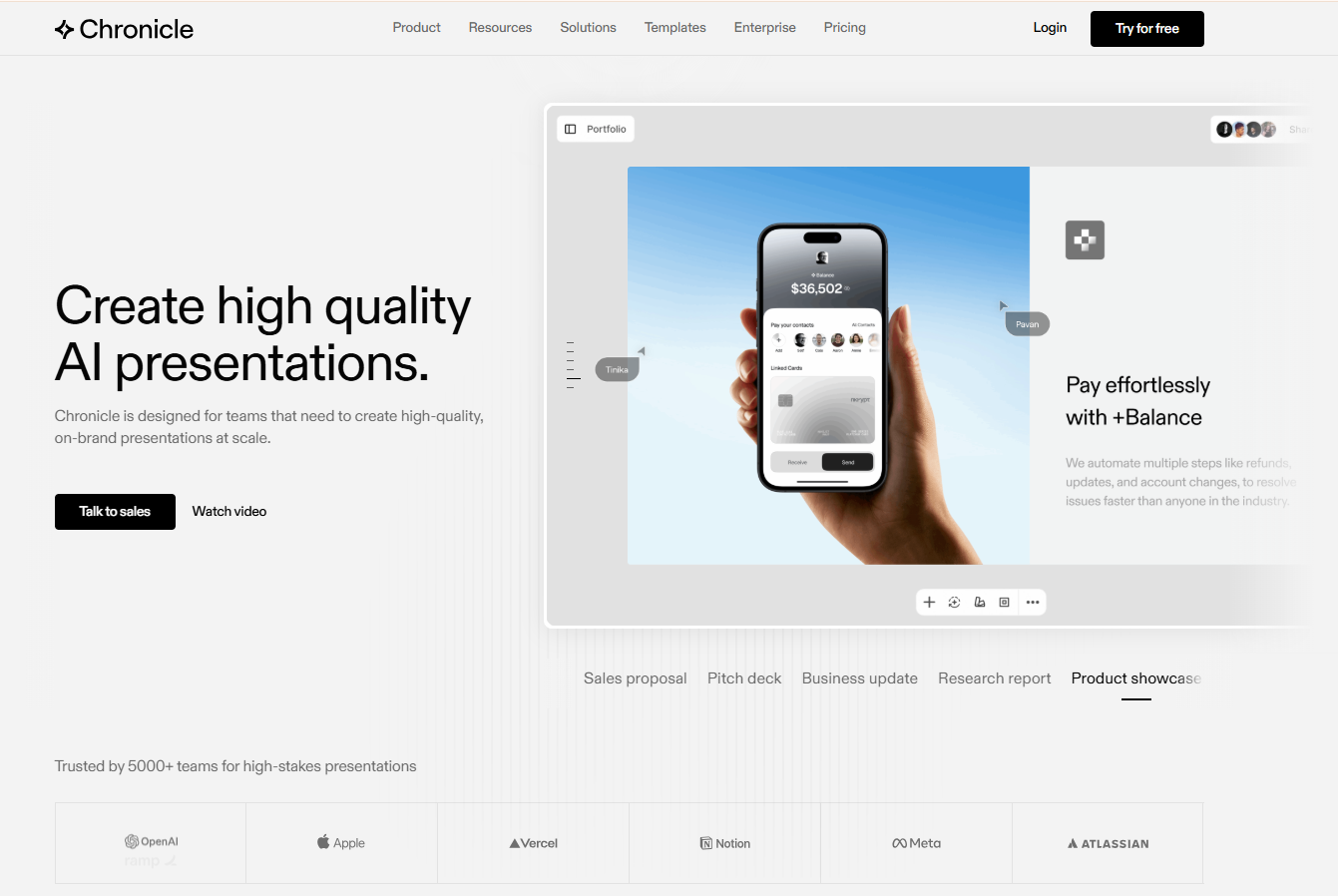
Chronicle is a modern, AI-powered presentation builder that helps you build professional presentations quickly. Past the free plan, though, friction builds up. Token limits cap monthly AI use, PowerPoint export sits behind the Plus tier, and collaboration tools stay thin until you pay for Pro or higher. Coming from PowerPoint or Google Slides also means learning a different, freeform canvas.
This list covers 11 tools that can replace Chronicle for real work: Sales decks, board updates, investor pitches, and client proposals that need to look polished on the first try.
TL;DR
- Presentations.AI is the best overall Chronicle alternative for teams seeking high-quality AI presentations, robust branding controls, and PowerPoint exports without usage-based limitations.
- Pitch stands out for collaboration, making it a strong choice for sales, marketing, and client-facing teams that build presentations together.
- Canva offers the most design flexibility, with an extensive template library and creative tools for teams seeking greater customization.
- Microsoft PowerPoint + Copilot is ideal for PowerPoint-first organizations that want AI assistance without changing their existing presentation workflow.
- When evaluating Chronicle alternatives, focus on AI output quality, PPT export availability, brand control, collaboration features, and pricing structure, as these factors have the biggest impact on long-term usability.
Quick Comparison Table (Chronicle vs Alternatives)
Here's how all 11 alternatives stack up against Chronicle across the factors that matter most.
| Tool | AI Draft Quality | Brand Control | PPT Export | Pricing Model | Collaboration | Best For | Our Rating |
|---|---|---|---|---|---|---|---|
| Chronicle | Strong, story-first | Tiered, Plus, and up | Plus tier and above | Token-based, 300–5,000/mo | Guest editors, capped | Storyline-first canvas users | 6.1/10 |
| Presentations.AI | Strong, quick drafts | Brand Sync automation | Included on Pro ($20/mo) | Credit-based, flat tiers | Shared workspace, analytics | Speed and brand consistency | 7.8/10 |
| Beautiful.ai | Clean, auto-layout | Locked themes | Available, paid plans | Per-seat subscription | Team workspace | Sales and ops teams | 7.4/10 |
| Gamma | Strong, narrative-first | Theme-based | Available, test fidelity | Per-seat subscription | Async sharing | Story-driven, document decks | 7.4/10 |
| Canva | Good, design-led | Brand kit, broad | Available, paid plans | Per-seat subscription | Team brand kit sharing | Design flexibility, variety | 8.3/10 |
| PowerPoint + Copilot | Improving, agent-based | Manual templates | Native, full fidelity | M365 subscription | Native file permissions | PowerPoint-first teams | 7.2/10 |
| Google Slides + AI | Varies by add-on | Limited | Via add-ons | Workspace subscription | Strong, real-time | Lightweight collaboration | 7.5/10 |
| Pitch | Assistive, not generative | Team templates | Needs testing | Per-seat subscription | Strong, built for teams | Sales and marketing decks | 7.3/10 |
| Slidebean | Strong for pitch decks | Limited customization | PDF-focused | Per-seat subscription | Limited | Storytelling-format decks | 6.3/10 |
| Visme | Good, broad content | Brand kit support | Needs validation | Per-seat subscription | Useful for teams | Data-heavy, marketing visuals | 7.6/10 |
| Prezi | Good, non-linear | Template-based | Needs validation | Per-seat subscription | Good for live sharing | Non-linear, zooming decks | 6.7/10 |
| Keynote | Manual, polished | Manual themes | Needs cleanup | Free with Apple hardware | Limited | Apple-based presenters | 6.5/10 |
How We Evaluated the Best Chronicle Alternatives
The best presentation software should do more than generate slides from a prompt. It should help teams create professional presentations quicker, maintain brand consistency, collaborate efficiently, and export files without formatting issues. To identify the best Chronicle alternatives, we tested each platform across common business use cases, including sales presentations, client proposals, investor decks, internal reports, and marketing presentations.
We also reviewed user feedback from G2 and other platforms to validate our hands-on findings. Our goal was to evaluate how these tools perform in real-world workflows rather than relying solely on feature lists.
We assessed each platform based on:
- AI output quality: How polished and presentation-ready the generated slides were
- Brand control: Support for custom fonts, colors, logos, and reusable themes
- Export flexibility: Quality and editability of PowerPoint and PDF exports
- Team collaboration: Shared workspaces, commenting, permissions, and co-editing features
- Pricing transparency: Overall value and feature availability across plans
- Speed to first deck: How quickly users can go from prompt to a finished presentation
- G2 ratings: Overall scores (Where there are too few reviews, we call that out).
Our Ranking Methodology
Every tool in this list was evaluated using the same criteria to ensure a fair comparison. Instead of rewarding platforms with the longest feature lists, we focused on how effectively they help users create, edit, share, and present professional presentations. We also considered how well each platform serves different audiences, from solo professionals and startup founders to sales teams and enterprise organizations.
All seven criteria above carry equal weight in the final score. AI output quality and export flexibility tend to be the strongest differentiators when teams switch away from Chronicle, while brand control, collaboration, and G2 score serve as meaningful tie-breakers. No tool paid for placement on this list, and the rankings get revisited periodically as pricing pages and feature sets change.
The table below shows the individual score for each of the seven criteria, with all criteria carrying equal weight. The Final score is the straight average across all seven.
| Tool | AI Output | Brand Control | Export | Collaboration | Pricing | Speed | G2 | Final /10 |
|---|---|---|---|---|---|---|---|---|
| Chronicle | 7.0 | 6.0 | 5.0 | 5.5 | 6.0 | 6.0 | 6.0 | 6.1 |
| Presentations.AI | 8.5 | 9.0 | 7.0 | 6.5 | 8.5 | 9.0 | 6.0 | 7.8 |
| Beautiful.ai | 8.0 | 7.0 | 7.0 | 7.0 | 5.5 | 8.0 | 9.4 | 7.4 |
| Gamma | 8.5 | 5.5 | 5.5 | 7.0 | 8.5 | 9.0 | 8.0 | 7.4 |
| Canva | 7.0 | 9.0 | 7.5 | 8.0 | 8.5 | 8.5 | 9.4 | 8.3 |
| PowerPoint + Copilot | 7.0 | 6.0 | 10.0 | 7.5 | 5.0 | 6.0 | 9.2 | 7.2 |
| Google Slides + AI | 6.0 | 5.0 | 7.0 | 9.5 | 9.0 | 7.0 | 9.0 | 7.5 |
| Pitch | 6.0 | 7.0 | 6.0 | 9.0 | 7.5 | 7.0 | 8.8 | 7.3 |
| Slidebean | 7.0 | 5.0 | 5.0 | 4.5 | 6.0 | 8.0 | 8.8 | 6.3 |
| Visme | 7.0 | 8.0 | 7.0 | 7.5 | 7.5 | 7.0 | 9.0 | 7.6 |
| Prezi | 6.5 | 6.0 | 5.0 | 7.0 | 7.5 | 6.5 | 8.4 | 6.7 |
| Keynote | 5.0 | 6.0 | 6.0 | 4.0 | 10.0 | 6.0 | 8.8 | 6.5 |
Common Pain Points in Chronicle
In general, users move from one product to the next when their requirements change or the product's limitations affect productivity. Here are the primary reasons users start looking for Chronicle alternatives.
1. Token Limits Restrict How Much AI You Can Actually Use
Chronicle's AI features operate on a token system, and every action consumes tokens from the monthly allowance. Generating a presentation costs roughly 10 tokens plus 1 per chapter, and rewrites or remixes cost about 1 token each. Free plans include 300 tokens per month, and Pro plans include 750 tokens per month.
That sounds like plenty until a team starts iterating: a few rounds of edits on a single 10-chapter deck can burn through a meaningful chunk of the monthly cap, and unused tokens don't roll over.
2. PPT Export Is Locked to Plus Tier and Above
PowerPoint export is available only on Chronicle's Plus plan, which costs $25 per month billed annually or $30 per month month-to-month. Free and Pro users are limited to PDF and social exports.
For teams that share decks with clients, partners, or colleagues who don't use Chronicle, that's a real obstacle, since most professional review cycles still happen in editable .pptx files. Some alternatives unlock PowerPoint export on a cheaper plan, which is worth factoring into the cost comparison.
3. You Need Deeper Team Collaboration Features
Guest editor limits only go so far. Agencies and marketing teams typically need shared asset libraries, slide-level comments, approval chains, and role-based permissions so the right people can edit without stepping on each other’s work.
Chronicle caps guest editors at 1 on Free and 10 on Pro, which gets tight for teams running frequent client reviews or juggling multiple stakeholders on the same deck.
4. You Want Stronger or Faster AI Generation Without a Steep Learning Curve
Chronicle's freeform, widget-based canvas works well once someone learns it, but it asks more of new users than a standard slide-by-slide format does. People coming from PowerPoint or Google Slides often want a tool that turns a prompt into a finished deck right away, without having to learn a new layout system first.
That preference often shows up among teams comparing Chronicle with more structured, prompt-to-deck AI tools.
5. Pricing Scales Expensively for Teams
Chronicle's Max plan costs $59 per user per month, and it's the only tier that includes advanced custom branding and the full 5,000-token allowance. For a 10-person team, that amounts to roughly $590 per month for the top tier alone.
Teams that need strong branding and heavy AI usage may find better value in tools with flat-rate pricing or a higher token-to-cost ratio, especially as headcount grows.
11 Best Chronicle Alternatives (Compared)
Each tool below includes a G2 rating, a weighted score across seven criteria, a summary, and a breakdown of pros, cons, and pricing.
1. Presentations.AI
Presentations.AI is best for: Marketing and sales teams, founders, and agencies that need fast AI deck generation with strong brand consistency and an affordable path to PowerPoint export.
Presentations.AI G2 rating: Not prominently rated, sample size too small
Our rating: 7.8/10
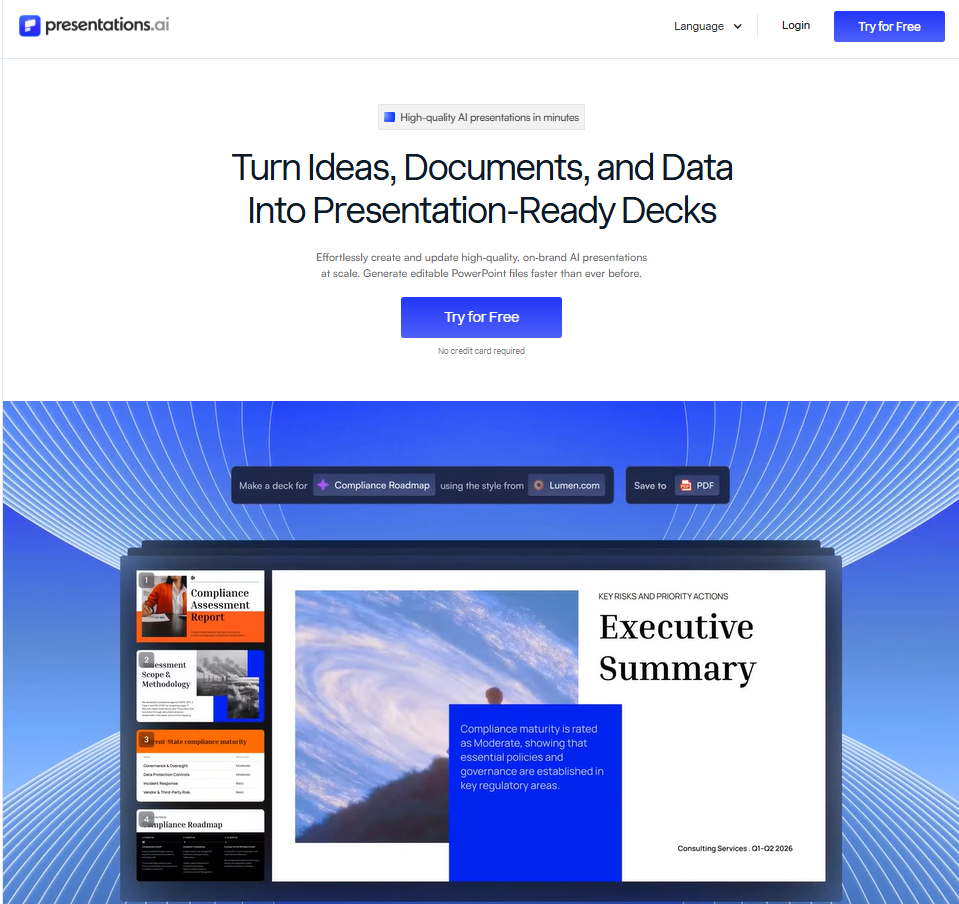
Over 8 million business professionals use Presentations.AI to get out of the weeds of slide formatting and spend more time on the work that actually matters. The idea driving the platform is straightforward: rather than handing someone a blank canvas and a template library, it serves as an AI collaborator that handles research, data collection, narrative structure, and design without being asked.
Teams using the platform report cutting anywhere from 4 to 40 hours of presentation work each month. Most of those savings come from eliminating the manual tasks that conventional tools push back onto the user: rebuilding charts when underlying data changes, reformatting slides when content grows or shrinks, and re-aligning layouts every time something gets added. If you’re interested in digging deeper, explore the full feature set.
Presentations.AI pros
- Brand Sync automatically pulls brand identity from a company website URL, eliminating the manual setup most tools require.
- Clip-E handles targeted revisions through conversation, so fixing tone, structure, or individual slides doesn’t mean starting over.
- Adaptable templates maintain their layout integrity as content length changes, reducing reformatting work.
- PowerPoint export is included on the $20/month Pro plan, which is more affordable than Chronicle’s equivalent export tier at $25/month.
- Slide-level analytics show which slides hold attention after a deck is shared, giving teams feedback that most AI presentation tools skip entirely.
Presentations.AI cons
- Only 3 G2 reviews as of 2026, making independent third-party validation very limited compared to more established tools.
- The free Starter plan caps at 20 slides and 200 credits, which limits how much real work can be done before upgrading.
- Works as a standalone deck generator rather than a native PowerPoint add-in, so teams that need to stay inside Microsoft’s file ecosystem have an adjustment period.
Presentations.AI pricing: Free Starter plan includes 200 credits and up to 20 slides. Pro is $20/month, billed annually, and unlocks 5,000 credits, PowerPoint export, Brand Sync, and analytics. Gold is $100/month, billed annually, and includes 50,000 credits, frontier AI models, and a shared knowledge base. For more detailed pricing information, check the pricing page.
2. Beautiful.ai
Beautiful.ai is best for: Sales and operations teams that need consistently clean, professional-looking decks without spending time on manual design adjustments.
Beautiful.ai G2 rating: 4.7/5 (183 reviews)
Our Rating: 7.4/10
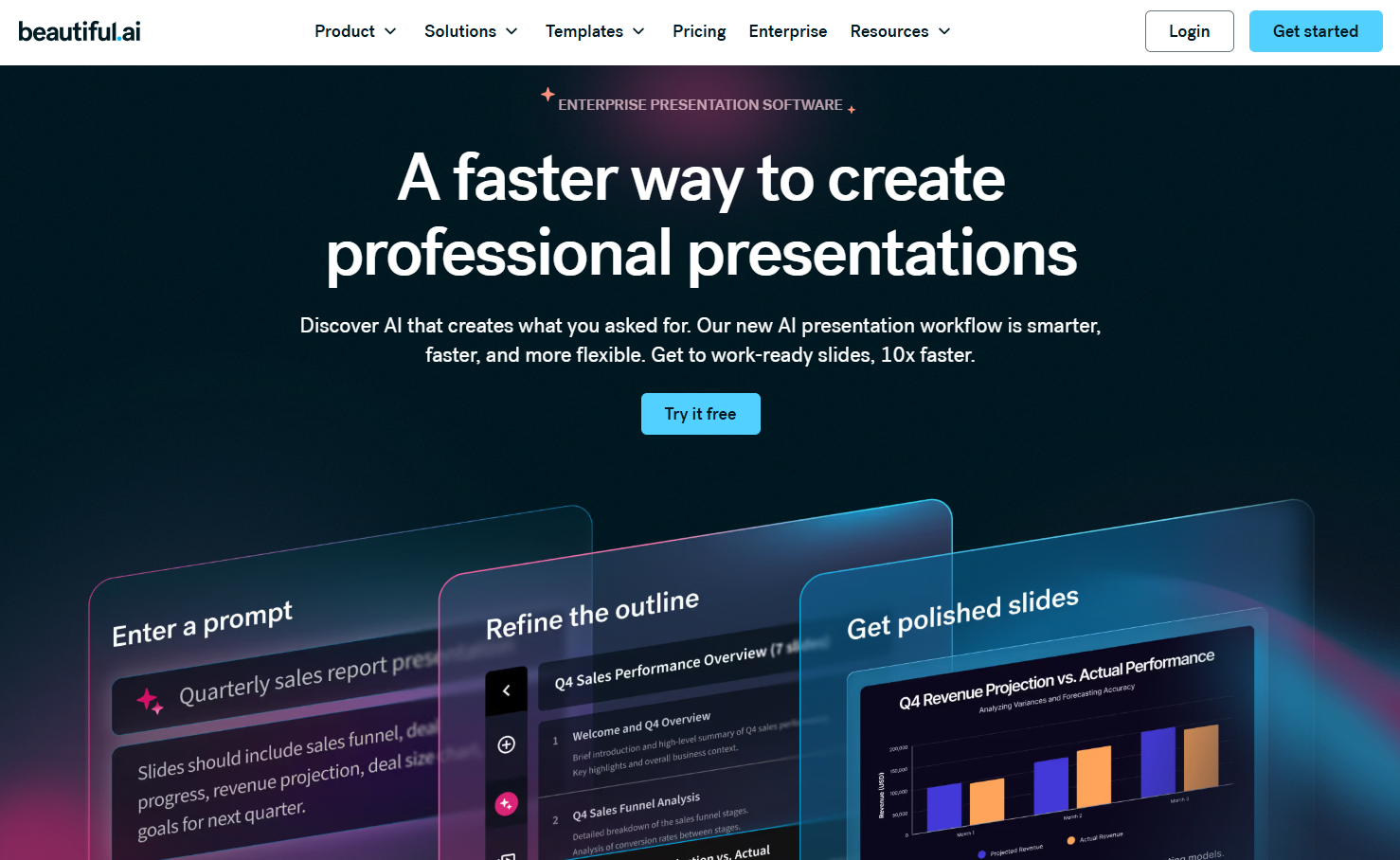
Beautiful.ai's Smart Slide engine automatically adjusts spacing and alignment as content changes, keeping decks tidy without manual adjustments. A 2026 update added a Context-Aware Workflow that drafts an outline before generating slides, which produces more coherent first drafts. See how it compares on the Beautiful.ai vs Presentations.AI page.
Beautiful.ai pros
- Smart Slide auto-layout adjusts spacing, alignment, and formatting as content is added or changed, keeping decks consistently tidy.
- The 2026 Context-Aware Workflow drafts a structured outline before building slides, reducing the choppy or disconnected feel that some AI generation produces.
- 4.7/5 G2 rating from 180+ reviews reflects consistently strong user satisfaction, particularly for design quality and ease of use.
Beautiful.ai cons
- Team plan runs $40 per seat per month, billed annually, which is among the more expensive options on this list at scale.
- Locked template styles limit creative flexibility for teams that want more control over individual slide design.
- Customer support responsiveness has been flagged in recent G2 reviews, including from a long-term customer in early 2026.
Beautiful.ai pricing: Individual plan starts at $12/month, billed annually. Team plan is $40 per seat per month, billed annually. A free trial is available.
3. Gamma
Gamma is best for: Teams creating narrative-first, document-style presentations for internal sharing or content-heavy use cases where browser-based delivery works as well as a .pptx file.
Gamma G2 rating: 4.1/5 (20+ reviews)
Our rating: 7.4/10
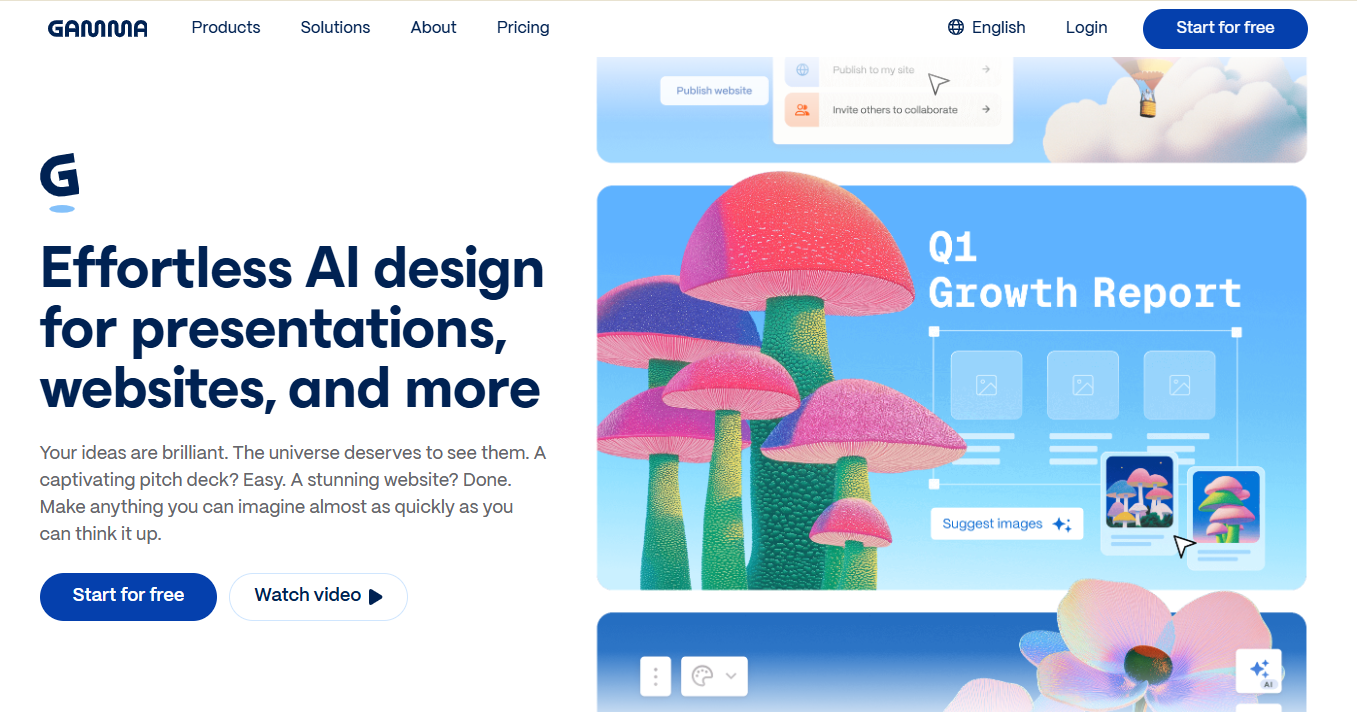
Gamma's card-based format reads as well in a scrollable browser tab as it does in a traditional slide deck, making it a strong fit for internal updates and narrative-heavy content. A 2026 update added a conversational agent and native image generation, both of which speed up polishing a first draft. Full breakdown available on the Gamma vs Presentations.AI page.
Gamma pros
- Generates a complete, well-structured deck or document in under 60 seconds from a text prompt, with text, images, and layouts handled automatically.
- Card-based, scrollable format works equally well as a shareable browser link and as a traditional presentation, giving more flexibility in how decks are delivered.
- Free plan includes 400 credits and is genuinely useful for trying the tool on real work before committing to a paid plan.
Gamma cons
- PPT export has documented formatting issues across multiple independent sources, with fonts, images, and layouts frequently needing repair after conversion.
- Brand control is theme-based rather than automated, requiring manual setup per project rather than pulling from a central brand profile.
- The G2 rating of 4.1/5 on the Gamma AI product page is lower than that of most tools on this list, and the sample of 20+ reviews is still relatively thin, so third-party verification is limited.
Gamma pricing: Free plan includes 400 credits. The Plus plan starts at approximately $8/month, billed annually. The Pro plan is approximately $15/month, billed annually.
4. Canva
Best for: Teams that produce presentations alongside other visual content and want brand consistency across all formats from a single platform.
Canva G2 rating: 4.7/5 (6,700+ reviews)
Our rating: 8.3/10

Canva's Magic Design generates full decks from a prompt, and its brand kit syncs colors, fonts, and logos across presentations, social graphics, and documents at once. That breadth makes it a natural fit for teams that need more than just slides from one platform.
Suggested read: Try Presentations.AI, The Best Alternative to Canva
Canva pros
- Brand kit carries colors, fonts, and logos consistently across presentations, social graphics, and documents from a single setup, reducing per-project configuration.
- Magic Design generates a complete deck from a prompt or uploaded content brief in seconds, with a quick learning curve for non-designers.
- Generous free plan and a wide template library lower the barrier to entry for individuals and small teams.
Canva cons
- General-purpose design tool first, so AI slide generation isn’t as refined as tools built specifically for presentations.
- PPT export quality degrades with complex layouts, and advanced slides often require adjustment after conversion.
- Template volume is large enough that finding the right fit quickly can take longer than expected without a clear starting point.
Canva pricing: Free plan available. Canva Pro is $15/month billed annually. Canva Teams starts at $10 per person per month, billed annually (minimum 3 users). Enterprise pricing available on request.
5. Microsoft PowerPoint + Copilot
PowerPoint is best for: Finance, legal, and operations teams that need to stay inside native PowerPoint for file compatibility, permissions, and institutional review workflows.
PowerPoint G2 rating: 4.6/5 (4,300+ reviews)
Our rating: 7.2/10
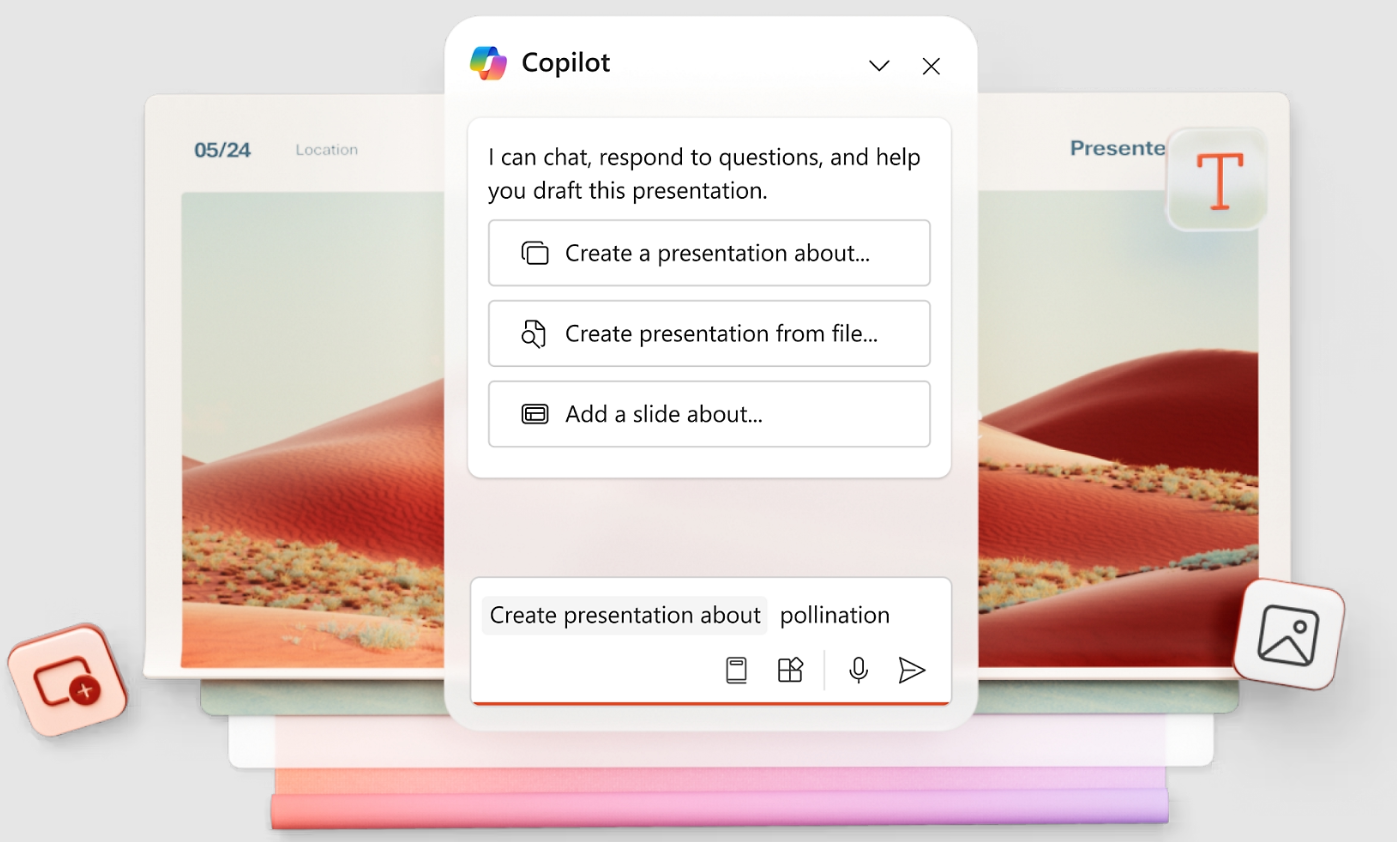
For teams that need to stay inside PowerPoint, Copilot layers AI drafting and editing on top of the program most finance, legal, and operations teams already use for review and approval. Newer agent-based editing tools handle restructuring and rewriting within an existing file. The tradeoff is that PowerPoint still asks more manual design effort than AI-native platforms, and Copilot requires a separate subscription on top of existing M365 licensing.
PowerPoint pros
- Native PPT format means zero export issues. Decks open, edit, and share without conversion since the output is already a .pptx file.
- Copilot’s 2026 agent-based editing tools handle restructuring and rewriting within an existing file, removing the need to start from scratch for major revisions.
- M365 licensing already covers most enterprise teams, so no additional tool evaluation, procurement, or IT approval is typically needed.
PowerPoint cons
- Copilot requires a separate Microsoft 365 Copilot subscription on top of existing M365 licensing, which adds meaningful per-seat cost at scale.
- Non-designers still invest significant manual effort in layout, visual hierarchy, and formatting despite AI assistance, making time-to-first-draft longer than AI-native tools.
- Significantly slower to a polished first draft than tools that generate complete decks from a single prompt.
PowerPoint pricing: Microsoft 365 Business Basic starts at $ 6 per user per month. Copilot Pro for individuals is $20/month. Microsoft 365 Copilot for business is $30/user/month on top of a qualifying M365 plan. Enterprise pricing varies.
6. Google Slides + AI Add-Ons
Slides is best for: Teams already working in Google Workspace that need strong real-time collaboration and acceptable AI assistance without adding another tool to the stack.
Slides G2 rating: ~4.5/5 (via Google Workspace; specific Google Slides G2 data limited)
Our rating: 7.5/10
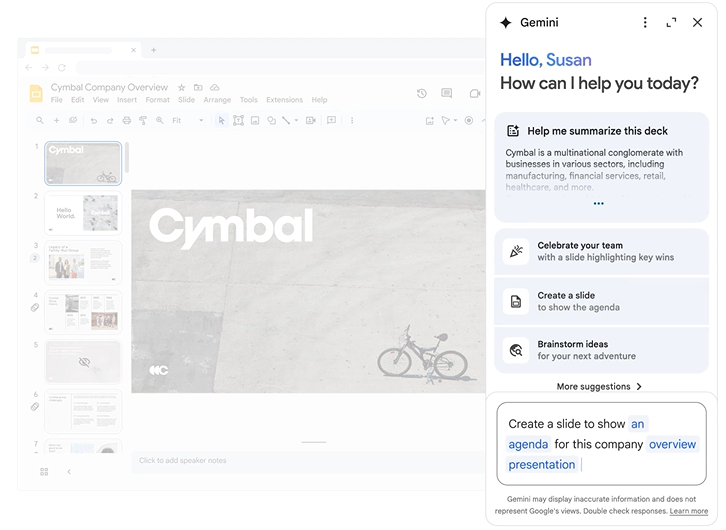
Google Slides now ships with Gemini built into Workspace Business Standard and above, pairing real-time collaboration with AI assistance inside a tool most teams already use. It’s a strong fit for quick decks built by a team that works in Google Workspace day to day. Output quality varies by add-on, so polished decks usually need a manual pass before sharing.
Suggested read: Google Slides vs Presentations.AI: An Honest 2026 Comparison
Slides pros
- Best-in-class real-time collaboration: multiple people can edit the same deck simultaneously with instant syncing and a familiar interface.
- Gemini is included in Workspace Business Standard and above, providing AI assistance without requiring a separate subscription or tool switch.
- Free for personal Google accounts and included in most Workspace plans, making it the lowest-cost entry point on this list.
Slides cons
- AI output quality varies significantly depending on which Gemini add-on or version is in use, making first-draft consistency unpredictable.
- No dedicated brand enforcement: colors, fonts, and logos must be set manually for each deck, with no central brand profile or automation.
- Not built for AI-native deck generation; first drafts typically require more manual cleanup than purpose-built tools.
Slides pricing: Google Slides is free for personal use. Google Workspace Business Starter starts at $ 6 per user per month. Business Standard (includes Gemini) starts at $12/user/month.
7. Pitch
Pitch is best for: Sales and marketing teams that build client-facing decks collaboratively and need structured review and approval workflows, along with high-quality templates.
Pitch G2 rating: 4.4/5 (60+ reviews)
Our rating: 7.3/10
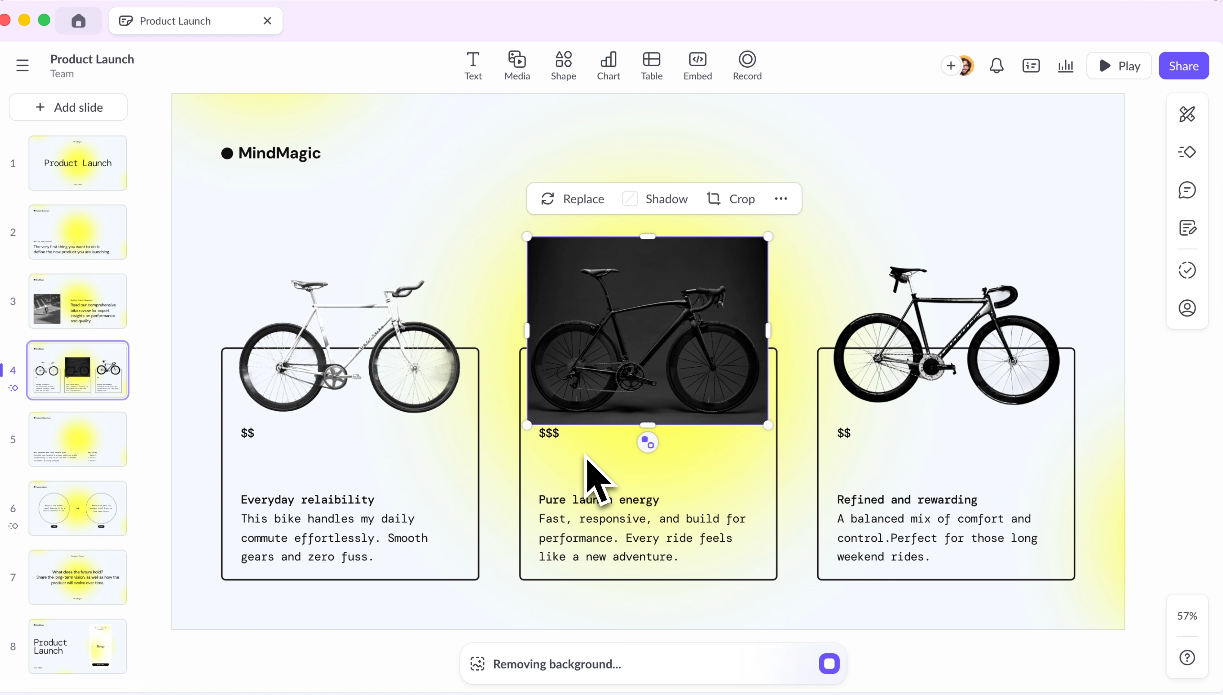
Pitch is built around shared workspaces, team templates, and structured editing, which makes it a strong fit for sales and marketing teams that build decks together rather than solo. Comments, approval workflows, and version history cover most of what client-facing teams need for review cycles. Its AI is built to assist with editing rather than to generate a full deck from a single prompt.
Pitch pros
- Built from the ground up around team collaboration, with shared workspaces, commenting, approval workflows, and version history in one place.
- The template library is designed for client-facing work, with layouts that look polished with minimal individual design effort.
- The free plan is genuinely usable for smaller teams that don’t need advanced AI generation or high-volume deck output.
Pitch cons
- AI is assistive rather than generative: it helps refine and edit slides but doesn’t produce a complete deck from a single prompt, unlike AI-native tools.
- PPT export quality needs to be tested for each use case before committing to it as a standard delivery format for client or stakeholder decks.
- Moving from PowerPoint or Google Slides requires a short adjustment period, and offline access is limited.
Pitch pricing: Free plan available. The Pro plan is $20/month, billed annually. Team plan pricing available on request. Enterprise pricing available.
8. Slidebean
Slidebean is best for: Early-stage founders and startup teams preparing seed or Series A pitch decks who need a structured narrative framework and investor engagement tracking.
Slidebean G2 rating: 4.4/5 (26 reviews)
Our rating: 6.3/10

Slidebean structures decks around the narrative arc investors expect: problem, solution, market, traction, team, and ask. A built-in pitch deck reviewer gives slide-by-slide feedback to help founders tighten a story before a real meeting. The tool also tracks investor engagement after a deck is shared. The focus is narrow by design, which limits its usefulness for decks outside the pitch and fundraising context.
Slidebean pros
- Purpose-built for investor pitch decks, with templates structured around the narrative arc seed and Series A investors expect to see.
- The built-in pitch deck reviewer provides slide-by-slide feedback to help founders identify weak points before a real investor meeting.
- Tracks viewer engagement after a deck is shared, including who opened it and how long they spent on each slide, which helps prioritize follow-up.
Slidebean cons
- Narrow scope: the tool is optimized for startup pitch and fundraising decks, and other use cases get limited template support and a less refined experience.
- PPT export frequently converts charts and custom layouts to uneditable images, limiting post-export editing for stakeholders who need to work in PowerPoint.
- The Accelerate tier runs approximately $99/month, which is hard to justify for teams not in active fundraising mode.
Slidebean pricing: Free plan available with limited sharing. The starter plan starts at approximately $12/month. Accelerate plan (full AI features and pitch review services) is approximately $99/month. Confirm current pricing at slidebean.com.
9. Visme
Visme is best for: Marketing and HR teams that produce more than just slide decks and want data visualization, infographics, and presentations managed from a single branded workspace.
Visme G2 rating: 4.5/5 (470+ reviews)
Our rating: 7.6/10

Visme combines presentations, infographics, charts, documents, and branded content into a single workspace, which suits marketing and HR teams that produce more than just slide decks. Brand kit support is strong, with locked colors, fonts, and logos carrying across content types. The trade-off is that its AI-generated presentations specifically aren’t as good as tools built around AI-first deck creation.
Visme pros
- Combines presentations, infographics, charts, documents, and branded visuals in one platform, reducing the need for multiple design tools across the team.
- Brand kit support is comprehensive, with locked colors, fonts, and logos carrying across content types from a single setup.
- 4.5/5 G2 rating from 474 reviews reflects broad user satisfaction across diverse use cases, including strong marks for customer support.
Visme cons
- AI presentation generation isn’t as fast or polished as tools built specifically around AI-first deck creation, so first drafts often need more cleanup.
- The broader feature set adds complexity for users who only need slide decks, and the learning curve is steeper than with simpler tools.
- The starter plan limits the number of projects and some collaboration features, which can be frustrating for teams in active production.
Visme pricing: Free plan available. The Starter plan is $12.25/month, billed annually. The Pro plan is $24.75/month, billed annually. Teams and enterprise pricing are available on request.
10. Prezi
Prezi is best for: Trainers, educators, and speakers who present live and want to communicate how ideas connect spatially rather than walking through a linear slide sequence.
Prezi G2 rating: 4.2/5 (5,200+ reviews)
Our rating: 6.7/10
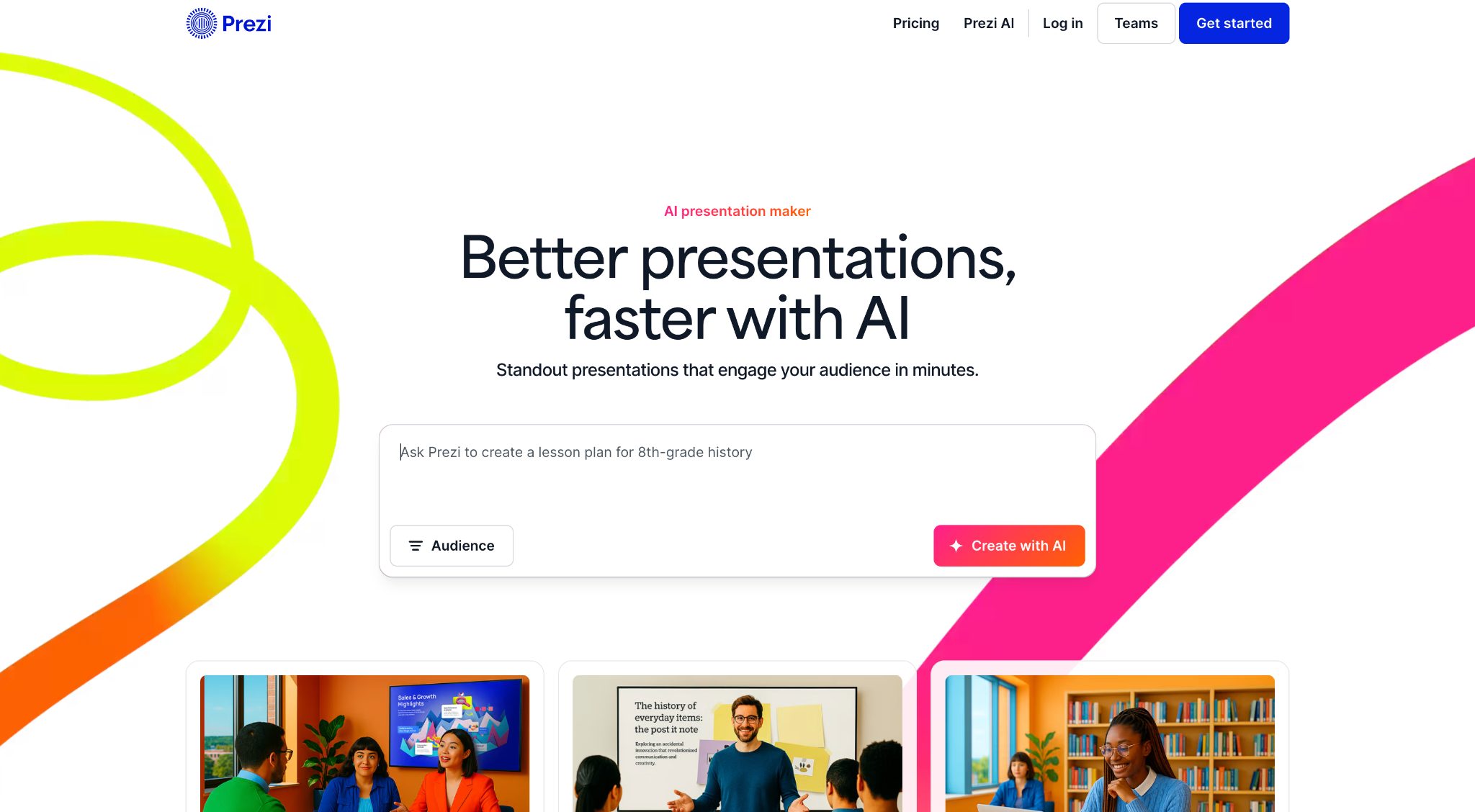
Prezi's zoomable, non-linear canvas lets presenters move between ideas spatially instead of flipping through slides in a straight line, which works well for trainers, educators, and speakers explaining how concepts connect. AI text-editing tools added in 2026 allow users to shorten, expand, or restructure content within the canvas. That same non-linear format can feel unfamiliar in formal settings like board packs or approval chains.
Prezi pros
- Zoomable, non-linear canvas format is genuinely distinctive and works well for communicating how ideas connect spatially during live presentations.
- AI text editing tools added in 2026 allow content to be shortened, expanded, simplified, or restructured directly within the canvas without starting over.
- The standard plan is one of the more affordable on this list at $7/month, with a clear tier structure up to Premium.
Prezi cons
- Non-linear formats are unsuitable for formal contexts such as board packs, investor updates, or approval chains that expect standard, linear slide sequences.
- PPT export has documented compatibility issues: the zooming canvas doesn’t translate cleanly to a static slide format, often requiring significant cleanup.
- Not a strong AI generation tool for first drafts; content creation still requires more manual input compared to AI-native alternatives.
Suggested read: Prezi vs Presentations.AI: An Honest 2026 Comparison
Prezi pricing: The Standard plan is $7/month, billed annually. The Plus plan is $19/month, billed annually. The Premium plan is $29/month, billed annually. Team pricing is available.
11. Keynote
Keynote is best for: Mac-based presenters who prioritize animation quality and visual polish over speed to first draft or cross-platform compatibility.
Keynote G2 rating: 4.4/5 (500+ reviews)
Our rating: 6.5/10
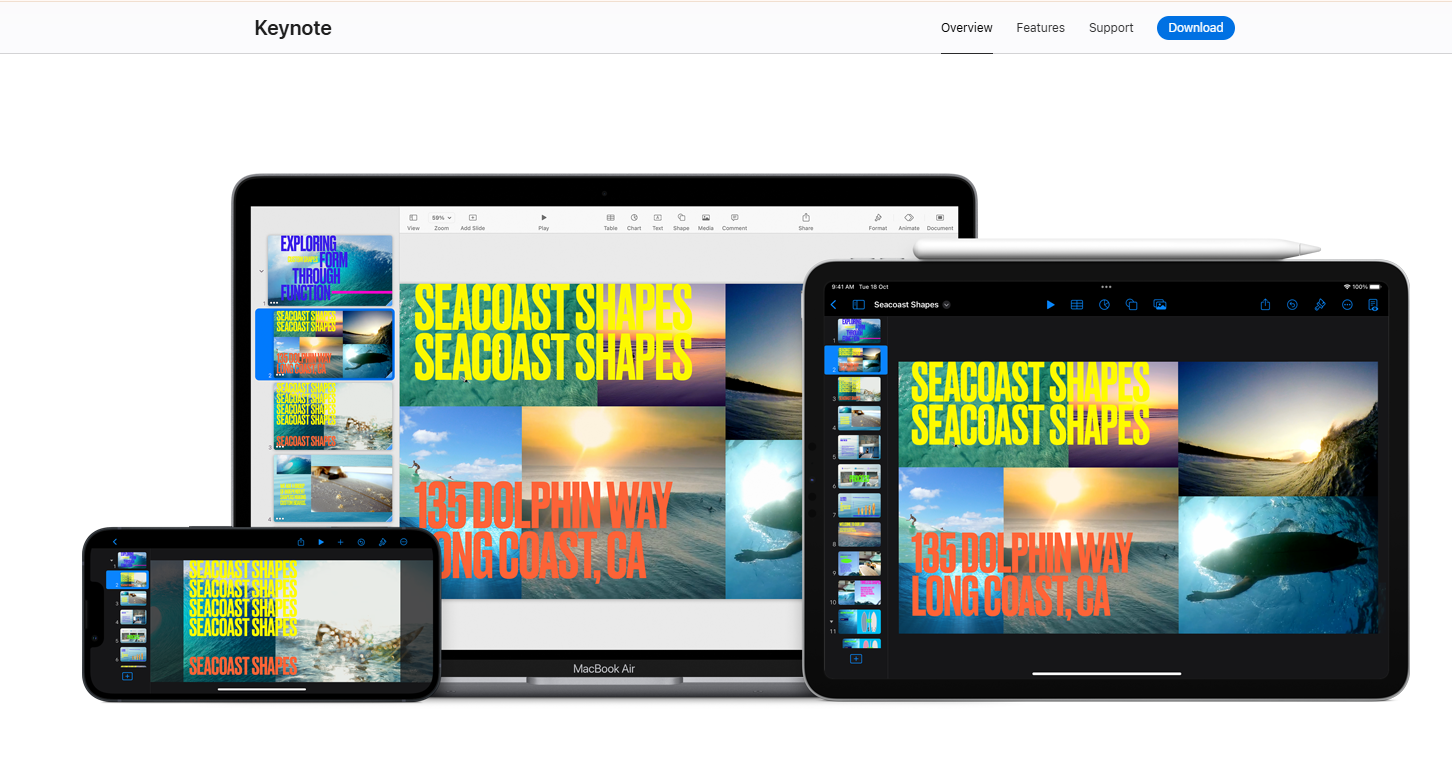
Keynote comes free with Apple hardware and produces polished, animation-rich decks with a smooth presenting experience. It’s a natural choice for Mac-based teams that prioritize visual quality over AI generation speed.
The main friction point is cross-platform compatibility: converting to PowerPoint for Windows colleagues or Google Workspace users frequently shifts fonts, animations, and layouts in ways that need a cleanup pass.
Keynote pros
- Free with any Apple device, making it the most cost-effective tool on this list for teams already working in the Apple ecosystem.
- Animation and transition quality are among the best in the category, producing polished presenter experiences with minimal extra effort.
- Low learning curve for existing Apple users, and consistent performance across Mac, iPad, iPhone, and iCloud on PC.
Keynote cons
- No meaningful AI generation from prompts: deck creation is manual, making it slower to a first draft than every other tool on this list.
- Cross-platform sharing is problematic: converting to PowerPoint for Windows colleagues or Google Workspace users frequently shifts fonts, animations, and layouts.
- Collaboration is limited and Apple-centric, with no meaningful path for Windows users to participate in real-time editing.
Keynote pricing: Free with any Apple device (Mac, iPad, iPhone). iCloud access is available on PC via browser at no additional cost.
What to Look for in a Chronicle Alternative
Features on a pricing page only tell part of the story. Here's what actually matters once a team starts using a tool day-to-day.
1. AI Output Quality and Editing Control
A confident demo doesn't always mean a usable first draft. Before committing to a tool, test how much manual cleanup a real deck needs after generation, whether targeted rewrites are possible without starting over, and how layouts hold up when content gets longer or shorter. Tools with a conversational editing layer, like the AI Slide Creator, tend to need less post-generation fixing than those that only support full regeneration.
2. Export Flexibility: Especially PPT
PowerPoint compatibility matters most when decks need to move outside the tool that created them, whether that's a client review, a board meeting, or a legal sign-off. Check whether exporting is included on an affordable plan or locked behind the priciest tier, and open the exported file directly in PowerPoint to confirm that fonts, spacing, and images survive the conversion. A file that claims compatibility but needs heavy reformatting isn't actually solving the problem.
3. Brand Themes and Style Enforcement
Real brand control goes beyond a few suggested colors. Look for locked fonts, enforced color palettes, reusable templates, and the ability to apply a custom theme automatically rather than rebuilding the deck from scratch. That consistency matters most for teams producing multiple decks a month across different people, where one off-brand slide can mean a round of cleanup before a deck is ready to share.
4. Pricing Model: Tokens vs Flat AI Access
Token-based pricing, like Chronicle’s, provides clear budget visibility. Still, teams that treat AI as an ongoing collaborator rather than a one-time generator tend to do better with flat or generous credit-based access. The right model depends on how often a team plans to iterate: occasional use favors token caps, while frequent iteration favors flat or high-allowance pricing.
5. Collaboration and Permissions
Shared workspaces, role-based permissions, commenting, and guest editor limits should match how a team actually works, not just its headcount. A five-person agency reviewing client decks needs different controls than a 50-person sales team generating proposals independently. Test the collaboration features with the same group that will use them daily, not a single admin account.
If you already know which of these factors matters most to your team, this table maps each use case to the tool best suited for it.
| Use Case | Best Alternative | Why |
|---|---|---|
| Fast AI deck generation with brand consistency | Presentations.AI | Brand Sync, Clip-E for revisions, sub-60s first draft |
| Affordable PowerPoint export | Presentations.AI | PPT export on $20/mo Pro plan vs Chronicle's $25 |
| Sales & marketing proposal decks | Presentations.AI | Speed, auto-branding, slide-level analytics |
| Founder / investor pitch decks | Presentations.AI + Slidebean | Brand-ready drafts from a prompt; Slidebean for structured pitch narrative |
| Team collaboration & approval workflows | Pitch | Shared workspaces, comments, version history, approval chains |
| Real-time co-editing | Google Slides + AI | Best-in-class simultaneous editing, free in Workspace |
| Design flexibility & multi-format content | Canva | Brand kit across slides, social, and docs in one platform |
| Clean auto-layout without manual formatting | Beautiful.ai | Smart Slide engine adjusts spacing automatically |
| Narrative-first / document-style decks | Gamma | Card-based scrollable format, strong story structure |
| Staying inside native PowerPoint | Microsoft PowerPoint + Copilot | Zero export friction, agent-based editing in .pptx |
| Non-linear / live spatial presentations | Prezi | Zoomable canvas for trainers, educators, live speakers |
| Apple-ecosystem presenters | Keynote | Free with Apple hardware, best animation quality |
| Data-heavy marketing & HR visuals | Visme | Infographics, charts, and presentations in one branded workspace |
The Best Chronicle Alternative for Most Teams: Presentations.AI
Presentations.AI comes out on top for most professional teams, and here’s why it earns that spot, along with who benefits most from switching.
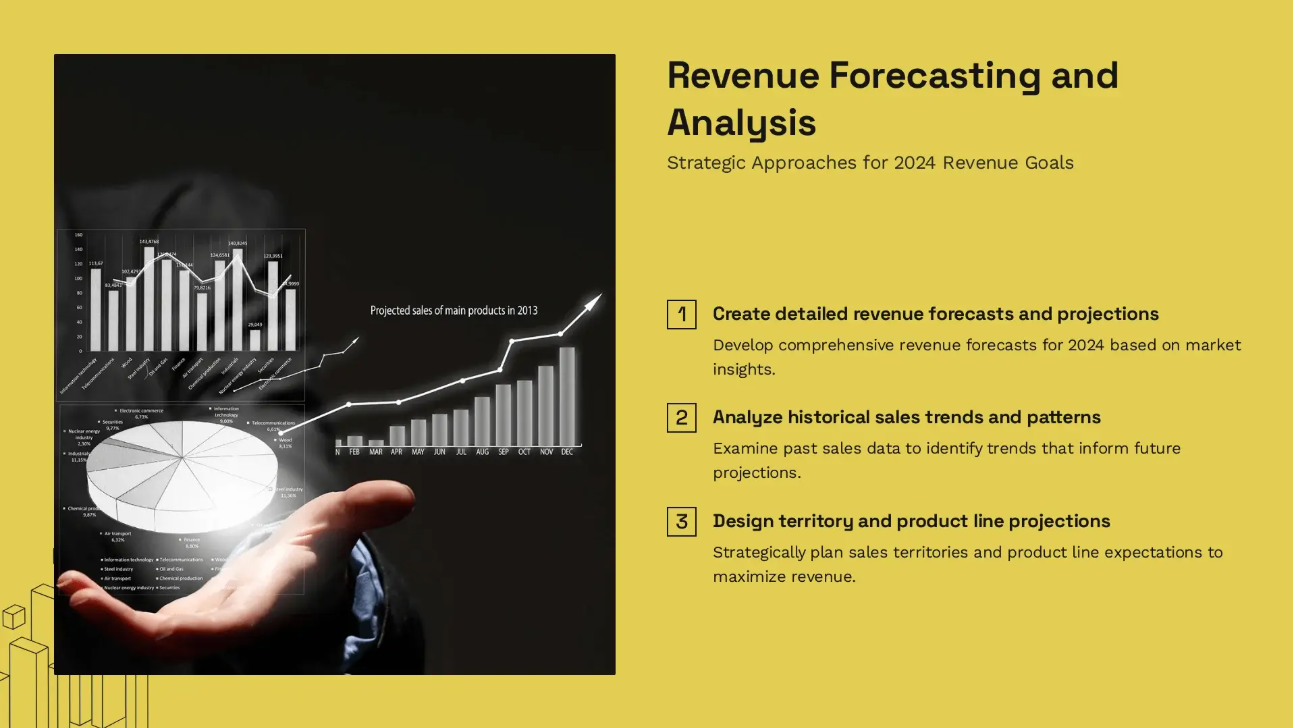
Why Presentations.AI Is the Best All-Around Replacement
Presentations.AI addresses the three pain points that lead people to look for a Chronicle alternative in the first place: token anxiety, PowerPoint export locked behind a pricier tier, and a canvas that takes time to learn.
The AI Presentation Maker accepts a prompt, a PDF, a Word document, or a URL, and turns whatever you start with into a structured first draft in under a minute. From there, Clip-E handles revisions through conversation, so asking for a more formal tone or a tighter narrative doesn’t mean starting over.
Brand Sync pulls a company’s colors, fonts, and logo straight from its website, and PowerPoint export sits on the $20/month Pro plan instead of behind Chronicle’s $25 entry point for the same feature. Built-in analytics also show which slides get the most attention once a deck goes out, something most AI presentation tools skip entirely.
Who Should Choose Presentations.AI
Sales teams get the most value from the speed and automatic brand consistency on proposal decks and account plans, an area covered directly in Presentations.AI’s tools for sales teams.
Marketing teams see the same benefit in launch decks and campaign reporting. Founders building investor decks can skip hiring outside design help, especially with resources built specifically for founders that cover everything from pitch decks to board updates. Agencies that turn client input into quick-turnaround decks see the greatest time savings, and internal ops teams benefit once Brand Sync removes manual setup from recurring reports.
When To Choose Chronicle and When It Doesn’t Make Sense
Chronicle still makes sense for teams that want to shape a story inside a flexible, widget-based canvas before building slides. Most other teams end up switching for one of three reasons: They need PowerPoint export without paying for a premium tier, they want real collaboration features at a lower price point, or they'd rather generate a deck directly from a prompt than learn a new layout system.
For PowerPoint-dependent teams, Presentations.AI and PowerPoint with Copilot are the strongest options to test first. For collaboration-heavy teams, Pitch and Google Slides with AI add-ons are a better fit than Chronicle's tiered guest editor limits.
For token-limit relief, Presentations.AI's credit system and Canva's free tier both avoid the monthly reset anxiety that comes with Chronicle's plans. The best way to decide is to test two tools side by side on an actual deck instead of a generic demo prompt.
Ready to move past Chronicle's token limits and PowerPoint gate?
Try Presentations.AI free. No credit card required.