Why Convert HTML to PowerPoint?
HTML is built for browsers, not boardrooms. Whether it's an exported report, an internal dashboard, an email newsletter, or a web page you've saved, the moment you need it on a slide you're stuck copy-pasting code or taking screenshots. Formatting breaks, tables collapse, and links die.
Presentations.AI reads your markup directly (headings, paragraphs, lists, tables, and hyperlinks) and rebuilds it as a clean slide narrative instead of a wall of scraped text. It's the same engine as our URL to PPT converter, optimised specifically for raw HTML and .html files.
Common use cases: turning HTML reports into board-ready decks, converting dashboard exports into client updates, repurposing newsletters into pitch slides, and saving web pages as presentation-ready decks. Whatever the source markup, Presentations.AI converts it into a structured, editable PowerPoint, without you touching a single line of code. If you have no markup to start from, the AI presentation maker builds the deck from a single prompt instead.
Why Choose Presentations.ai to Convert HTML to PPT?
AI Parses HTML Structure, Not Just the Tags
The AI reads your document's semantic structure, not just the visible text. H1s become slide titles, lists become clean bullets, and sections become logical slide breaks, so the deck follows your content's hierarchy instead of dumping everything onto one slide.
Tables, Lists, and Hyperlinks Preserved
Data tables convert into structured, editable slide tables, ordered and unordered lists carry over as formatted bullets, and hyperlinks stay clickable in the final deck. Nothing gets flattened into an unusable screenshot.
Paste Raw HTML Code or Upload .html Files
Work the way you want. Drop in an exported .html file, or paste raw HTML markup straight into the import field, and the AI handles both. It's the cleanest option when you only have a snippet from a CMS or email tool and no saved file. For plain copy with no markup, our Text to PPT converter does the same job.
Brand Sync: Your Colors, Fonts, and Logo Applied
Enter your company URL once and Brand Sync automatically pulls your brand colors, fonts, and logo and applies them across every slide. Your HTML export arrives looking like an official corporate deck, not a raw conversion. Prefer a starting point? Choose from our professional templates instead.
Fully Editable PowerPoint Output
Every text box, table, and shape is a native PowerPoint object, not an image. Edit copy, restyle tables, swap layouts, and update content directly in PowerPoint after export. Use our AI slide creator to build new slides on top of your converted deck.
SOC 2 Type II: Files Deleted After Conversion
SOC 2 Type II certified with end-to-end encrypted processing. Your HTML files, and any data inside them, are processed securely, never stored beyond the conversion session, and never used to train public AI models.
How to Convert HTML to PPT in 3 Steps
Step 1: Upload your HTML file or paste raw code
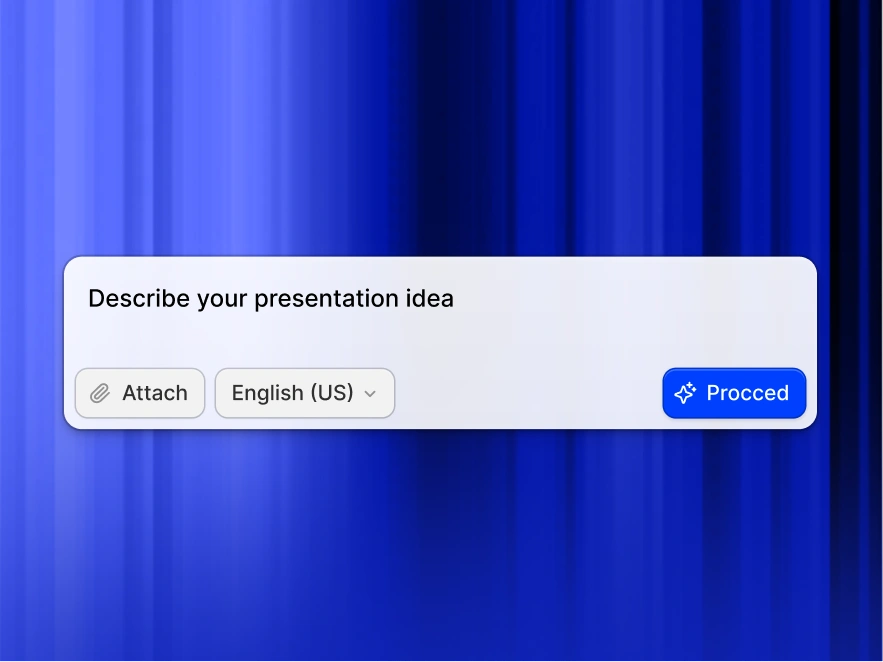
Go to your dashboard and select Import. Drag and drop an .html file, or paste raw HTML markup directly into the import field. Both work, and there's nothing to prepare.
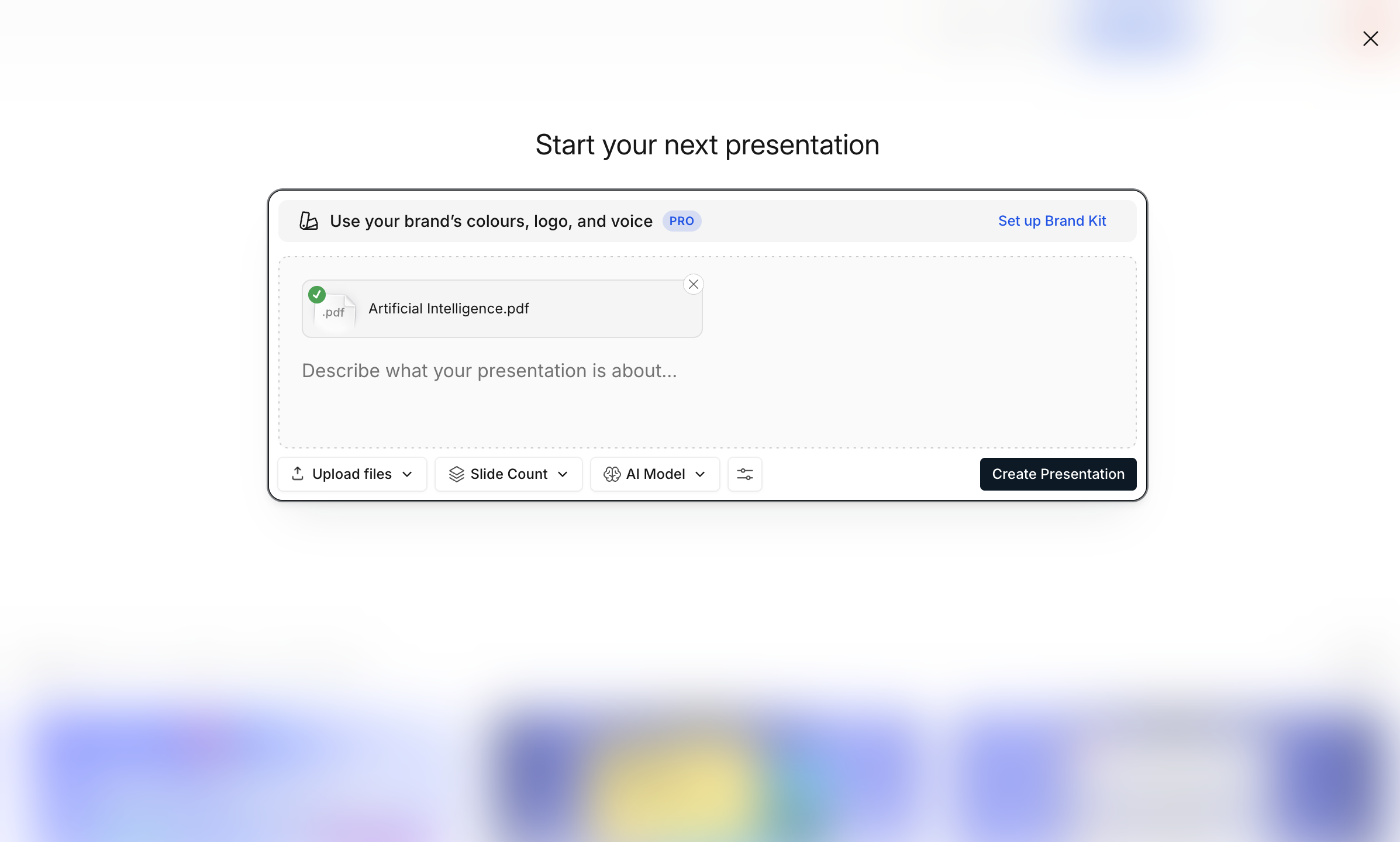
Step 2: AI parses your markup and builds slides
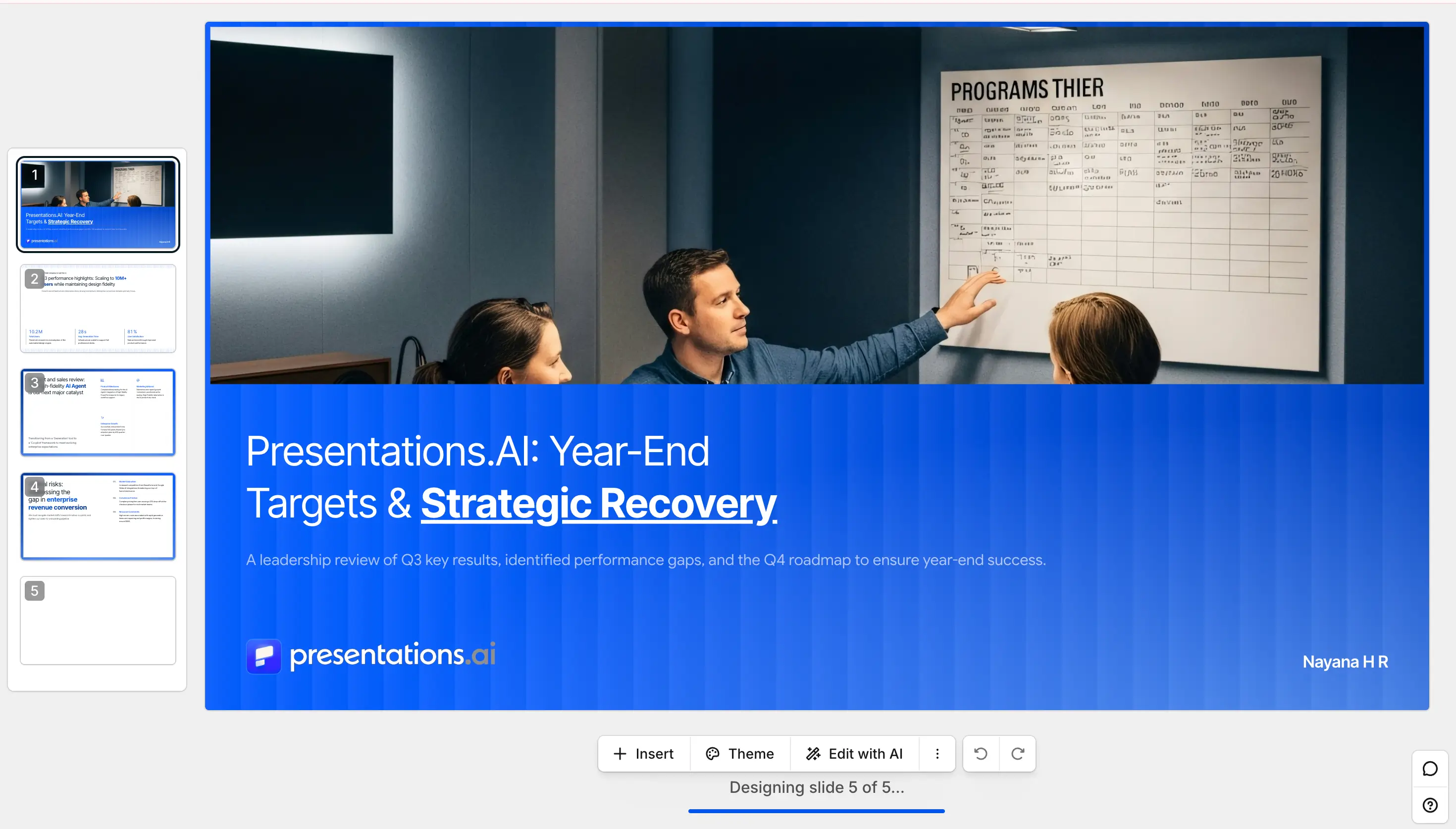
The AI reads your tags, tables, lists, and links, identifies the content hierarchy, and structures it into a complete slide deck, with no blank slides and no formatting work. Brand Sync applies your corporate colours and fonts automatically.
Step 3: Edit, export as PPTX, or share a link
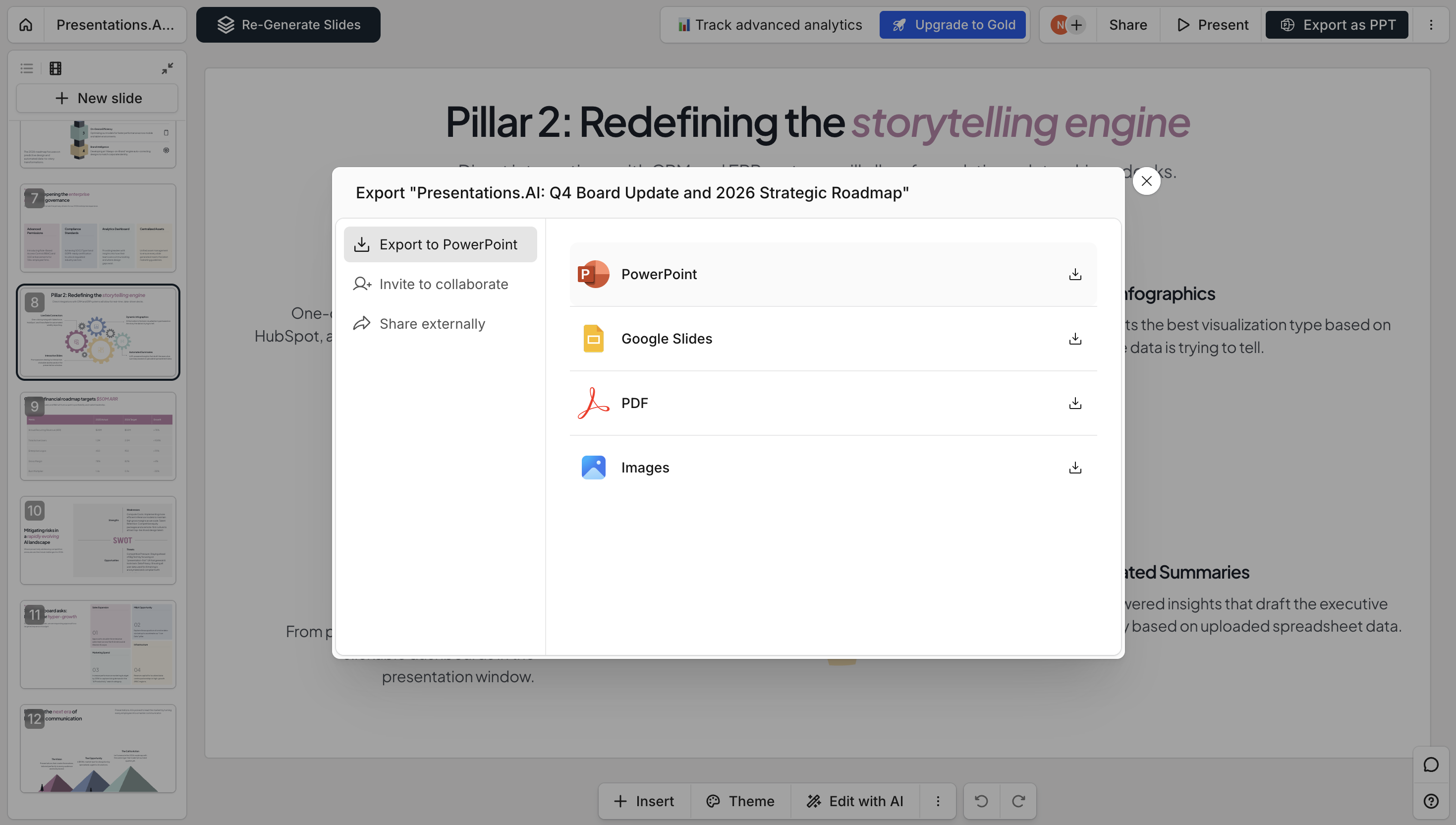
Preview your deck, adjust layouts, edit copy, or refine slides in the editor. Then export as a fully editable PowerPoint (.pptx), download as PDF, or publish as a shareable link for stakeholders. Check our pricing page to see what's included in the free plan.
Presentations.ai vs Other HTML to PPT Converters
Most HTML converters paste your page in as a flat image. Presentations.ai rebuilds it into editable slides - here is how that compares.
Supported Formats & Specifications
Sales: turn competitor product pages into pitch slides
Convert a rival’s pricing or feature page into an editable deck you can annotate for a battlecard or a QBR. No screenshots to crop, no rebuilding their comparison table by hand.
Marketing: archive campaign landing pages as stakeholder decks
Save a campaign page as .html before it comes down, convert it, and keep a branded record of what actually ran. Useful for the retro, the board pack, or an agency handover.
Reports: turn HTML dashboard exports into board-ready updates
Most BI tools export HTML. Convert that straight into slides with the tables intact and still editable, instead of rebuilding every figure in PowerPoint yourself.