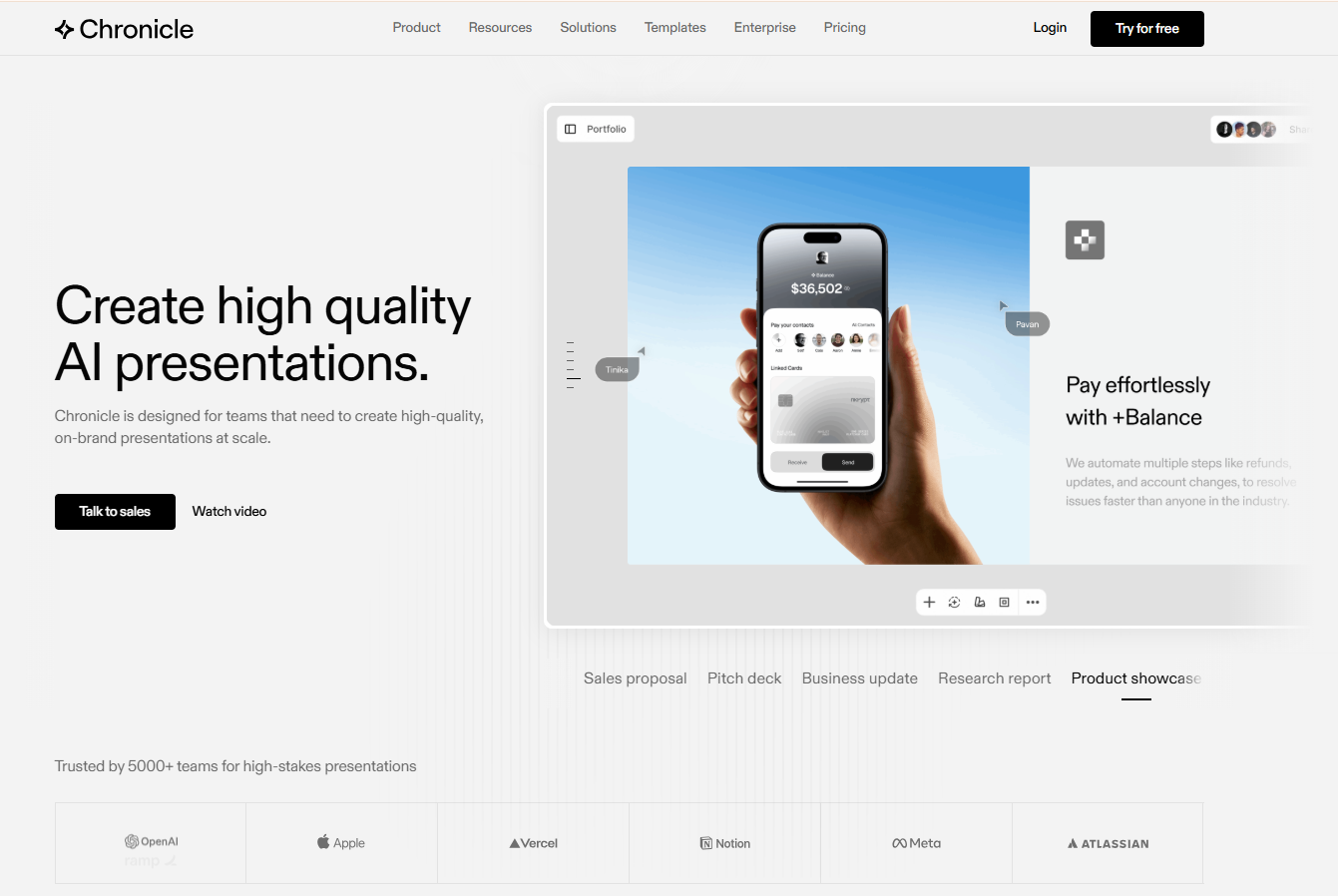
Chronicle is a browser-based AI presentation tool built around a storyline-first workflow, in which the AI helps structure a narrative before any slide is designed. Teams use it for sales decks, board updates, and other high-stakes business presentations, and the platform has built a reputation for clean, intentional-looking output that goes beyond what a typical AI slide generator can produce.
That reputation comes with two trade-offs worth understanding before committing a team to it. Chronicle meters AI usage through a token system rather than offering unlimited generation, and PowerPoint export is behind the Plus plan rather than available from day one. Both decisions affect how Chronicle fits into a real business workflow, especially for teams that iterate often or need to hand decks to clients and executives in an editable format.
This review breaks down what Chronicle actually does well, where its pricing and freeform canvas create friction, and how it stacks up against Presentations.AI and a few other alternatives worth a look in 2026.
TL;DR
- Chronicle works best for teams that want a freeform, story-first canvas and don't mind paying for PowerPoint export later.
- Strong brand guidelines pair well with Chronicle once a workspace reaches the Plus tier, where custom fonts and themes unlock.
- Token-based AI pricing means heavy users on Free or Pro can burn through their monthly allowance fast.
- PowerPoint export only becomes available on the $25-a-month annual Plus plan, a real gotcha for client-facing teams.
- Presentations.AI is the stronger fit for teams that need fast, branded, export-ready decks without a token ceiling.
Quick Verdict
Overall score: 4.2 out of 5. Chronicle earns its highest marks for design quality and narrative structure, and loses ground on pricing transparency and entry-level export access.
Chronicle is Best For
- High-stakes business presentations where design polish and an intentional narrative flow really matter.
- Teams with strong brand guidelines who plan to use Plus or Max for custom fonts and themes.
- Users who want a freeform canvas with AI assistance rather than a fixed template grid.
- Teams are comfortable with a per-token AI usage model rather than unlimited generation.
Chronicle is Not Ideal For
- Teams that need PowerPoint export on an entry-level Free or Pro plan.
- Users who generate or remix decks frequently and would hit token ceilings on lower tiers.
- Groups that need real collaboration features, like admin controls or more guest editors, without upgrading past Free.
- Anyone who wants a straightforward, template-first experience instead of a blank, widget-based canvas.
How We Evaluated Chronicle
This review is based on four weeks of hands-on testing across real professional workflows, including sales decks, marketing reports, executive briefings, and pitch decks. Findings were cross-checked against verified user feedback on G2, Product Hunt, and Reddit, so the conclusions below reflect real-world use rather than feature announcements alone.
- AI output quality: How polished and usable the first AI-generated deck is without heavy manual editing.
- Brand control: Check whether teams can lock in custom fonts, colors, and layout rules across all decks.
- Export flexibility: Is the PPT export clean and editable, and which plan unlocks it?
- Ease of use: How quickly a non-designer can produce a professional-looking deck on the freeform canvas.
- Team collaboration: Are shared workspaces, commenting, and real permission controls part of the experience?
- Pricing transparency: Whether core features like PPT export are included early or saved for top-tier plans.
How is Chronicle Different from the Alternatives in the Market?
Some of the top players in the presentation market are Presentations.AI, Gamma, Beautiful.ai, Canva, PowerPoint, and more. Chronicle sits in a different design lane than most of its competitors. Where other tools are built around a prompt-to-deck workflow — type a brief, get a structured slide deck in seconds — Chronicle starts with a freeform, widget-based canvas that gives you more spatial control over how a story is laid out. That makes it closer in spirit to a visual storytelling tool than a traditional slide builder.
Canva and PowerPoint approach presentations as one output among many, with Canva spanning social graphics and documents, and PowerPoint anchored to enterprise file workflows. Gamma sits closest to Chronicle in its document-meets-deck format, but still follows a more linear structure.
What sets Chronicle apart is its emphasis on narrative composition over speed. The tradeoff is a steeper learning curve and feature gates (Token limits, PPT export, and collaboration tools) that competitors either skip entirely or unlock at a lower price point.
Where Chronicle asks you to learn its canvas before you can move fast, most alternatives get you to a polished first draft in under a minute, with branding and export included from the start.
Key Features That Matter in Real Work
Plenty of Chronicle's marketing centers on its AI, but six features actually determine how it performs in day-to-day deck production.
1. AI Presentation Generation from Prompts and Documents
Chronicle turns a prompt, outline, or existing document into a structured first draft, reviewing the outline stage before it touches any slide layout. That sequencing reduces the restructuring that other AI tools require after the fact. Expect a clean, professional-looking draft that still needs a pass for tone and specific data.
2. Freeform Canvas and Full Layout Control
Unlike grid-based tools, Chronicle lets you place text, images, and widgets anywhere on the slide, giving real design control to anyone willing to spend the time. Users coming from PowerPoint or Google Slides should expect a learning curve, since nothing holds a layout together automatically if a widget gets resized awkwardly.
3. Brand Control: Fonts, Colors, and Themes
Chronicle's brand guidelines feature lets teams import fonts and colors so every slide pulls from the same visual system. The catch is timing: custom fonts and themes only unlock on Plus and above, so teams testing on Free or Pro work with preset themes only. Budget for that upgrade if brand consistency is the whole point of adopting the tool.
4. Data Visualization and Chart Embeds
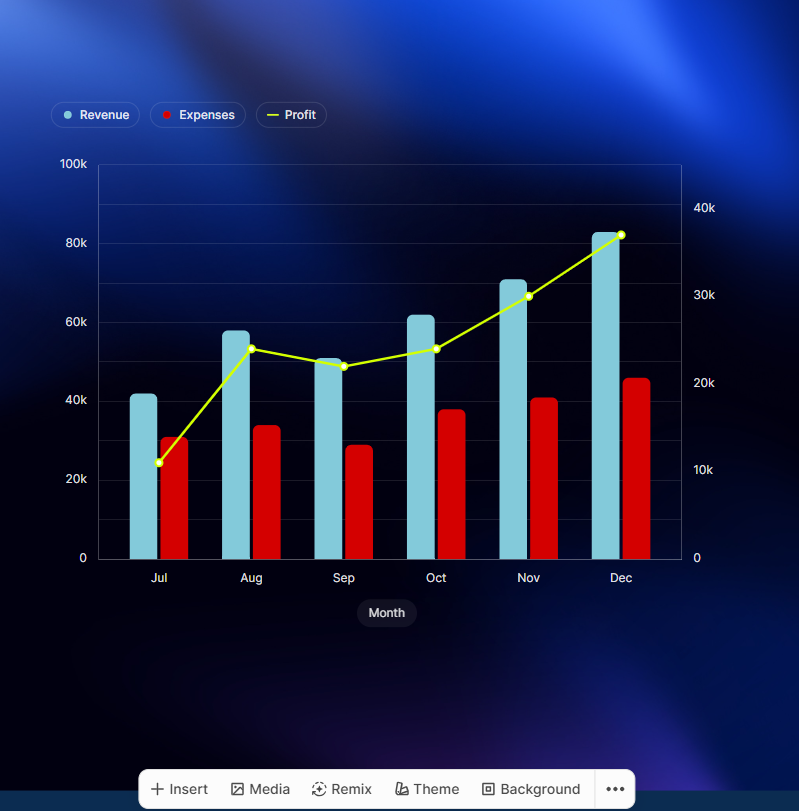
Chronicle handles data-heavy decks well, with built-in chart support, metric displays, and the ability to embed live content from tools such as Notion, Figma, and Google Sheets directly into slides. That eliminates much of the screenshot-and-paste work that slows other presentation tools.
5. Agentic AI Workflows
The Plus tier and above unlock agentic workflows, in which the AI chains together multiple steps rather than responding to a single prompt at a time. That saves real time on research-heavy presentations, where pulling data, structuring an argument, and applying a layout would otherwise take several manual passes.
6. Export and Sharing Options
Export tiers ask the most patience from buyers. PDF export and social formats are available starting with Free; publish-to-web works across every plan; and PPT export specifically requires Plus or higher. Confirm which plan unlocks the export format your workflow needs before signing up.
Suggested Read: Chronicle Alternatives 2026
Chronicle Pricing Overview
Chronicle's pricing has four tiers built around a single AI usage model, but a few details determine whether it actually fits a team's budget. Here's the high-level breakdown, plus the gotcha most buyers miss.
1. How Chronicle's Token Model Works
Tokens are Chronicle's currency for AI usage, and nearly every AI action draws from the same monthly pool. Remixing a layout costs about one token, rewriting a section costs about one token, and generating a full presentation costs around ten tokens plus one token per chapter. Unused tokens expire at the end of each month rather than rolling over, so a quiet month doesn't bank extra usage for a busy one.
2. What Changes Across Plan Tiers
Token volume is the headline difference between tiers, rising from 300 per month on Free to 5,000 per month on Max. PPT export, custom fonts and themes, and advanced branding controls are all behind specific plan boundaries, and guest editor limits increase with each step up. Annual billing saves 20 percent.
| Plan | Price | Tokens | PPT Export | Branding | Collaboration |
|---|---|---|---|---|---|
| Free | $0/mo | 300/mo | No (PDF + social only) | Basic preset themes | 1 guest editor |
| Pro | $15/mo or $12/mo annual | 750/user/mo | No (PDF + social only) | Watermark removed | Shared workspace, up to 10 guest editors |
| Plus | $30/mo or $25/mo annual | 1,500/user/mo | Yes | Custom fonts & themes | Unlimited guest editors |
| Max | $59/mo | 5,000/user/mo | Yes | Advanced custom branding | Priority support |
3. Key 'Gotcha' to Watch: PPT Export Tier Lock
PowerPoint export is the single biggest catch in Chronicle's pricing for business teams. It isn't included on Free or Pro; it only arrives when a workspace upgrades to Plus at $25 a month billed annually (or $30 month-to-month).
Any team that regularly hands decks to clients, executives, or colleagues working outside Chronicle should treat that $25/month as the real starting price; the lower $0 and $15 figures elsewhere on the page don't cover what most business teams actually need.
Pro Tip: If PowerPoint handoff is non-negotiable for your team, confirm the Plus plan's export quality with a real deck before committing to annual billing.
Usability and Editing Experience
For companies creating decks at scale, one of the key questions is what it actually feels like to sit and create and edit a deck.
1. How Fast Can You Build a Good Deck?
A first draft from a prompt typically takes a few minutes, and the outline-first workflow means most of it is structurally sound before layout work begins. Time gets spent in the polish pass afterward: image selection sometimes misses the mark, and dense slides need manual spacing fixes. Most testers reach a shareable ten-slide deck within thirty to forty minutes.
2. Freeform Canvas: Freedom vs. Starting Friction
Full layout control is a genuine advantage for design-precision needs, letting users place elements exactly where they want instead of fighting a template. That same freedom creates more starting friction than a template-first tool, since nothing optimizes placement automatically the way Beautiful.ai's Smart Slides do.
A user on Product Hunt asked whether templates would be available, and Chronicle’s founder said it was a work in progress.
Real Use Cases (Where Chronicle Shines)
Feature lists rarely capture how a tool performs against an actual scenario, so here's where Chronicle's strengths line up with real work.
1. High-Stakes Sales Proposals and Pitch Decks
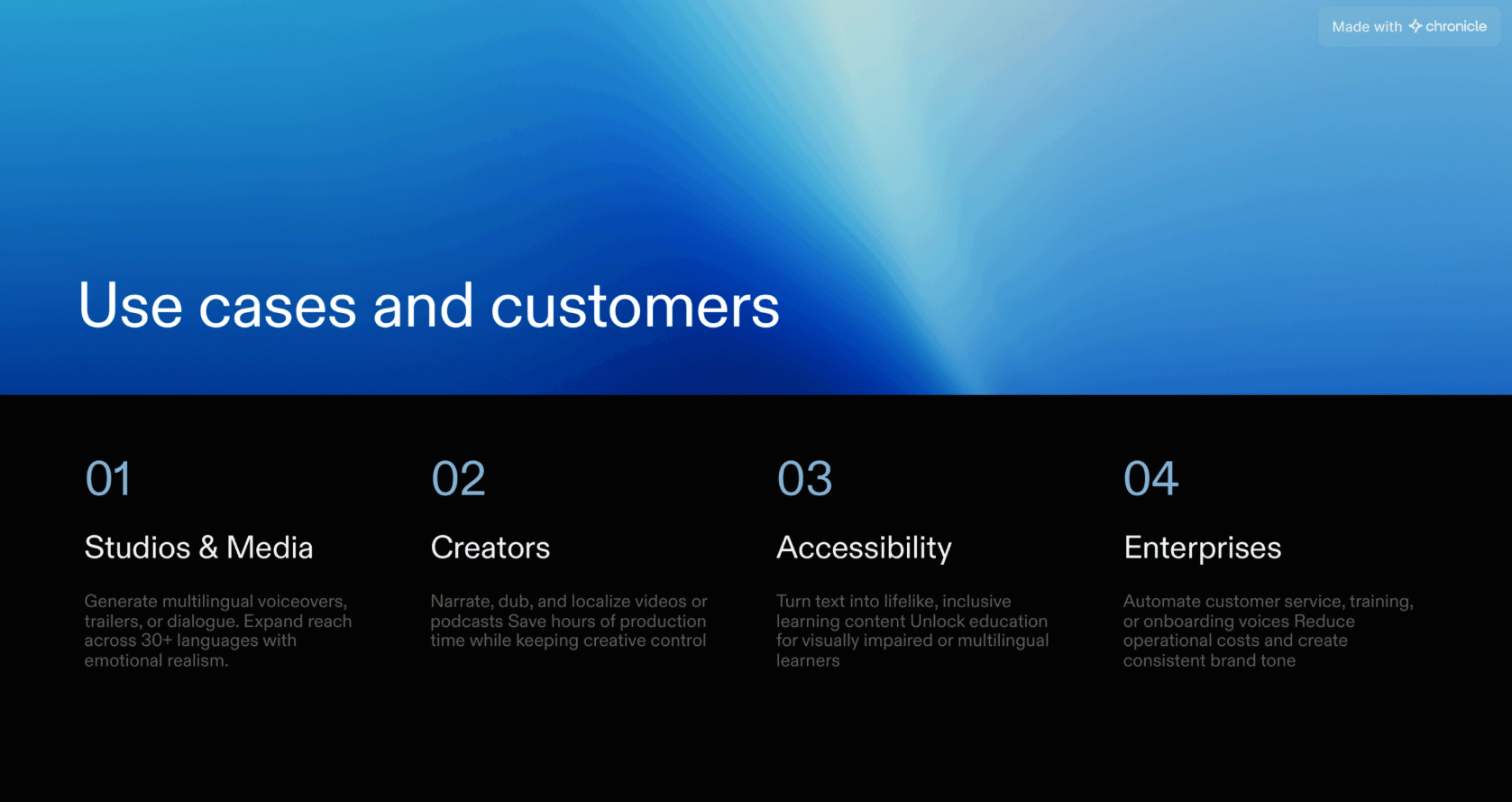
Design quality and brand control matter most when a deck does the persuading in front of a client or investor, and Chronicle's storyline-first structure helps a sales narrative land in the right order. Client-facing reviewers tend to notice the visual polish first, exactly the impression Chronicle is built to create.
2. Executive Business Updates and Board Reports
Board and leadership updates demand consistent formatting and accuracy over flash. Chronicle's brand guidelines feature, once unlocked on Plus, keeps recurring reports looking like they came from the same team every time, and the data visualization tools turn raw metrics into something a board can scan.
3. Product Showcases and Marketing Decks
Product launches, campaign plans, and partner presentations benefit from Chronicle's polished, document-style storytelling, which reads as more premium than a typical bullet-point deck. Marketing teams building decks meant to be shared and scrolled through, rather than only presented live, get extra mileage from the widget-based layout here.
4. Research-Backed Reports and Briefings
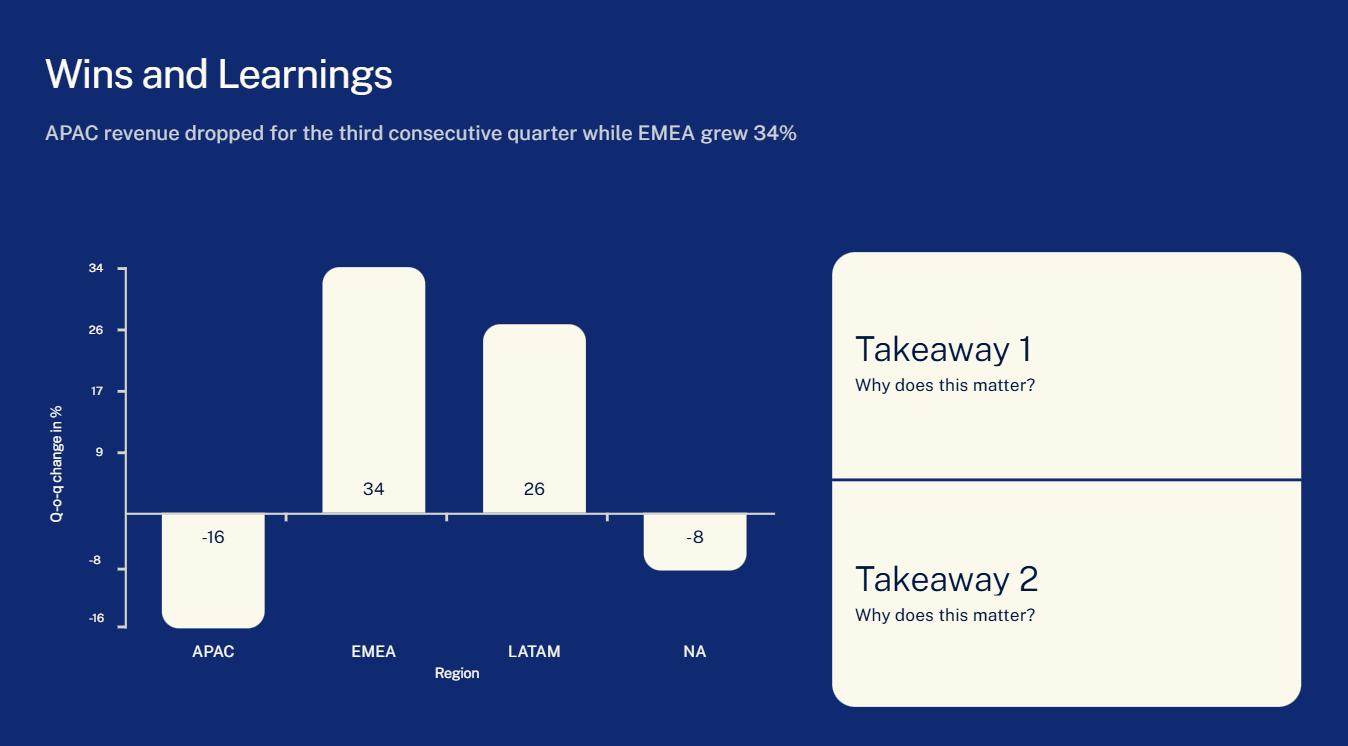
Chronicle's chart embeds and tool integrations make it genuinely useful for converting structured data into a presentation that doesn't read like a wall of numbers. Teams that turn research findings or quarterly metrics into a briefing get the most out of these data visualization strengths.
Pros and Cons (Honest Summary)
Testing notes align with verified reviews on G2 and Product Hunt, plus independent testing is covered on Reddit's r/AIBenchmarked. The same handful of strengths and friction points keep showing up across all three, summarized here.
Pros
- Professional output quality that looks intentional rather than auto-generated, the same impression a five-star G2 review describes when turning raw notes into brand-aligned decks.
- Genuine brand enforcement once a workspace reaches Plus, keeping multi-person teams visually consistent.
- Fast, structured decks built from rough notes or bullet points are the most common source of praise across Product Hunt's twenty published reviews.
- Strong data visualization and chart embeds for research-heavy or metric-driven decks.
- Real workflow control for users who want to guide structure themselves rather than hand every decision to full automation, a distinction independent Reddit testing draws against Gamma's approach.
- Enterprise-level trust, reflected in customer logos like OpenAI, Apple, Figma, and Meta.
Cons
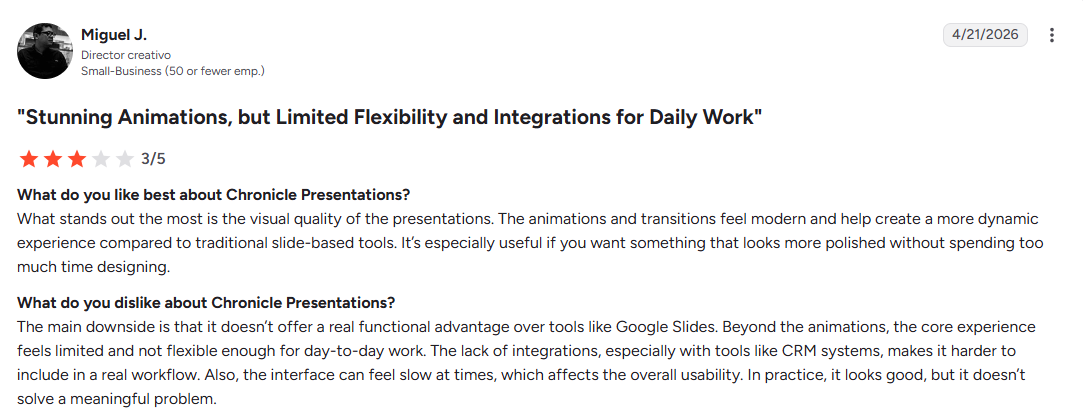
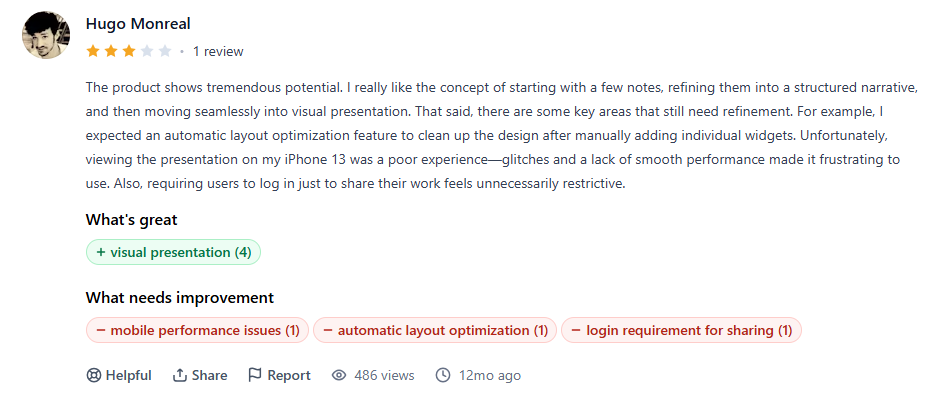
- PPT export gated to Plus and above, a limitation a three-star G2 review calls out directly alongside thin CRM integrations.
- A token model that limits heavy AI users on Free and Pro, especially with frequent remixing.
- Glitchy generation and weak mobile performance are recurring complaints among Product Hunt reviewers.
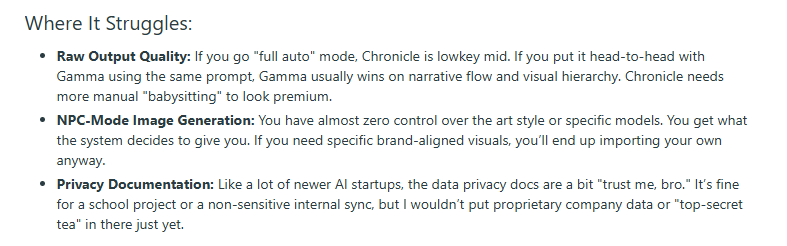
- No control over the AI's image model or style, since Chronicle decides automatically; a gap-independent Reddit test flags this as a real limitation.
- Freeform canvas learning curve that slows down non-designers compared to a template-first tool.
- Per-user pricing that scales quickly once a team needs Plus or Max seats for multiple people.
Chronicle vs Presentations.AI: Which AI Presentation Tool Wins in 2026?
Both tools reduce manual slide-building, but they address different parts of the problem. The comparison below focuses on the three questions that actually decide which one fits a given team.
| Category | Chronicle | Presentations.AI |
|---|---|---|
| Design and narrative control | Outline-first structure with deep, widget-level layout control | Faster first draft with less granular manual control |
| AI draft speed | Multiple guided steps via outline and remix | Prompt, PDF, or URL to deck in one pass, refined via Clip-E |
| Brand setup | Manual import, Plus tier and above | Automatic via Brand Sync from a company URL |
| PPT export | Plus tier and above only | Included on every paid plan |
| Collaboration | Guest editors that scale by tier | Unlimited users on the free Starter plan |
| Security | Public security details are limited | SOC 2 Type II certified |
1. Which Is Better for Quick AI Drafts?
Chronicle's outline-first workflow produces a structurally sound draft, but tokens get spent on generation and again on every rewrite or remix. Presentations.AI goes from a prompt, PDF, or URL straight to a usable deck, with Clip-E handling refinement conversationally, which tends to get teams to a shareable draft faster.
2. Which Is Better for Brand Consistency?
Chronicle's brand controls work well once unlocked, but they sit behind the Plus and Max tiers and still require manual setup. Presentations.AI's Brand Sync reads colors, fonts, and a logo directly from a company URL and applies them automatically across new decks, removing a setup step entirely.
3. Which Is Better for Teams?
Chronicle's collaboration improves with each tier, from one guest editor on Free up to unlimited on Plus, but admin controls only arrive on Pro and above. Presentations.AI's free Starter plan supports multiple users from the start, and SOC 2 Type II certification gives security teams an easier "yes."
Best Alternatives to Consider
Chronicle isn't the right fit for every team, and a few alternatives solve the specific friction points covered above. A full breakdown of options lives in the dedicated guide to Chronicle alternatives; here's the short version by need.
1. If You Want More AI Generation Without Token Ceilings
Gamma's credit-based model is more generous than Chronicle's token allowance, with less budgeting discipline needed for frequent generation. Presentations.AI takes a different approach entirely: its workflow centers on Clip-E rather than metering individual AI actions, so there's no token count to track.
2. If You Need PPT Export on All Paid Plans
Presentations.AI builds full-fidelity PowerPoint export into every paid plan from the start, which matters most for teams handing decks to clients or executives. Beautiful.ai also includes PPT export on its paid tiers, though formatting cleanup after export is a common complaint among users.
3. If You Need Enterprise-Grade Controls and Security
Teams that need SSO, audit logs, and admin governance beyond Chronicle's Max plan should consider Presentations.AI, which offers SOC 2 Type II certification and role-based access on its higher tiers. That combination matters most for organizations handling sensitive customer or financial data.
Why Presentations.AI Is the Best Overall Alternative
Presentations.AI comes out ahead on every friction point covered above, which makes it the most practical single pick rather than just one option among several.
- No token ceiling to manage, so AI generation, rewrites, and iterations don't draw from a shrinking monthly allowance.
- PowerPoint export is included on every paid plan, rather than gated behind a mid-tier upgrade.
- SOC 2 Type II certification that covers the security review most enterprise teams need upfront.
- Brand Sync that pulls colors, fonts, and a logo automatically from a company URL, no manual setup required.
- Clip-E handles iteration conversationally, so refining a deck doesn't mean relearning a new tool.
Where Chronicle Fits for Business Teams in 2026
Deck volume, branding needs, export requirements, team size, and how often AI generation gets used are the five factors that predict whether Chronicle or an alternative fits better. The checklist below maps each one.
| Factor | Choose Chronicle If You: | Choose Presentations.AI If You: |
|---|---|---|
| Deck volume | Create a handful of high-stakes decks where polish matters more than speed | Frequently create decks where speed and repeatability matter most |
| Branding | Are comfortable setting up custom fonts and themes manually | Need brand colors and logo to apply automatically from day one |
| Team size | Are a small team or solo user testing a freeform canvas | Are a larger or distributed team |
| AI usage | Generate and remix decks occasionally, within a token budget | Generate and refine constantly without counting tokens |
Chronicle earns its reputation for design quality. The storyline-first workflow and freeform canvas genuinely produce decks that look considered rather than templated, and teams with strong brand guidelines and patience for the learning curve will get real value from it.
The trade-offs are just as real. Token-metered AI and PPT export locked behind the Plus plan turn what looks like a simple four-tier pricing page into a more complicated decision, especially for teams that iterate often or need to hand decks to people outside Chronicle.
For business teams that need fast, branded, export-ready decks without having to manage a token budget, Presentations.AI is the more practical fit. Teams drawn specifically to Chronicle's storytelling canvas and comfortable with its pricing structure will still find a capable, polished tool underneath it all.
Presentations.AI turns a prompt, document, or URL into a branded, export-ready deck in minutes
Free to start, no credit card required