

Language
Create professional, stunning presentations in minutes. Generate ready-to-use presentations from just a text prompt.
Create Your Free AI Presentation


Unleash the full potential of your presentations with cutting-edge AI.
.webp)
Professionals trust our AI presentation maker to create slides faster — from startups to Fortune 500 teams
Teamwork and efficiency aren't just buzzwords here.
Join 10M+ professionals. Create your first deck in 30 seconds — no design skills required.
Make Your First AI Presentation — FreeThe complete guide to choosing the right tool when "AI-powered" means something different to everyone
Your investor pitch is due Friday. Your sales team needs on-brand decks yesterday. Your marketing director just spent six hours reformatting slides that broke in PowerPoint. Welcome to "AI-powered" presentation software.
AI presentation tools promise to transform how you create slides. Generate decks instantly. Maintain brand consistency. Save hours of design work. Simple, right?
Wrong.
Most teams discover their "AI-native" platform is actually a template library that calls ChatGPT. The brand sync works until you need it. The exports destroy your carefully crafted layouts. And the "intelligence" stops at filling in text boxes.
Here's what we discovered analyzing 7 leading platforms:
A true AI presentation platform doesn't just generate text. It understands presentation psychology, maintains brand consistency automatically, and exports to PowerPoint without destroying your design.
This guide cuts through vendor marketing to reveal what each platform actually does, and what their capabilities mean for your business.
| Platform | Rating | Price/Year (Individual) | Free Plan | AI Architecture | Brand Sync | PowerPoint Export | Enterprise Security | Data Refresh | Best For |
|---|---|---|---|---|---|---|---|---|---|
| Presentations.AI |


4.5/5
|
$198 | 5 presentations, fully functional | Built AI-native (2018-present) | ✅ Automatic via URL | ✅ High-fidelity | ✅ SOC 2 Type II | ✅ Patented agent | Business decisions & recurring decks |
| Gamma |

3.5/5
|
$120 | 400 credits, limited | Retrofitted 2023 after product failed | ❌ Manual | ❌ Poor quality | ❌ None | ❌ None | Casual multi-format content |
| Beautiful.AI |
2.5/5
|
$480 | ❌ No free plan | Marginal AI add-on | ❌ Manual | ❌ Font issues | ❌ Basic | ❌ None | Difficult to recommend |
| Tome |
1.5/5
|
$240 | No AI features | Removed from free tier | ❌ Manual | ❌ Not supported | ❌ Basic | ❌ None | Sales storytelling only |
| Canva |
4.0 / 5
|
Varies | Yes, limited | Lightweight suggestions | ❌ Manual | ⚠️ Basic | ⚠️ Limited | ❌ None | Multi-purpose design teams |
| Google Slides |
4.0 / 5
|
Free | Fully functional | ❌ None | ❌ Manual | N/A (native) | ✅ Workspace standard | ❌ None | Collaboration-first teams |
| PowerPoint |
4.5 / 5
|
$160 | 30-day trial | ❌ None | ❌ Manual | N/A (native) | ✅ M365 enterprise | ❌ None | Traditional workflows |
Takeaway: Only Presentations.AI was built from the ground up for AI-powered business presentations. Others either added AI as marketing (Gamma, Beautiful.AI, Tome) or never intended to be AI tools (traditional platforms).
Presentations.AI overview:
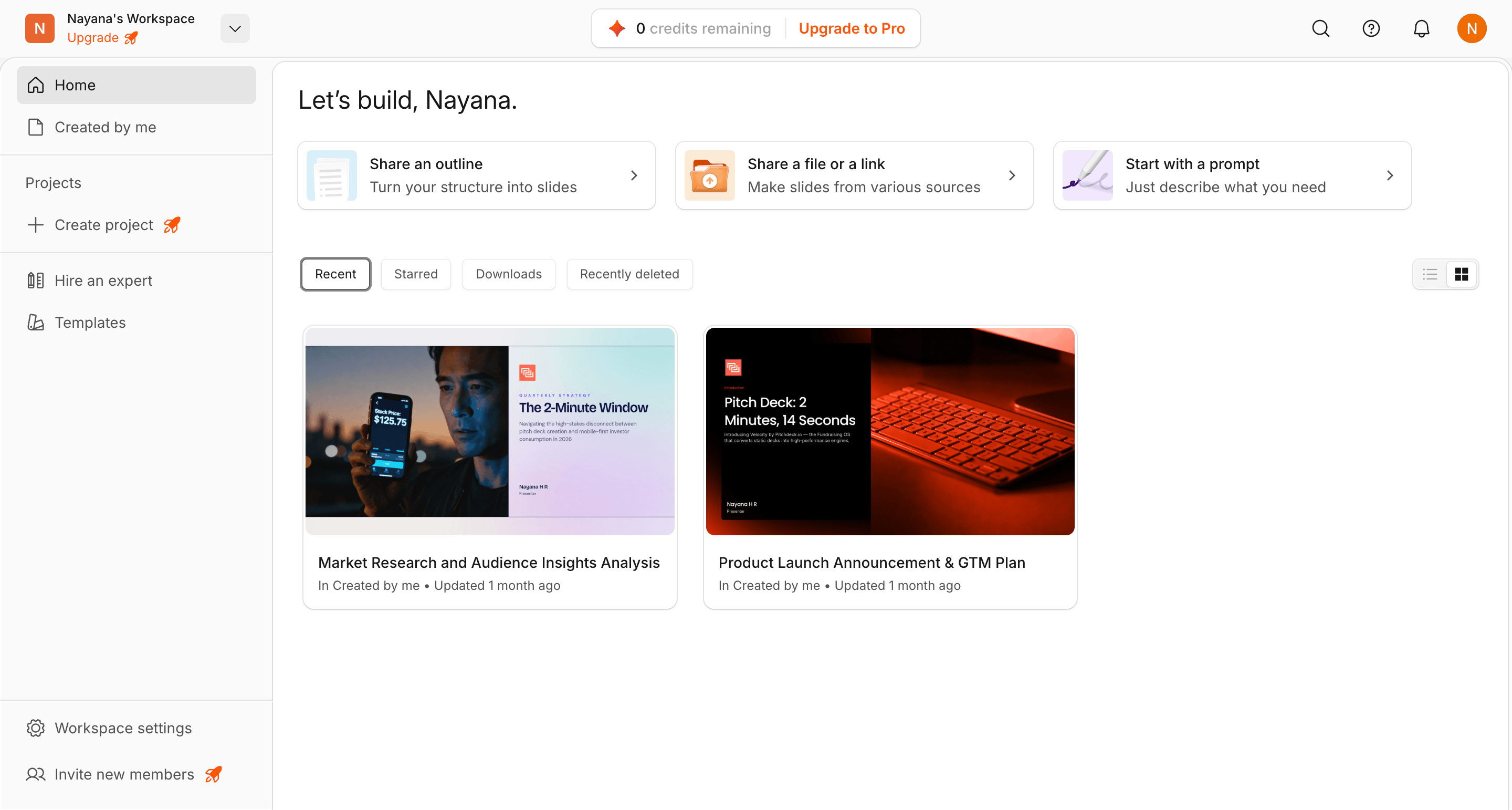
While everyone else was bolting ChatGPT onto slide editors, at Presentations.AI we solved a different problem:
Here's What Actually Happens
Your head of sales stops hearing "I had to rebuild the deck."
Your CMO stops finding off-brand presentations in the wild.
You stop losing deals because the technical content was brilliant but the slides looked like 1995.
The Infrastructure That Matters:
The Money Part
What This Isn't
Presentations.AI won't make websites. It won't design your Instagram posts. It won't impress you with "50 million users!" because most of those users are making wedding invitations, not closing deals. Mobile apps are coming but aren't here yet. If you need the Swiss Army knife of design tools, this isn't it.
Why This Matters Now
Presentations.AI isn't about making prettier slides. It's about winning the rooms that matter. The ones where the difference between yes and no isn't just your idea, but how effectively you communicate it.
Best For: People whose presentations have consequences. If a "no" costs you real money, real opportunity, or real career advancement, this is built for you.
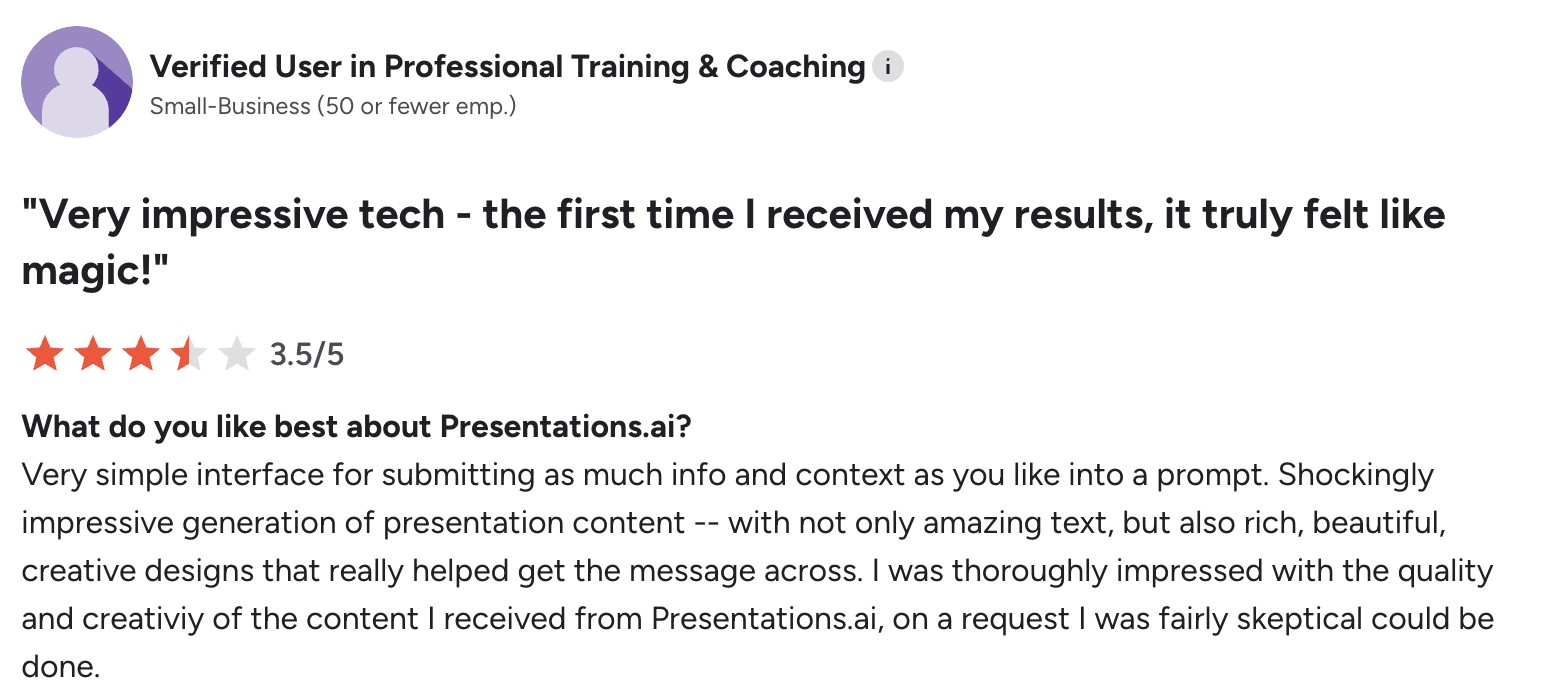
User Review on G2
Gamma overview:
The platform works fine for basic content creation. Need a quick presentation or simple website? Gamma can generate something presentable. The interface is clean, the generation is fast, and for prosumers creating casual content, it does the job.
But here's where things get messy: the AI quality varies by geography. The export quality is a real problem. Users consistently report overlapping boxes, missing fonts, and designs that fall apart when you open them in PowerPoint. Because the system wasn't built with export in mind—it was built as a web viewer that later added export as an afterthought.
Then there are the privacy violations. Gamma automatically tracks presentation viewers—collecting names and emails without consent. This violates GDPR and CCPA, but it's happening anyway. The terms of service grant Gamma "perpetual, irrevocable, worldwide" rights to your content and cap their liability at $100.
The fundamental question: if Gamma has 50 million users providing training data, why aren't their AI presentations dramatically better than competitors? Because the architecture doesn't leverage that data for AI improvement. The AI is an API call, not a learning system.
Best For: Casual users who need quick multi-format content and aren't concerned about export quality, privacy, or enterprise security.
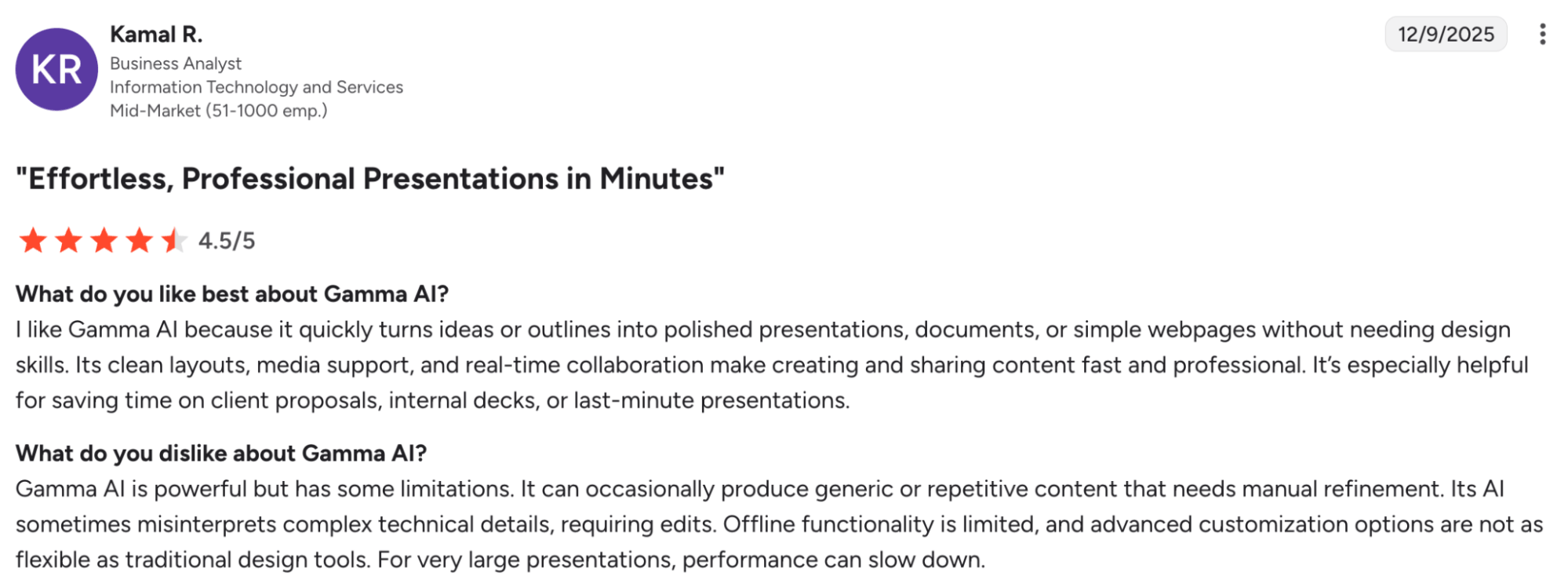
User Review on G2
Beautiful.AI overview:
Beautiful.AI attempted to automate presentation design through smart templates that adapt as you add content. The DesignerBot generates slides from prompts, and the platform promises to eliminate manual design work.
The reality is more limited. The template library is small, customization options are restricted, and the AI features feel marginal rather than transformative. Users describe it as automating the wrong things—the system makes design decisions you'd rather control while requiring manual work on things that should be automatic.
The pricing is the real killer. At $40/user/month with no free plan, you're paying 10x what you'd pay for more capable alternatives. And unlike competitors, there's no meaningful free tier—the 14-day trial requires a credit card and auto-charges if you forget to cancel.
The PowerPoint exports are riddled with errors. Missing fonts, overlapping layouts, inconsistent quality. You'll spend time fixing the export rather than saved time on the creation.
Best For: Organizations with budget constraints would struggle here. Consider alternatives unless you specifically need Beautiful.AI's approach to template automation.
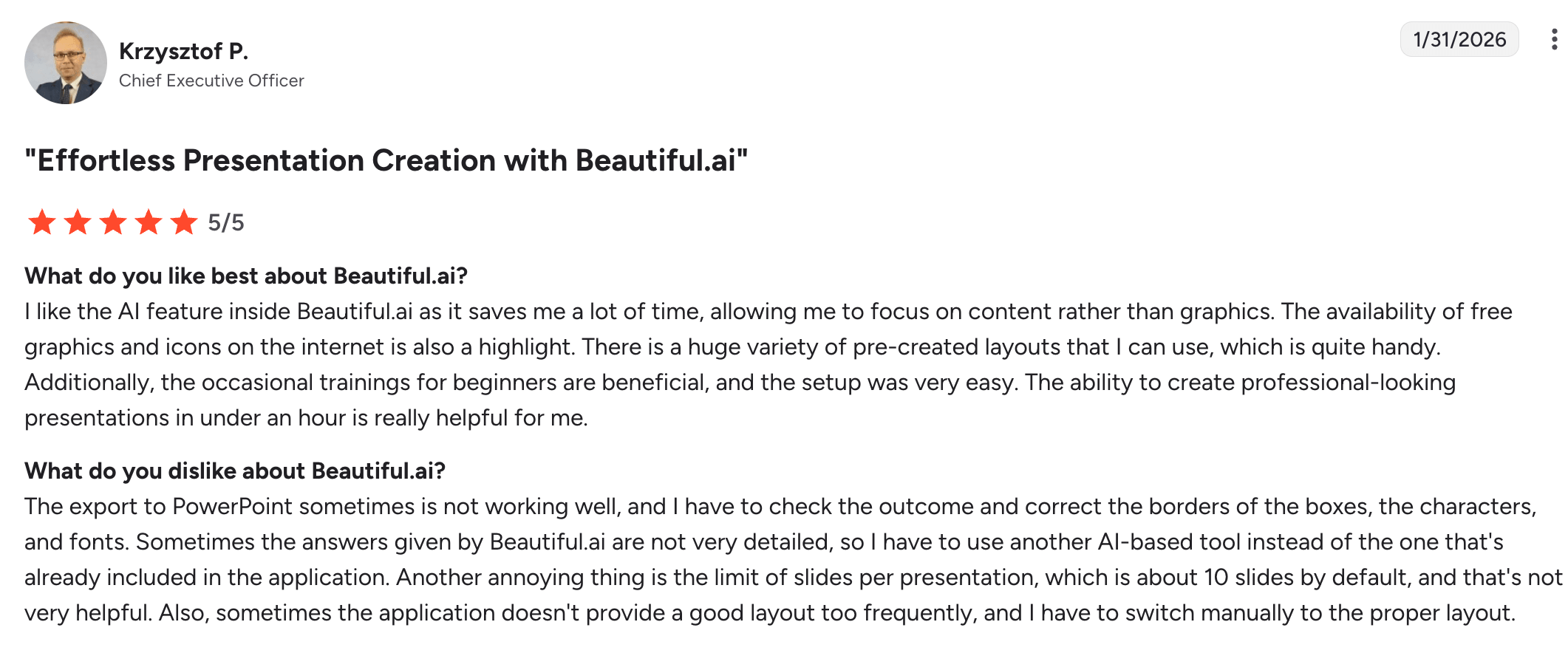
User Review on G2
Tome overview:
Tome's journey is a cautionary tale. They built a "new medium for shaping ideas" that attempted to replace traditional slides with a tile-based system. The market responded with a resounding "no thanks."
The platform now focuses exclusively on sales and marketing use cases, abandoning general presentation needs. They've stripped AI features from the free tier entirely, making it essentially unusable for testing the actual product value.
But the biggest limitation is philosophical: Tome doesn't support presenting. You can only share documents that viewers read like web pages, not present as slideshows. This makes it fundamentally unsuitable for most business presentation needs.
The pricing at $60/user/month for full features makes it one of the most expensive options, despite offering less functionality than competitors.
Best For: Very specific sales/marketing storytelling needs where traditional presentation format isn't required. Most users should look elsewhere.
Canva overview:
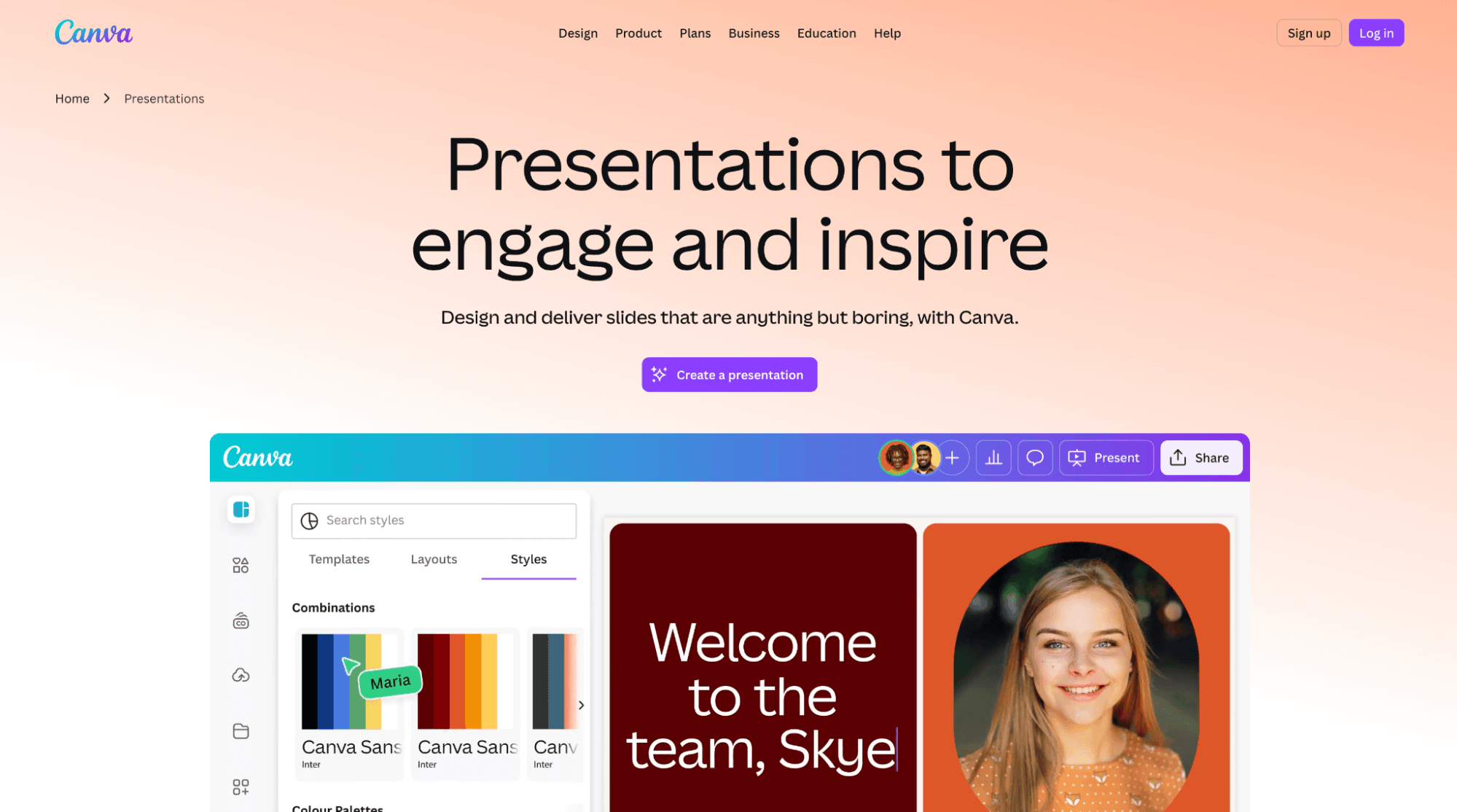
Canva is the Swiss Army knife of design tools. It does posters, social media graphics, flyers, and yes, presentations. For many teams, it's already in the workflow for other design needs.
The presentation capabilities are functional but not specialized. The AI is lightweight—basic text suggestions rather than intelligent deck structuring. Brand consistency requires manual work. The template library is vast but generic.
Where Canva shines is versatility. If your team needs one tool for all design needs and presentations are just part of the mix, Canva makes sense. But if presentations are your primary use case, specialized tools will serve you better.
Best For: Teams already using Canva for other design needs who want to consolidate tools, even if it means less powerful presentation-specific features.
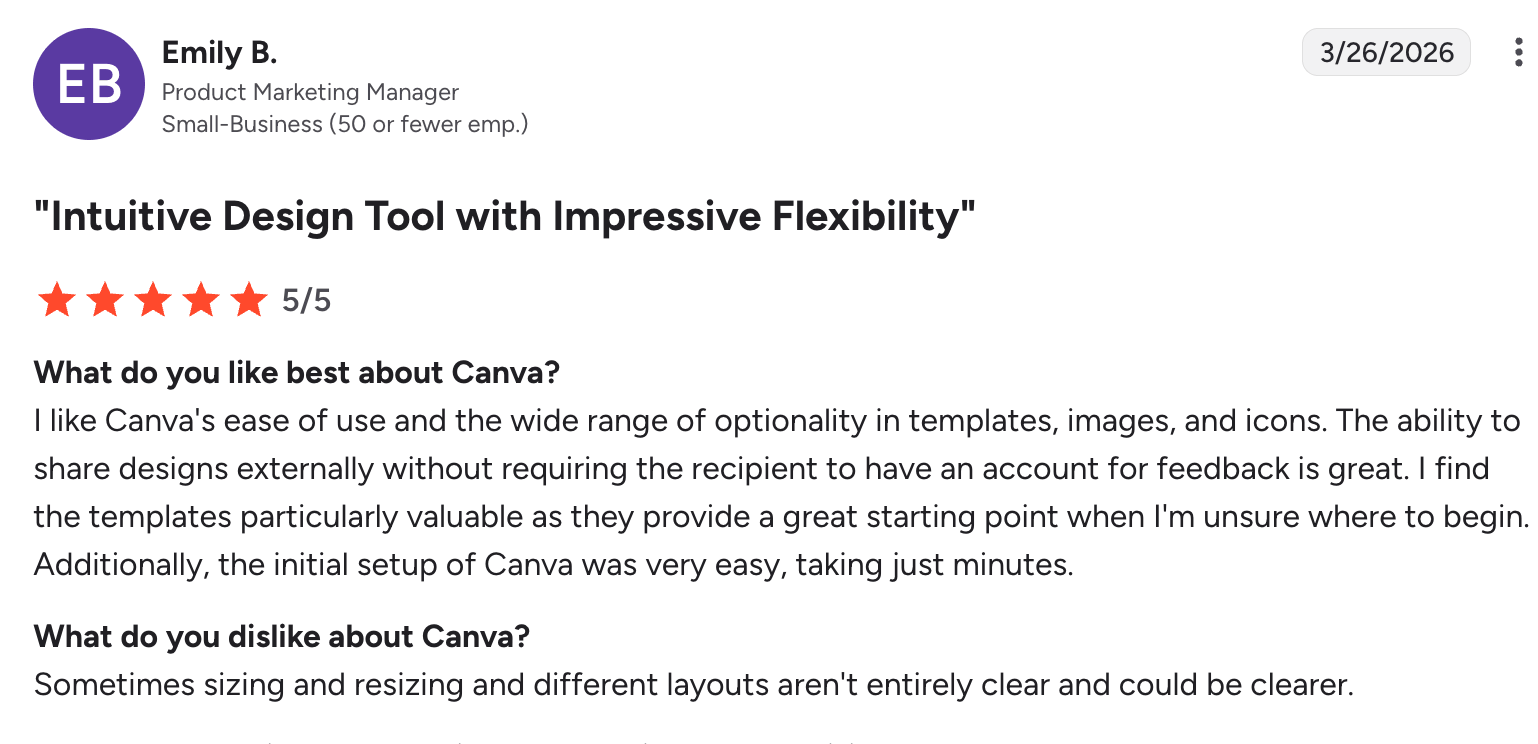
User Review on G2
Google Slides overview:
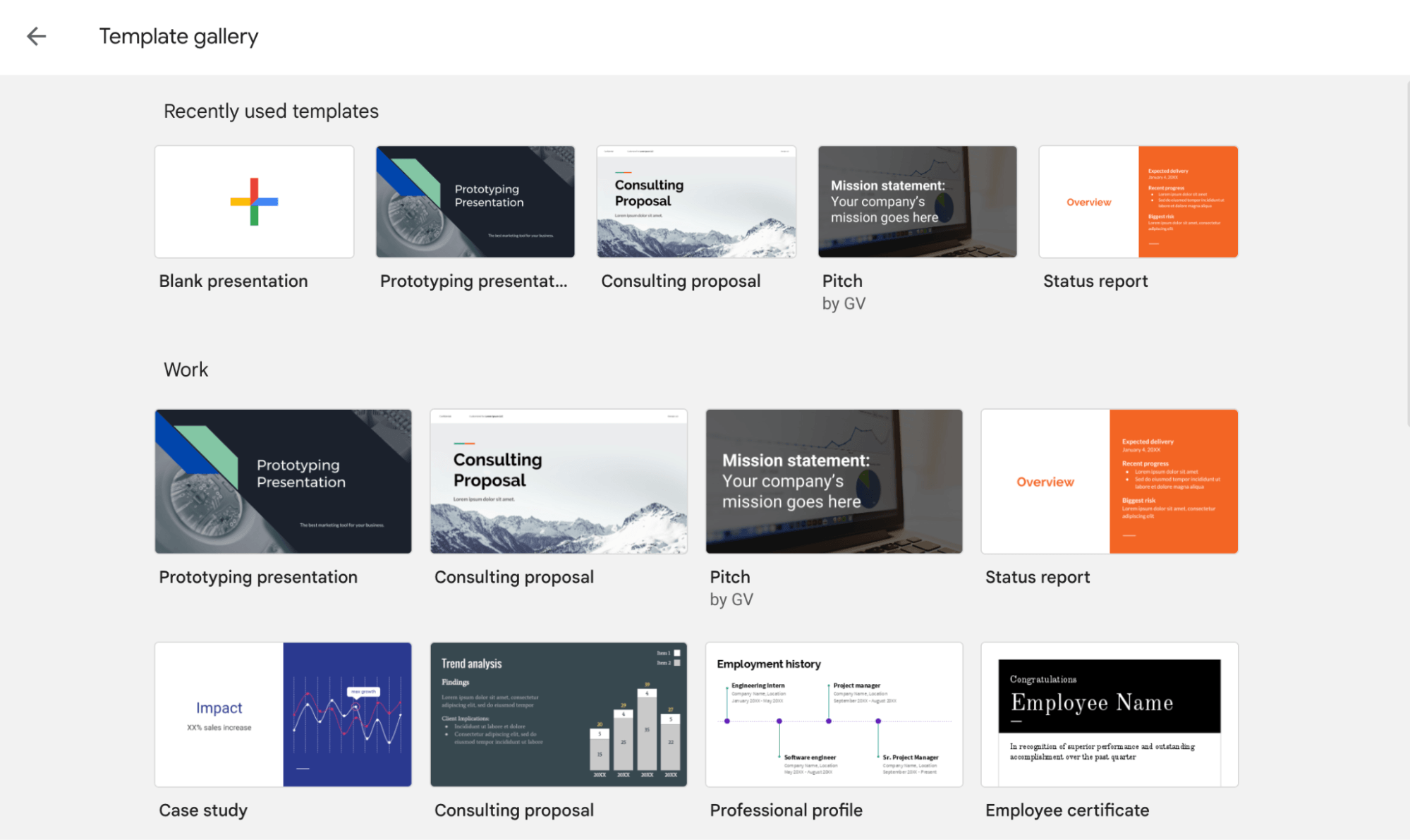
Google Slides is the baseline. Everyone knows it, it's free, and the collaboration is genuinely excellent. But it has zero AI capabilities for slide generation or design automation.
The value proposition is simple: if you're already in Google Workspace and just need a reliable collaboration platform, Slides does the job. But you're doing all the design work manually.
Interestingly, Presentations.AI treats Google Slides as a complement rather than competitor—generate your deck with AI, export to PowerPoint, then import to Google Slides if you prefer that collaboration environment.
Best For: Teams prioritizing collaboration and Google Workspace integration over AI-powered creation capabilities.
Decktopus overview:
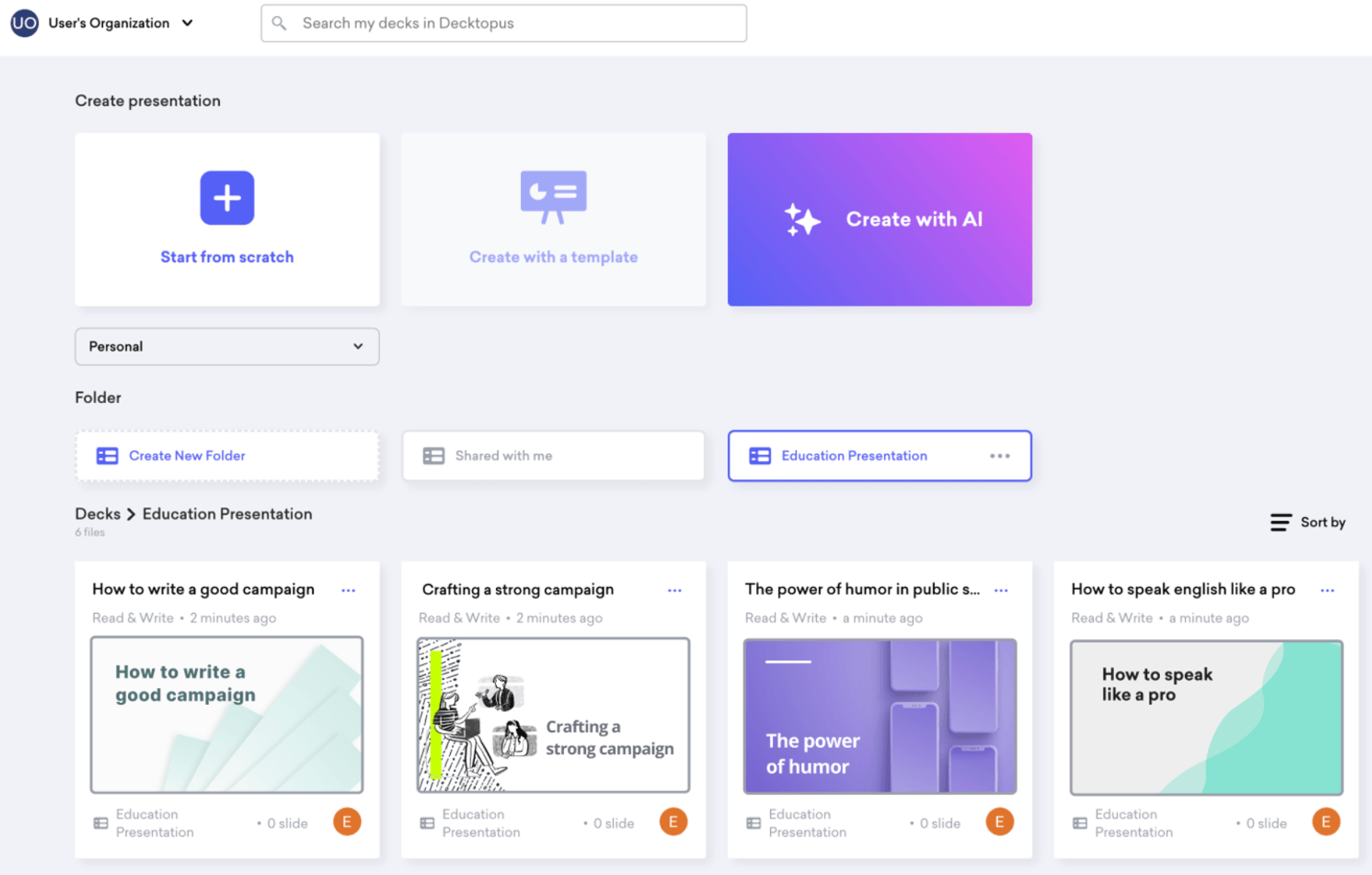
Decktopus walks users through content prompts to generate slides with clean layouts. The approach is straightforward but limited—you answer questions, it creates corresponding slides.
The AI is basic compared to more sophisticated platforms. Template variation is limited, brand consistency requires manual work, and the PowerPoint exports don't fully retain design fidelity.
Best For: Users who want guided, prompt-based creation at a lower price point and can accept limited AI intelligence and customization options.
1. Is the AI actually native to the platform?
The Test: Remove the AI. Does the company still have a viable product?
2. Who owns your content?
Read the terms of service. Some platforms claim "perpetual, irrevocable, worldwide" rights to everything you create. Others maintain clear user ownership.
3. What happens when you export to PowerPoint?
Create a test presentation with complex layouts and brand elements. Export it. Open in PowerPoint. Does it work flawlessly or fall apart?
4. Is the free plan actually usable?
Some "free plans" are deliberately crippled to force upgrades. Others provide genuine value for testing and limited use.
5. What's the total cost of ownership?
Consider not just subscription costs but: in time spent fixing exports, manual brand consistency work, privacy/security risks, and whether the tool actually saves time or creates new work.
The AI presentation software you choose should match how you actually work:
For high-stakes business presentations: Presentations.AI provides the only truly AI-native platform with enterprise security and proven effectiveness at Fortune 500 companies.
For multi-format content creation: Gamma or Canva offer versatility if you need more than just presentations, though you'll sacrifice presentation-specific intelligence.
For Google Workspace teams: Google Slides remains the collaboration standard, potentially augmented with AI tools for initial creation.
For budget-conscious teams: Be wary of "free" plans that don't deliver value. Better to pay for a tool that works than waste time fighting a free one that doesn't.
The dirty secret of AI presentation software: most platforms added "AI-powered" to their marketing in 2023 when ChatGPT went viral. Only one was built from the ground up to understand presentation psychology and business outcomes.
Choose accordingly. Try Presentations.AI today.
This analysis is based on publicly available information, user reviews, and direct platform testing as of October 2025. Features and capabilities may change. We recommend testing multiple platforms with your actual use cases before committing.
Traditional tools like PowerPoint require you to build every slide manually, choosing layouts, applying design, formatting content, and managing consistency yourself. An AI presentation maker automates all of that. You provide the content or a prompt, and the AI generates a complete, structured, designed deck in minutes. The result is faster creation, more consistent output, and no design skills required.
Yes. Presentations.AI goes beyond manual template customization. Paste your company URL and the AI PowerPoint generator automatically pulls your brand colors, fonts, and logo, then applies them across every slide. You can also adjust any element manually to match specific brand guidelines or client requirements.
Instead of building slides one by one, the AI PowerPoint generator analyzes your input, whether that's a prompt, a document, or an outline, and generates a complete presentation with appropriate layouts, structured content, and consistent design. What typically takes hours of manual work in PowerPoint is reduced to a few minutes.
No. The AI presentation maker is designed so that anyone can produce a professional deck without training or design experience. Type what you need, review the output, and make any edits directly in the platform. Most users create their first complete presentation within minutes of signing up.
Presentations.AI supports real-time co-editing, so multiple team members can work on the same deck simultaneously. You can leave comments, make edits, and review changes without emailing files back and forth. Every change saves automatically, so there are no version conflicts and no risk of anyone presenting an outdated deck.
Presentations.AI is SOC 2 Type II certified, which means your data is protected to enterprise security standards. Your content is encrypted in transit and at rest, and your documents are never used to train public AI models. For teams handling sensitive client or business data, this is the level of security your IT and legal teams will expect.
Yes. You can upload PDFs, Word documents, and existing presentation files directly into Presentations.AI. The AI presentation maker reads your content and rebuilds it as a properly structured, designed deck, making it straightforward to migrate work from PowerPoint, Google Slides, or any document format without starting from scratch.
Yes. Presentations created by the AI presentation maker can be shared as live links that open in any browser on any device, desktop, tablet, or mobile, with no formatting issues. You can also export as a native PowerPoint file for situations where a downloadable file is needed.
Support is available via email, and a resource center with guides and tutorials covers the most common use cases and questions. For teams on higher plans, priority support options are available to ensure faster response times when you need them most.
Presentations.AI offers a free plan that lets you create complete presentations with no credit card required. Paid plans unlock additional features including PowerPoint export, custom brand kits, deck analytics, and team collaboration tools. Plans are structured to suit individuals, growing teams, and enterprise organizations with advanced security and permissions needs.
Yes. You can get started with Presentations.AI for free with no credit card required. The free plan lets you create complete, designed presentations using the AI PowerPoint generator. Paid plans are available for teams that need PowerPoint export, automatic brand application, analytics, and collaboration features at scale.
Yes. Presentations.AI exports native .pptx files, not flat images or PDFs, but actual PowerPoint files with editable text boxes, shapes, and layouts. Your colleagues, clients, and stakeholders can open them in PowerPoint and edit them normally. This makes the AI PowerPoint generator a practical fit for any workflow that ends in a PowerPoint file, whether for internal use or client delivery.


