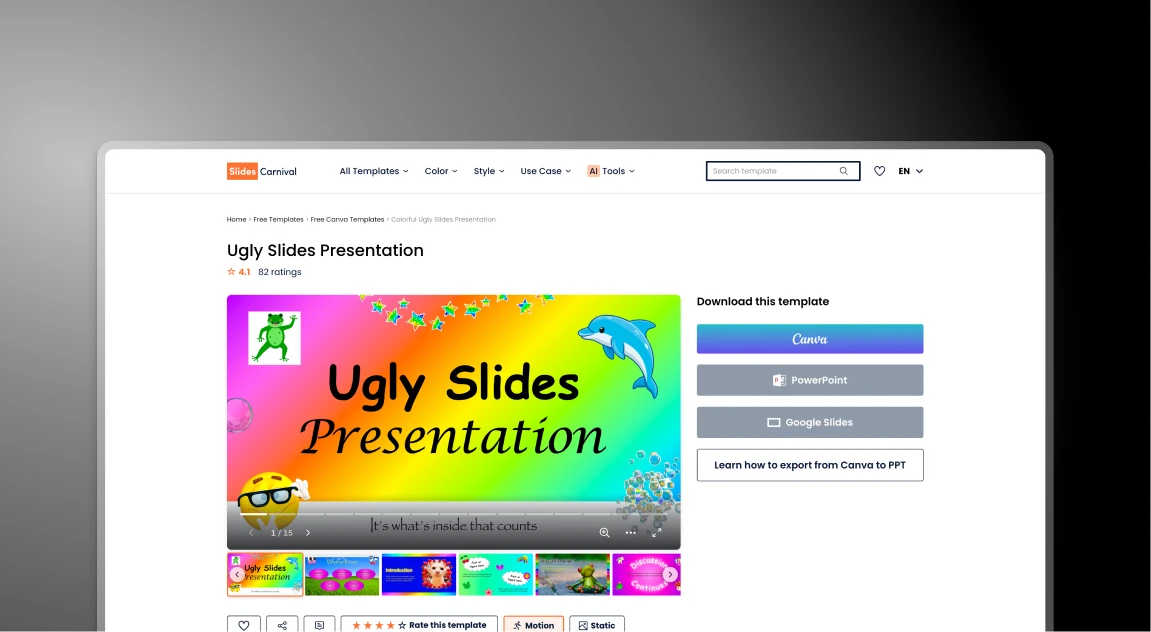


SlidesCarnival 対 Presentations.AI: 2026年徹底比較

SlidesCarnivalとは?

SlidesCarnivalとは?

GoogleスライドやPowerPoint向けの美しいデザインを提供する、無料テンプレートの定番ライブラリです。入力やレイアウトの修正には手作業が必要です。

Presentations AIとは?

Presentations AIとは?

ビジネスユースケース向けに設計されたAIプレゼンテーション作成プラットフォームで、シンプルなプロンプト、ドキュメント、またはリンクからプレゼンテーションを作成できます。

SlidesCarnival 対 Presentations.AI: 機能比較

SlidesCarnivalは、デザインを選び、テキストボックスを手動で移動させる時間があるDIY派向けです。Presentations AIは、デザインの面倒な作業なしに、高品質な資料を迅速に必要とするプロフェッショナル向けです。
Feature SlidesCarnival Presentations AI
How it works You pick a template and fill it in AI writes and builds the slides for you
Adding Content You type or paste everything manually You upload a doc or type one prompt
Design Control Hard: Moving boxes can break the look Smart: Design changes as you add text
Your Brand Manual: You must change every color Auto: It grabs your colors from your site
Best For School, hobbies, or simple projects Business, sales, and professional teams
PowerPoint Standard download (often has errors) High-quality export that stays perfect
Security None: anyone can use it Secure and private for business info
Price 100% Free Free to start: Paid for business plans

より速く、より良いプレゼンテーションを作成する準備はできていますか?

どんな文書、アウトライン、アイデアも、わずか60秒でデザイン済みのスライドデッキに変換できます。

無料で始める

SlidesCarnivalとPresentations.AIの概要

SlidesCarnivalは、GoogleスライドとPowerPoint向けの、手作業で作成された無料のプレゼンテーションテンプレートライブラリです。魅力的で既製のテーマを提供することで視覚的なデザインの問題を解決しますが、コンテンツの作成からブランドカラーの適用まで、プレゼンテーションプロセスの他のすべての部分は完全に手作業です。Presentations AIは、ビジネスユース向けに設計されたAIプレゼンテーションプラットフォームで、プロンプト、ドキュメント、またはURLからスライドを自動的に生成するため、テンプレートの閲覧や手動での入力は不要です。

違いは、誰が作業を行うかです。SlidesCarnivalはキャンバスを提供しますが、ソース資料から要点を抽出し、固定されたテキストボックスにコンテンツを入力し、収まらない要素のサイズを変更し、ブランドロゴや色を手動で探し出してスライドごとに適用するといった、それ以外のすべてはユーザーが行います。Presentations.AIはこれらすべてを自動的に処理します。AIが物語を抽出し、ストーリーを構成し、スライドを作成し、ブランド同期機能がワンクリックで企業のアイデンティティを適用します。

ビジネスおよびプロフェッショナルなユースケースにおいて、Presentations AIは無料テンプレートライブラリでは提供できない3つの利点をもたらします。
1. ビジネス情報の安全でプライベートな取り扱い
2. 役員会議でも通用するプロフェッショナルグレードのPowerPointエクスポート
3. 資料ごとに何時間もの手作業によるデザイン作業を不要にするAI。


SlidesCarnivalの仕組み

ステップ1: ライブラリを閲覧する – 何百ものカテゴリから検索し、トピックに合ったビジュアルテーマを見つける

ステップ2: ダウンロードして開く – テンプレートを.pptxまたはGoogleスライドファイルとしてダウンロードし、デスクトップソフトウェアで開きます

ステップ3:手動抽出 – 議事録やメモを読み込み、含めるべき主要なポイントを特定します

ステップ4:コピー&ペーストとサイズ調整 – テキストを固定ボックスに手動で貼り付けます。コンテンツが長すぎる場合は、フォントサイズを変更したり、要素を移動したりして、デザインの崩れを防ぎます

ステップ5:手動ブランディング - ドライブから高解像度のロゴを探し、すべての色とフォントを手動で変更して、企業アイデンティティに合わせます

合計時間: 3~5時間 の手作業によるデザイン作業

プレゼンテーションAIの仕組み

ステップ1:コンテンツの入力 – メモ、ビジネスレポート、PDFをアップロードするか、またはウェブサイトのURLを貼り付けるだけです

ステップ2:AIによる生成 – AIが瞬時にナラティブを抽出し、ストーリーを構成し、スライドを作成します

ステップ3:即時ブランディング – ブランド同期機能を使用して、ロゴ、フォント、色をデッキ全体にワンクリックで適用します

ステップ4:プロフェッショナルなエクスポート – 完璧にフォーマットされ、役員会議ですぐに使用できる高品質なPowerPointファイルをエクスポートします

合計時間: 15分以内 の作成と調整。

チームがSlidesCarnivalではなくPresentations.AIを選ぶ5つの理由

何時間も節約できるAIプレゼンテーション作成ツール – 手作業での書式設定なしで、プロフェッショナルなスライドを自動的にデザイン

コンテンツに合わせて調整されるスマートなレイアウト – テキストを追加しても、スライドは常にすっきりと洗練された状態を保ちます

ブランドの自動統合 – ウェブサイトからロゴ、色、スタイルを瞬時に適用

ドキュメントをプレゼンテーションに変換 – Word文書やPDFを数分で構成されたスライドに変換

プロフェッショナルなスライドをより速く作成 – 数回のクリックでアイデアから完成したプレゼンテーションへ

無料テンプレートがもたらす隠れた生産性コスト

SlidesCarnival は、美しく無料のデザインを提供する伝説的なリソースですが、静的なテンプレートはビジネスの生産性を静かに蝕むものです。初期費用は0ドルですが、手作業による書式設定の負担は大きいです。

Presentations AI は、根本的なボトルネックを解決します。コンテンツを既成の枠に無理やり押し込むのではなく、AIがコンテンツに合わせて枠を構築し、洗練された高品質なPowerPointエクスポートを数分で提供します。

Divider Lines

よくある質問

What is the main difference between SlidesCarnival and Presentations.AI?

Down IconUp Icon

The main difference is workflow. SlidesCarnival is a free template library where you browse, download a static .pptx or Google Slides file, and manually type content, resize elements, and apply your brand colors slide by slide. Presentations.AI is an AI-native platform that generates a complete branded deck from a document or prompt, with content, layouts, and brand styling applied automatically.

Is SlidesCarnival completely free?

Down IconUp Icon

Yes, SlidesCarnival is completely free with no signup, no download limits, and a commercial license for both personal and business use. There are no paid tiers. Presentations.AI also offers a free plan with five complete AI-generated presentations, no credit card required, no watermark, and full PowerPoint export with brand styling applied automatically.

Can you use SlidesCarnival templates in PowerPoint and Google Slides?

Down IconUp Icon

Yes, SlidesCarnival templates are designed for both Microsoft PowerPoint and Google Slides, with each template offering download buttons for both formats. Some templates are exclusive to Canva. Presentations.AI exports a clean .pptx file that works in PowerPoint, imports into Google Slides without reformatting, and preserves layouts, fonts, and brand styling exactly as designed in the editor.

Does SlidesCarnival have AI for presentations?

Down IconUp Icon

SlidesCarnival lists an AI PPT Maker tool in its product menu alongside other utilities like PDF conversion and font pairing, primarily as a complement to its template library rather than the core product. Presentations.AI is AI-native from the ground up, with deck generation, brand sync, document import, and PowerPoint export all designed together as a single platform.

What is the best alternative to SlidesCarnival for business presentations?

Down IconUp Icon

Presentations.AI is the strongest alternative for teams that need finished branded decks rather than templates to fill in. It generates complete presentations from documents or prompts, applies brand colors and fonts automatically through company URL sync, includes 10,000+ business-specific templates, and exports a clean PowerPoint file. For business teams that lose hours per deck on manual template filling, the workflow saves the design labor entirely.