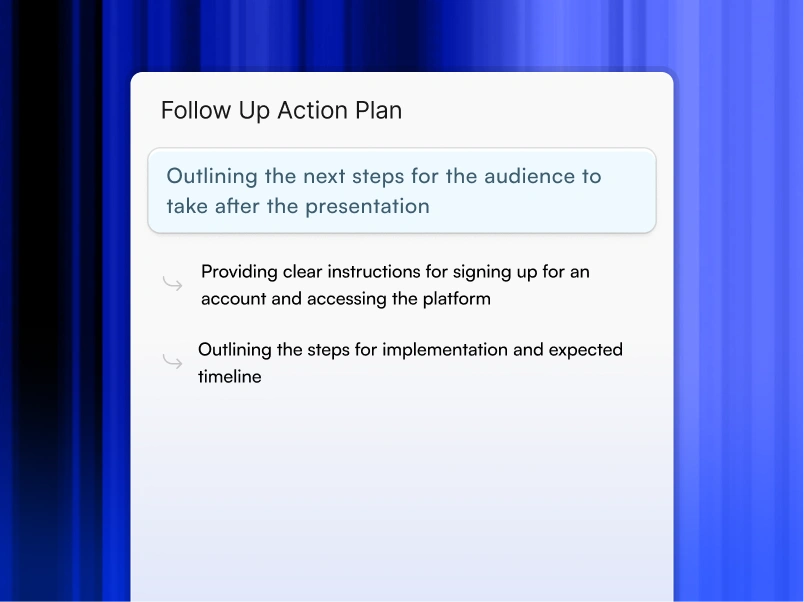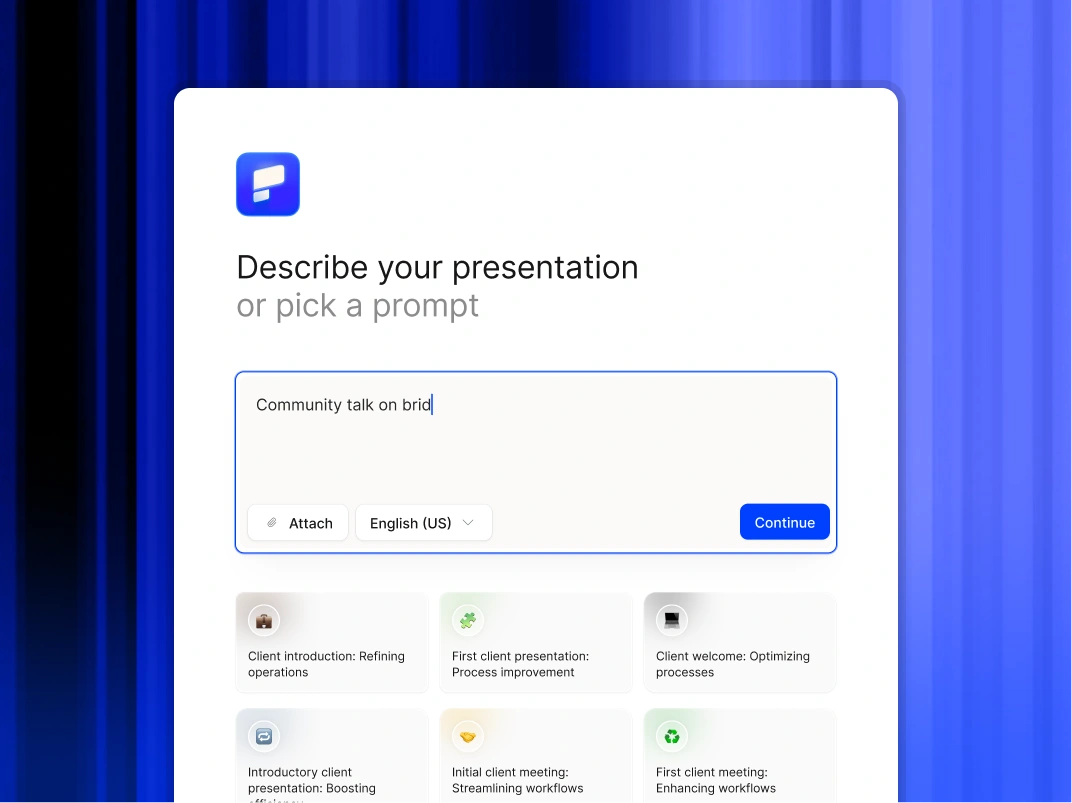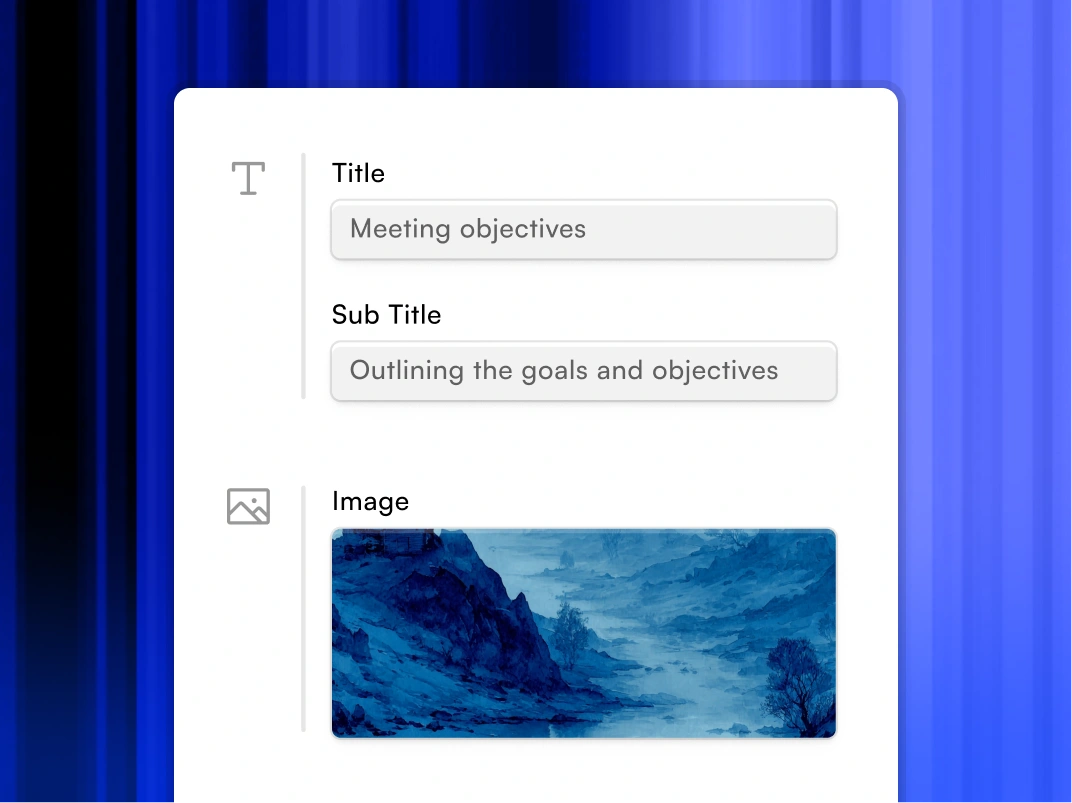






The Best AI Presentation Maker!

手動でプレゼンテーションを作成するのはやめて、最高のプレゼンテーション API を使おう

製品のプレゼンテーション生成を自動化します。REST API はプロ仕様のデッキを 30 秒で生成します。ホワイトレーベル準備完了。無料利用枠が含まれています。

Try for Free

No credit card required

プレゼンテーション AI API によるプレゼンテーションの自動化

Trusted by over 10 million professional teams

TRUSTED BY

Google Logo
Adobe Logo
Microsoft Logo
Amazon Logo
Notion Logo
Facebook Logo
Google Logo
Adobe Logo
Microsoft Logo
Amazon Logo
Notion Logo
Facebook Logo
Google Logo
Adobe Logo
Microsoft Logo
Amazon Logo
Notion Logo
Facebook Logo

Never start from a blank slide again

Type a topic, paste your notes, or upload a document. In minutes, you get a polished, structured presentation - edit or export directly to PowerPoint or Google Slides.

Try For Free

主なメリット

3 時間のタスク → 5 分 データから数分で生成されるプレゼンテーション

既存のツールと連携 プラットフォームを移行する必要はありません。既存のスタックに接続

常にブランド通り すべての出力はビジュアルアイデンティティと自動的に一致します

人員数なしで拡張可能 スタッフを増員せずに何百ものプレゼンテーションを作成

構造化された出力 お客様のユースケースに合わせて一貫した形式のプレゼンテーション


問題:手動によるプレゼンテーションは時間の無駄です

チームは毎週、数分かかるはずのプレゼンテーションに何時間も費やしています。

数学は醜いです:

  • 営業担当:カスタムピッチ資料1件あたり3~4時間、週5ピッチ = 15~20時間
  • 財務アナリスト:四半期ごとのボードデッキ1枚につき6~8時間
  • マーケティングマネージャー:キャンペーンパフォーマンスレポート1件につき4~5時間
  • CS マネージャー:QBR デッキあたり 2 ~ 3 時間、アカウント 20 個 = 四半期あたり 40 ~ 60 時間

それは人の問題じゃない。これはプロセスの問題だ。そして、API がそれを解決します。


API の仕組み:3 つの簡単なステップ

ステップ 1: データを送信する

  • プレゼンテーション AI API エンドポイントにデータを投稿する
  • データは JSON、CSV、テキスト、または構造化パラメーターのいずれでもかまいません
  • オプションのコンテキスト(オーディエンス、トーン、テンプレートの好み)を含める

ステップ 2: AI がプレゼンテーションを生成する

  • AI はデータに適したスライドタイプを選択します
  • ブランド (色、フォント、ロゴ、レイアウト) を適用します
  • 見出し、箇条書き、スピーカーノートを書きます
  • 数値からチャートとビジュアライゼーションを作成します
  • ユースケースに基づいてナラティブフローを構築

ステップ 3: 出力を受け取る

  • プレゼンテーション URL またはファイルのダウンロードリンクを取得する
  • 利用可能なフォーマット:PPTX、PDF、共有可能なウェブリンク
  • 生成が完了したときの Webhook 通知
  • エンドユーザーへの直接保存または提供


API 機能:できること

データからプレゼンテーションを生成

  • 生データ+コンテキストを渡す→完全なプレゼンテーションを受け取る
  • AI が構造、レイアウト、物語の流れを決める
  • あらゆる業界やユースケースをサポート

テンプレートを使う

  • 既存のプレゼンテーション AI テンプレートを API 経由で適用
  • ブランド要素をロックして一貫性を確保
  • AI の柔軟性と構造化されたテンプレート制約の組み合わせ

スライドにライブデータを入力

  • データベースまたはデータウェアハウスへの接続
  • ライブデータソースからスライドコンテンツを自動入力
  • 自動更新をスケジュールする

プレゼンテーションライブラリの管理

  • API によるプレゼンテーションの作成、更新、削除
  • フォルダ、タグ、チーム、またはプロジェクトごとに整理
  • プログラムによるプレゼンテーションの検索と取得

コントロール・ブランディング

  • 生成されたすべてのプレゼンテーションにブランドガイドラインを設定して適用する
  • カスタムフォント、カラーパレット、ロゴ配置のサポート
  • 政府機関や企業向けのマルチブランドサポート

認証とセキュリティ

  • API キー管理
  • OAuth 2.0 のサポート
  • ロールベースのアクセス制御
  • エンタープライズコンプライアンスの監査ログ


価格:実際に支払う金額

Tier Monthly Volume Price Per Presentation Best For
Starter Up to 100 $X.XX Early integration, testing
Growth 101–1,000 $X.XX Scaling SaaS, regular pipeline
Scale 1,001–10,000 $X.XX High-volume automation
Enterprise 10,000+ Custom Dedicated infra + SLA

ボリュームディスカウントは自動的に適用されます。セットアップ料金はかかりません。成長率と規模に関する月間最低額はありません。


実際のユースケース:チームが API を使用する方法

セールスオートメーション

  • トリガー:見込み客がデモを予約する
  • API コール:CRM データを使用してカスタムピッチデッキを生成
  • アウトプット:通話開始前にカスタマイズしたデッキの準備完了

レポートパイプライン

  • トリガー:毎週のcronジョブ
  • API コール:データウェアハウスから KPI を取得し、実行概要を生成
  • アウトプット:毎週月曜日の午前 8 時に Slack に配信される掲示板対応レポート

大規模なカスタマーサクセス

  • トリガー:QBR 日付が近づいている (CRM から)
  • APIコール:アカウントヘルスデータを使用してQBRデッキを生成
  • アウトプット:CS マネージャーによるレビュー、10% のパーソナライズ、送信

製品に組み込まれたプレゼンテーション

  • トリガー:ユーザーが製品の「レポートをエクスポート」をクリックする
  • API コール:ユーザーのアプリ内データからプレゼンテーションを生成
  • 出力:製品から直接ダウンロードしたポリッシュデッキ

トレーニングと支援コンテンツ

  • トリガー:HRIS に新規採用者が加わりました
  • API コール:各自の役割に関するオンボーディングプレゼンテーションを生成
  • アウトプット:初日に使えるパーソナライズされたトレーニングデッキ


インテグレーション:ビルド済みコネクター

プレゼンテーション AI は、すでに使用しているツールと統合されます。

顧客管理 & セールス

  • 営業部隊
  • ハブスポット
  • パイプドライブ
  • アウトリーチ
  • セールスロフト

データ&分析

  • スノーフレーク
  • ビッグクエリー
  • 見物人
  • タブロー
  • ミックスパネル

プロジェクト管理

  • ジラ
  • アーサナ
  • Monday.com
  • クリックアップ
  • 線形

コミュニケーション

  • スラック
  • マイクロソフトチーム
  • 電子メール (ウェブフック経由)

インフラ

  • AWS
  • グーグルクラウド
  • アズール
  • ザピア (コードなし)
  • メイク (旧インテグロマット)


競合他社との比較:プレゼンテーション AI API を選ぶ理由

Capability Presentations AI API Gamma API Beautiful.AI API Custom GPT + PPTX
Full presentation generation Yes Limited No Manual assembly required
Brand enforcement Yes Limited Yes No
Data-driven generation Yes No No Manual
Template library Yes Yes Yes No
PPTX export Yes Yes Yes Yes
Enterprise security Yes Limited Yes DIY
Volume pricing Yes Unknown No public API N/A


実際のケーススタディ

シリーズ B SaaS 企業 — セールスオートメーション

  • 問題:AE がカスタムピッチデッキ 1 つにつき 4 時間以上を費やしている
  • ソリューション:Salesforce と API を統合すると、デモ予約時に自動生成がトリガーされます
  • 結果:4分でデッキの準備が整いました。AE レビューに要する時間:15 分成約率が 18% 上昇

金融サービス会社 — レポーティングの自動化

  • 問題:財務チームがレポートの作成に月に 2 日を費やしている
  • ソリューション:API がデータウェアハウスからデータを引き出し、スケジュールどおりにボードデッキを生成します
  • 結果:レポートは8分で配信されました。財務チームが 1 か月あたり 16 時間を節約

カスタマーサクセスプラットフォーム — QBR 生成

  • 問題:CS マネージャーが QBR デッキあたり 3 時間以上、それぞれ 20 アカウント
  • ソリューション:CS プラットフォームに API を統合し、トリガー時に QBR を生成する
  • 結果:87% の時間短縮。CS マネージャーが扱うアカウントの数が 35% 増えました


デベロッパーリソース

  • API ドキュメントの全文は api.presentations.ai/docs にあります
  • テスト用郵便配達員コレクション
  • SDK ライブラリ:Python、Node.js、Ruby、Java
  • ウェブフック設定ガイド
  • テンプレート作成チュートリアル
  • 一般的なユースケースのサンプル統合コード


プレゼンテーションを自動化する準備はできましたか?

プレゼンテーション AI API をすでに使用している開発者や製品チームに加わって、手作業によるプレゼンテーション作業をなくしましょう。

  • 無料利用枠:1 か月あたり 10 プレゼンテーション、クレジットカード不要
  • 有料レベルは成長レベルから始まります
  • 専用サポートとSLA付きのエンタープライズ契約が可能

今日から構築を始めましょう。あなたのチームはきっとあなたに感謝するでしょう。

Divider Lines

API インフラストラクチャ

エンタープライズセキュリティと SLA を備えた本番環境対応 API

A collaborative AI partner at your command.

Chat with the app and ask it to do what you want - every user is a power user!

Bring your ideas to life instantly

Turn any idea into a presentation instantly. Simply type and get a beautiful deck.

You bring the story. We bring design.

Focus on your content. Beautiful output with no design work.

Divider Lines

API に関するよくある質問

What is an AI presentation API and how does it benefit developers?

Down IconUp Icon

An AI presentation API is a developer tool that enables software applications to programmatically create, customize, and manipulate slide decks using artificial intelligence. For developers, it means integrating powerful AI-driven design and content generation features directly into their own products, automating presentation workflows, and allowing users to generate professional presentations without ever leaving their application.

Which export formats does the Presentations.AI API support for generated slides?

Down IconUp Icon

The Presentations.AI API supports a variety of popular export formats to ensure maximum compatibility and flexibility. These include PPTX (Microsoft PowerPoint) for easy editing, PDF for universal sharing, and various image formats (e.g., PNG, JPEG) for individual slides. This ensures that the decks generated within your application are fully compatible with the tools and platforms your users already utilize.

How is pricing calculated? What does "5 credits per slide" mean?

Down IconUp Icon

Each slide costs 5 credits. A 15-slide presentation = 75 credits. A 20-slide deck = 100 credits. Your tier gives you a monthly credit allowance. You can estimate cost before generating.

How many presentations can I generate per month at each tier?

Down IconUp Icon

Assuming 15-slide averages (75 credits each): Free: 2-3 presentations (200 credits one-time). Starter: 26-27 presentations/month (2,000 credits). Growth: 80 presentations/month (6,000 credits). Scale: 400 presentations/month (30,000 credits).

What export formats does the API support?

Down IconUp Icon

PPTX (Microsoft PowerPoint, fully editable), PDF (immutable, shareable), HTML (embed in web apps), JSON (integrate into database for custom rendering).

How fast are presentations generated?

Down IconUp Icon

P50 latency: 20-50 seconds. P95 latency: 30-75 seconds. P99 latency: 90 seconds. Average: 45-90 seconds for typical decks. Faster than a human could open PowerPoint and select a template.

What happens if a presentation fails to generate?

Down IconUp Icon

Automatic retry with exponential backoff (3 retries over 120 seconds). You get webhook notification on failure with error details. Manual retry available via API. No credit charge if failed after 3 retries. Typical failure rate: <0.5%.

What are the rate limits for API calls?

Down IconUp Icon

Soft limit: 1,000 requests/minute. Hard limit: 5,000 requests/minute. We notify you before enforcement. Burst capacity available with automatic backoff. Higher limits available with Scale or Custom tier.

Can I white-label presentations generated by your API?

Down IconUp Icon

Yes, completely. Growth tier and above: Remove all Presentations.AI branding, apply your logo and colors automatically, customize fonts and styling. Presentations look indistinguishable from your product.

Can I embed the API in my SaaS product for customer-facing features?

Down IconUp Icon

Yes, absolutely. That's exactly what we designed this for. Embed presentation generation directly into your product. White-label support (Growth tier+) ensures your customers see your branding, not ours.

Is my data used to train AI models?

Down IconUp Icon

No. Your data is processed securely, never logged or stored long-term (deleted after generation), never shared with third parties, and never used for model training. Compliant with GDPR, CCPA, HIPAA. We process and discard immediately.

What security certifications do you have?

Down IconUp Icon

SOC 2 Type II certified (annual third-party audit), GDPR and CCPA compliant with Data Processing Agreement (DPA).

Can I customize the presentation output (colors, fonts, layout)?

Down IconUp Icon

Yes, multiple ways: Send brand guidelines JSON and they are auto-applied to all decks. Specify style preferences and they are incorporated into generation. Request specific slide count and it is honored. Choose from pre-built templates. Post-generation webhooks let you modify output before delivery. You have full control.

Do you have pre-built integrations with popular platforms?

Down IconUp Icon

Yes. Production: Salesforce, HubSpot, Google Sheets, Zapier, Make.com. Beta: Slack, Notion. Roadmap: Dynamics 365, Tableau, Snowflake. See the Integrations section for status and links.

How do I estimate which tier is right for my use case?

Down IconUp Icon

Start with the free plan and validate quality. Then sign up for the Starter Plan — you can scale with usage. For custom guidance, email api-sales@presentations.ai.