


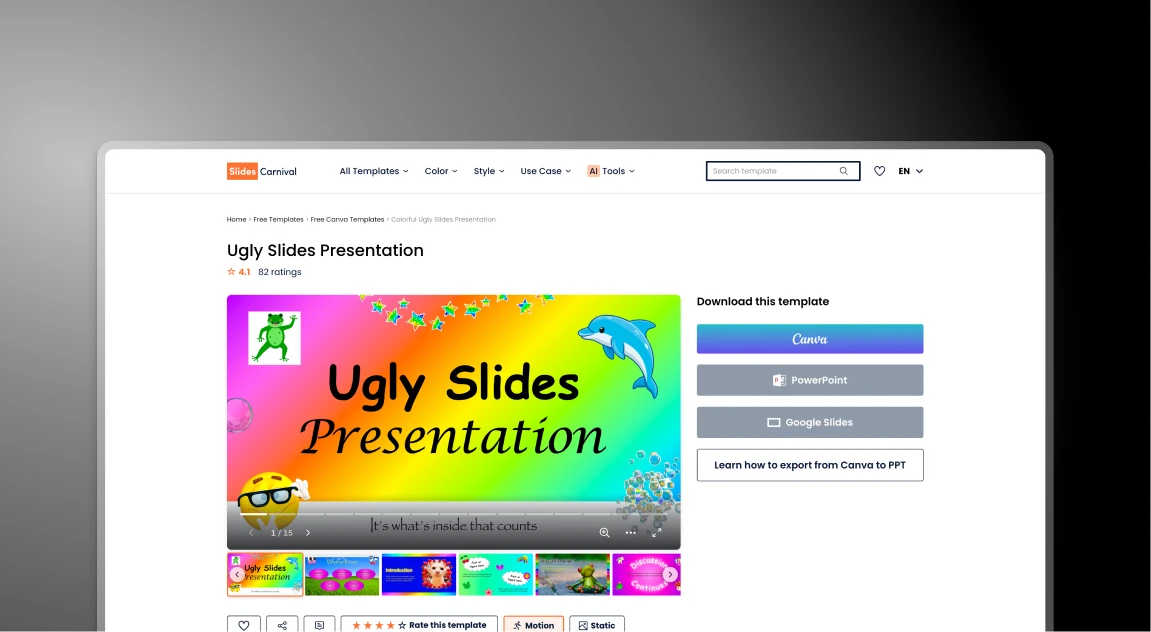


SlidesCarnival and Presentations.AI at a Glance
SlidesCarnival is a free library of hand-crafted presentation templates for Google Slides and PowerPoint. It solves the visual design problem by offering attractive, ready-made themes — but every other part of the presentation process, from writing content to applying brand colors, is entirely manual. Presentations.AI is an AI presentation platform designed for business use that generates slides automatically from a prompt, document, or URL — no template browsing or manual filling required.
The difference is who does the work. SlidesCarnival provides the canvas; you do everything else — extracting key points from your source material, typing content into fixed text boxes, resizing elements when they don't fit, and manually hunting down your brand logo and colors to apply slide by slide. Presentations.AI handles all of that automatically: AI extracts the narrative, structures the story, builds the slides, and Brand Sync applies your corporate identity in a single click.
For business and professional use cases, Presentations.AI delivers three advantages that a free template library cannot:
1. Secure, private handling of business information
2. Professional-grade PowerPoint export that holds up in the boardroom
3. AI that eliminates hours of manual design labor per deck.
How SlidesCarnival Works
Step 1: Browse the library – Search through hundreds of categories to find a visual theme that fits your topic
Step 2: Download and open – Download the template as a .pptx or Google Slides file and open it in your desktop software
Step 3: Manual extraction – Read your business report or notes and identify the key points you need to include
Step 4: Copy-paste and resize – Manually paste text into fixed boxes; if your content is too long, resize fonts and move elements to prevent design breaks
Step 5: Manual branding - Search your drive for high-res logos and manually change every color and font to match your corporate identity
Total time: 3 to 5 hours of manual design labor
How Presentations.AI Works
Step 1: Input your content – Upload your notes, a business report, a PDF, or simply paste a website URL
Step 2: AI generation – The AI instantly extracts the narrative, structures the story, and builds the slides for you
Step 3: Instant branding – Use Brand Sync to apply your logo, fonts, and colors across the entire deck in one click
Step 4: Professional export – Export a high-fidelity PowerPoint file that is perfectly formatted and ready for the boardroom
Total Time: Under 15 minutes of creation and refinement.
Five Reasons Teams Choose Presentations.AI Over SlidesCarnival
AI presentation maker that saves hours :
Automatically design professional slides without manual formatting
Smart layouts that adapt to your content :
Your slides stay clean and polished as you add more text
Automatic brand integration :
Instantly apply your logo, colours, and style from your website
Convert documents into presentations :
Turn Word docs and PDFs into structured slides in minutes
Create professional slides faster :
Go from idea to finished presentation in just a few clicks
Why Free Templates Carry a Hidden Productivity Cost
SlidesCarnival is a legendary resource for beautiful, free designs, but static templates are the silent killer of business productivity. While the initial price is $0, the manual formatting tax is steep.
Presentations.AI solves the fundamental bottleneck — instead of forcing your content into a pre-made shell, the AI builds the shell around your content, delivering a polished, high-fidelity PowerPoint export in minutes.
