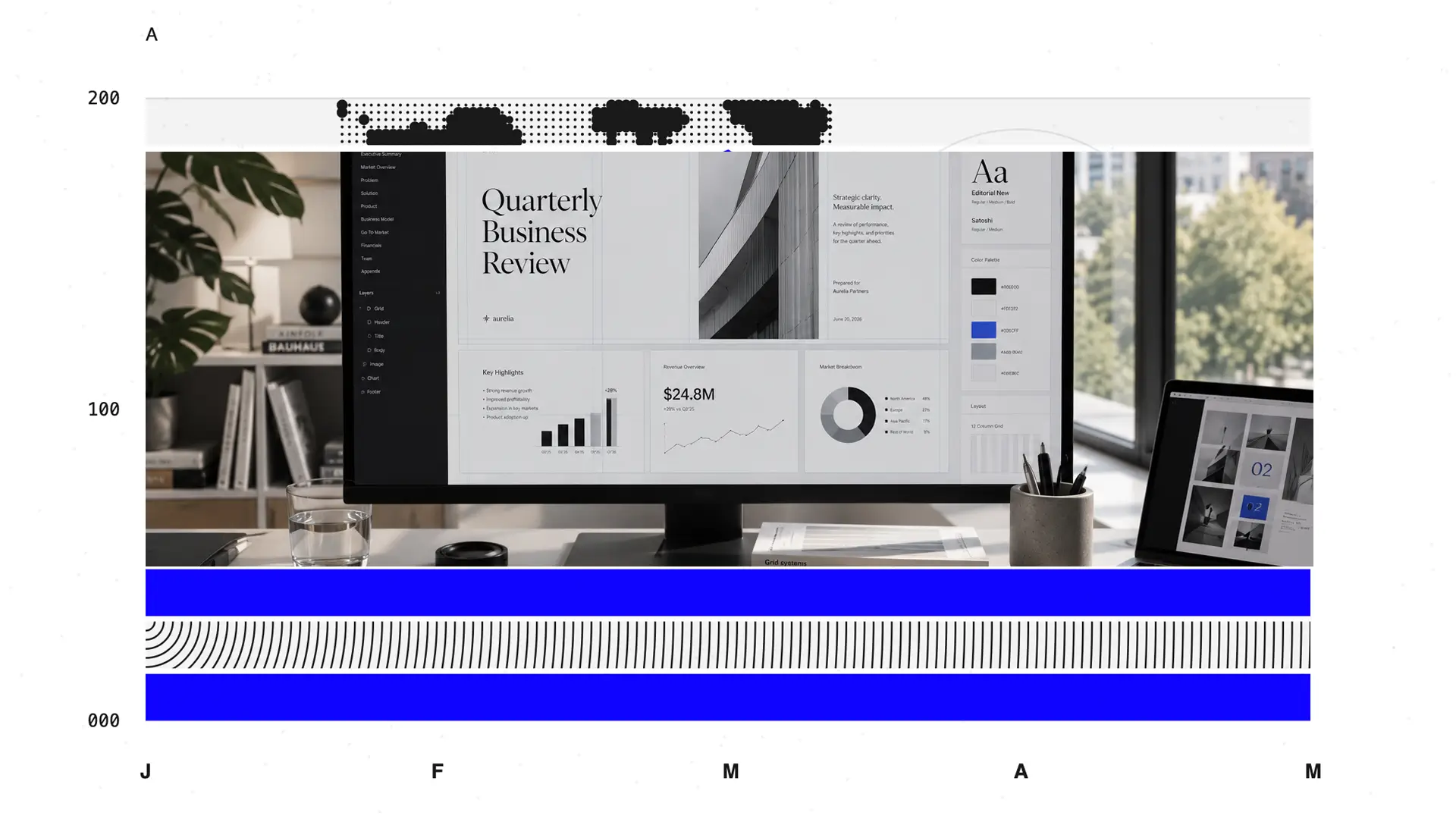
When comparing Canva vs PowerPoint, the real question is which one gets you from a rough idea to a polished, usable presentation with the least rework along the way.
Canva appeals to non-designers because it makes the process feel visual from the start. Pick a template, drag in images, and use Magic Studio for a first-draft copy. For marketing teams and educators, that simplicity is genuinely valuable, especially when presentations are one of several content formats they produce.
PowerPoint remains the business standard for clear reasons. Deep designer control, native .pptx files, and tight integration with Microsoft 365. Excel-linked charts, Slide Master governance, and offline access all favor PowerPoint in corporate environments.
TL;DR
- Canva delivers the fastest experience for quick, design-led presentations and marketing slides. The template library and drag-and-drop editor work well for non-designers, though exported PowerPoint files often need font and spacing cleanup before business handoff.
- PowerPoint is the reliable choice for corporate teams already standardized on Microsoft 365. It handles Excel-linked charts, advanced animations, and offline editing well, but building polished decks from scratch takes real time and design knowledge.
- Presentations.AI is built for business teams that need AI-native deck creation with automatic brand application and clean PowerPoint output. Brand Sync, adaptive templates, and Clip-E reduce the manual formatting required by both Canva and PowerPoint.
- In a straight Canva vs PowerPoint comparison, Canva wins on speed and visual ease while PowerPoint wins on compatibility and control. Presentations.AI adds a third path: AI-first creation, automatic branding, and a clean PowerPoint export built for business workflows.
Quick Comparison: 3 Tools at a Glance
What is Canva?
For presentations, Canva works best when you want a polished visual starting point quickly. A large template library, a growing collection of stock photos and videos, and Magic Design all help non-designers produce attractive slides with minimal technical effort.
Magic Write drafts copy, while Magic Media generates custom visuals from text prompts. Canva Free covers basic templates and editing tools. Canva Pro adds premium assets, 1 TB storage, Brand Kits, and higher AI usage limits. Canva Teams adds shared folders, role-based access, and approval workflows for marketing teams managing multiple contributors.
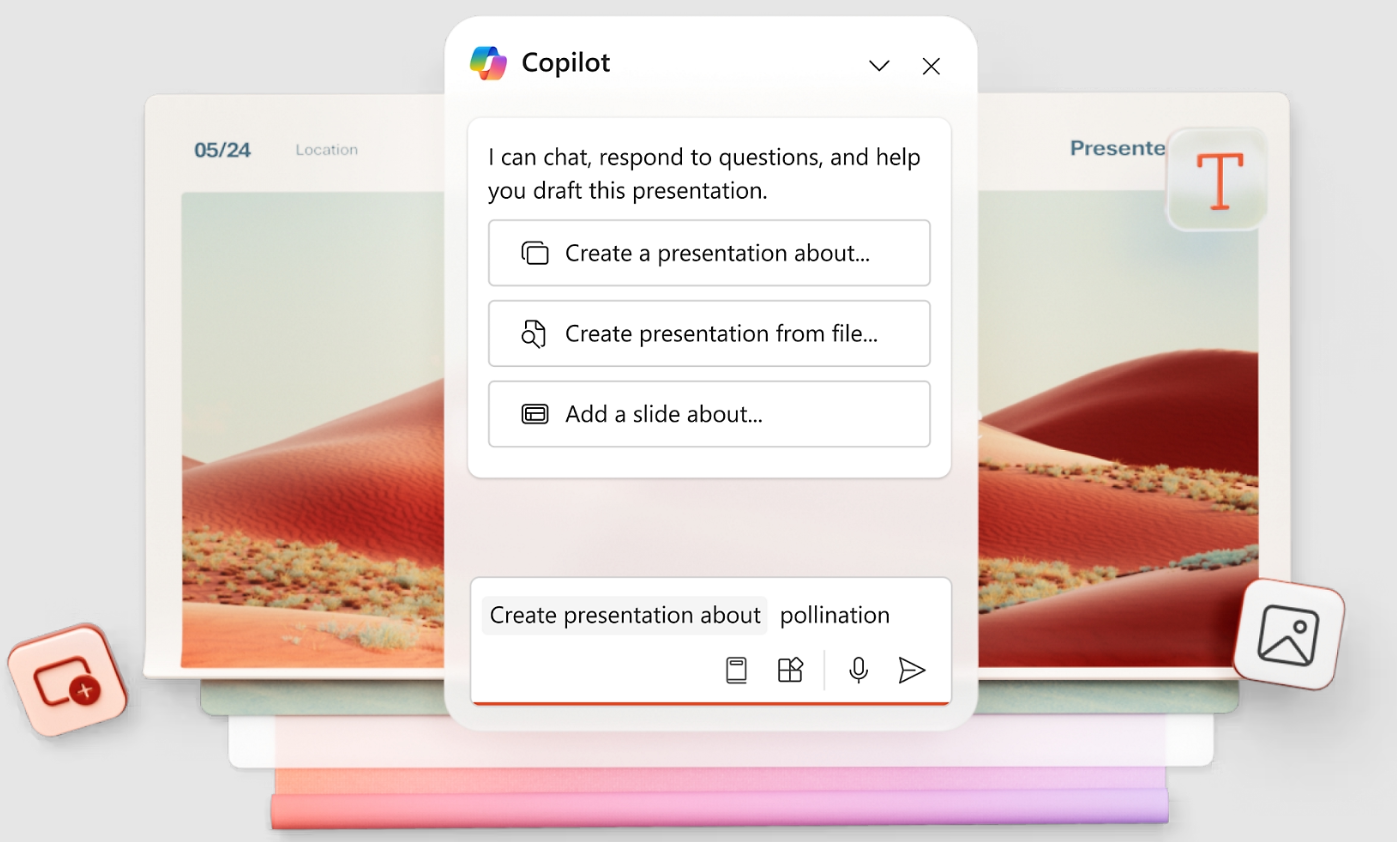
What is PowerPoint?
Teams typically access PowerPoint through Microsoft 365 plans rather than a standalone purchase, which means the exact feature set depends on which plan is active and whether desktop access is included.
The core PowerPoint workflow starts from a file: either a blank deck or a company template. From there, you add text boxes, images, charts, and shapes. Its strengths are depth and compatibility. The application manages Excel-linked charts and complex tables, handles advanced animations and Presenter view, and produces native .pptx files that travel well across organizations.
If your company runs on Microsoft 365, PowerPoint integrates with Teams, OneDrive, SharePoint, and Outlook throughout the review and approval cycle.
What is Presentations.AI?
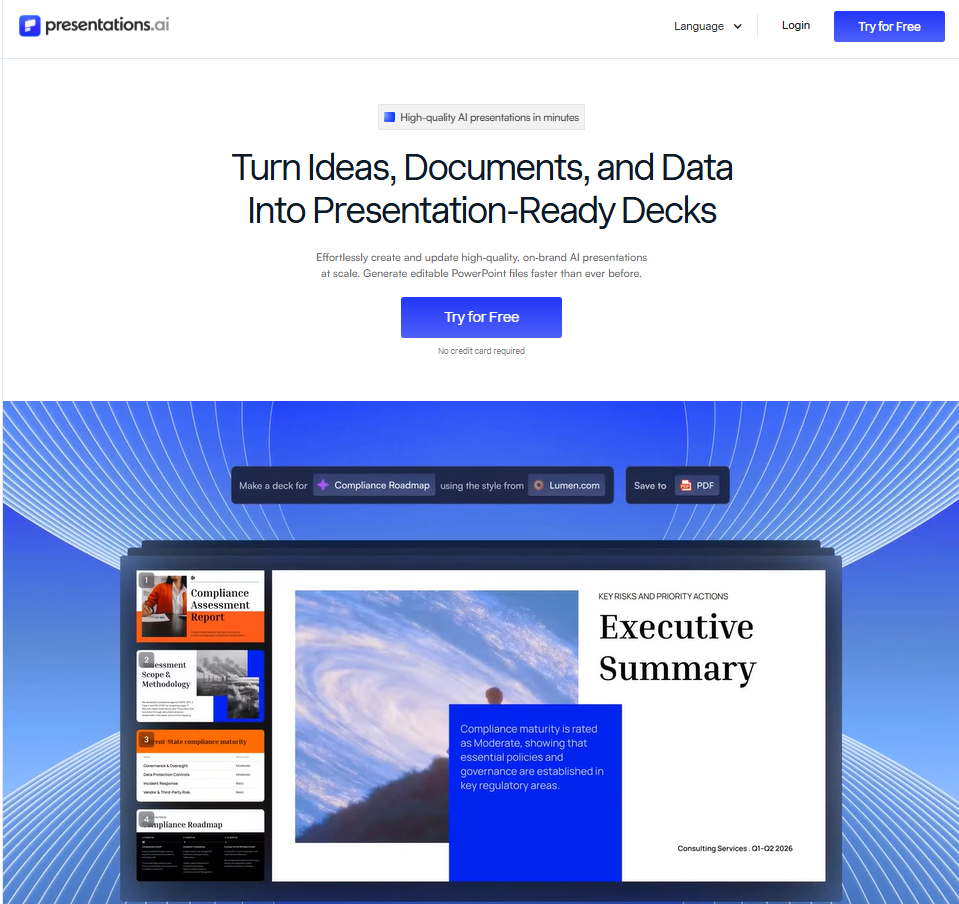
Presentations.AI is an AI-native presentation platform for business teams that build polished decks from source documents, URLs, and text prompts.
Rather than starting from a blank slide, teams can give Presentations.AI a PDF, a Word document, a company URL, or rough notes, and the platform builds a structured, branded deck from that input. Clip-E, the conversational AI assistant, helps create, reorganize, and refine slides from brief to final draft.
The workflow is designed around how business teams actually gather content before a presentation. This content can be from strategy memos, product pages, sales briefs, and investor documents.
Branding and layout stability are built into the workflow rather than added as a finishing step. With Brand Sync, Presentations.AI extracts your company's colors, fonts, and logo from your website URL and applies them automatically across every slide.
Its flexible templates hold their structure as content changes, so revising a headline or adding a proof point does not break the layout. Sales presentations, board updates, quarterly reviews, and proposal drafts all benefit from that kind of structural stability across repeated revision cycles.
For teams that need to work with PowerPoint, the AI presentation maker exports high-fidelity .pptx files that open cleanly in PowerPoint, with no font issues or layout shifts. Shared decks include engagement analytics after prospects or executives open them.
Security requirements are supported with SOC 2 Type II certification on Pro and above. For organizations comparing Canva vs PowerPoint and looking for a modern AI-first alternative, Presentations.AI bridges the gap between AI-native creation speed and the business-grade structure and PowerPoint output that their stakeholders expect.
Feature-by-feature Comparison: Canva vs PowerPoint vs Presentations.AI
Below is a side-by-side look at how the three tools compare across the dimensions that matter most in a real presentation workflow: AI generation, design and customization, collaboration, export, and ease of use. Each section ends with a short verdict on which tool has the edge for that specific need.
1. AI-Powered Slide Generation
- Canva: Canva Magic Design and Magic Write help teams create quick visual drafts from short prompts. The workflow suits simple, attractive decks when the creator plans to shape the story after generation. Because Canva covers many content formats, presentation output tends to be template-led rather than narrative-led. The AI helps dress up your content; it does not structure it for a business audience.
- PowerPoint: PowerPoint Designer suggests layouts in many versions. Generative deck creation depends on Copilot for Microsoft 365, which is available through specific plans and requires tenant-level admin enablement. Two PowerPoint users in the same organization may have very different AI experiences depending on license and settings. Where Copilot is active, it can draft or restructure decks from prompts or documents. Where it is not, AI support falls back to Designer layout suggestions only.
- Presentations.AI: Presentations.AI centers the full deck workflow on AI-native creation. Clip-E handles structure, copy, and design from a single input, whether that is a prompt, a PDF, a Word document, a URL, or raw text. Teams can continue refining the deck conversationally after the first draft rather than rebuilding slides manually. The generation is built around business presentation outcomes rather than general content formats.
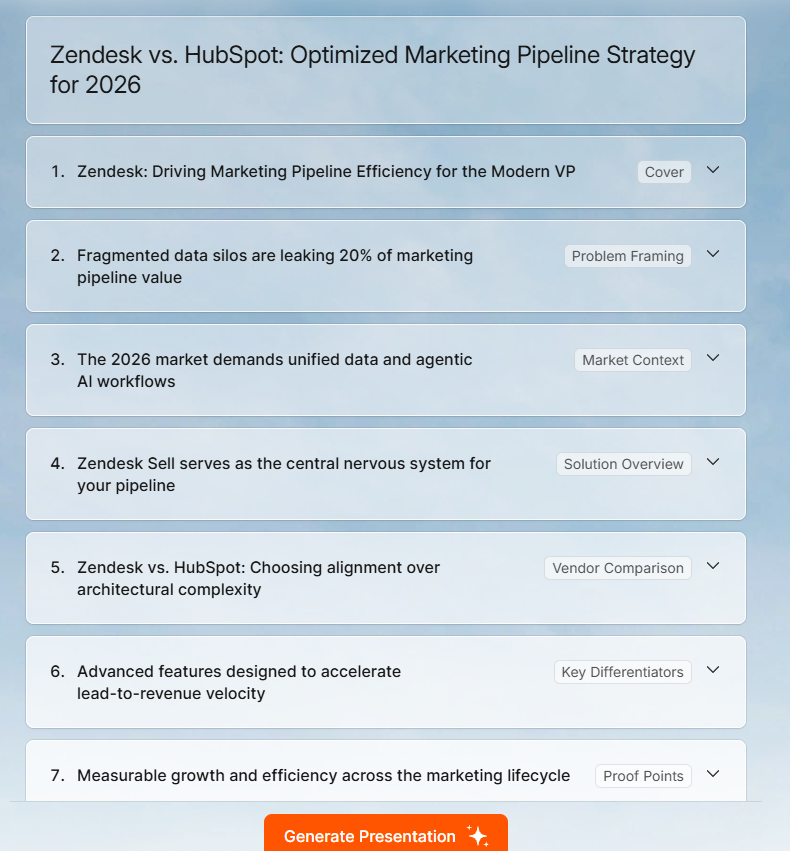
Verdict: Presentations.AI has the strongest AI-native workflow for business decks. Canva works well for quick visual drafts. PowerPoint's AI capability depends almost entirely on your Microsoft 365 plan and organizational setup.
2. Design Quality and Customization
- Canva: Canva gives non-designers a strong visual starting point for marketing decks and client presentations. Templates and drag-and-drop editing produce attractive slides quickly. Design quality starts to drop when teams need complex data layouts, strict brand governance across many contributors, or precise object-level control.
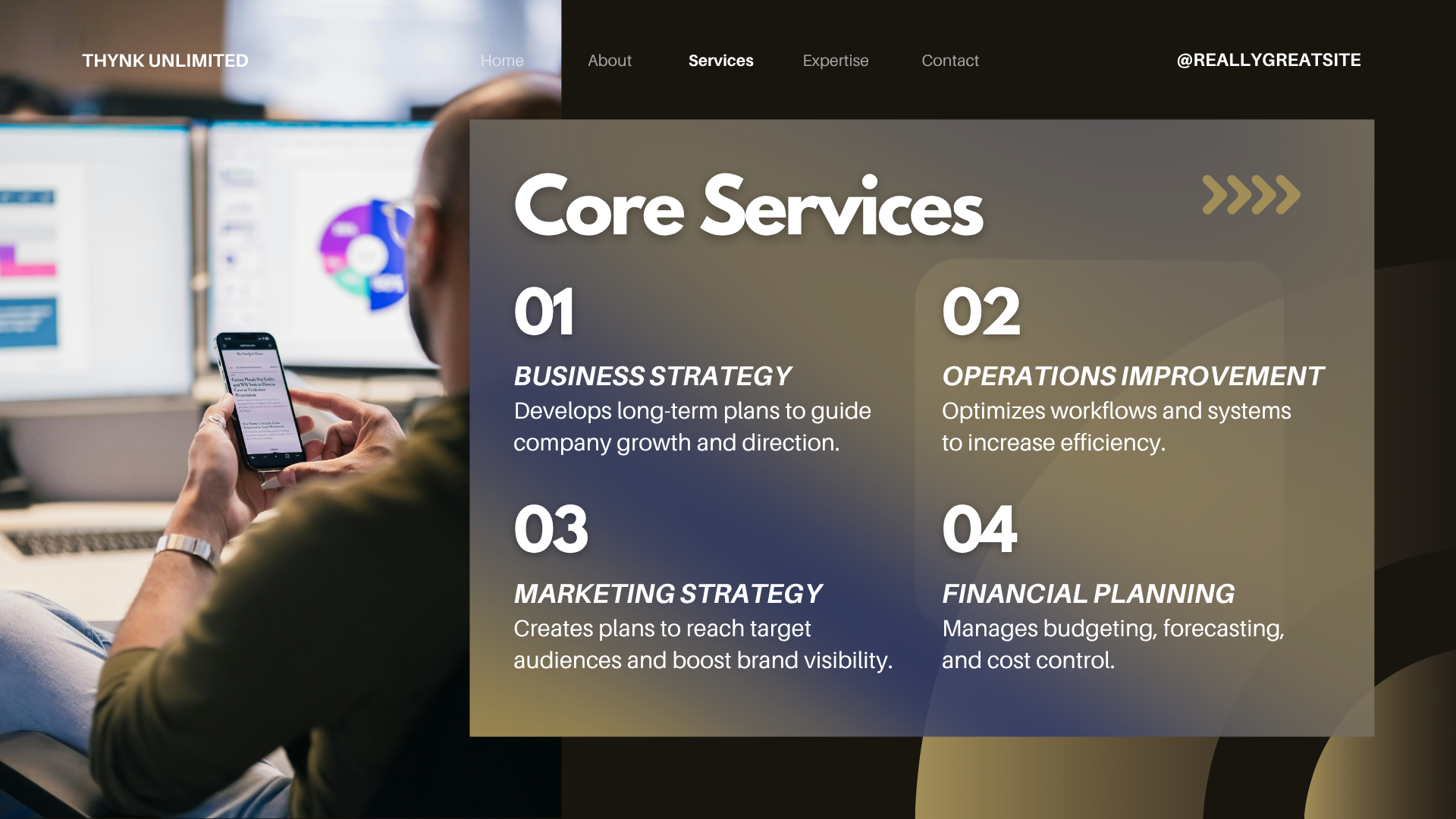
- PowerPoint: PowerPoint gives precise control over layouts, charts, and slide formatting. Teams can manage Slide Master configurations, complex data visualizations, and object-level alignment in detail. Strong results require user skill and template discipline; the tool enables good design but does not guide you toward it.
- Presentations.AI: Presentations.AI focuses on business-ready design that adapts as content changes. Anti-fragile templates protect layouts during revision cycles, so adding proof points or swapping a headline does not require rebuilding the slide. Consultants, sales teams, and founders can produce polished decks while spending less time on manual slide work.
Verdict: For quick creative design, Canva leads. For precise corporate layouts, PowerPoint leads the way. For consistent branded business decks built around AI output, Presentations.AI has the most stable and repeatable workflow.
3. Collaboration and Team Features
- Canva: Canva supports lightweight real-time collaboration for marketing and creative teams. Teams can share browser links, comment on slides, and co-edit for quick reviews. Advanced brand controls, approval workflows, and admin features are available on Teams or Enterprise plans.
- PowerPoint: Collaboration works best within Microsoft 365 environments using OneDrive, SharePoint, and Teams. Co-authoring and version history support internal deck reviews well. External sharing depends on tenant policies and license access. Teams that email PowerPoint files instead of using SharePoint frequently encounter version conflicts and approval delays.
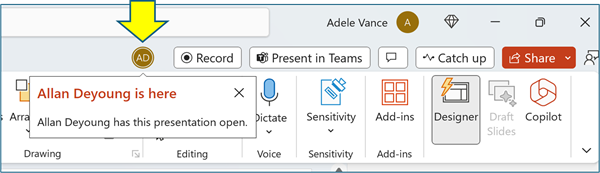
- Presentations.AI: Presentations.AI supports collaborative deck creation with AI inside the workflow. Teams can create, revise, and brand decks in a shared process. Sharing and tracking tools let stakeholders review final decks without manually editing slides. Built-in analytics show engagement after decks are shared with prospects or internal audiences.
Verdict: PowerPoint is stronger inside Microsoft 365 environments. Canva works for creative teams with lighter collaboration needs. Presentations.AI is stronger when teams need AI, branding, and analytics sharing in a single workflow.
4. Export and Integration Options
- Canva: Canva exports presentations to PDF, image, video, and PowerPoint formats. The PowerPoint export is useful for handoff but often requires cleanup for font substitutions, spacing shifts, and flattened design elements. Teams using Google Slides-to-PowerPoint conversion workflows should note that Canva's export path has similar compatibility limitations. Teams whose final workflow is PowerPoint-based should account for that repair time before standardizing on Canva.
- PowerPoint: PowerPoint remains the native .pptx environment for organizations that require full file compatibility. It integrates directly with Excel, Teams, OneDrive, and SharePoint. Imports from other design tools can produce layout issues or font mismatches depending on the source file.
- Presentations.AI: Presentations.AI is designed for clean, high-fidelity .pptx export. Teams can build a deck using AI and hand off an editable PowerPoint file to stakeholders without needing to fix layouts or reapply fonts. Accepting a Word document for conversion to PowerPoint is also built into the workflow, which is particularly useful for teams whose source content lives in documents rather than slide decks.
Verdict: PowerPoint is the native standard for .pptx compatibility. Presentations.AI produces the cleanest export among AI-first tools. Canva's export works but regularly requires cleanup before business use.
5. Ease of Use and Learning Curve
- Canva: Canva is the easiest starting point for someone new to presentation software. Templates are immediately accessible, and the interface is intuitive. The workflow suits lightweight creative decks well. More structured business decks require additional discipline because Canva does not enforce a business narrative structure.
- PowerPoint: PowerPoint is familiar to most business users, though building polished slides takes real skill. Basic slides are straightforward. Executive-ready decks require mastery of Slide Master, theme management, alignment tools, chart formatting, and animation controls. Non-designers often spend significant time formatting a single internal report.
- Presentations.AI: Presentations.AI reduces blank-slide work and manual formatting significantly. Users start from a prompt, PDF, document, URL, or raw text, and Clip-E shapes the deck from that input. Teams can describe the outcome they need rather than designing every slide manually, thereby lowering both the effort required and the skill threshold for producing a polished deck.
Verdict: Canva has the shortest learning curve for beginners. PowerPoint requires the most skill for high-quality output. Presentations.AI has the lowest effort-to-output ratio for business presentations.
Full Feature Comparison Table: Canva vs PowerPoint vs Presentations.AI
The table below covers the key capability differences across creation workflow, branding, collaboration, export, security, and pricing.
Pricing Comparison: Canva vs PowerPoint vs Presentations.AI
Which Tool is Best for Your Use Case?
The best presentation tool depends on what you are building, who is building it, and where the final file needs to go. Here is a breakdown by team type and workflow to help you self-select.
1. Startups and Pitch Decks
Canva helps founders create visually polished slides fast, especially early when brand guidelines are loose, and speed matters more than strict formatting. PowerPoint gives more control when investors expect an editable .pptx file with detailed supporting slides and financial charts.
Presentations.AI fits founders who need speed and narrative quality at the same time. Starting from a memo, website, or rough prompt, the AI helps shape the investor story while keeping the deck branded and export-ready.
2. Sales Teams
Sales teams need repeatable decks that reps can personalize quickly for specific accounts. Canva works for lightweight leave-behinds and visual one-pagers, but exported sales decks often need cleanup before reps customize them further in PowerPoint. PowerPoint supports teams with approved master decks, strict enablement processes, and data-heavy sales reporting.
Presentations.AI is stronger at building tailored decks quickly from account notes, product pages, or proposal documents.
3. Marketing Teams
Marketing teams create campaign decks, launch readouts, and event presentations on tight timelines. Canva works well for teams producing multiple visual formats beyond presentations, with social graphics and short videos fitting naturally in the same workspace. PowerPoint handles executive reporting and cross-functional review cycles.
Presentations.AI works best when marketers need to quickly turn strategy documents or campaign pages into stakeholder decks. Teams can produce polished slides from their existing content.
4. Enterprise and Large Teams
Enterprise teams need presentation tools with governance, security, and standard business file formats. PowerPoint remains the default in large companies because .pptx is the expected format for most business communication, and its integration with Microsoft 365 supports complex internal workflows where Excel and SharePoint are central.
Canva Enterprise can support brand governance for creative teams, though PowerPoint handoffs may still require cleanup. Presentations.AI fits enterprise teams that want AI-assisted deck creation, automatic brand consistency, clean .pptx export, engagement analytics, and SOC 2 Type II security on Pro and above. Teams switching from tools like Gamma can review the detailed Gamma vs Presentations.AI comparison to understand the specific differences in export quality, brand control, and security certification.
5. Individuals and Freelancers
Freelancers need tools that quickly translate source material into client-ready output. Canva is strong for occasional visual decks and simple design work. PowerPoint works better when clients require editable .pptx files, advanced animations, or complex Excel-linked data slides.
Presentations.AI is for consultants, trainers, sales advisors, and independent strategists who regularly build client presentations.
Why Presentations.AI is the Best Choice Over Canva and PowerPoint
The classic Canva vs PowerPoint comparison asks teams to choose between speed and control. Canva helps you design faster. PowerPoint gives you compatibility and precision. Presentations.AI adds a business workflow built for AI creation, automatic branding, conversational revision, and clean PowerPoint export. Here is what that means in practice.
- Brand Sync removes manual setup: Canva Brand Kits and PowerPoint themes are both capable tools, but both require deliberate setup and ongoing discipline to stay consistent. Presentations.AI automatically extracts your logo, colors, and fonts from your company URL.
- Clip-E works throughout the full deck creation cycle: Many AI tools hand you a starting point and step back. Clip-E works more like a presentation partner. You can ask it to restructure, sharpen, or simplify specific sections as your thinking develops, without manually rebuilding slides or reapplying layouts.
- Multi-source input fits how business teams actually gather content: Real presentation content comes from strategy documents, product pages, call notes, and sales briefs. Presentations.AI accepts most formats.
- PowerPoint export built to work without cleanup: Canva-to-PowerPoint export often requires font and spacing repairs. Presentations.AI combines AI-native creation speed with a clean .pptx export ready for stakeholder handoff, without the post-export repair work that Canva typically requires.
- A Free Starter plan removes the barrier to team testing: Many AI presentation tools make team trials difficult due to seat limits or procurement processes. Presentations.AI's Free Starter plan lets teams test the full workflow with colleagues before committing to a paid rollout.
What Real Users Say About Canva and PowerPoint
Both Canva and PowerPoint have deep G2 and Capterra review histories. The themes below are drawn from verified user reviews on both platforms and reflect recurring patterns in experience across thousands of submissions.
Canva: What Users Love and What They Don't
Canva has a 4.7/5 rating on G2, based on 4,500+ verified reviews. The most consistent praise centers on how quickly non-designers can produce polished-looking content without any formal design training.
For instance, Emmanuel C.J., Director of Digital Marketing and Sales, writes, “Canva turns design into a fast, simple, and accessible process, allowing users to move from an idea to a polished finished visual with minimal effort and no unnecessary complexity.”
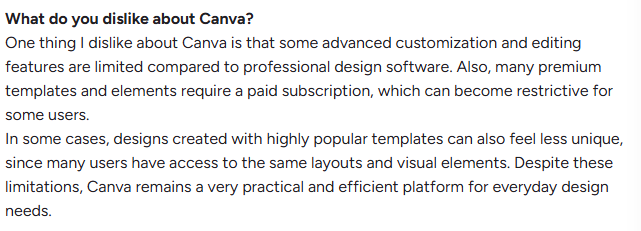
The recurring complaints center on two areas. First, many of the best templates and features require a paid subscription, which limits the free tier for teams that need premium assets regularly. Second, PowerPoint export reliability is flagged consistently.
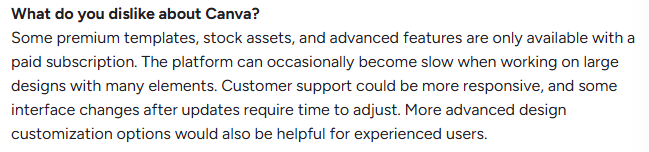
A G2 reviewer notes that some features are gated behind paid subscriptions
G2 reviewers note that Canva is efficient for quick visual creation but can feel limiting when more advanced customization is needed. Limited pixel-level control also comes up, with users noting that complex chart work or precise alignment pushes them back toward dedicated design software.
PowerPoint: What Users Love and What They Don't
PowerPoint has a 4.6 out of 5 rating on G2 based on more than 4,300 verified reviews. Users consistently praise its reliability, Microsoft 365 integration, and the familiarity it provides, reducing onboarding friction for business teams.
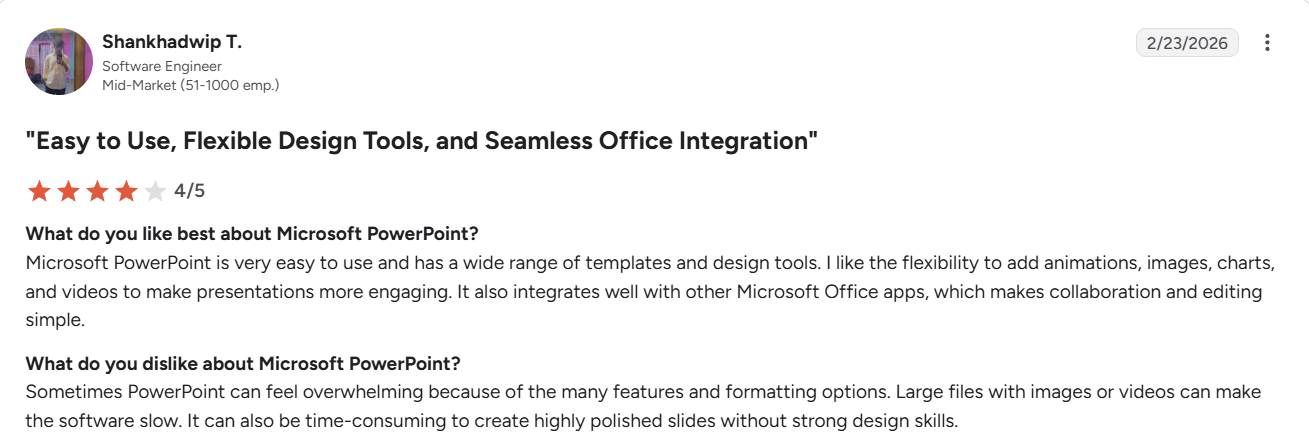
On G2, the most common criticisms are slow performance when handling large files, version conflicts when contributors email PowerPoint files instead of using SharePoint, and the learning curve required to produce executive-quality slides. Several reviewers also note that built-in templates can feel dated and that Copilot availability varies significantly across organizations.
The Verdict: Which AI Presentation Maker Should You Choose?
Each tool serves a different workflow priority. Here is a plain breakdown to help you pick the right one based on what your team actually needs.
Choose Canva if You
- Need one design tool for social assets, videos, and presentations in a single workspace.
- Want a beginner-friendly editor with a large template library and a wide stock asset collection.
- Create marketing-style slides where visual polish and fast turnaround matter more than .pptx fidelity.
- Prefer browser-based design with simple link sharing for internal review.
- Rarely need Excel-linked charts, strict animation control, or seamless PowerPoint handoffs.
Choose PowerPoint if You
- Work in a Microsoft 365 organization where .pptx is the required format for all business presentations.
- Need advanced charting, Excel-linked data reporting, or Slide Master governance for large template libraries.
- Present frequently offline or need reliable desktop access in low-connectivity environments.
- Have power users comfortable with PowerPoint themes, animations, and formatting tools.
- Require deep integration with Excel, Teams, OneDrive, SharePoint, and enterprise IT controls.
Choose Presentations.AI if You
- Want to build polished business decks faster from source material rather than from blank slides.
- Need automatic brand consistency across sales decks, proposals, investor updates, and internal presentations.
- Want AI that helps with structure, message flow, and revisions throughout the whole deck rather than just generating a first draft.
- Need a clean .pptx export for stakeholders who edit in PowerPoint and cannot afford post-export repair time.
- Want a free, low-friction way to test an AI-native presentation workflow with your entire team before committing to a paid plan.
All three tools are genuinely good at what they are built for. The choice comes down to what your team produces most often and where the final file needs to land. If you create business decks regularly and need branding, AI, and clean PowerPoint output in one place, Presentations.AI is worth testing on your next real project before you decide.