Introduction
Visual collaboration tools like Miro changed how teams brainstorm, map ideas, and work together online. Its infinite canvas, real-time co-editing, and template ecosystem make it a go-to space for ideation across distributed teams. However, ideation alone isn’t the end goal for many teams; they need structured deliverables like executive presentations, stakeholder decks, or client-ready documents.
As workflows evolve, Miro’s limitations start to show. Users report challenges with managing large boards, performance slowdowns on complex content, limited export quality, and a steep learning curve for deeper use cases, all of which can slow productivity downstream rather than accelerate it. These pain points often push teams to evaluate Miro Alternatives that better support both collaboration and deliverable creation.
TL;DR: Quick Picks
- Best overall / best for presentations - Presentations.AI: A tool that turns ideas, notes, and board exports into polished, editable presentation decks in minutes.
- Best for facilitated workshops - Mural: A workshop-focused whiteboard with structured session tools like voting, templates, and facilitator controls that help run guided collaborative meetings.
- Best for design teams - FigJam: A Figma-integrated board tailored for designers, letting creative teams brainstorm and iterate within the same ecosystem they use for final designs.
- Best free option - Microsoft Whiteboard (with Microsoft 365): A simple, no-extra-cost digital canvas that integrates with Teams and Microsoft 365 for basic sketching and team whiteboarding.
- Best for structured brainstorming - Lucidspark: A collaborative board with diagramming and planning features geared toward organized idea capture and structured team workflows.
- Best for fast diagrams & visuals - Whimsical: A lightweight visual tool for quick flowcharts, mind maps, and diagrams with a clean, intuitive interface built for speed and ease.
Why Teams Look for Miro Alternatives
Before jumping to alternatives, it's worth being clear about what's actually frustrating Miro users. These aren't minor UI complaints, they're structural limitations that affect how teams work every day.
Export limitations
If you need an editable PowerPoint for a client meeting or executive review, you're not exporting, you're rebuilding everything from scratch. Miro allows you to export boards as JPG images, PDFs, or CSV files, but not as editable presentation slides like PowerPoint or Google Slides that you can directly refine for client or stakeholder delivery. You can export frames to PDF or image formats, but every export option essentially gives you a static picture of your work instead of structured content you can edit in slide tools. This means teams still have to manually rebuild content in PowerPoint or presentation tools after export if they want a polished, editable deck.
Pricing
Miro's free tier is heavily restricted, you're limited to three editable boards, which is frustrating for any team doing real ongoing work. Moving to a paid plan is a significant jump, and the features that matter for professional use (advanced exports, permissions, security) are locked behind the Business tier at $16/user/month billed annually.
The Presentation Gap - Miro is built for brainstorming, not delivering
This is the core structural problem. Miro is excellent for the ideation phase. But the moment you need to take what's on the board and deliver it to someone outside your team, a client, an executive, a board member, you're stuck. Miro's "presentation mode" navigates your canvas; it doesn't create slides. You still have to copy, paste, and reformat everything manually into PowerPoint or Google Slides.
Overkill for simple tasks
Miro’s strength is that it is an infinite canvas with deep toolsets, widgets, templates, and integrations which can become a weakness when the needs are simple and structured rather than exploratory. For teams that just need clean diagrams, quick flowcharts, or straightforward process visuals, the extensive feature set and flexible canvas can feel like over-engineering compared to tools designed for lightweight diagramming or more curated diagram outputs
Not every team leaves for the same reason. Before picking an alternative for Miro, it helps to know exactly which friction point is costing you the most
What to Look for in a Miro Alternative
1. Export quality. Does it export to editable PowerPoint? Or just images and PDFs? This matters a lot if your work ends up in presentations.
User Review on Capterra
Miro’s Help Centre also talks about the limitation of exporting
2. Collaboration depth. Do you need real-time multi-user editing, session facilitation controls, or is async good enough?
3. Presentation output. Some tools have a "presentation mode" that just navigates the canvas. Others actually create slides. These are very different things, know which one you need.
4. Branding. If you're client-facing, does the tool let you apply company colors and logos consistently?
- Pricing. Free tiers, per-user costs, and enterprise plans vary significantly. Check what you actually need before committing.
User review on G2
Top Miro Alternatives at a Glance
The 6 Best Miro Alternatives (Compared)
Presentations.AI
Best for: Turning notes, exports, and documents into finished presentation decks
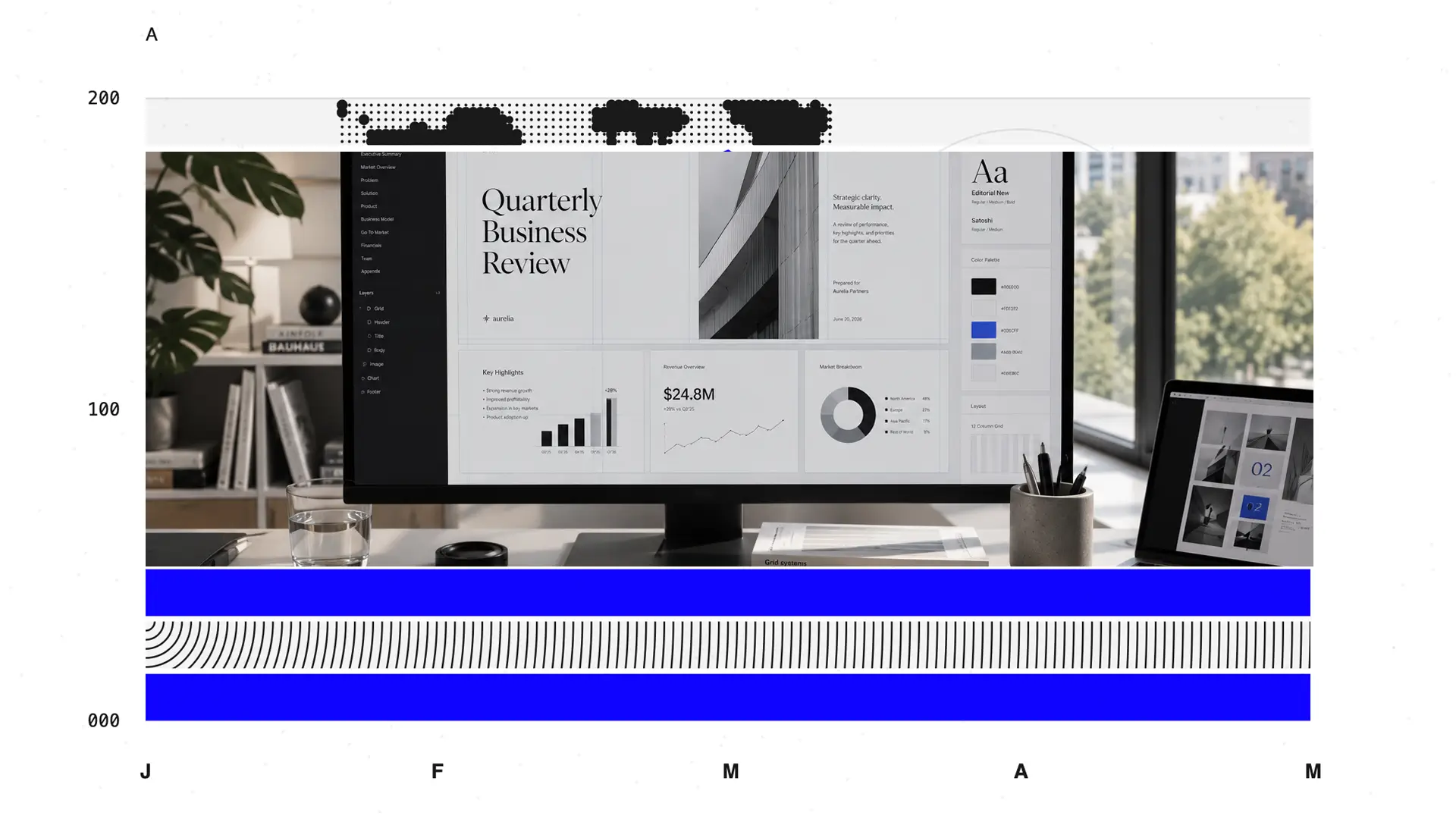
You spend hours in Miro building something great, and then you spend equally many hours trying to get it into a format your stakeholders can actually receive. Presentations.AI exists to eliminate that second half.
You give it your Miro export, your meeting notes, a Word doc, or a rough strategy brief, and it generates a fully structured, on-brand PowerPoint presentation. No reformatting, no copy-pasting, no rebuilding layouts. The AI handles the slide structure, layout logic, and design, while you review and refine.
Key Features
- AI deck generation from any input upload PDFs, Word docs, Miro exports, or just type a prompt like "Create a quarterly review deck for our marketing team"
- Auto-branding — paste your company URL and Presentations.AI pulls your brand colors, fonts, and logo, then applies them consistently across every slide
- Native PowerPoint export — exports as real .pptx files with editable text boxes and shapes, not flat images
- Smart layouts — AI selects appropriate slide layouts for each content type (data slides, comparison slides, title slides, etc.)
- Team collaboration — shared workspaces, commenting, and deck management for teams
Pros
- Fastest path from raw ideas to a polished, shareable deck
- No design skills required
- Exports actual editable PowerPoint files, not images
- Applies company branding automatically, no manual template setup
- Works with Miro exports, upload the image or PDF and get a structured deck
Cons
- Not a whiteboarding tool
Best for business presentation formats; not suited for very creative or non-standard slide designs
Presentations.AI is a presentation builder, not a whiteboard. It doesn't replace Miro for the brainstorming phase, it replaces the painful hours that come after it.
When to use it: When you have raw ideas or content that needs to become a polished presentation. This is the direct answer to the Miro-to-PowerPoint problem. Our AI Presentation Maker handles the conversion from Miro exports, briefs, or rough notes into a structured PPTX file without the manual rebuilding step that ends every Miro session.
Mural — Best for Facilitated Workshops
Best for: Professional facilitators, consultants, and agile teams
Mural focuses on guided collaboration and structured workshop sessions. While Miro tries to serve everyone, Mural specifically targets consultants, agile coaches, and people who run workshops. The platform assumes someone is leading a session, not just teams casually working together.
Key Features
- Bring-to-me, private mode, and content locking for session facilitation
- Outline feature to pre-plan session flow
- Anonymous brainstorming to reduce groupthink
- 組み込みのアジャイルテンプレート(振り返り、スプリント計画、ジャーニーマップ)
- 投票および優先順位付けツール
長所
- 最高水準のファシリテーション機能
- 匿名でのブレインストーミングにより集団思考を抑制
- Miroよりもすっきりとしていて、負担の少ないインターフェース
- 充実したアジャイルおよびデザイン思考のテンプレート
短所
- Miroと同じエクスポートの問題。PDFと画像のみで、編集可能なスライドはなし。
- プレゼンテーションモードはキャンバスを移動するだけで、スライド資料を作成するものではない
- モバイルでの利用体験は限定的で、要素のドラッグはスマートフォンではうまく機能しない
できること:
- アウトライン機能でセッションの流れを事前に計画できる
- 匿名でのブレインストーミングを可能にし、率直なフィードバックを共有できる
- グループの集中を維持するためのセッションコントロールツールを提供
- アジャイルセレモニー用のテンプレートを搭載
料金:
- 無料:ミューラル3つ、メンバー数無制限
- Team+:月額9.99ドル/ユーザー(年間請求)または月額12ドル/ユーザー(月間請求);ミューラル無制限、プライバシー管理、アプリ内サポート
- ビジネスプラン:月額17.99ドル/ユーザー(年間契約)。SSO、無制限のゲスト、優先サポートが追加されます。
利用シーン: コンサルタント、アジャイルコーチ、ファシリテーターとして、頻繁に構造化されたワークショップを実施する場合に適しています。プレゼンテーション用の成果物が必要な場合は推奨されません。
FigJam — Figmaエコシステム内のデザインチームに最適
最適なユーザー:すでにFigmaを利用しているデザインチーム
FigJamは、ホワイトボードにリラックスした遊び心のある雰囲気をもたらし、Figmaのデザインツールと直接連携します。意図的にインフォーマルな空間を作り出し、スタンプ、絵文字リアクション、カーソルが重なったときの「ハイタッチ」などにより、リモートコラボレーションをより人間味あふれるものにします。
すでにFigmaを利用しているデザインチームにとって、その連携はシームレスです。FigJamでのラフスケッチは、コピーやエクスポートなしでFigmaの詳細なモックアップにすることができます。
主な機能
- Figmaデザインファイルとの直接連携
- 非デザイナーも楽しめる使いやすいインターフェース
- 自動生成されるテンプレートと付箋のグループ化
- ログイン不要で24時間ゲストアクセス
- ファイルのブランドカラーのデフォルト設定(有料プラン)
長所
- デザインチーム向けのシームレスなFigma連携
- 非デザイナーも気軽に貢献できる
- すでにFigmaを利用しているチームにとって競争力のある価格設定
- 小規模チーム向けの充実した無料プラン
短所
- 意図的にカジュアルなデザインのため、役員やクライアントとの場面ではプロフェッショナルに見えない
- エクスポートオプションが非常に限られている(主にPNG)
- Figmaエコシステム外では価値が限定的
- 正式なステークホルダー向けプレゼンテーションには適さない
料金プラン
- 無料(Starter):Figmaファイル3つ、FigJamファイル3つまで
- FigJam Professional:月額3ドル/エディター(年間請求)または月額5ドル/エディター(月間請求)
- FigJam Organization:月額5ドル/エディター(年間請求)
利用シーン: チームがデザイン中心で、すでにFigmaエコシステムを利用している場合。クライアント向けのプレゼンテーション作業には推奨されません。
Lucidspark — 技術チームに最適
最適な用途:ブレインストーミングが正式なドキュメント作成につながる技術チーム
Lucidsparkは、エンジニアリングおよびITチーム向けの最も確立された図形描画ツールの1つであるLucidchartのコンパニオンツールです。ブレインストーミングを最終的に正確で正式なドキュメントにする必要があるチームにとって、この組み合わせは非常に魅力的です。アイデア出しの際にスケッチされた大まかなフローチャートは、最小限の手間で詳細なLucidchart図に変換できます。
主な機能
- 正式な技術図面作成のためのLucidchartへの直接接続
- グループでの意思決定のための投票・ランキングツール
- 関連コンテンツの自動グループ化
- Googleスライドへのエクスポート機能付きプレゼンテーションビルダー
- Atlassian、Google Workspace、Microsoft Teams、Slackとの連携
長所
- ブレインストーミングを技術図面作成につなげる必要があるチームにとって最適な選択肢
- 意思決定・投票ツールを内蔵
- 開発者および製品ツールチェーンとの強力な連携
デメリット
- 無料プランではホワイトボードが3つまでに制限される(レビューアからよく不満が挙がる点)
- Google スライドへのエクスポート後、大幅な修正が必要になることが多い(テキストサイズ、レイアウト崩れなど)
- ユーザーレビューによると、同価格帯のMiroほど機能が豊富ではない
- 非技術系ユーザーには直感的ではない
料金: 無料:$0 | 個人:$7.95/月 | チーム:$9.00/ユーザー/月 | エンタープライズ:個別見積もり
こんな時に利用: チームが定期的に技術的な図を作成し、ブレインストーミングとドキュメント作成を同じエコシステムで行う必要がある場合。
Microsoft Whiteboard — 最適な無料オプション
こんな用途に最適:Teams会議中に高度な機能が不要で、簡単なスケッチをしたい場合
Microsoft 365 をすでに利用していれば、追加費用なしで基本的なデジタルホワイトボード機能が使えます。Teams会議から直接起動できるため、Microsoftエコシステムに深く浸透している組織にとって、最も手軽な選択肢となります。会議中の簡単なスケッチや、通話中のアドホックなブレインストーミングには十分機能しますが、より本格的な用途にはすぐに物足りなくなるでしょう。
主な機能
- Microsoft Teamsから直接起動
- Surfaceペンやタッチデバイスとの相性が良い
- 基本的な付箋、描画、テキストツール
- PDFエクスポート
- Microsoft 365で無料
長所
- Microsoft 365があれば追加費用なし
- Teamsユーザーにとって摩擦ゼロ
- 誰でもすぐに使えるほどシンプル
短所
- 専用ツールと比較すると著しく機能が限定される
- ファシリテーション機能がない
- PDF形式でのエクスポートのみで、編集可能なプレゼンテーションへの変換は不可
- 複雑なプロジェクトや長期にわたるプロジェクトには不向き
料金: Microsoft 365で無料
利用シーン: Teams内での簡単な会議のスケッチ向け。本格的な共同作業や、洗練された成果物が必要な場合には不向き。
Whimsical — 迅速でクリーンな図形描画に最適
最適なチーム: 創造的な自由よりも、スピード、整然さ、構造化された図形を求めるチーム
Whimsicalは意図的にトレードオフを行っています。すべてがグリッドにスナップし、色の選択肢は制限され、要素は自動的に整列します。これにより、セッションの途中でもボードは常に整理された状態を保ちます。ホワイトボードを自由なブレインストーミングではなく、主にプロセス文書、フローチャート、ワイヤーフレームのために使用するチームにとって、この構造は制限ではなく機能です。
主な機能
- 一貫性のあるレイアウトを実現する自動整列とグリッドスナップ
- フローチャート、マインドマップ、ワイヤーフレーム、付箋専用モード
- 習得が早く、機能過多にならない
- デフォルトでクリーンかつ一貫性のあるビジュアル出力
長所
- 活発なセッション中でもボードが整理されて見える
- Miroよりもはるかに習得が早い
- プロセス文書化や構造化された思考に適している
- 小規模チームにとってはMiroよりも手頃な価格
短所
- 「プレゼンテーションモード」は実際のスライドではなく、キャンバスのセクションを順に表示する
- 創造性の自由度が低く、自由な発想のブレインストーミングには不向き
- 編集可能なPowerPoint形式でのエクスポートができない
- MiroやMuralよりも共同作業の奥行きが浅い
料金: 無料プランあり | 有料プランは月額10ドル/ユーザーから
利用シーン: 創造性の自由度よりもスピードと整頓を重視する場合。プロセス文書化チームに適しています。
意思決定マトリックス:どのツールを選ぶべきか
ほとんどのチームにとって最適なMiroの代替:Presentations.AI
あなたの仕事が常にプレゼンテーション化する必要があり、手動での再構築プロセスに時間を奪われているためにMiroを離れるのであれば、 Presentations.AI 直接的な解決策です。
ブレインストーミングの段階を置き換えるものではありません。その後の苦痛な時間を置き換えるものです。お持ちのものをアップロードするだけで、フォーマットされ、ブランド化された編集可能なPowerPointが手に入ります。完了です。
リアルタイムの共同ホワイトボーディングが必要な場合は、適切なツールではありません。しかし、アイデアから成果物への移行がボトルネックになっているのであれば、このリストにある他のツールでは解決できない問題を解決します。
Presentations.AIが最も優れた総合的な代替ツールである理由
ほとんどのチームは、単により良いホワイトボードを必要としているわけではありません。より良いエンドツーエンドのワークフローを必要としています。ブレインストーミングが、その間の何時間もの手作業なしに、共有可能で洗練された成果物になることを求めています。
Presentations.AIは、この課題に直接取り組みます。
スピード。 Miroのエクスポート、戦略文書、または大まかなアウトラインをアップロードするだけで、数分で完全に構造化されたプレゼンテーションが手に入ります。白紙のスライドから始める必要はありません。レイアウトに苦労することもありません。
実用的な出力。 生成される資料は、手直しが必要な下書きではありません。各コンテンツタイプに適したレイアウトが選択され、構造化されています。あなたはレビューし、洗練させ、公開するだけです。その基盤となる AIスライドジェネレーター は、既存のテンプレートにコンテンツをはめ込むのではなく、あなたのコンテンツに合わせて各スライドを個別に構築するため、伝えたい内容に合わせて構造が適応します。
ブランドの一貫性。 会社のURLを入力するだけで、Presentations.AIがブランドカラー、フォント、ロゴを自動的に取得します。すべての資料が、一般的なAIツールからではなく、あなたのチームから作成されたかのように見えます。
実際のPowerPointファイル。 エクスポートされるのは実際の.pptxファイルです。フラットな画像ではなく、編集可能な図形やテキストボックスです。クライアント、役員、関係者はPowerPointでそれらを開き、通常通り作業できます。
デザインスキルは不要です。 創業者、コンサルタント、営業担当者など、プロフェッショナルな資料を作成するためにデザインの知識は必要ありません。
Presentations.AIを選ぶべき人
Presentations.AIは、以下のような方に最適です。
営業チーム ヒアリングメモやRFPへの回答を、デザイナーの手を借りずに素早く洗練されたクライアント向け資料にまとめる必要があるチーム。
マーケティングチーム 四半期計画会議、キャンペーン説明会、関係者レビューなどを実施し、その成果物を迅速にプロフェッショナルなプレゼンテーションにする必要があるチーム。
創業者や経営幹部 投資家、役員会、パートナーに対して常にプレゼンテーションを行い、ブランドに沿った構成のしっかりした資料を短期間で作成する必要がある方々。
コンサルタントや代理店 大量のクライアント向けプレゼンテーションを作成し、各案件ごとにテンプレートをゼロから作り直すことなく、ブランドの一貫した成果物が必要な方々。
社内チーム レトロスペクティブ、OKRレビュー、プロジェクトキックオフなどを実施し、組織全体で共有するためにきれいで読みやすい形式にする必要があるチーム。これらのどのチームにとっても、特化した プレゼンテーションアプリ は、ホワイトボード後の作業を処理し、Miroが意図的に作り出すボトルネックを解消します。
もしボトルネックがブレインストーミング自体ではなく、その後の作業にあるのなら、Presentations.AIは、このリストにある他のツールでは解決できない問題を解決します。
結論:Miroを使い続けるべきか、それとも乗り換えるべきか?
Miroを使い続けるべき場合: チームの主なニーズがリアルタイムの共同ブレインストーミングであり、エクスポートの制限がワークフローに影響しない場合。
乗り換えるべき場合: 定期的にホワイトボードセッションをプレゼンテーションにする必要があったり、使わない機能にお金を払っていたり、MiroからPowerPointへの再構築に毎週何時間も費やしている場合。
おすすめ:
- Presentations.AI、生のアイデアを完成した資料にするまでの過程がボトルネックになっている場合
- Mural、構造化されたワークショップを運営するファシリテーターである場合
- FigJam、チームがFigmaを中心に作業している場合
適切なツールは、実際にどこで課題に直面しているかによって決まります。その問題に合ったツールを選べば、すぐに違いに気づくでしょう。
Adobe Expressの最適な代替ツール