




Canva vs Gamma vs Presentations AI: Feature-by-Feature Comparison
AI-Powered Slide Generation
Canva: Magic Design generates a slide deck layout from a text prompt or an uploaded document, applying a visual theme and populating slides with structured placeholder content.
Magic Write assists with copy at the individual slide level. What it cannot do: research a topic, build a logical narrative arc, or iterate on your deck through conversation. The AI handles visual scaffolding. The substance of every slide remains your responsibility.
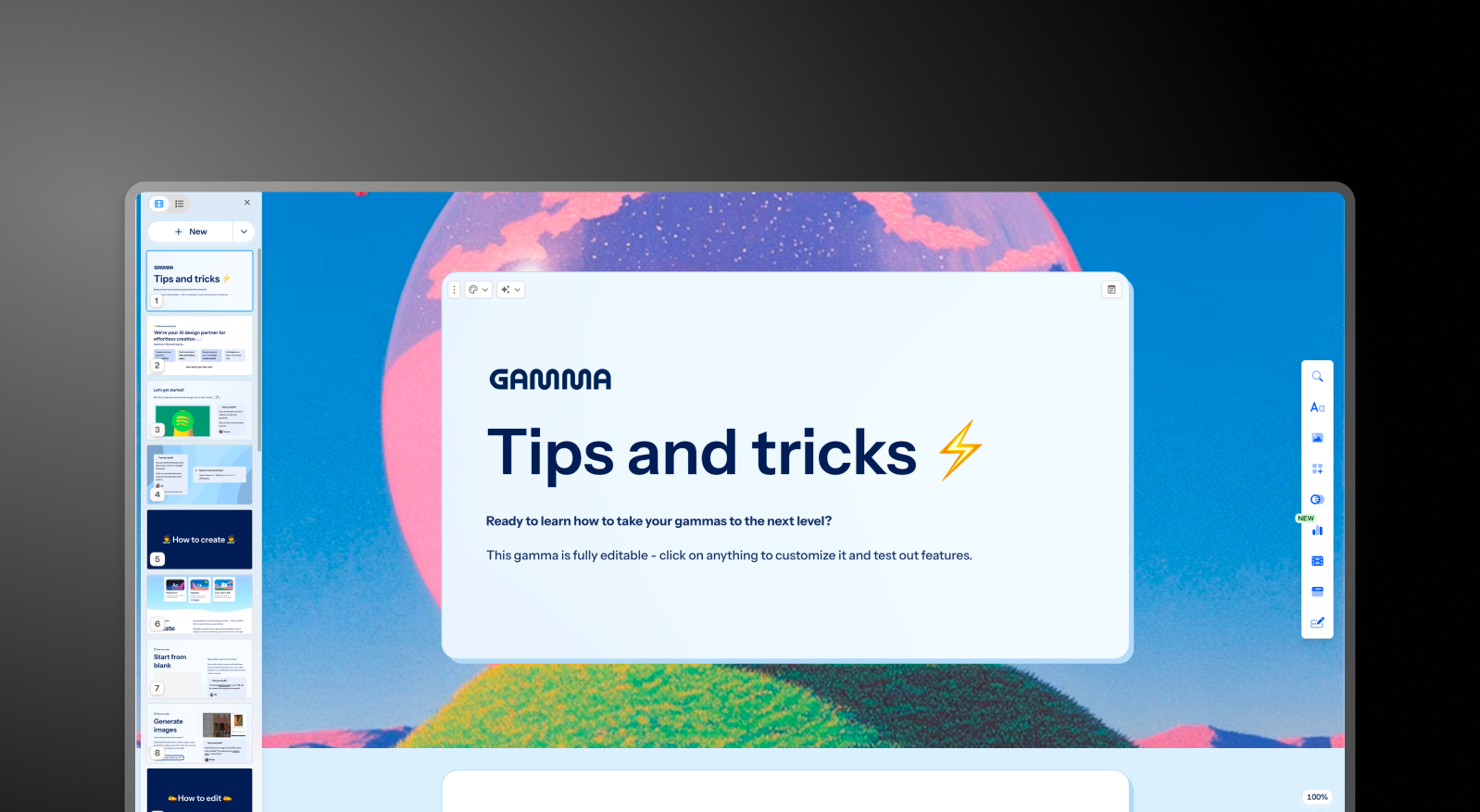
Gamma: Gamma generates a full deck from a prompt using ChatGPT integration and continues iterating through its AI Agent. Users can ask the AI to revise sections, research topics, or add new content after the initial draft.
The output quality is consistent regardless of business context, meaning generic decks that typically need two to four hours of editing before they are ready for a boardroom or client. Card limits vary by plan, from 10 cards per prompt on the free tier up to 75 on Ultra.
Presentations AI: Clip-E handles end-to-end deck creation using AI trained specifically on business persuasion architecture. Generate from a prompt, import a PDF, paste a URL, or upload a Word doc, and the AI builds a structured, brand-consistent, business-ready deck that requires minimal editing.
You can refine, add slides, and adjust content through natural conversation without leaving the platform.
Design Quality and Customization
Canva: Design flexibility is Canva's clearest advantage. You can move any element freely on a slide, layer objects, apply custom animations, and draw from millions of templates across every style and use case.
For teams that want precise control over how their presentations look, no tool in this comparison comes close. The trade-off: producing consistently polished output requires design judgment. Canva provides every tool; it does not make decisions for you.
Gamma: Gamma's output is visually modern and well-suited to its card-based format. Customization options on paid plans include custom fonts and themes. Visual quality shines for browser-based sharing, but can look less polished in exported PowerPoint format.
Presentations AI: Anti-fragile templates adapt intelligently as content changes without breaking the design structure. Brand Sync automatically applies your company's visual identity from a URL, so every deck is on-brand from the first slide without any manual theme setup.
With 10,000-plus professional templates, vast stock image and icon libraries, and automatic professional animations, Presentations AI delivers consistent visual quality that neither competitor can match at scale.
Collaboration and Team Features
Canva: Real-time collaboration is available across all plans, includi ng the free tier. Team plans add shared brand kits, folders, template locking, and admin controls. The collaboration experience is mature and broadly used, especially in marketing and creative teams that already work inside Canva for other design formats.
Brand kit management in Teams provides centralized storage for logos, colors, and fonts, but applying those assets to presentations requires manual selection rather than automatic enforcement.
Gamma: Real-time collaboration is available on all plans. Team-level features, including custom company themes, shared folders, admin controls, and centralized billing, cost $20/seat/month with a minimum of two seats. Brand management requires manual setup for every presentation, with no centralized governance.
Presentations AI: Team collaboration, real-time sync, and access controls are included at the Starter level. Every team member has access to the Clip-E AI assistant, which means any user can produce professional-quality output independently.
Brand Sync is a one-time setup that delivers perpetual consistency across every deck anyone on the team creates. The Enterprise tier adds admin capabilities, company-wide templates, and enterprise security.
Export and Integration Options
Canva: Export options are the most comprehensive of the three: PowerPoint, PDF, MP4 video, GIF, PNG, SVG, and more. PowerPoint export quality is generally strong, though advanced Canva-specific animations and effects do not always carry over cleanly to .pptx format.
Canva integrates natively with Google Drive, Dropbox, HubSpot, Mailchimp, and a wide range of other tools through its app marketplace.
Gamma: Exports to PowerPoint and PDF on all plans, including the free tier. The card-based format does not always convert cleanly to 16:9 slides. Common issues include overlapping boxes, missing fonts, and broken formatting.
Budget time for cleanup when delivering .pptx files externally. Gamma also supports web-based sharing, doc output, and social content formats that the other two tools do not cover.
Presentations AI: High-fidelity PowerPoint export on the Pro plan, designed from the ground up to translate correctly to .pptx format: one-click and boardroom-ready. PDF export is also available on Pro and above. Multiple import options, including PDF, Word, and URL, give it the most flexible intake of the three.
Ease of Use and Learning Curve
Canva: Easy to start, especially for users already familiar with drag-and-drop design tools. The template library makes it easy to get a first slide that looks polished.
Building a full, coherent presentation with a logical narrative structure still requires significant manual effort. The tool handles design mechanics well; the strategic thinking behind the deck remains entirely with the user.
Gamma: Straightforward onboarding with a generous free tier that lets you create real presentations before committing to anything.
The card-based format takes a few decks to get comfortable with, especially if you are accustomed to traditional slide layouts. The platform's multi-format scope can be confusing for users who only need presentations.
Presentations AI: The conversational interface with Clip-E significantly reduces the learning curve. Because you can describe what you want in plain language, users with no design experience can quickly produce polished, persuasion-structured output. Brand Sync eliminates the setup friction that typically slows teams down when adopting a new tool.
Here’s a table comparing the three tools in depth:
Pricing Comparison: Canva vs Gamma vs Presentations AI
Pricing in this category is rarely just about the headline number. What matters is what you hit once you need collaboration, brand controls, or clean exports. All three tools handle that differently.
Canva Pricing
Canva has four tiers: Free, Pro, Teams, and Enterprise. The free plan is genuinely broad and covers basic presentation needs for many individuals.
- Free: Hundreds of thousands of templates, basic AI tools, real-time collaboration, and export to PDF and PowerPoint. Premium elements, stock images, and fonts are locked behind a paywall.
- Pro: $120/year per person (equivalent to $10/month). Unlocks the full template library, Brand Kit, background remover, premium stock assets, advanced AI tools, and additional export formats.
- Teams: $10/person/month, billed annually; minimum of 3 people. Adds team Brand Kit management, template locking, shared folders, admin controls, and centralized billing.
- Enterprise: Custom pricing. SSO, SCIM, advanced admin controls, dedicated account management, and priority support.
What to watch out for: Many of Canva's most visually appealing templates and stock elements are not included on the free plan. The Teams plan requires a minimum of three seats, so two-person teams pay for three regardless.
Gamma Pricing
Gamma has four individual plans and two team plans. Monthly billing is available on most tiers, making it the most flexible of the three for buyers who are not ready to commit to an annual plan.
- Free: 400 one-time AI credits (do not refresh), up to 10 cards per prompt, Gamma branding on all output.
- Plus: $12/month (or approximately $9/month annual). Removes branding, 1,000 refreshing monthly credits, up to 20 cards per prompt.
- Pro: $25/month (or approximately $18/month annually). Premium AI models, API access, custom fonts, up to 10 custom domains, detailed analytics, 4,000 monthly credits, up to 50 cards per prompt.
- Ultra: $100/month (monthly only). 20,000 monthly credits, up to 75 cards per prompt, Studio Mode, and the most advanced AI image models.
- Team: $20/seat/month, minimum two seats. Custom company theme, shared folders, admin controls, centralized billing, 6,000 credits per seat.
- Business: $40/seat/month, minimum 10 seats. SSO, SOC 2 documentation, advanced data controls, 10,000 credits per seat.
What to watch out for: Free plan credits are one-time, not monthly. Gamma's data ownership clause grants the platform perpetual, worldwide rights to your content, which is a hard stop for most enterprise legal and compliance teams.
Presentations AI Pricing
Presentations AI keeps its structure simple with three tiers. There is no monthly billing option; plans are available only on an annual or quarterly basis.
- Starter: Free. Unlimited users, limited AI credits, brand themes, team collaboration, and basic functionality. Up to 5 presentations, no credit card required.
- Pro: $240/year (one user). Equivalent to $20/month. Additional AI credits, Pro templates, custom fonts and colors, analytics, PDF export, and advanced features.
- Gold: $600/year (one user). Equivalent to $50/month. Adds frontier AI models, advanced brand controls, shared project knowledge, and priority generation on top of everything in Pro. Built for high-stakes, high-volume work.
The Starter plan is genuinely multi-user, making it a practical way for an entire team to evaluate the platform before committing. The Pro plan at $240/year undercuts Gamma's equivalent Pro tier ($25/month) by roughly a third on an annualized basis.
Which Tool is Best for Your Use Case?
Best for Startups and Pitch Decks
When you are creating an investor deck, the quality of the argument matters as much as the visual polish. Presentations AI wins here on both counts.
Clip-E generates a structured, persuasion-ready pitch deck from a prompt or an uploaded document, built on AI trained specifically on how business decisions get made. You can iterate in natural language without toggling between slides manually.
The Pro plan at $240/year is accessible for early-stage founders. Canva is a reasonable option for founders with a strong design sensibility who want full control over layout. Gamma is less suited to high-stakes pitch workflows given its generic output and limitations in PowerPoint exports.
Best for Sales Teams
Sales teams need decks that are fast to produce, consistently on-brand, and trackable once shared. Presentations AI delivers on all three: AI-driven creation, Brand Sync for consistent output across reps, and viewer analytics on paid plans.
Sales teams widely use Canva for proposals and one-pagers, but building a complete sales deck in Canva requires more manual effort than most reps want to invest. Gamma is less purpose-built for sales deck workflows.
Best for Marketing Teams
This is where Canva competes most directly. Marketing teams that produce social content, campaign visuals, and presentations within a single workflow will find Canva hard to beat for overall creative breadth. For teams where presentations are one of many design deliverables, Canva makes practical sense.
But for marketing teams whose presentations need to reflect brand guidelines precisely and be produced at scale without design overhead, Presentations AI's Brand Sync creates a genuine operational advantage. Every deck auto-aligns with the brand without anyone selecting a theme or manually checking a kit.
Best for Enterprise and Large Teams
Presentations AI at the Enterprise tier offers unlimited AI credits, company-wide templates, admin controls, complete audit trails, and full enterprise security. SOC 2 Type II certification and GDPR readiness are meaningful differentiators in procurement and security review processes, and the data ownership terms are clear: users retain all rights to their content.
Canva's Enterprise plan covers SSO, SCIM, and dedicated account management with ISO 27001 certification. But the lack of SOC 2 Type II at standard tiers creates friction in stricter enterprise environments.
Gamma Business at $40/seat adds SSO and SOC 2 documentation, but the platform's perpetual content rights clause is a hard stop for most legal and compliance teams.
Best for Individuals and Freelancers
All three tools offer a free plan with no credit card required. Canva's free tier is the most broadly useful for general design work.
Gamma's free tier is the strongest for AI-generated multi-format content.
Presentations AI's free Starter plan is the best option for individuals who need to produce professional business presentations and want to evaluate the full platform with teammates before upgrading.
For solo professionals who create decks regularly, Presentations AI Pro at $16.50/month equivalent offers the best value for the feature set it delivers.
Five Reasons Teams Choose Presentations.AI Over Canva and Gamma
Canva and Gamma each win in specific scenarios. Canva is the stronger tool when design flexibility and multi-format creative output are the priority. Gamma is better suited to AI-generated content across formats, with month-to-month pricing flexibility. Both are solid tools within their defined lanes.
But Presentations AI is the only tool built from the ground up for one job: producing professional business presentations that are persuasive, on-brand, and ready to share with minimal editing.
- Brand Sync goes further than any Brand Kit. It reads your company URL and automatically applies your visual identity across every deck. Every presentation is on-brand from slide one, with zero manual setup. Canva's Brand Kit requires deliberate selection. Gamma's theming requires manual configuration for every new presentation.
- Clip-E is trained on business persuasion, not just content generation. The AI structures decks in a way that business decisions get made: logical, persuasive, and audience-aware. Canva's AI generates layouts. Gamma's AI Agent produces generic output that typically needs two to four hours of editing before it is ready for a boardroom.
- Multi-source input is a real workflow advantage. Turn a PDF, a Word doc, a URL, or a plain prompt into a polished deck. Neither Canva nor Gamma supports conversion from all four input types.
- The data ownership terms are clean. Presentations AI users retain full rights to their content. Gamma's terms grant the platform perpetual, worldwide rights. For any team handling confidential material, that distinction is not a minor footnote.
- The free Starter plan is genuinely multi-user. Your whole team can explore the platform before anyone commits to a budget. No credit card required, and up to 5 full presentations included.
Verdict: Which AI Presentation Maker Should You Choose in 2026?
Choose Canva if you:
- Produce presentations alongside a wider range of design work: social, marketing, and video
- Need maximum layout freedom and a massive, multi-format template library
- Have a design-comfortable team that is happy making visual decisions manually
- Want a free plan with broad design capabilities and no credit card required
Choose Gamma if you:
- Create content across multiple formats: presentations, docs, web pages, social content
- Want month-to-month flexibility before committing to an annual plan
- We are a small team that needs collaborative features at a reasonable per-seat price
- Do not need high-fidelity PowerPoint export or enterprise security compliance
Choose Presentations AI if you:
- Want AI that structures decks for persuasion, not just fills in slides
- Need brand consistency to be automatic, not dependent on manual theme selection
- Regularly convert PDFs, Word docs, or URLs into presentation format
- Are building business-critical decks: pitches, sales presentations, board updates
- Need a clean PowerPoint export and enterprise-grade data ownership terms
