Language
Turn any topic or document into a branded AI slide deck — no design skills needed.
Enter a Prompt...
From Silicon Valley unicorns to the corner coffee shop startups, they’ve all seen the light with our AI Slide Tool.


.webp)
Your company spent six figures on brand templates. Held training sessions. Built a "center of excellence." Posted everything on the intranet with detailed guidelines.
Fast forward six months: the templates break when you add real content. Sales built their own "better" versions. Marketing sends angry emails about brand violations while violating brand guidelines themselves. Everyone still rebuilds the quarterly business review from scratch.
So you tried the "AI-powered" solutions. The ones that promised to fix everything. The ones with ChatGPT widgets bolted onto 2019 interfaces. The ones that generate text while you still fight with formatting. The ones claiming "automatic brand consistency" but meaning "upload your logo each time."
After burning through free trials, you're back where you started. Midnight PowerPoint sessions. Reformatting slides that looked perfect on your Mac but exploded on the client's PC. The only thing AI added was another layer of complexity to an already broken process.
The problem was never your team's discipline. It wasn't even your templates. It's that every presentation tool treats consistency as your problem to solve manually, and adding a chatbot doesn't change that fundamental flaw.
We tested 10 platforms asking one question: does the AI actually solve business presentation problems, or just add artificial intelligence to existing failures?
| Platform | Free Tier | AI Architecture | Brand Compliance | PowerPoint Export | Enterprise Security | Best Business Use Case |
|---|---|---|---|---|---|---|
| Presentations.AI | 3 full presentations | Built AI-native from ground up | ✅ Automatic via URL | ✅ Perfect fidelity | ✅ SOC 2 Type II | Board decks, enterprise sales, investor pitches |
| Slidesgo | Unlimited | Basic generation | ❌ Manual | ✅ Full .pptx | ⚠️ Basic | Quick professional decks without budget |
| Gamma | 400 AI credits | Retrofitted in 2023 | ❌ Manual | ❌ Breaks consistently | ❌ No SOC 2 | Multi-format content, casual use |
| Beautiful.AI | 14-day trial only | Template automation | ❌ Manual per deck | ❌ Font/layout issues | ⚠️ Basic | Hard to justify the premium |
| Canva | Yes, limited | Text suggestions only | ❌ Manual | ⚠️ Basic | ✅ Enterprise plans | Marketing teams already using Canva |
| Plus AI | Limited trials | Google Slides add-on | ❌ Manual | Via Google Slides | ✅ Workspace security | Google Workspace organizations |
| SlidesAI | 3 presentations/mo | PowerPoint add-on | ❌ Manual | Native PowerPoint | ✅ Office 365 security | Microsoft 365 organizations |
| Simplified | Yes, limited | Basic generation | ❌ Manual | ⚠️ Basic | ⚠️ Limited | Marketing content bundles |
| Decktopus | Limited | Prompt-based | ❌ Manual | ⚠️ Basic quality | ❌ None | Small business, guided creation |
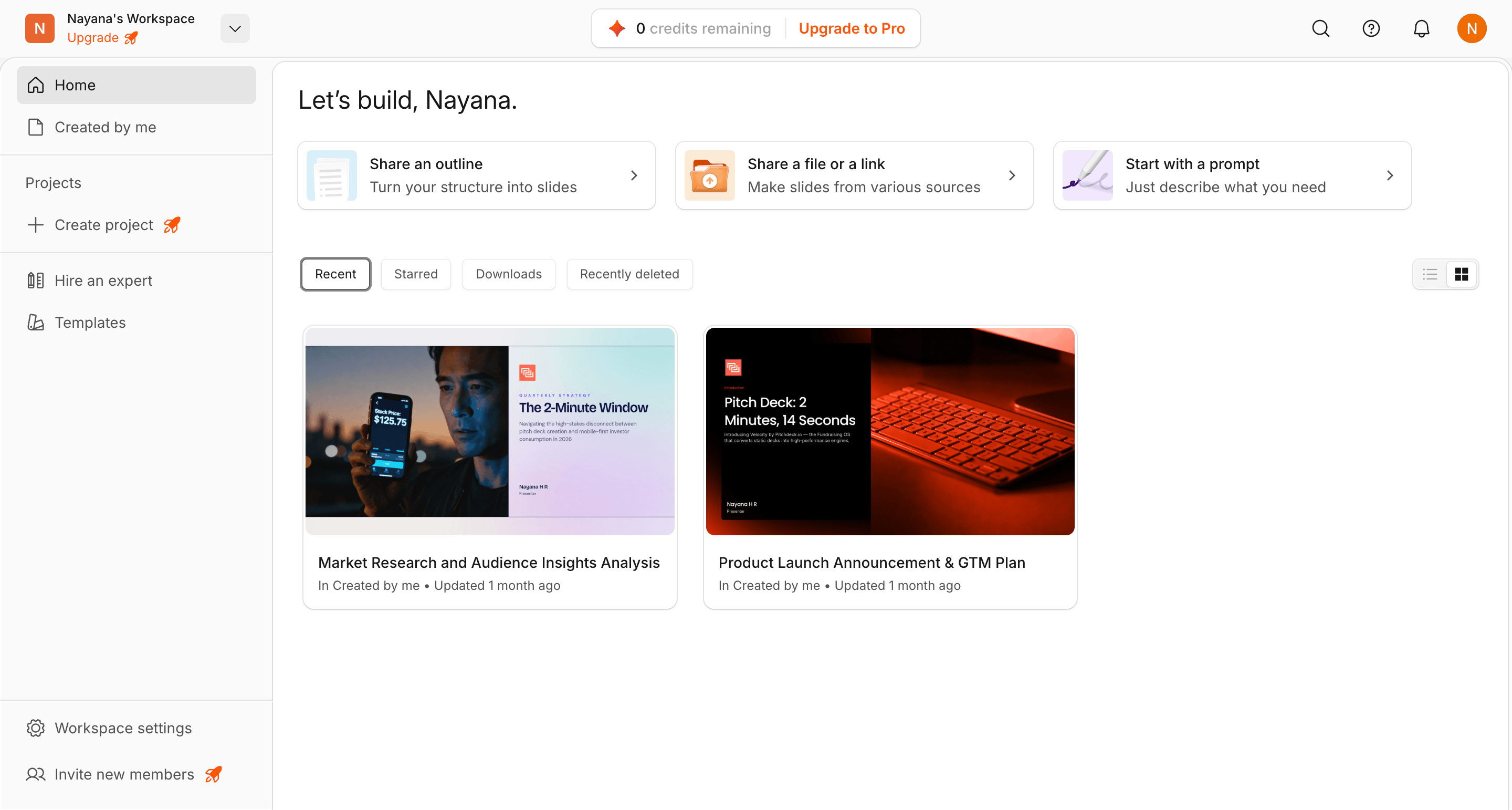
While other platforms were adding AI chatbots to existing slide editors, we asked a different question: what if the entire platform was AI?
Most tools treat AI as a feature layered on top of a traditional editor. Presentations.AI was built the other way around. AI-native from the ground up, designed specifically to solve the business problems that make presentations painful in the first place: brand inconsistency, formatting that breaks across devices, and the hours lost rebuilding the same deck structure every quarter.
Who It's Built For
Honest Limitation:
Presentations.AI does one thing: presentations. If you need a tool that also creates social posts, videos, and marketing flyers, you will need something additional for those formats. But if your presentations have real business stakes, this is the platform built for that reality.
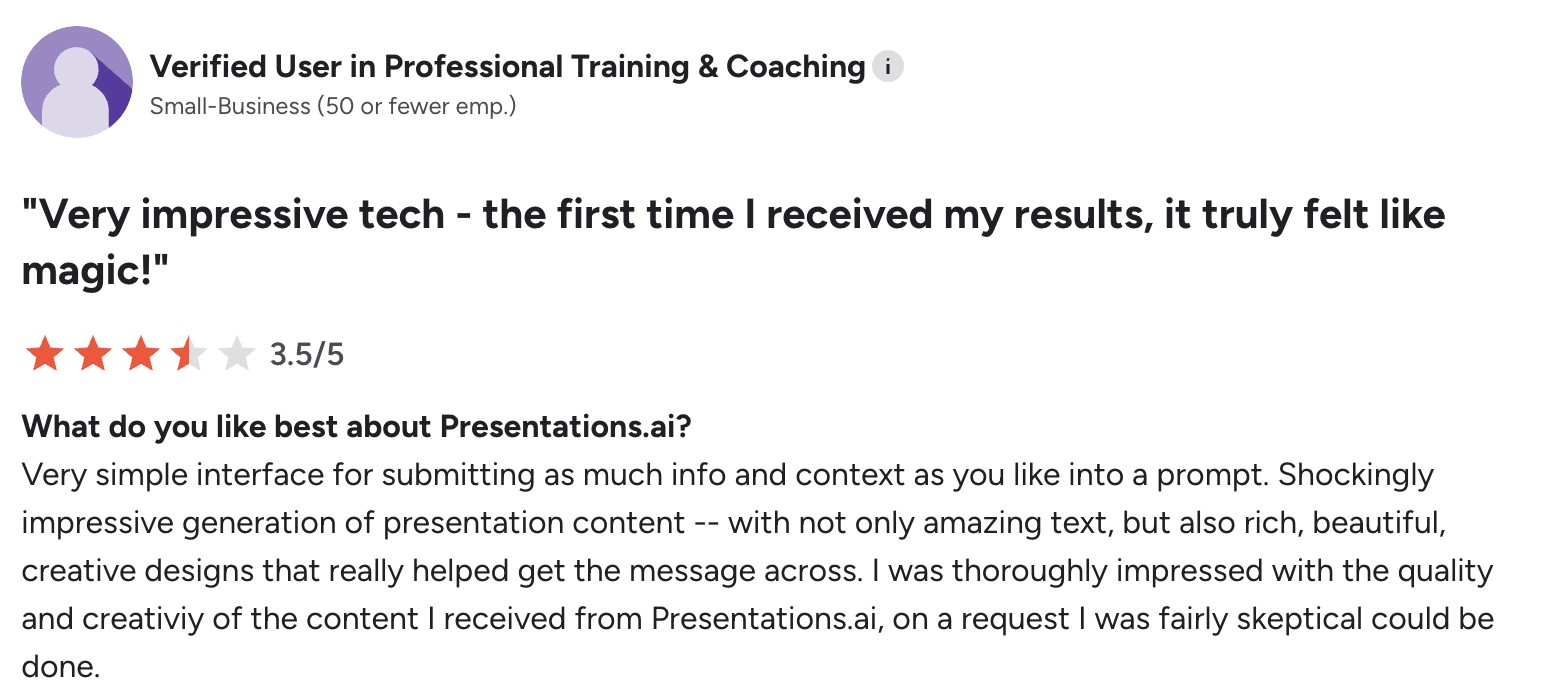
User Review on G2
Slidesgo started as a template library and has evolved into a capable AI presentation generator that actually delivers on its free tier promise. Unlike most tools that gate useful features behind a paywall, Slidesgo lets you enter a topic, generate a complete presentation with visuals, and export a full editable .pptx file at zero cost. The template quality is genuinely high, drawing on a library designed by professional graphic designers rather than generic AI layouts.
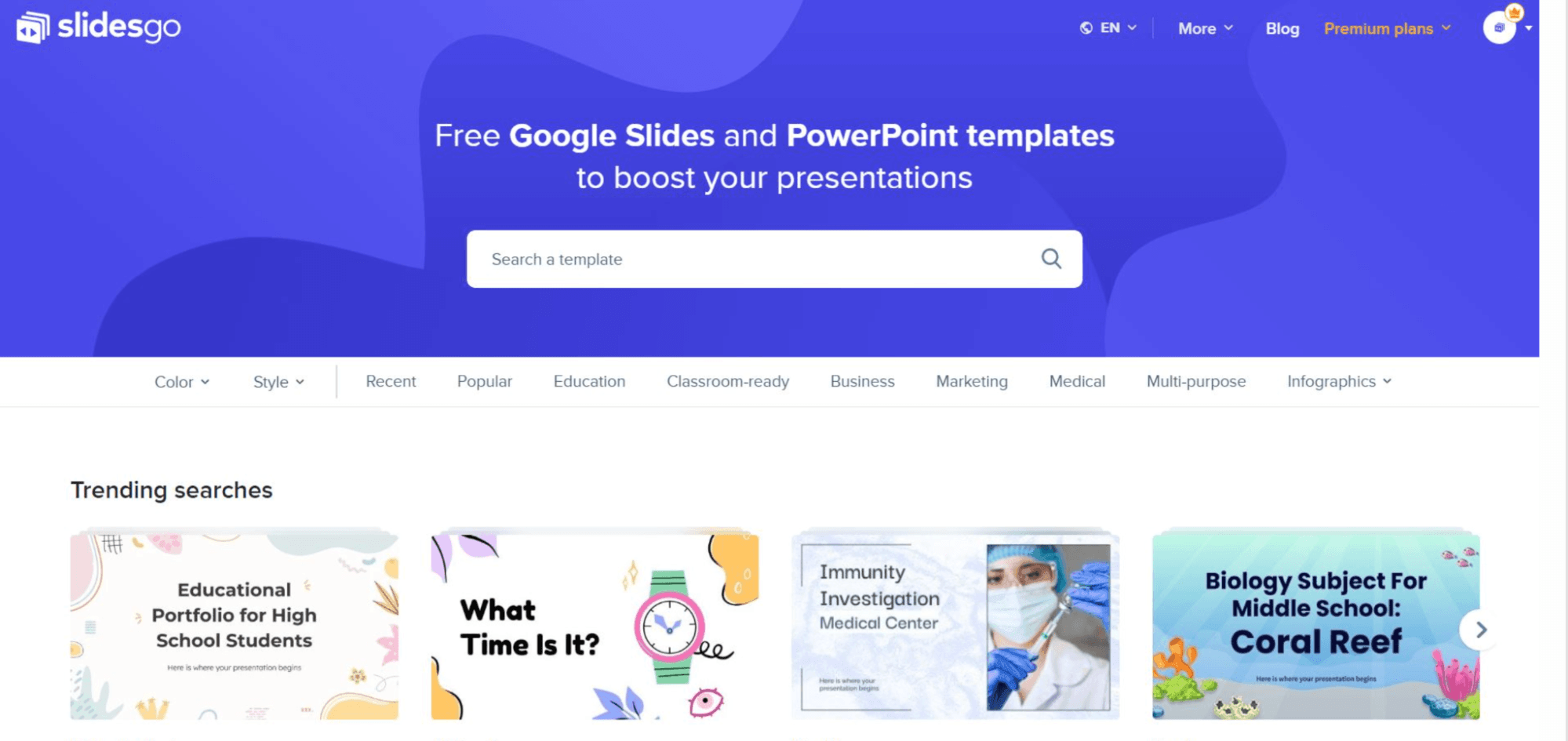
Where Slidesgo falls short is customization depth. The AI generates a solid starting point but offers limited control over structure and narrative flow compared to purpose-built AI tools. Brand application is entirely manual, meaning every deck requires you to swap in your own colors, fonts, and logo. For students, educators, and small businesses without design resources or budget, it is hard to beat. For teams with brand standards to maintain, it will feel limiting quickly.
Pros
Cons
Gamma built significant momentum after pivoting to AI in 2023, accumulating over 50 million users on the back of a genuinely fast and intuitive creation experience. You type a prompt, choose a style, and get a complete presentation in under a minute. The interface is clean, the layouts are modern, and for internal sharing or casual use the output looks impressive. Gamma also goes beyond slides, letting you generate web pages and documents from the same prompt, which makes it versatile for teams producing content across multiple formats.
The limitations become clear when the work needs to leave Gamma. PowerPoint export is a persistent and well-documented issue, with users consistently reporting broken layouts and formatting that does not survive the conversion. There is no automatic brand compliance, no SOC 2 certification, and the privacy policy has drawn criticism for tracking viewer behavior without explicit consent. For teams whose output stays inside Gamma or is shared as a live link, it works well. For teams whose stakeholders need an editable PowerPoint file, it is unreliable.
Pros
Cons
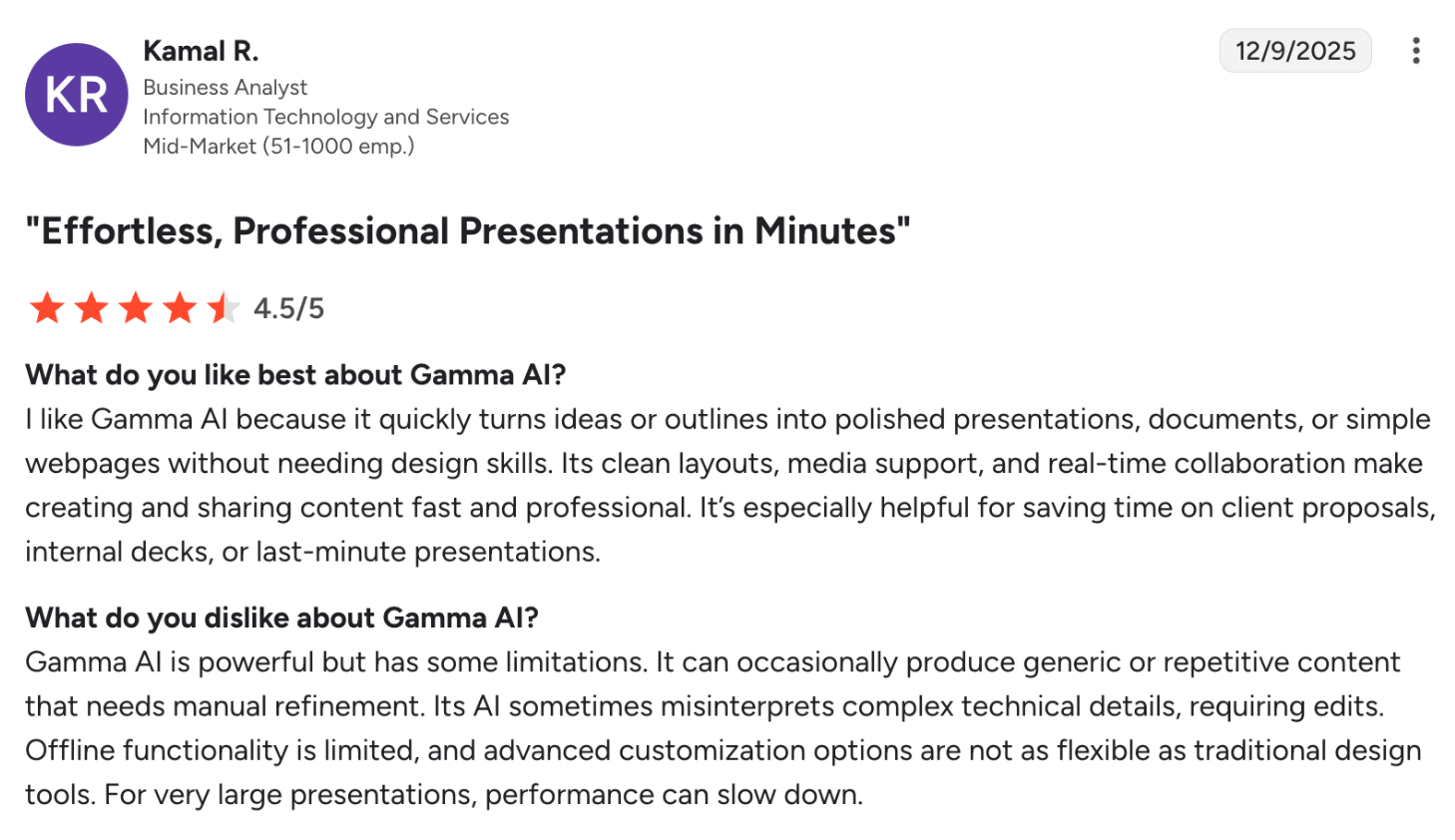
User Review on G2
Beautiful.AI takes a different approach to presentation design: instead of generating content from a prompt, it automates design decisions as you build. Smart templates adapt in real time to the content you add, keeping layouts balanced and visually consistent without requiring design skills. The result is a tool that makes it genuinely difficult to produce an ugly slide, which is valuable for teams who want polished output without a designer involved.
The central problem is pricing. At $40 per user per month with no free plan, Beautiful.AI costs significantly more than every other tool on this list. The 14-day trial auto-charges your card at the end, which has frustrated users who forget to cancel. PowerPoint exports also have known font and layout issues, which undermines the core value proposition for teams whose decks need to work outside the Beautiful.AI environment. For teams with budget flexibility and output that stays inside the platform, it delivers. For most teams evaluating cost against capability, it is hard to justify.
Pros
Cons
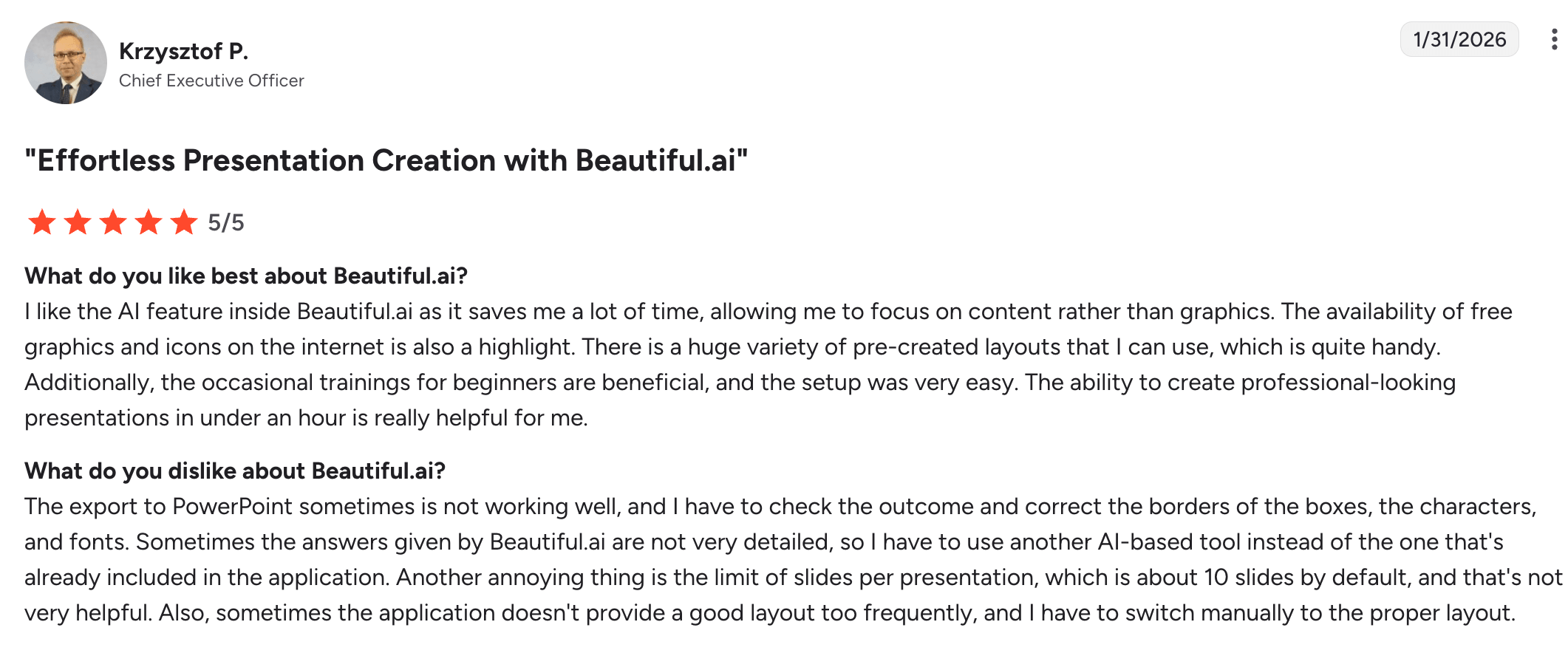
User Review on G2
Canva is one of the most widely used design platforms in the world, and its presentation capability is a natural extension of a tool many teams already rely on for social media, marketing materials, and visual content. The template library is enormous, the drag-and-drop editor is intuitive enough for non-designers, and the collaboration tools are solid for teams working asynchronously. Enterprise plans include proper security controls, making it a viable option for larger organizations already standardized on Canva across other workflows.
For presentations specifically, Canva's AI capabilities are limited to basic text suggestions rather than full deck generation. Brand application is manual, meaning someone still needs to set up and enforce brand kits across every presentation. The export to PowerPoint works but produces files that often require cleanup before they are ready to share with clients or stakeholders outside Canva. For teams using Canva daily for other content formats, adding presentations to that workflow is a logical choice. For teams evaluating tools primarily for presentation creation, there are more purpose-built options on this list.
Pros
Cons
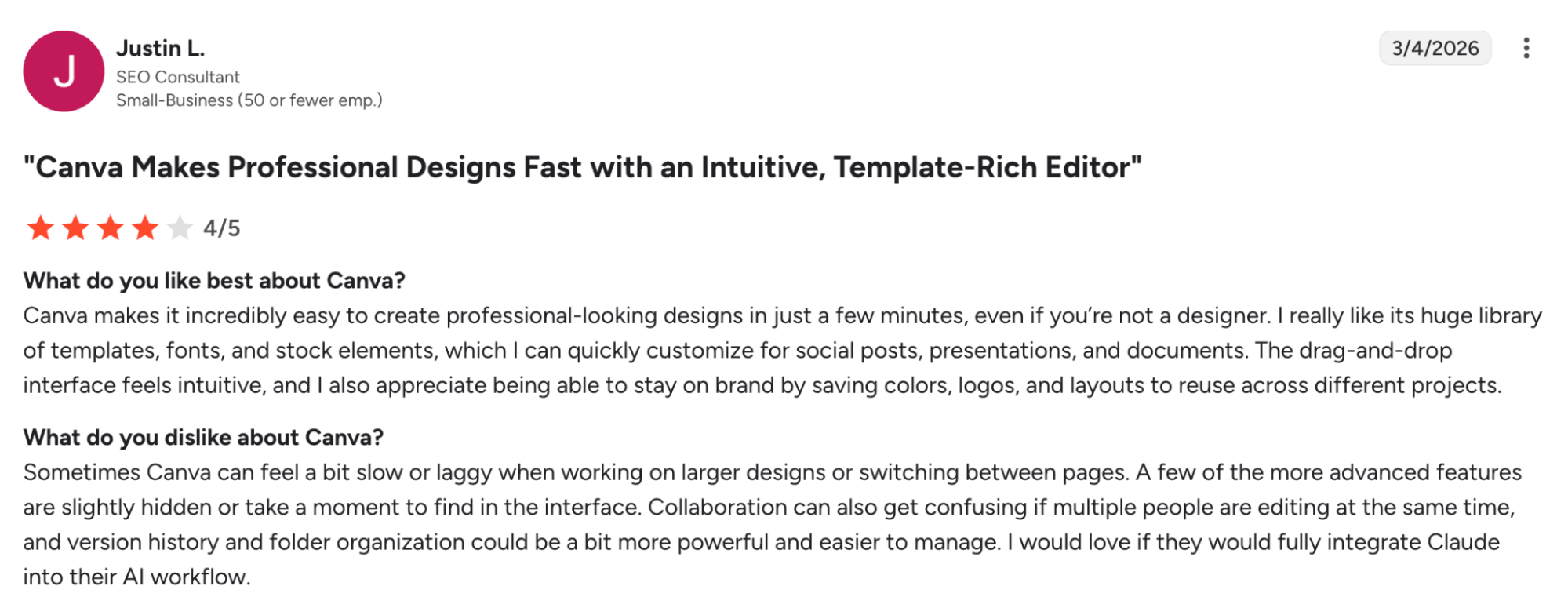
User Review on G2
Plus AI is an add-on that brings AI generation directly inside Google Slides, making it the most natural choice for teams whose entire workflow runs through Google Workspace. There is no new platform to learn, no file format to convert, and no switching between tools. You install the add-on, open Google Slides, and generate or refine slides from prompts without leaving the environment you already work in. It also integrates with Google Docs, allowing you to convert existing documents into presentations with minimal friction.
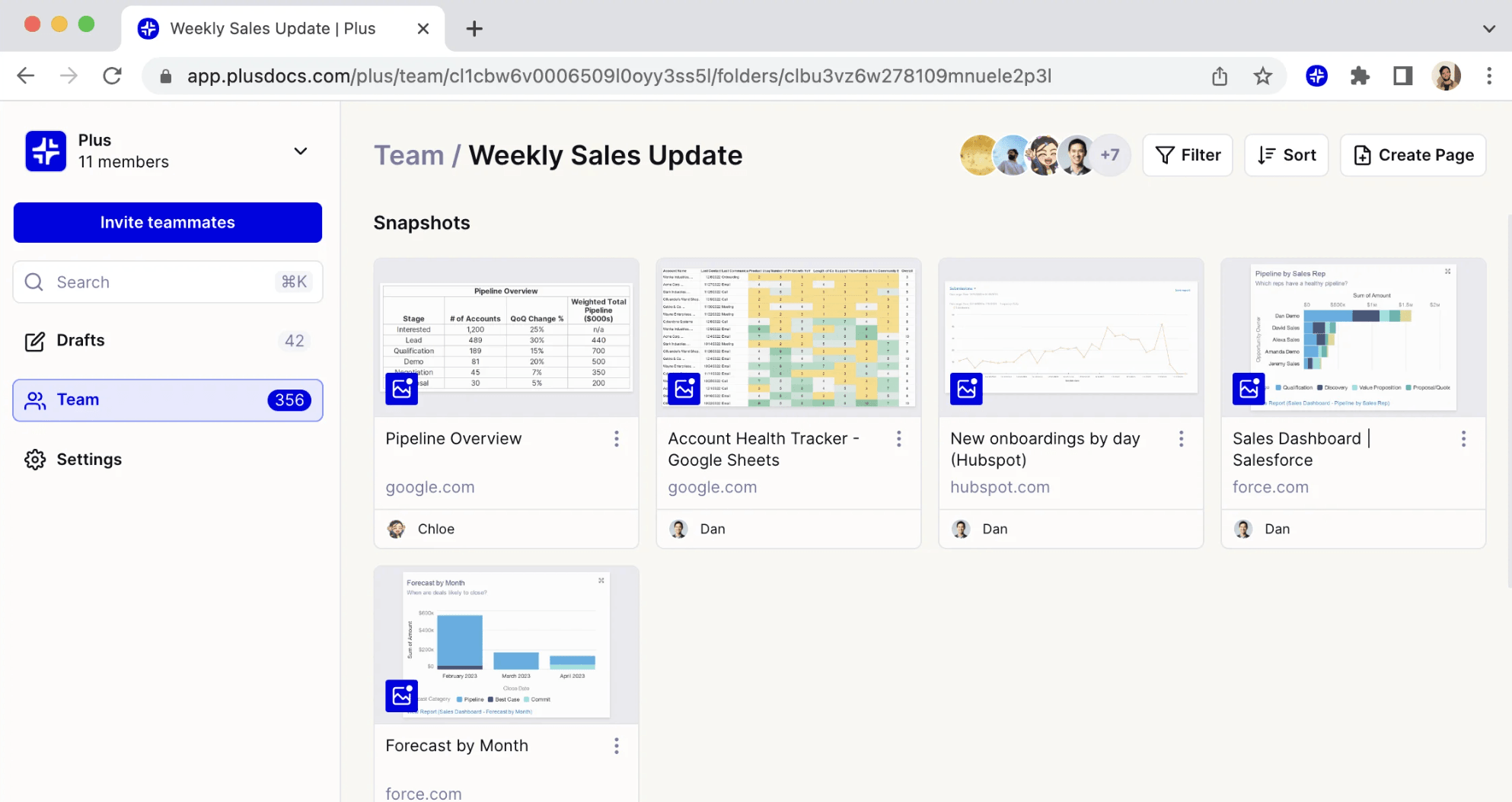
The limitation of the add-on model is that Plus AI is constrained by what Google Slides can do. There is no automatic brand compliance beyond what Google Slides supports natively, and the output quality depends heavily on the prompt quality from the user rather than an AI that understands presentation structure independently. For teams whose workflow is entirely Google-native and who do not need presentations that travel outside that ecosystem, it is an efficient and affordable solution. For teams who need polished branded output or reliable PowerPoint export, it falls short.
Pros
Cons
SlidesAI is the PowerPoint-native equivalent of Plus AI, operating as a direct add-in inside Microsoft PowerPoint rather than a standalone platform. For organizations standardized on Microsoft 365, this is a meaningful advantage. There is no file conversion, no platform switching, and no risk of formatting breaking when moving between tools. You paste or type your content, run the add-in, and get a structured slide deck built directly inside PowerPoint. Support for over 100 languages also makes it relevant for international teams.
The free plan, limited to 3 presentations per month, is enough to evaluate the tool but not for ongoing professional use. Like Plus AI, the add-in model means SlidesAI is constrained by what PowerPoint can do natively rather than operating with its own AI-native presentation logic. Brand compliance requires manual setup, and the AI output quality varies depending on how well-structured the input content is. For Microsoft 365 teams who want to add AI generation without changing their toolstack, it is a practical and affordable option.
Pros
Cons
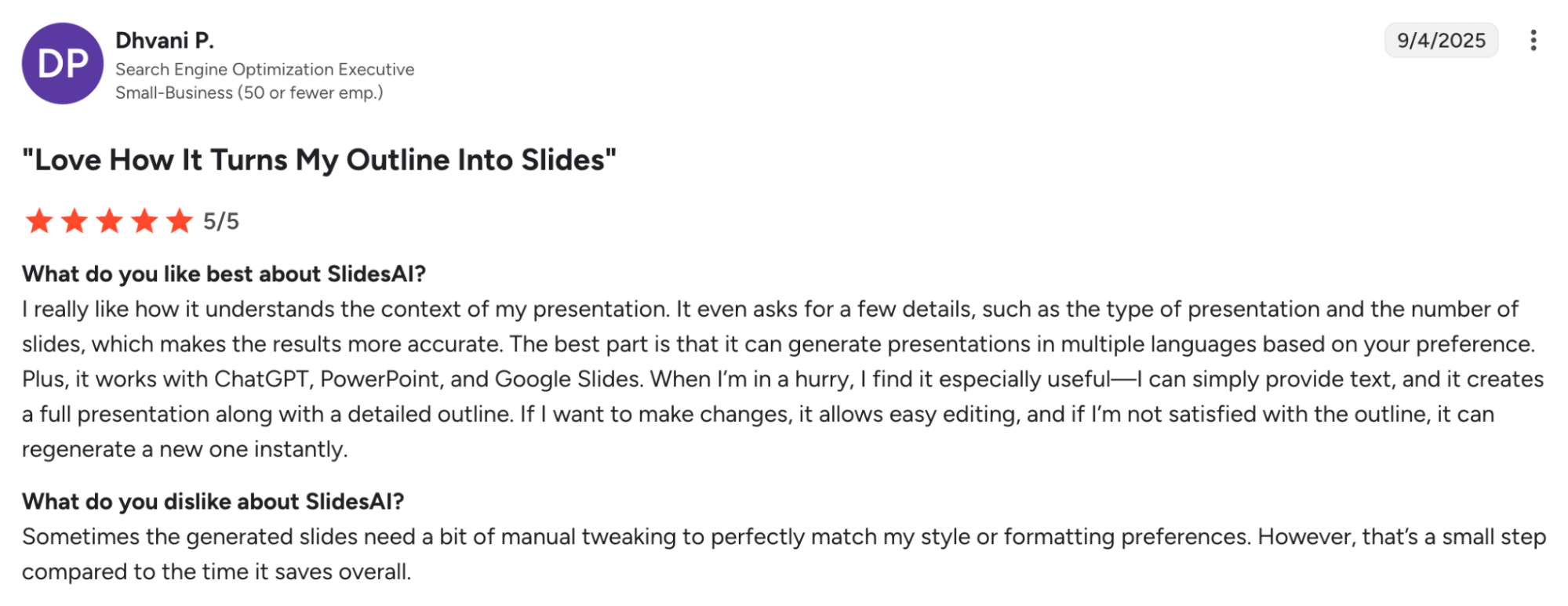
User Review on G2
Simplified is not a presentation tool first. It is a multi-format content platform that includes AI presentation generation alongside social media content, video creation, copywriting, and graphic design. For marketing teams who are already managing content production across multiple channels and formats, having presentations inside the same platform where they create ads, social posts, and campaign assets has genuine workflow value. The brand kit feature applies your visual identity across all content types, not just presentations.
As a dedicated presentation generator, Simplified is average. The AI generation is functional but less sophisticated than tools built specifically for presentations, and the PowerPoint export quality is inconsistent. Where it earns its place is in the breadth of the platform. If your team is evaluating tools for content production broadly and presentations are one of several outputs you need, Simplified consolidates multiple subscriptions into one. If presentations are your primary or most business-critical output, a purpose-built tool will serve you better.
Pros
Cons
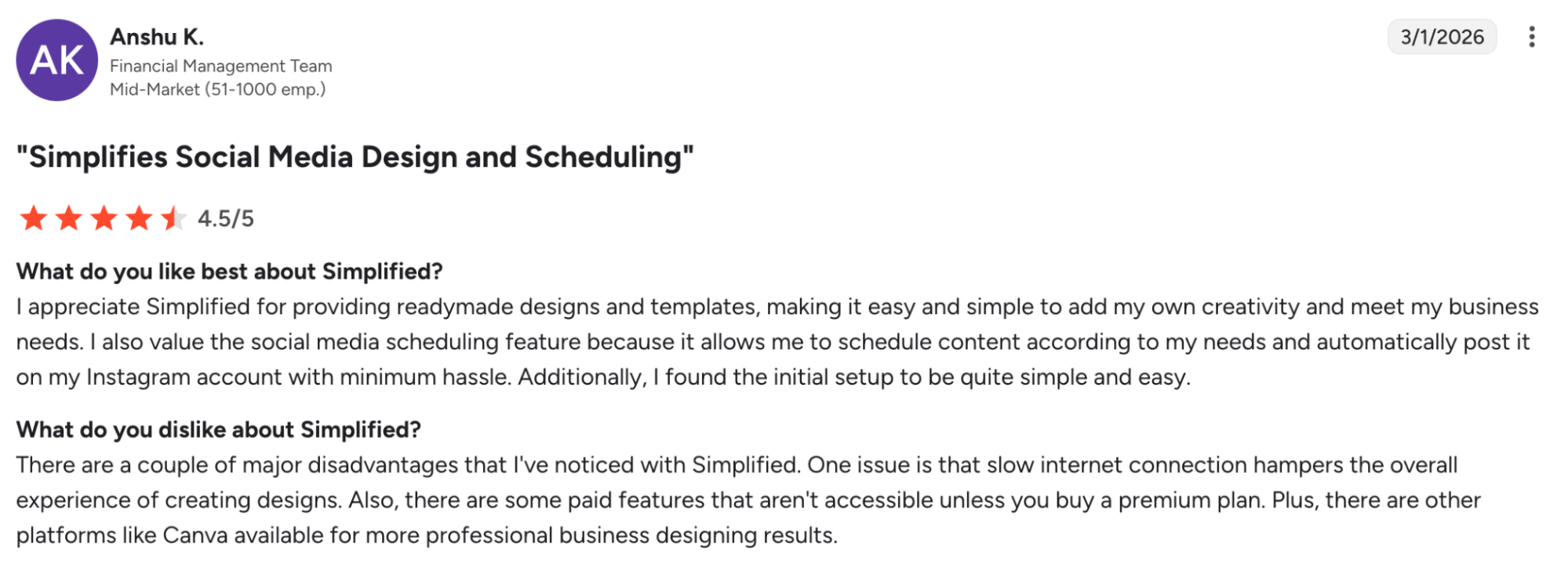
User Review on G2
Decktopus takes a guided approach to presentation creation that sets it apart from every other tool on this list. Rather than asking you to write prompts or upload documents, it walks you through a series of structured questions about your topic, audience, and goal, then generates a tailored presentation based on your answers. For users who feel overwhelmed by a blank canvas or uncertain about how to structure a presentation, this guided path removes the friction entirely and produces a clean, organized output.
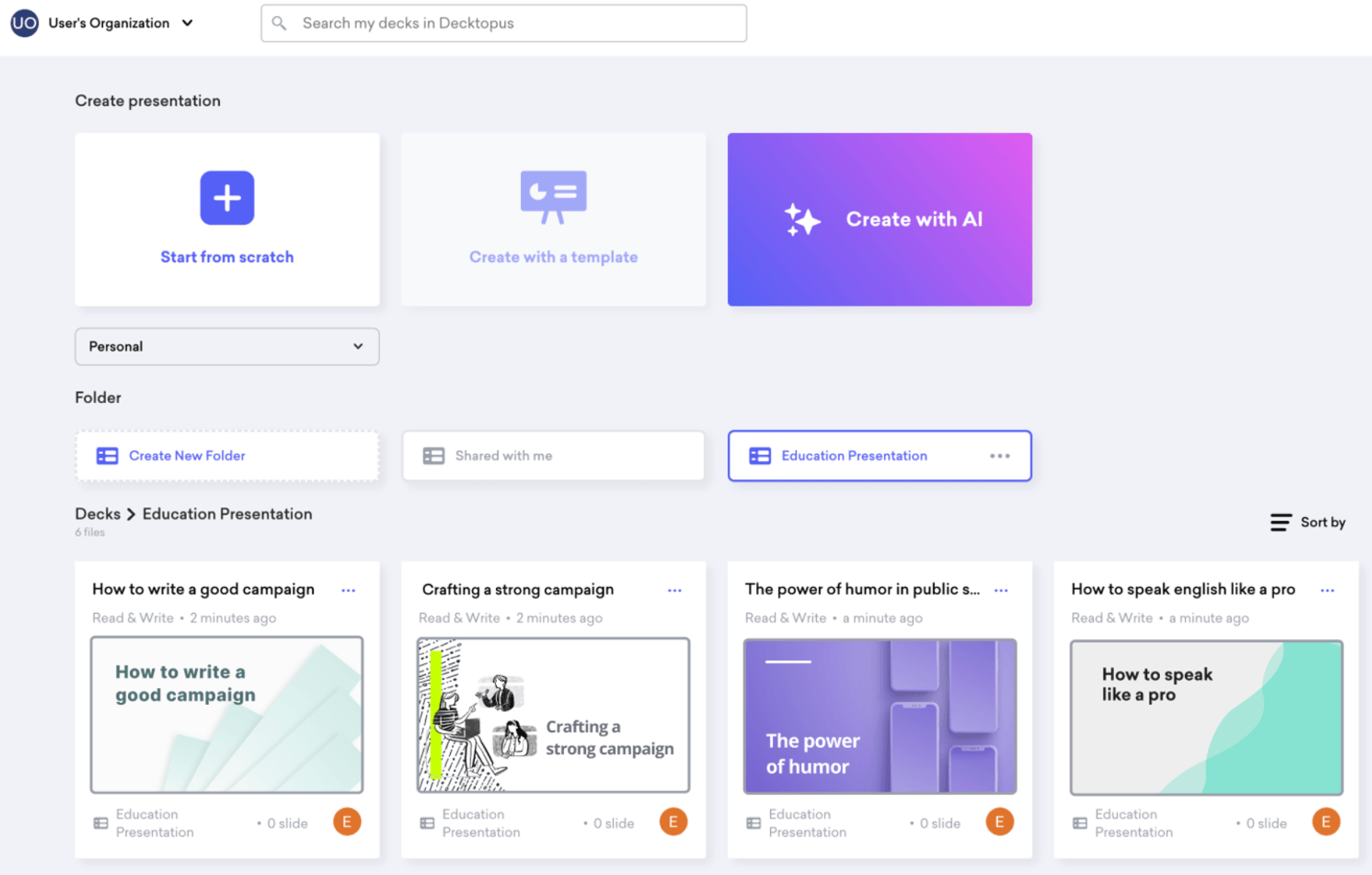
The trade-off is flexibility. Because Decktopus is built around structure and guidance, it offers less creative freedom than open-ended tools like Canva or Gamma. The layouts are clean but limited in variety, and PowerPoint export quality is basic rather than polished. At $7.99 per month it is one of the most affordable paid options on this list, making it accessible for freelancers, small business owners, and individuals who need professional-looking presentations without design experience or a large budget.
Pros
Cons
When business outcomes are at stake (a sales deal, a board meeting, an investor pitch):
use Presentations.AI. Built for business results, not just slide generation. Automatic branding, perfect exports, enterprise security.
When the budget is zero:
use Slidesgo. Actually free, actually exports to PowerPoint, no catch.
When you cannot leave your platform:
use Plus AI (Google Slides) or SlidesAI (PowerPoint). Add AI to where you already work.
When presentations are secondary to other design formats:
use Canva or Simplified.
When to look elsewhere:
Beautiful.AI at $40/user/month is hard to justify against available alternatives. Tome does not produce presentations. Avoid any platform claiming perpetual rights to your content.
The difference between these tools is not features. It is philosophy.
Most platforms added "AI" when ChatGPT made it mandatory for marketing copy. They are slide editors with chatbots layered on top. The AI suggests text while you still fight with formatting, exports still break, and brand consistency remains your manual problem to solve every single time.
Presentations.AI was built differently. The entire platform is the AI, with no legacy editor underneath it. That means every part of the system is optimized for one outcome: presentations that work, look right, and represent your company the way you intended.
The result is straightforward. You spend less time building slides and more time using them. Your brand is consistent without anyone enforcing it manually. Your exports open correctly on every device in every room. And your security team approves the tool instead of blocking it.
If a bad presentation has ever cost your team a deal, a funding round, or a room full of confidence, you already know which platform was built for that reality.
Try Presentations.AI free — 3 complete presentations, no credit card required.
Based on platform testing and public information as of early 2026. Features change. Test with your actual use cases before committing.
| Feature | Presentations.AI | Canva | Gamma | Beautiful.ai |
|---|---|---|---|---|
| AI Architecture | Built AI-native from the ground up, the entire platform is the AI | AI text suggestions layered onto a mature design platform | Web-first design tool with AI retrofitted in 2023 | Smart template automation that adapts layouts as you add content |
| Brand Sync | Automatic via company URL, applied and enforced across every slide | Manual upload every time, nothing stops team members ignoring it | Manual, no team-wide consistency controls | Manual per deck, locked themes available for teams |
| PowerPoint Export | Fully editable, zero cleanup, works on any device | Formatting shifts on export, fine for casual use | Export fidelity issues, layouts and fonts can break | Font and layout issues, rasterized rather than fully native |
| Enterprise Security | SOC 2 Type II certified, built for regulated industries | Enterprise plans only, not available on standard tiers | No certification, not suitable for sensitive business content | Basic only, no formal security certification |
| Free Tier | 3 full presentations, no credit card required | Limited features, no AI on free plan | 400 credits, enough for basic testing | 14-day trial only, auto-charges after |


Google Slides gives you a blank canvas and expects you to design. AI builds the entire deck from your content automatically, applies your brand, and exports a fully editable file. You spend minutes instead of hours.
AI identifies your core narrative and builds slides that tell a story, not just fill text boxes. Every deck is visually consistent, professionally laid out, and ready to present without last-minute fixes.
Sales decks, board presentations, investor pitches, quarterly business reviews, and client proposals. Any presentation where brand consistency, professional output, and a clean PowerPoint export actually matter.
Paste your company website URL and Presentations.AI pulls your colors, fonts, and logo automatically. Brand rules are enforced at the AI level so every deck from every team member stays consistent without manual setup or policing.
Export as a fully editable PowerPoint file, share as a link, or present directly from the platform. Works on any device, opens normally in PowerPoint and Google Slides, no special software needed.
Yes. Every presentation Presentations.AI generates is fully editable. Text boxes, layouts, charts, and shapes are all live elements you can modify directly in the platform or after exporting to PowerPoint. Nothing is locked or flattened, you have complete control to refine, update, or repurpose any deck after it is created.
Yes. You can create 3 full presentations for free with no credit card required. Each free presentation is fully functional, branded, structured, and exportable. Paid plans unlock unlimited presentations, team features, and live data connections for recurring decks.
Yes, and it actually works. Every export is a real .pptx file with editable text boxes, native charts, and shapes that open and work normally in PowerPoint and Google Slides. No flat images, no broken formatting, no cleanup required, on any device.
Yes. Paste your company website URL and Presentations.AI pulls your brand colors, fonts, and logo automatically and applies them across every slide. No manual setup, no uploading assets, no template configuration. Every deck your team produces stays on-brand without anyone having to enforce it.
Canva is a broad design tool built for social media, flyers, and marketing content. Presentations are one of many formats it supports, and brand application is manual. Gamma is a web-native document tool with AI added in 2023, it creates cards that share well as links but PowerPoint exports break consistently. Presentations.AI is built specifically for business presentations. AI-native from the ground up, automatic brand enforcement, and fully editable PowerPoint output that holds up in any professional environment.