


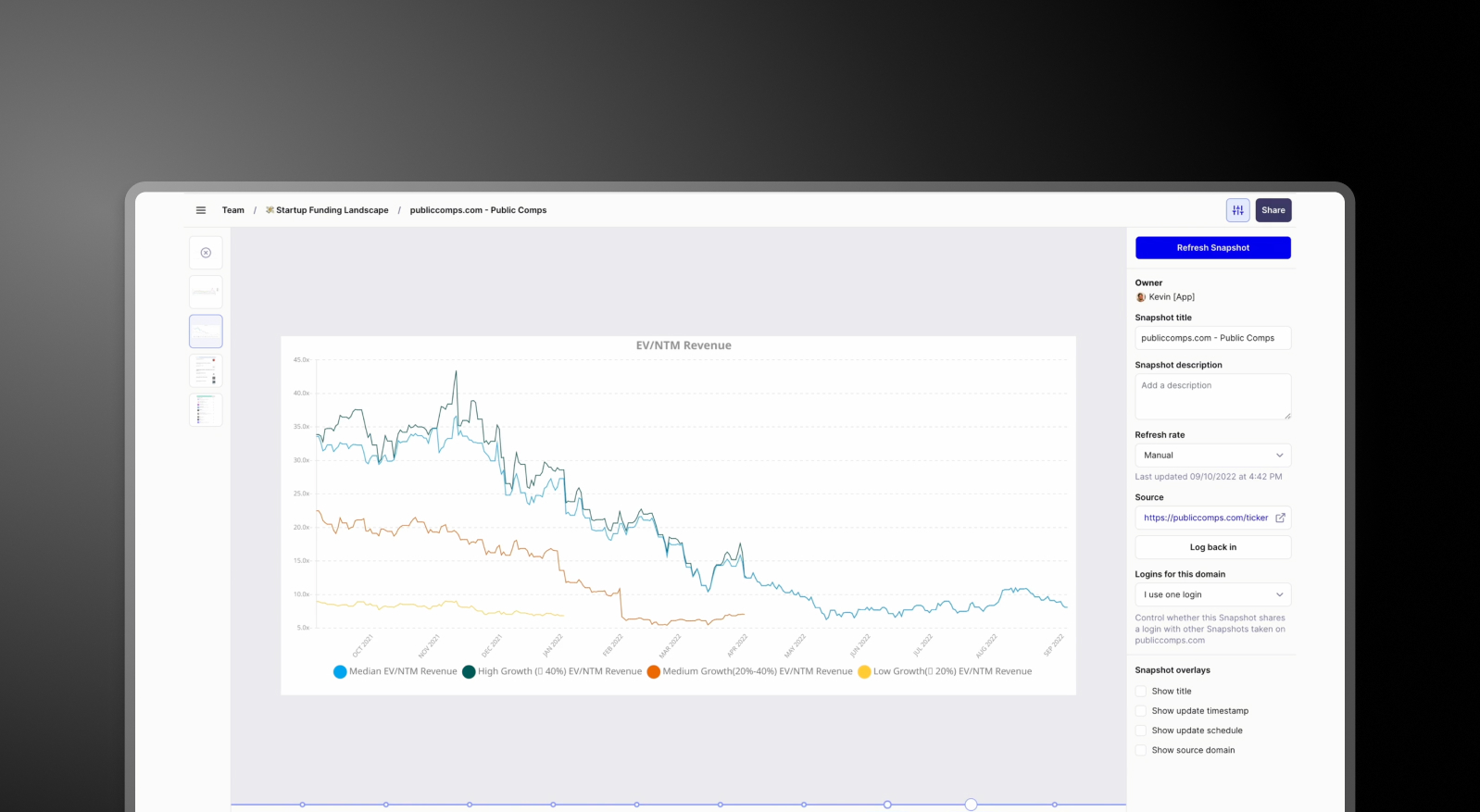


Summary: Plus AI vs Presentations AI
Plus AI is an add-on tool that bolts onto existing platforms like Google Slides to assist with generating individual slide content. It is an enhancement layer, not a complete solution. Presentations AI is a standalone, end-to-end platform that takes a prompt, outline, or document and builds a complete, branded slide deck from scratch — no host app required.
The fundamental difference is scope. Because Plus AI operates as an extension, its capabilities are constrained by the host tool — brand control is manual, collaboration depends on the platform it's installed in, and exports are limited to whatever that platform supports. Presentations AI removes those constraints entirely, offering automatic brand enforcement, real-time multi-user co-editing, and high-fidelity PowerPoint export all in one place.
For teams that need full decks rather than individual slide assistance, Presentations AI's holistic approach saves significant time — automatic branding, AI-generated structure, and clean .pptx output with no manual cleanup required.
How Plus AI Works
Step 1: Install the add-on – Enable Plus AI within a supported platform such as Google Slides or a data analytics tool.

Step 2: Generate a slide or visual – Provide text or data input. Plus AI produces a slide-like output within the host platform.
Step 3: Refine in external software – Design, layout, and formatting typically need additional work in Google Slides or PowerPoint to reach a presentable standard.
Step 4: Apply brand manually – Brand elements — colors, fonts, logos — are added after generation. There's no automated brand sync built into the tool.
How Presentations AI Works
Step 1: Sign up – Free plan includes 5 full AI presentations. No add-on installation, no platform dependency.
Step 2: Import your content – Upload a PDF, Word doc, or outline. Presentations.AI processes your material in context.
Step 3: Brand applied automatically – Logos, colors, and fonts enforced across every slide from your company URL — no manual application needed.
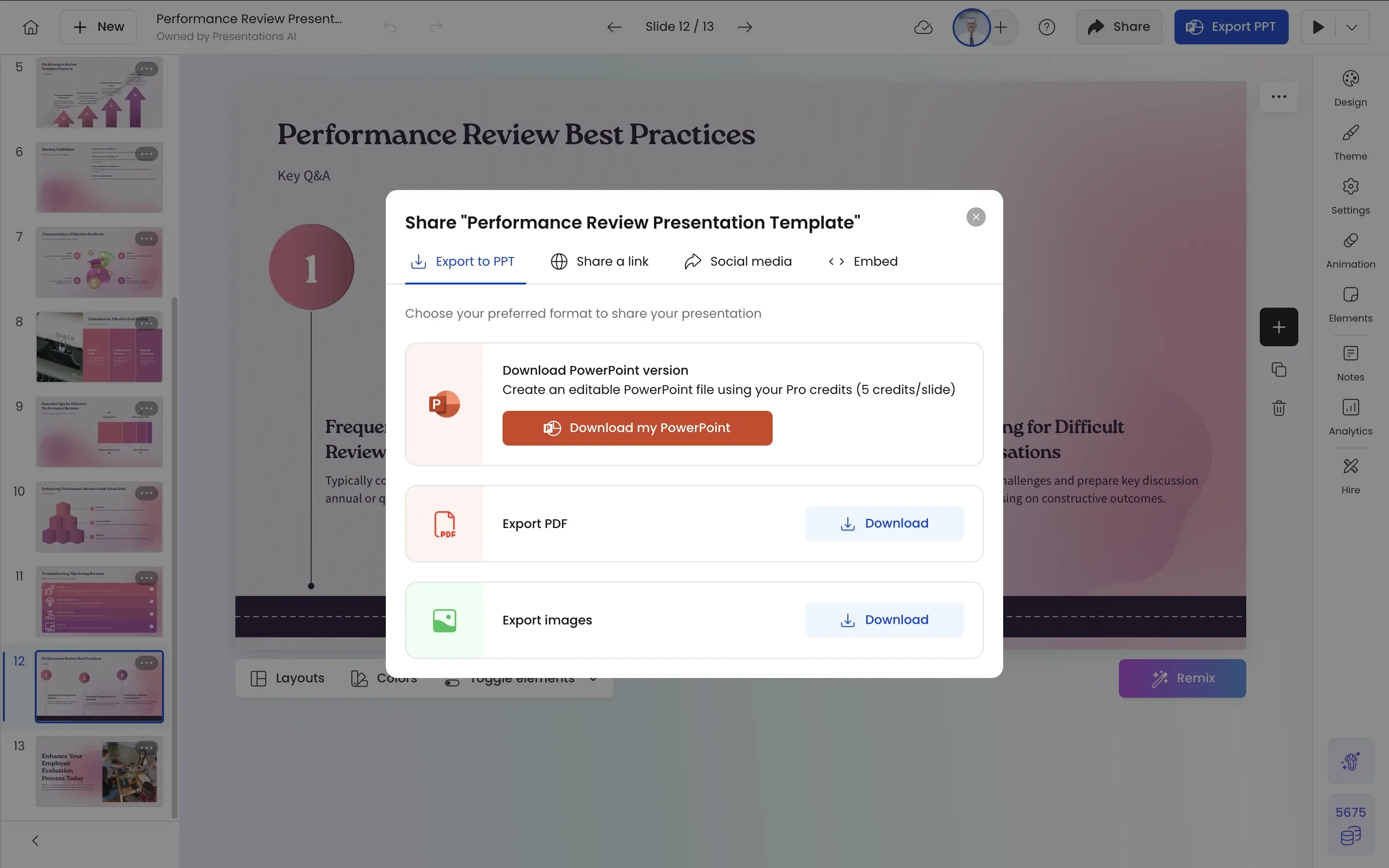
Step 4: Polish and export – Co-edit with your team in real time, then download a high-fidelity .pptx. Ready to present immediately.
Why Presentations AI is the Best Alternative to PlusAI
Complete Decks, Not Individual Slides:
Plus AI enhances single slides. Presentations AI generates entire presentations — structure, narrative, design, and brand across every slide in one pass.
No Add-On Dependencies:
Plus AI requires a host platform to function. Presentations AI is self-contained — no installation, no integration setup, no switching between tools to finish the job.
Brand Built In, Not Bolted On:
Plus AI applies brand after generation, manually. Presentations AI enforces it automatically from the start — consistent across every deck, every time.
Export That Works:
Plus AI relies on external tools for final export. Presentations AI outputs native .pptx directly — no reformatting, no layout fixes, ready for any meeting room or client inbox.
The Business Reality
Plus AI is a useful enhancement if you're already in Google Slides and need AI help on a specific slide. But enhancement isn't the same as automation — and for teams creating full decks regularly, an add-on that assists individual slides doesn't solve the underlying problem.
Presentations AI solves it entirely. Full deck, full brand, full export — in the time it takes Plus AI to help you finish one slide.