



功能详解:Slidesgo 与 Presentations.AI
1. 模板独特性 vs 生成内容
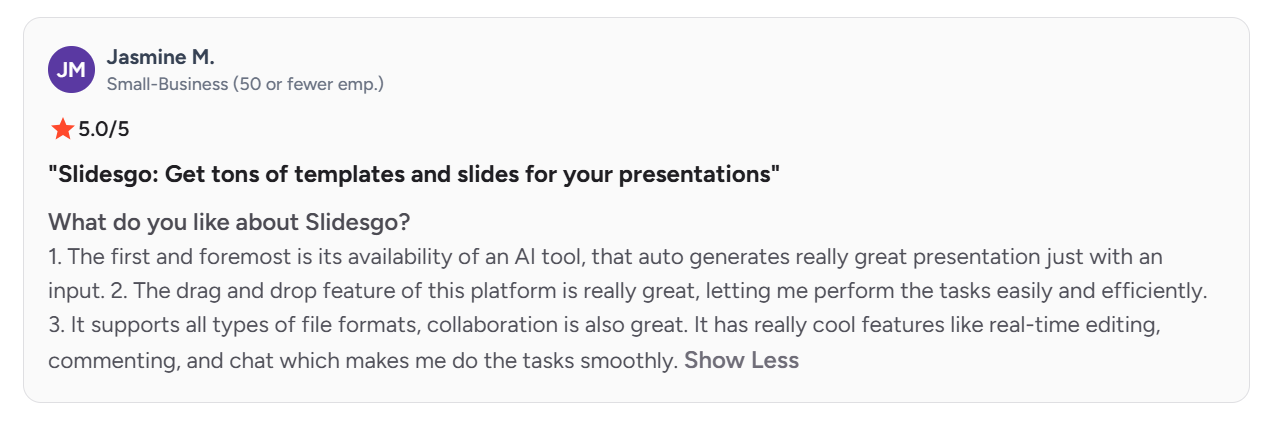
由于 Slidesgo 的热门模板免费且下载量巨大,多位 Slidesgo G2 评论者 指出,同样的设计会出现在别人的演示文稿中。Presentations.AI 根据您自己的内容生成每一份演示文稿,因此不存在与他人共用同一模板的问题。
2. AI 生成深度
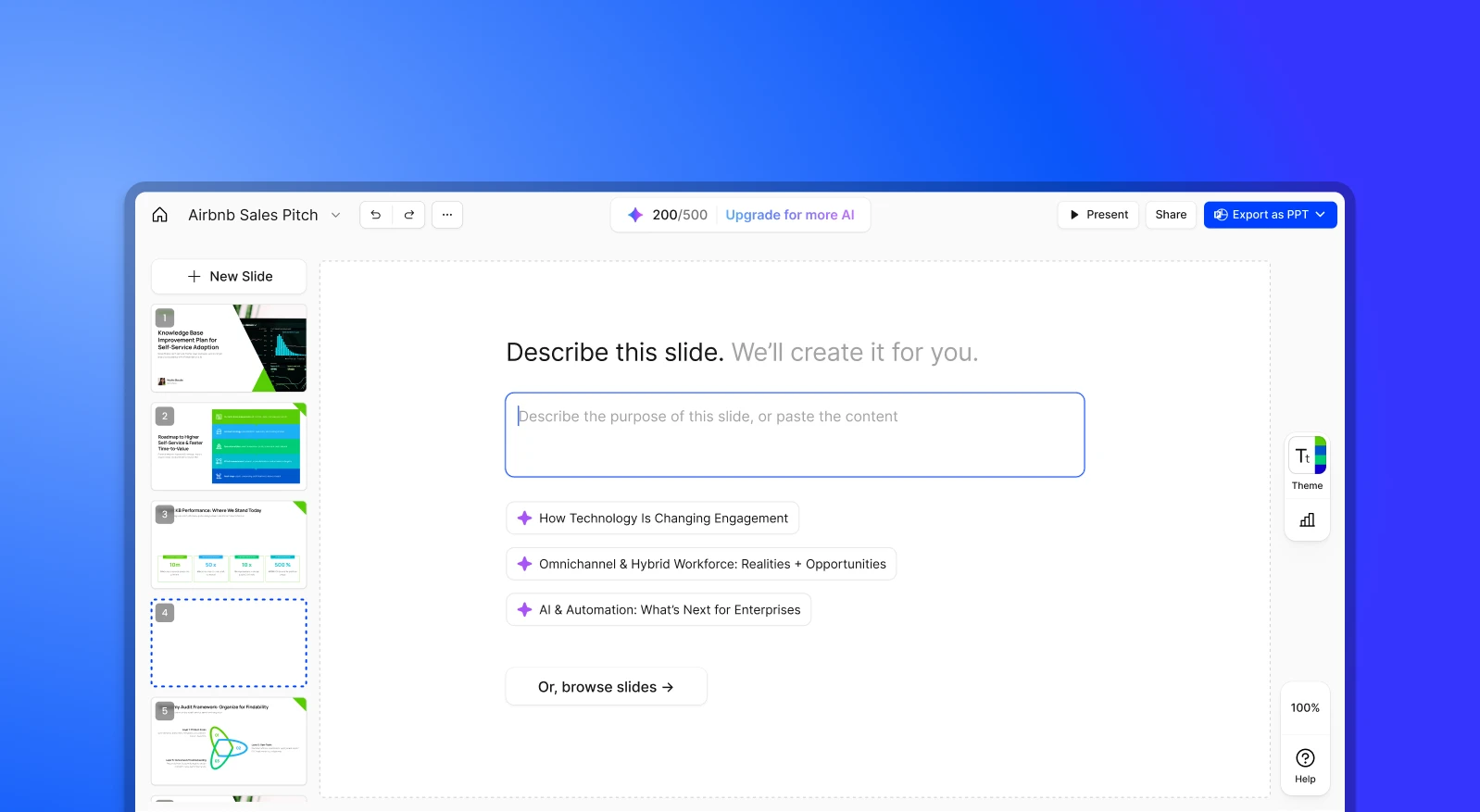
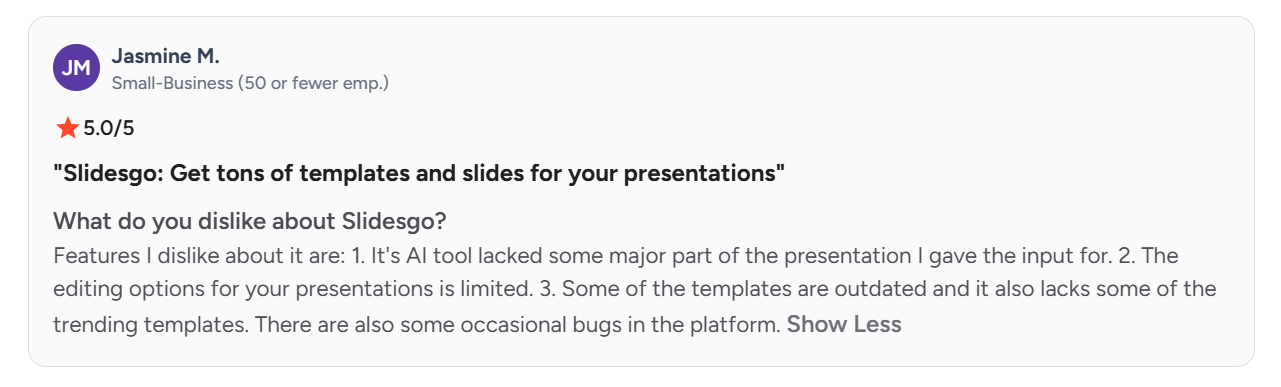
Slidesgo 已推出可根据主题生成初稿的 AI 演示文稿生成器,但至少有一位评论者发现,生成结果遗漏了他所要求内容的“某个重要部分”,只能手动重做。Presentations.AI 的 AI 演示文稿生成器 会结合上下文阅读完整的文档、大纲或提示词,并围绕其构建整份演示文稿,每一份都保持品牌一致。
3. 编辑与自定义
Slidesgo 的评论者多次提到,一旦需要超出模板结构的内容就会处处受限。用户需要应对重复的版式、模板之间图标和素材难以通用,以及几乎总要手动修改的编辑工作。Presentations.AI 的幻灯片可直接编辑,没有固定模板限制可修改的内容。
4. 品牌一致性
使用 Slidesgo 时,每次下载新模板都需要手动重新应用品牌颜色和字体;演示文稿之间无法沿用。Presentations.AI 的 Brand Sync 会自动从您的公司网址获取徽标、字体和颜色,完成初始设置后即可在每一份演示文稿中重复使用。
5. 使用门槛与价格障碍
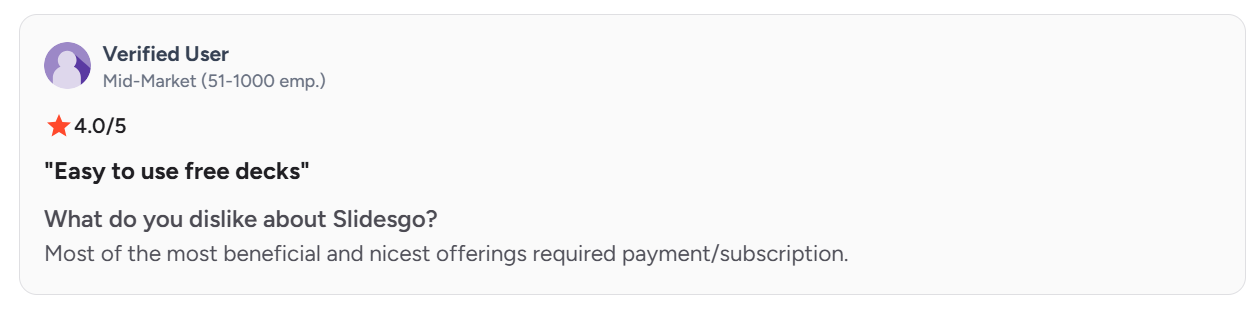
Slidesgo 最有价值的内容需要订阅才能使用,免费版每月的下载次数也有上限。Presentations.AI 的免费 Starter 方案包含 AI 演示文稿生成、最多 20 张幻灯片的演示文稿,以及对其模板库的完整访问权限。
6. 安全与认证
Slidesgo 没有公开任何可供采购或 IT 团队审查的安全认证、合规文件或数据处理规范。对于个人或课堂使用,这很少成为障碍。但对于需要先通过 IT 或法务审核才能获批使用的商务演示文稿来说,这往往就是问题。Presentations.AI 已通过 SOC 2 Type II 认证,并为企业用户提供单点登录 (SSO),是商务团队的理想之选。
Slidesgo 与 Presentations.AI:概览
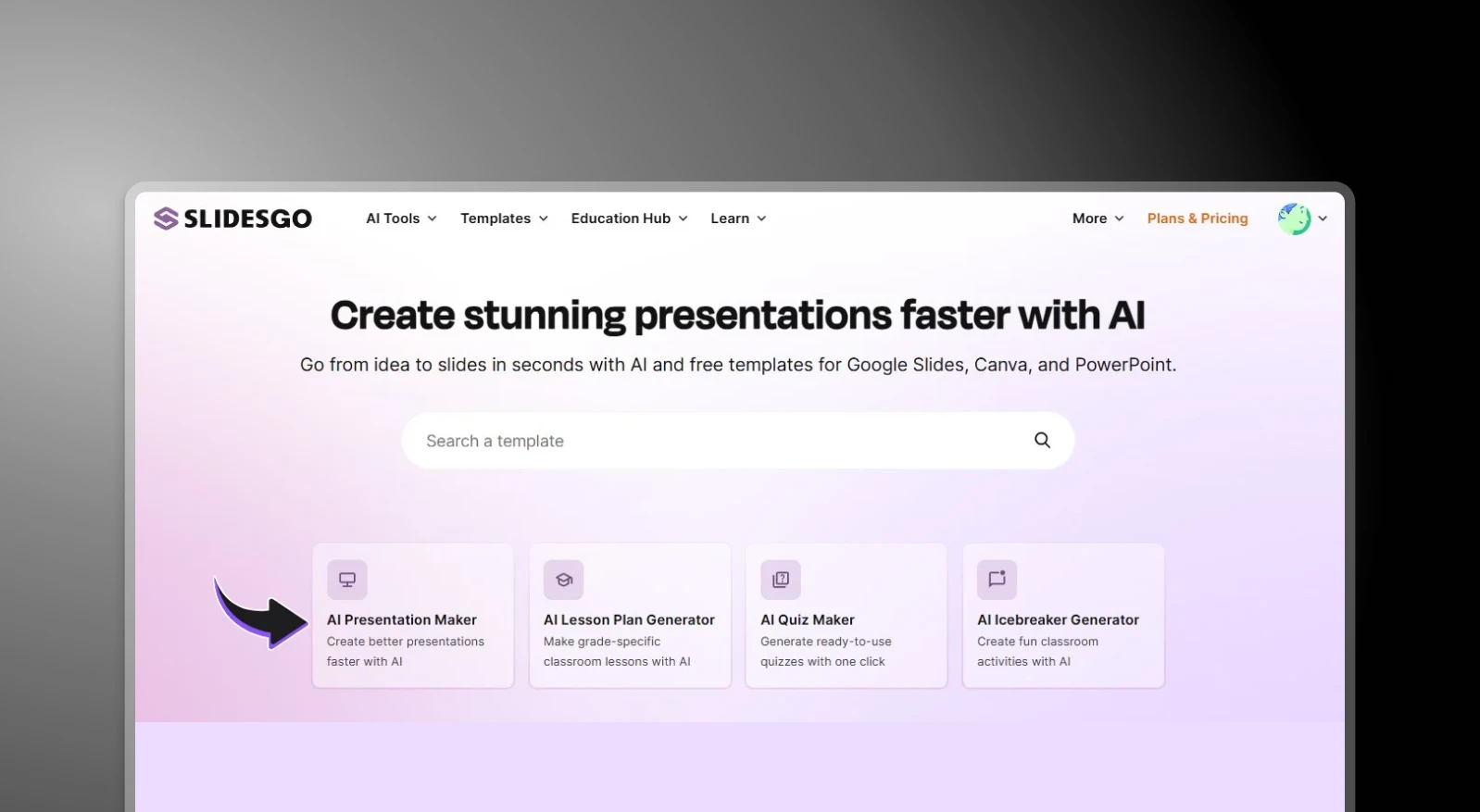
Slidesgo 是一个模板库,提供大量由设计师制作、适用于 Google Slides 和 PowerPoint 的幻灯片,用户下载后手动填写内容。如果您有时间自行调整,它是获取精美起点的不错资源。但它本质上只是一个设计素材库。AI 驱动的内容生成和品牌自动化空间有限,每张幻灯片在下载后都要手动制作。
Presentations.AI 从 Slidesgo 停止的地方开始。输入一份文档、大纲或提示词,AI 就会生成一份完整的演示文稿,内容结构清晰、品牌已应用、动画也已包含,全程无需触碰模板。对于正在寻找能完全跳过手动设计环节的 AI PowerPoint 生成器 的用户来说,这两款工具其实并不是在解决同一个问题。
对于偶尔的个人使用,Slidesgo 的免费模板在价格上很难被超越。但对于经常制作演示文稿的商务团队来说,隐性成本是时间,以及(按其自己用户的说法)原创性:每一份演示文稿都要经历同样的手动排版流程,还可能与别人的演示文稿大同小异。Presentations.AI 则去掉了这一流程。
两款工具各自适合哪些人
Slidesgo 最适合
- 制作课堂或学术演示文稿的学生和教师
- 偶尔制作低风险演示文稿的自由职业者
- 喜欢挑选模板并手动定制的人
- 不介意使用他人也可能在用的免费内容的团队
Presentations.AI 专为以下用户打造
- 经常制作演示文稿的商务团队
- 需要原创且符合品牌规范演示文稿的顾问、销售团队和创始人
- 从现有文档、报告或笔记出发的任何人
- 需要 PowerPoint 导出真正可用、无需再整理的团队
Slidesgo 的使用方式
第 1 步:浏览模板库。访问 Slidesgo,按类别、风格或主题搜索。
第 2 步:下载选中的模板。选择 PowerPoint 或 Google Slides 格式,然后下载文件。

第 3 步:打开并手动编辑。自定义每一张幻灯片:替换占位文字、更换图片、调整版式,并手动应用品牌颜色和字体。
第 4 步:手动应用品牌。没有品牌记忆,也没有自动化;每一份新的演示文稿都要从头开始同样的手动流程。
Presentations.AI 的使用方式
第 1 步:注册。免费 Starter 方案包含 100 个 AI 积分,演示文稿最多 20 张幻灯片。无需信用卡。
第 2 步:输入内容。上传 PDF 或 Word 文档,或输入一份大纲。
第 3 步:AI 生成品牌化演示文稿。内容结构清晰,品牌颜色和字体已应用,动画自动包含。
第 4 步:导出或演示。下载高保真 .pptx 文件,或直接在线演示。
价格与价值:Slidesgo 与 Presentations.AI
| 方案级别 | Slidesgo | Presentations.AI |
|---|---|---|
| 免费版 | 每月 3 份 AI 生成演示文稿、每月 3 次模板下载、含广告、须注明出处 | 100 个积分,演示文稿最多 20 张幻灯片,无需信用卡 |
| 入门付费版 | Premium,每月 $5.99(按年计费为每月 $3);无限下载(每月上限 150 次)、完整 30,000+ 模板库、无广告、无需注明出处 | Pro,每月 $20(按年计费);5,000 个积分、高质量 PowerPoint 导出、数据分析、品牌定制 |
| 批量/团队定价 | Premium 为大型团队提供最高 37% 的按席位折扣;无独立企业版、SSO 或合规文件 | Gold,每月 $100(按年计费),50,000 个积分、前沿 AI 模型、高级品牌定制、共享知识库 |
| Enterprise | 不提供 | Enterprise,定制价格,所有方案默认均通过 SOC 2 Type II 认证 |
价格截至 2026 年 8 月
要点:Slidesgo 的 Premium 方案确实便宜,如果您只需要模板库和下载权限,它是不错的选择。但无论哪个方案,您得到的仍只是一个起点,而不是成品演示文稿。无论使用哪个方案,内容、结构和品牌应用仍需手动完成。Presentations.AI 的 Pro 方案价格更高,但包含了 AI 生成和品牌自动化,而这些是 Slidesgo 任何方案、以任何价格都无法提供的。
团队选择 Presentations.AI 而非 Slidesgo 的 5 个理由
1. 生成,而非检索
Slidesgo 为您找到一个或许适用的模板。Presentations.AI 则根据您的实际内容创建一份独一无二的演示文稿,从零开始完成结构、设计和品牌应用。
2. 告别到处找模板
Slidesgo 模板仍然只是一个起点。Presentations.AI 跳过搜索环节,直接根据您的输入交付成品演示文稿;如果您只需要一张幻灯片,也可以使用 AI 幻灯片生成器。
3. 不再“撞车”的演示文稿
多位 G2 评论者 指出,Slidesgo 的热门模板会出现在别人的演示文稿中。Presentations.AI 根据您自己的内容生成每一份演示文稿,因此不会与他人撞上同一种设计。
4. 始终如一的品牌
Slidesgo 每次都需要手动应用品牌。只需在 Presentations.AI 中输入一次公司网址,每一份演示文稿就会自动符合品牌规范。
5. 一个平台,完整流程
使用 Slidesgo 至少需要两个工具才能完成一份演示文稿:先用模板库,再用 PowerPoint 或 Google Slides 进行实际编辑。Presentations.AI 在一个平台上完成内容、设计、协作和导出。
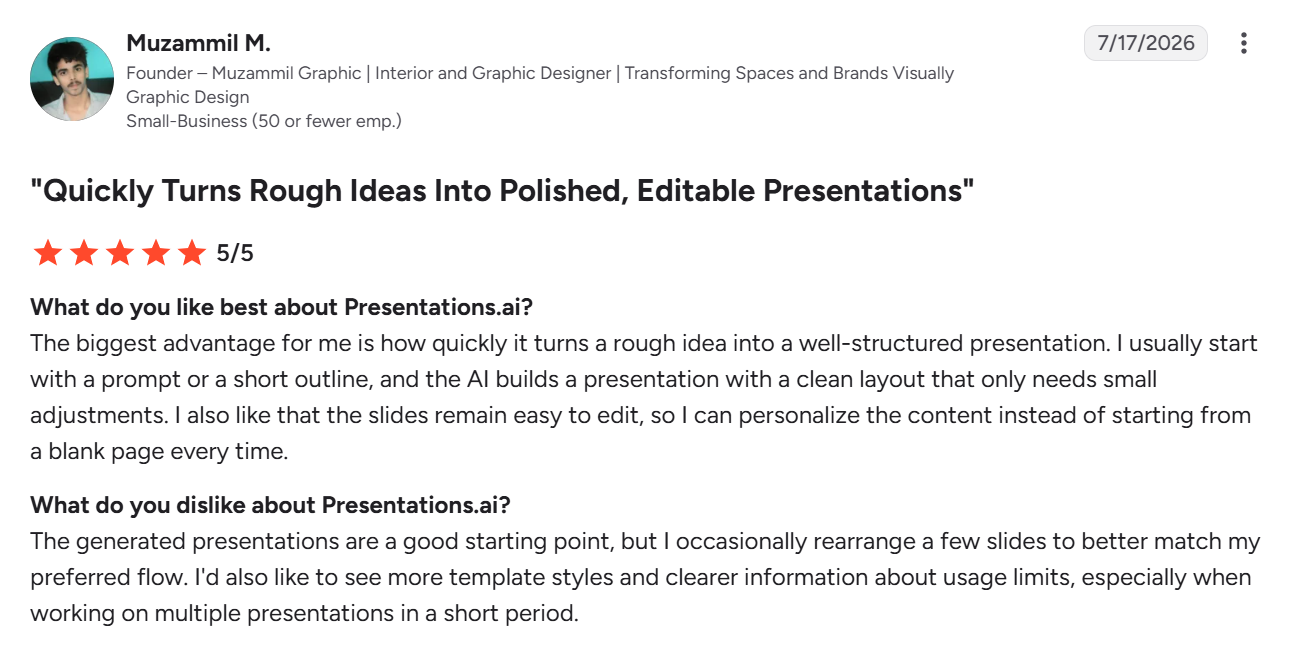
Presentations.AI 用户怎么说
Slidesgo 与 Presentations.AI:该如何选择?
如果您只需要一份一次性的演示文稿,并且喜欢挑选模板、把它改成自己的风格,Slidesgo 的模板库很难被超越,尤其适合个人项目、学校作业,或者没人会拿您的幻灯片设计和别人对比的偶尔一次的提案。
如果您经常制作演示文稿,而且通常是从已有资料出发,Presentations.AI 能让您直接得到一份符合品牌规范的成品演示文稿,无需搜索模板、无需手动排版,也不用担心它看起来和别人的一样。
