






Feature Breakdown: Gamma vs Presentations.AI
AI Quality & Content Output
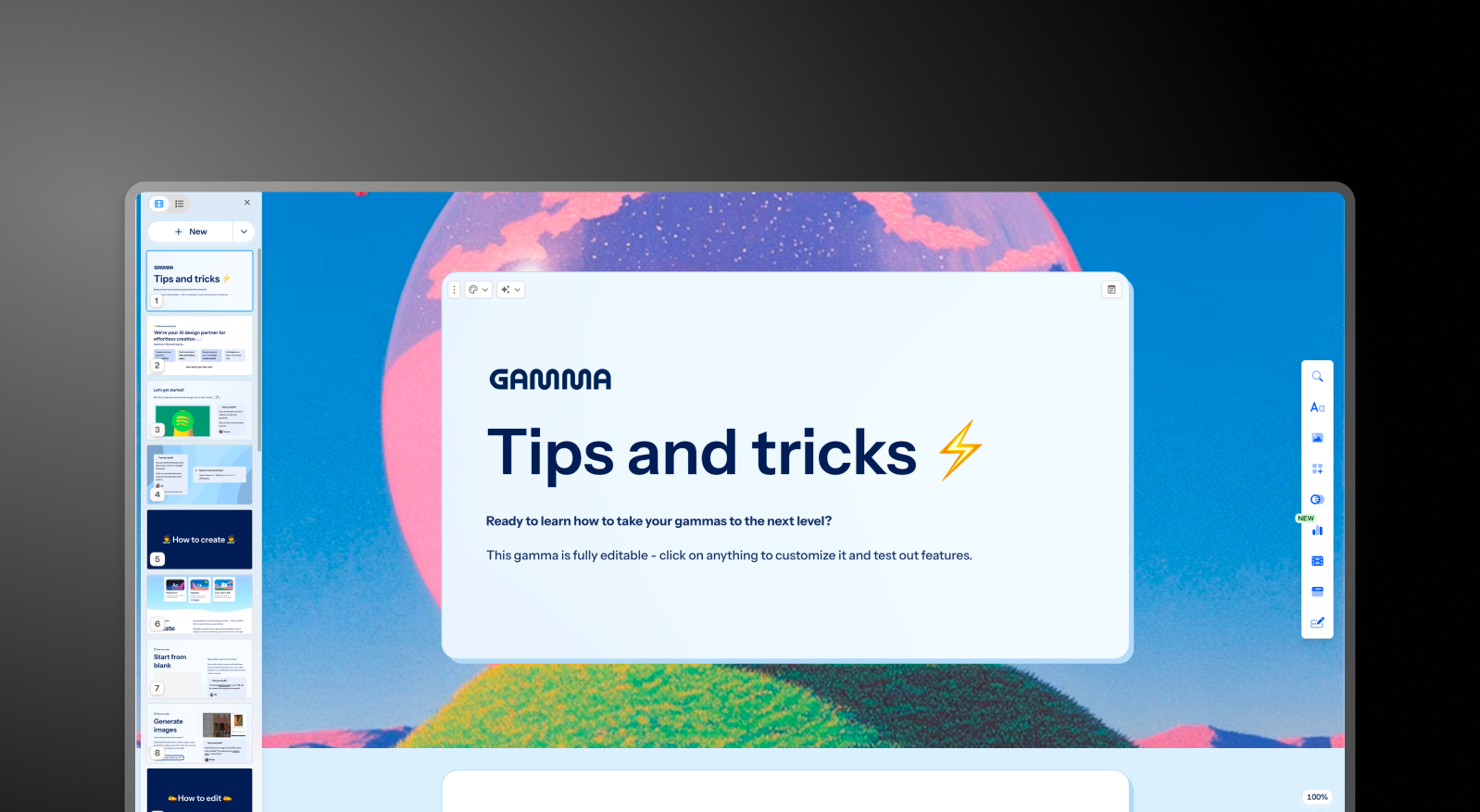
Gamma's AI generates content across presentations, documents, websites, and social posts. It’s a generalist model applied to many formats. After a handful of uses, the output often needs manual rewriting for anything client-facing. Presentations.AI is trained specifically on presentation structure and persuasion, built for one output: business-ready decks.
PowerPoint Export & Formatting
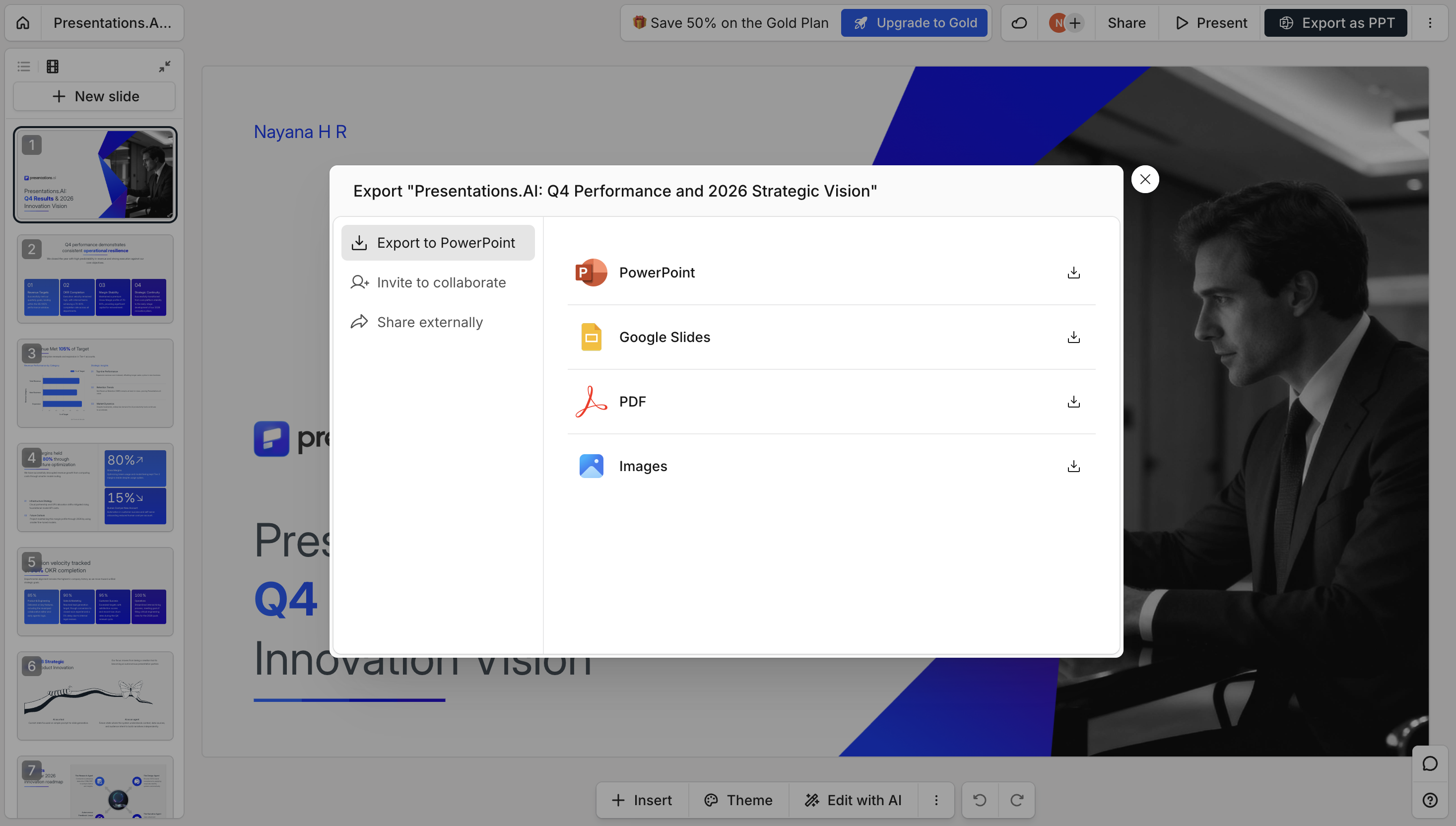
Gamma's card-based, vertical format doesn't map cleanly to native 16:9 slides, which commonly causes layout shifts, text rendered as images, and missing fonts on export. With Presentations.AI's AI Presentation maker you can create a high-fidelity .pptx with layouts, fonts, and brand styling preserved on open.
Brand Consistency & Brand Sync
Gamma applies themes and colors manually, per presentation, with no automatic brand system. Presentations.AI's Brand Sync pulls your logo, fonts, and colors automatically from your company URL, applying them across every deck without repeated manual setup.
Collaboration & Team Workflow
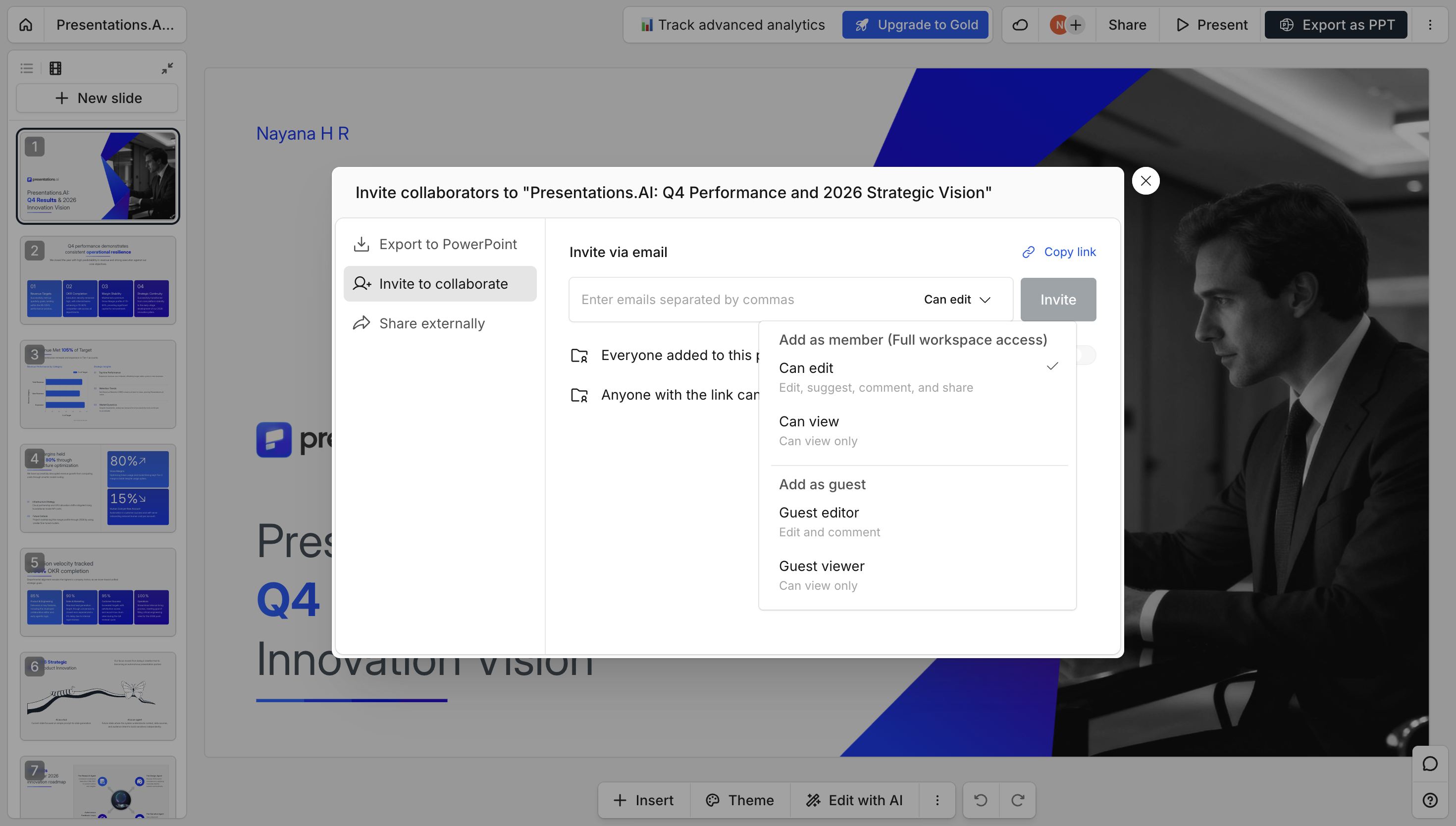
Both platforms support sharing and team editing. Gamma offers basic sharing and commenting; Presentations.AI supports real-time team collaboration workflows built around iterating on the same business deck together.
Security, Privacy & Data Ownership
Gamma earned SOC 2 Type II certification in October 2025, but its report is available only under NDA to Business and Enterprise buyers, and its content-training opt-out and SSO are limited to the Business tier. Presentations.AI is SOC 2 Type II on every plan, users keep full ownership of their content on all tiers, and enterprise contracts are available for legal review.
Gamma vs Presentations.AI: The Short Answer
Gamma is a capable tool for content creators who need multiple formats cheaply. If cost is the deciding factor, our breakdown of Gamma pricing shows exactly what each plan includes. For professionals whose presentations determine business outcomes, it's the wrong tool, and the architecture difference explains why.
Presentations AI has a focused user base: consultants, analysts, founders, and Fortune 500 teams creating presentations where failure has a real cost. Every AI interaction trains the system on what works in boardrooms, and not what performs on social media. The result is an AI that understands the difference between informing and persuading, and builds decks accordingly.
For polished, client-ready decks that export cleanly to PowerPoint and stay on brand, Presentations.AI is the stronger Gamma alternative. Gamma is the better pick when you want fast, multi-format drafts - slides, docs and web pages - from a single tool. The comparison below breaks down where each one wins on AI quality, PowerPoint export, brand control, pricing and security.
How Gamma Works
Step 1: Create an account – Sign up via email or Google. Email verification required before accessing the workspace.
Step 2: Start a new file – choose a presentation, document or website; Gamma handles all three in one editor.
Step 3: Choose a building method – Paste existing text, enter a one-line prompt, or import a file. Limited customization at this stage.
Step 4: Generate an outline – Enter your prompt and generate. Adjust tone, slide count, and language manually, the defaults rarely fit business contexts without editing.
Step 5: Edit and refine the outline – Significant manual adjustment typically required before the content is relevant to your actual use case.
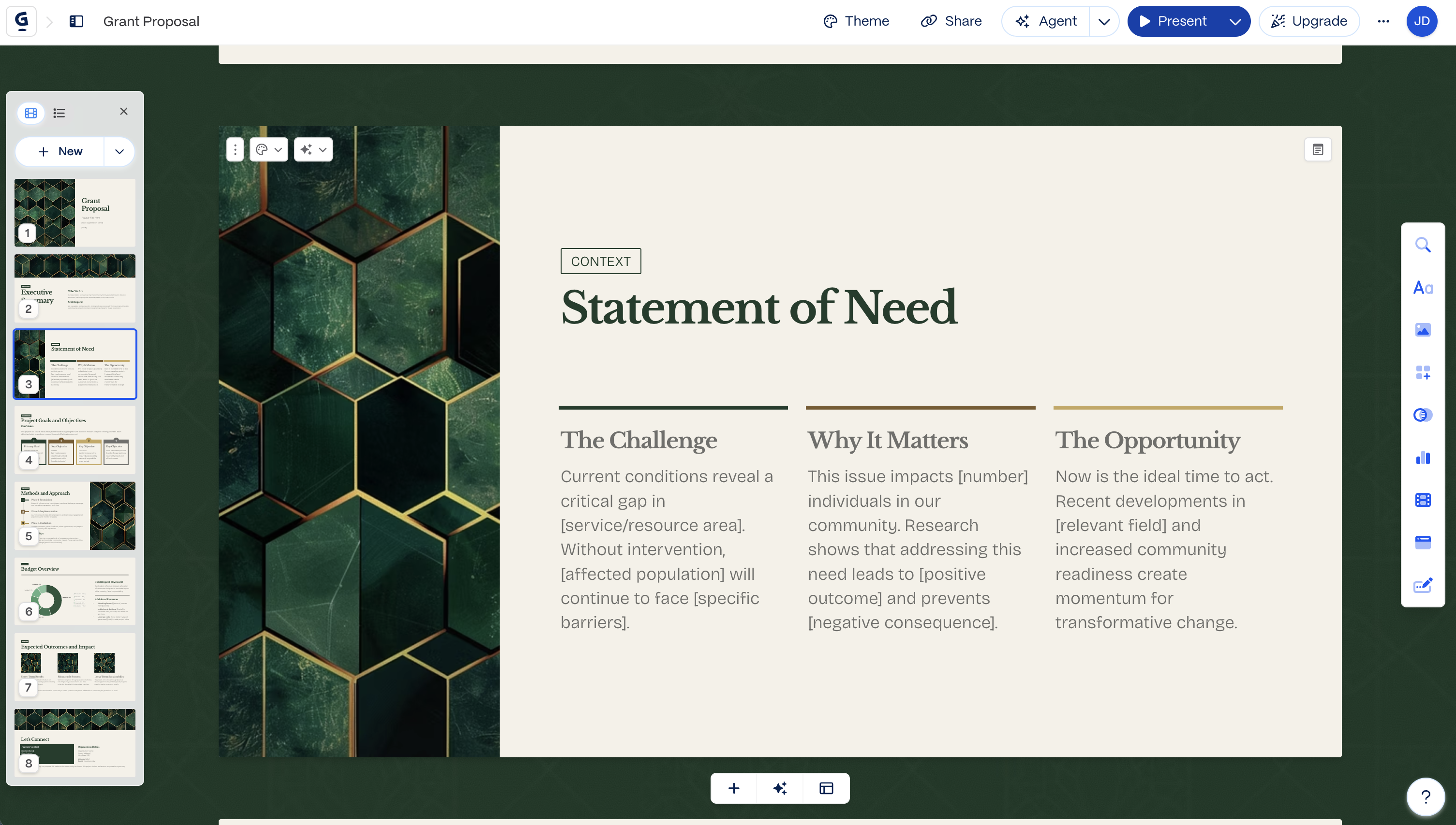
Step 6: Choose a theme – Select from limited preset themes. No automatic brand customization, colors and fonts are applied manually.
Step 7: Edit and export – finish in Gamma’s editor, then export to PowerPoint and check the formatting (overlapping text boxes and missing fonts are commonly reported).
How Presentations.AI Works
Step 1: Sign up – the free Starter plan includes 200 AI credits and up to 20 slides, no credit card required.
Step 2: Choose how to build – One click to start. Build from an outline, import a Word or PDF document, convert a prompt, or choose from 100+ professional templates, all purpose-built for business use cases.
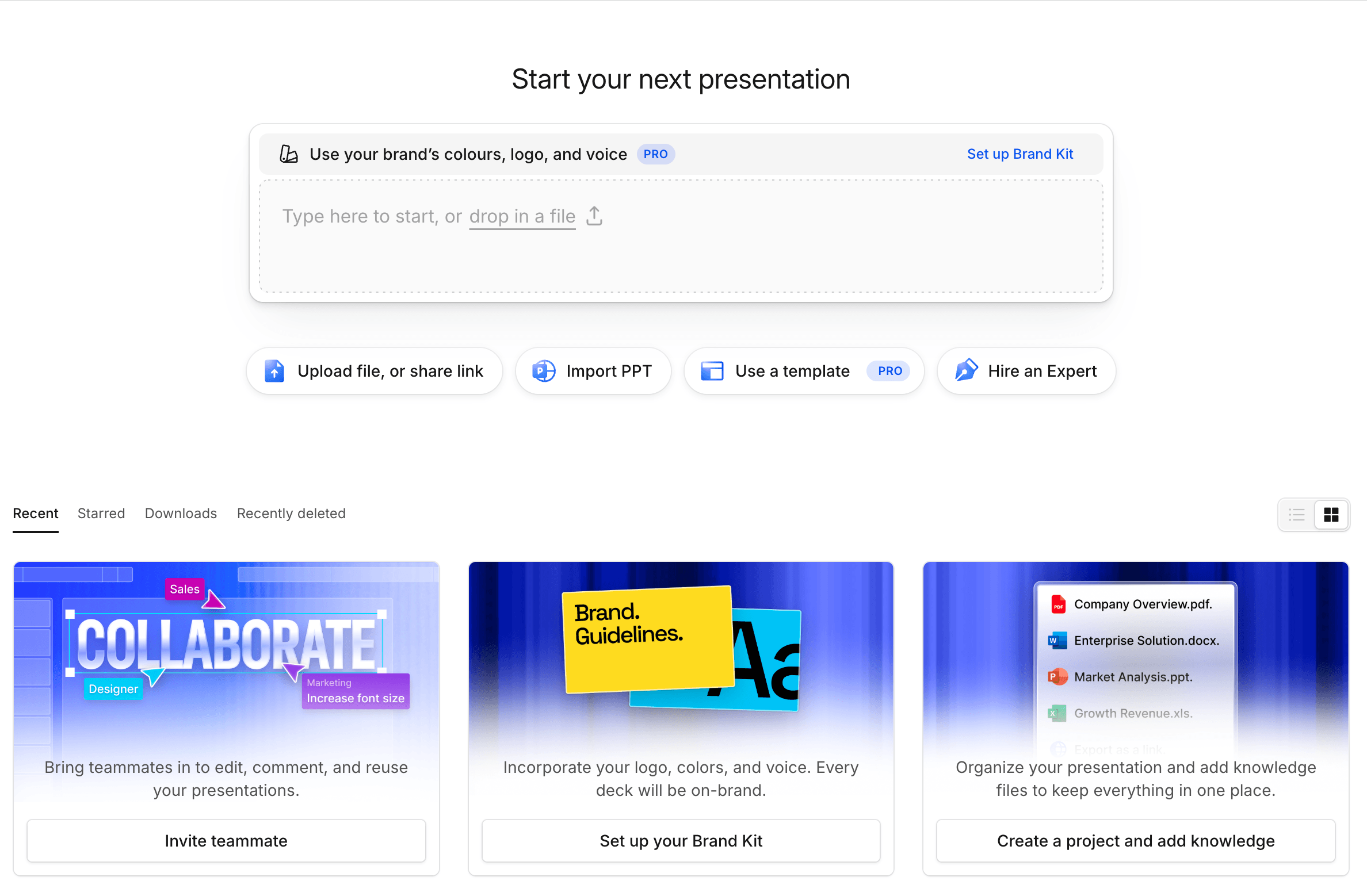
Step 3: Review the AI-generated outline – A detailed, structured outline with presentation psychology built in. Edit text, reorder slides, then generate with one click.
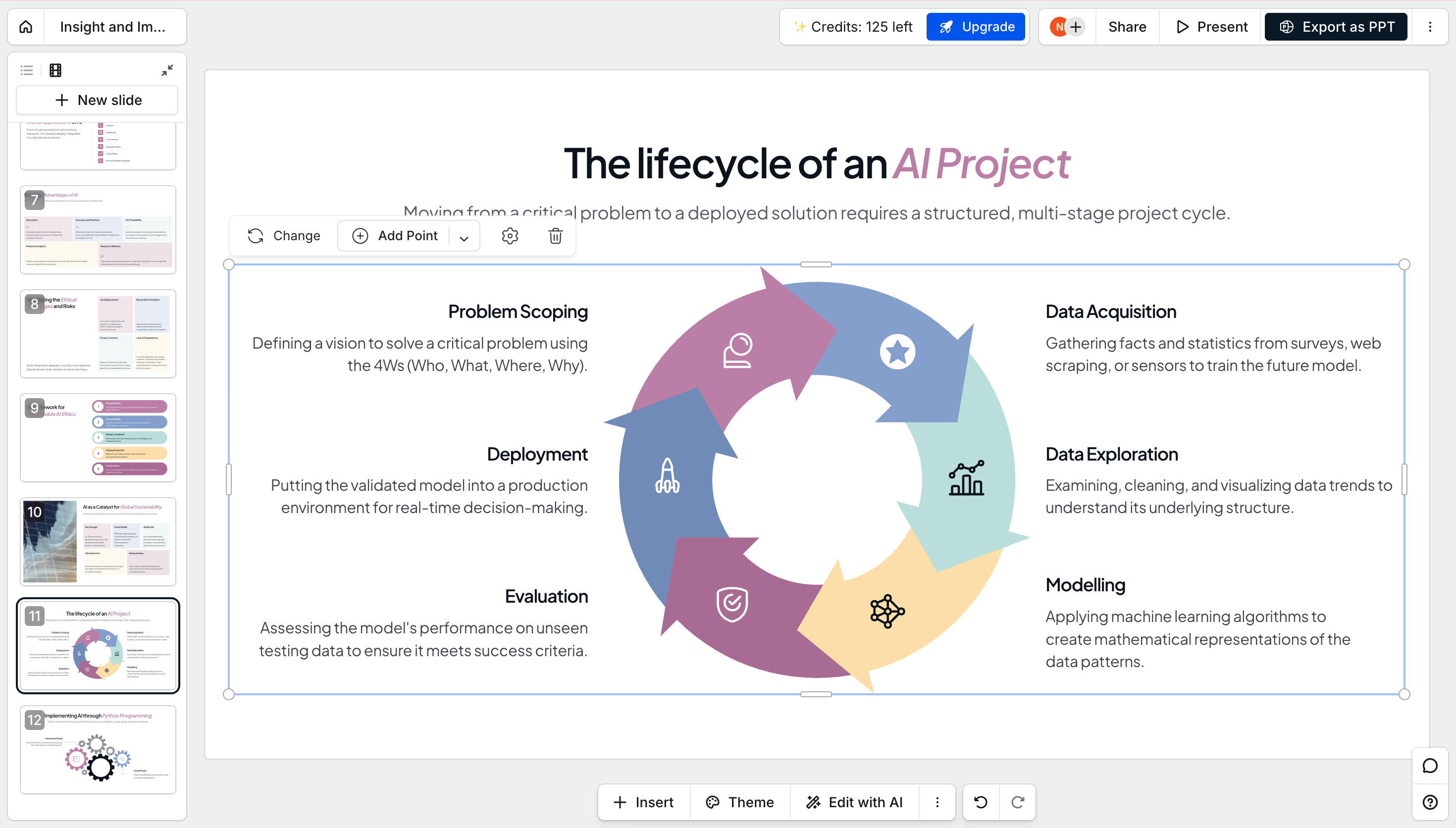
Step 4: Get a business-ready deck – Corporate brand mapped automatically. Professional animations and transitions applied. High-fidelity PowerPoint export ready immediately — open it in PowerPoint and everything works.

Pricing & Value: Gamma vs Presentations.AI
| Gamma | Presentations.AI | |
|---|---|---|
| 免费套餐 | Starter,400 个一次性积分(约 8–10 份演示文稿),每次导出均带 Gamma 品牌标识 | 免费,200 个起步积分,无需信用卡 |
| 入门付费套餐 | Plus,$9/月起(按年计费)——无品牌标识,每月 1,000 积分 | Pro,$20/月(按年计费)——PowerPoint 导出、brand sync、数据分析 |
| 最高个人层级 | Ultra,$90/月——最先进的模型,Studio Mode | Gold,$100/月——先进模型,团队级知识共享 |
| 团队/企业 | Team $20/席/月起(至少 2 席);Business $40/席/月起,含 SSO,可按需提供 SOC 2 文档 | Enterprise,定制定价,所有套餐默认通过 SOC 2 Type II 认证 |
* Prices as of August, 2026
Gamma is cheaper to start and to scale per-seat. Presentations.AI's Pro tier is where PowerPoint export and brand sync actually live. These are the features that sit behind Gamma's higher tiers or aren't available at all. And SOC 2 compliance, which Gamma only offers as documentation on request at its highest business tier, is standard on Presentations.AI from the free plan up.
Five Reasons Teams Choose Presentations.AI Over Gamma
Here's where the two platforms actually diverge, based on how teams use them day-to-day.
1. AI Trained for Business From the Start
- Gamma is a multi-format platform where presentations are one output among documents, websites and social posts, not a presentation-first tool.
- Presentations.AI was built from day one around presentation psychology, persuasion structure, and business outcomes.
- That difference in origin is a big part of why one produces generic output and the other produces decks built to move a decision forward.
2. PowerPoint Export That Works
- Gamma exports frequently need cleanup, with overlapping boxes, missing fonts, and shifted layouts all fairly common.
- Teams often report budgeting 30 to 45 minutes of fixes before a client meeting.
- Presentations.AI exports high-fidelity .pptx files natively, so when you open it, everything is already in place.
3. Full Ownership of Your Content
- Gamma's standard terms grant the platform broad, standing rights to train on your content, unless you're on a Team or Business plan.
- Presentations.AI users retain full ownership of their content on every plan, including the free tier.
- When a deck contains real strategy or unreleased numbers, that difference matters.
4. Contract Terms That Matter
- Both platforms are now SOC 2 Type II certified, so that alone isn't a differentiator anymore.
- The real gap shows up in the contract, where Presentations.AI offers negotiable enterprise terms your legal team can review, along with clear audit trails.
- Combined with full content ownership on every plan, Presentations.AI tends to clear IT and legal review with fewer follow-up questions.
5. Focus vs Feature Creep
- Gamma now makes presentations, websites, documents, and social posts, and refers to presentations as "Gammas."
- Presentations.AI does one thing and improves at it with every release, right down to the AI slide creator for the times you only need to rebuild a single slide.
- When the deliverable is a business presentation, a tool that keeps deepening its expertise in exactly that job tends to produce a better result.
Who Each Tool Is Really For
Gamma is best for
- Personal projects, social content, and quick internal drafts
- Teams making Instagram carousels, personal websites, or one-off decks
- Anyone prioritizing speed and multiple content formats over presentation-specific depth
Presentations.AI is built for
- Consultants, analysts, and founders presenting where outcomes matter
- Sales teams building decks that need to close deals
- Anyone who can't afford a broken export in front of a client or investor
Gamma vs Presentations.AI: Which Should You Choose in 2026?
If you need to spin up a quick internal update, a social carousel, or a personal website alongside the occasional deck, Gamma's flexibility and low entry price make sense. It's a useful tool for that kind of work.
If the presentation itself is the deliverable, and the outcome (a closed deal, an approved budget, a funded round) depends on it landing cleanly in front of the right audience, Presentations.AI is built specifically for that job. It’s the best Gamma alternative for business, as it simplifies your work with automatic brand sync, a PowerPoint export that holds up, and AI chat-based iterative deck generation.
