

SlideModel vs Presentations.AI: 2026年徹底比較

SlideModelとは?

SlideModelとは?

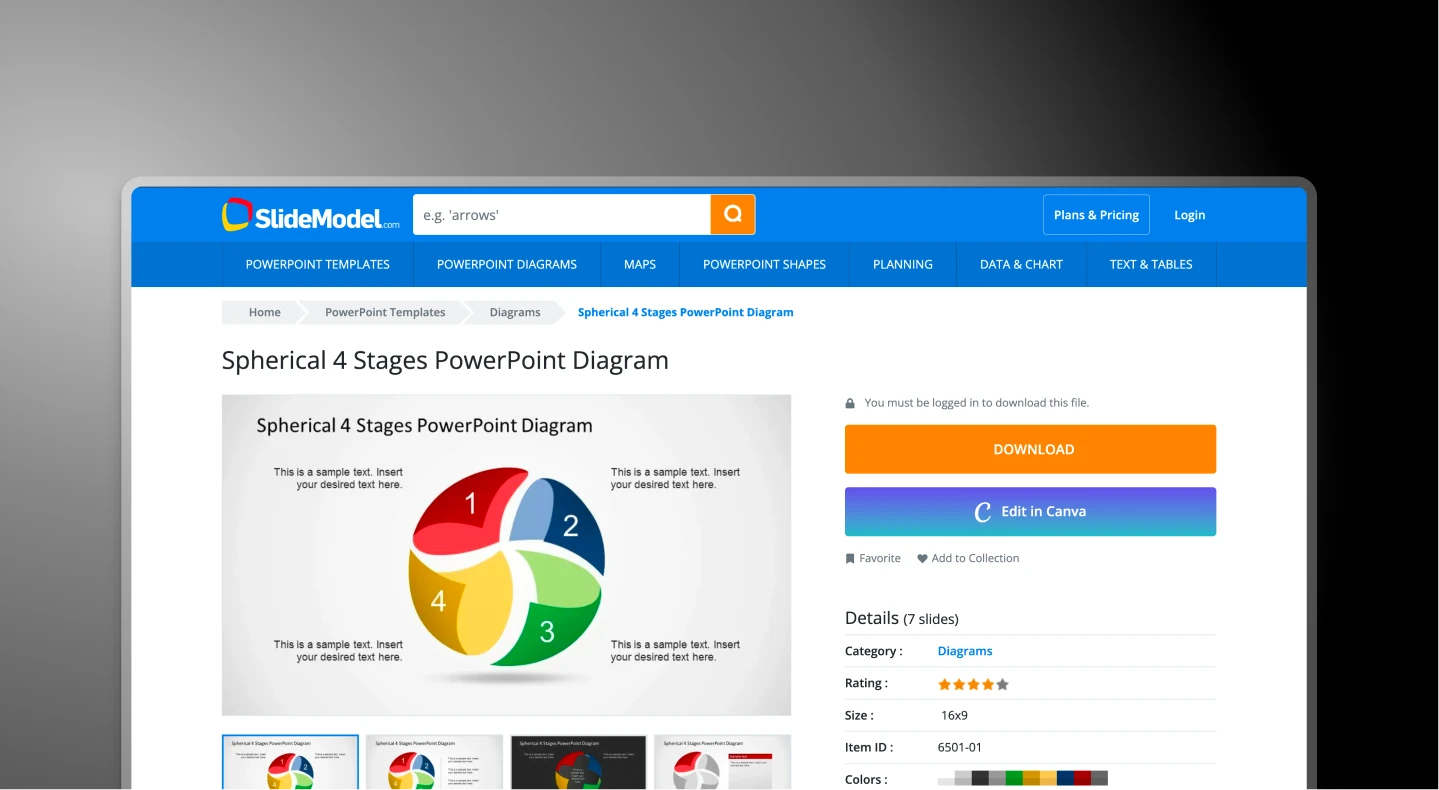
高品質なベクターベースのプレゼンテーションアセットを提供する、サブスクリプション制のライブラリです。「白紙のページ問題」を解決するためにプロフェッショナルな素材を提供しますが、各スライドの手動での組み立てとフォーマットはユーザーが行う必要があります。

Presentations.AIとは?

Presentations.AIとは?

生成ワークフローの時代を象徴するAIネイティブなプラットフォームで、「フォーマット税」を排除するために設計されています。アセットを探してデッキに無理やり当てはめるのではなく、アイデアを提供すれば、生成エンジンが数秒で構造化されたストーリーを構築します。

SlideModel vs Presentations.AI: 機能比較

SlideModelは、「狩猟採集型」のユーザー、つまり特定のベクター図が必要で、それを手動で統合し、色を変更し、フォントを調整する時間があるユーザー向けです。Presentations.AIは、「オペレーター」、つまりテキストボックスや配置ツールに一切触れることなく、プロフェッショナルな成果を即座に求めるリーダー向けです。
Capability SlideModel Presentations AI
Core Approach Asset Construction: You pick bricks AI-driven content generation
Input Mechanism Keyword search Business professionals & enterprise
Design Integrity Layouts break if you add text PDF, Word or URL conversion
Brand Control Manual: You must fix every colour Automatic: 'Brand Sync' feature locks standardized themes
Content Creation Zero: Only placeholders (Lorem Ipsum) Active: AI writes copy and summaries
Cost Basis Annual subscription / download limits Outcome-based / usage credits
Collaboration File-based: Emailing .pptx versions Cloud-native: Real-time co-editing

より良いプレゼンテーションを、より速く作成する準備はできましたか?

あらゆるドキュメント、アウトライン、アイデアを、60秒以内に完全にデザインされたスライドデッキに変えましょう。

無料で始める

SlideModelとPresentations.AIの概要

SlideModelは、数千もの高品質なベクターベースのスライドテンプレートとPowerPoint用図形コンポーネントを提供する、サブスクリプション制のアセットライブラリです。プロフェッショナルな構成要素を提供することで白紙のページ問題を解決しますが、ユーザーはブランドに合わせて各要素を手動で検索、ダウンロード、コピー&ペースト、色変更する必要があります。Presentations AIは根本的に異なるパラダイムを提示します。AIネイティブなプラットフォームであり、スライド全体の構造を構築し、コンテンツを作成し、ブランドスタイルを自動的に適用します。

重要な違いは、ツールを選択した後もユーザーが何をしなければならないかという点です。SlideModelは白紙のスライドをなくしますが、コンテンツ作成、ブランド調整、構造に関する決定はすべてユーザーに委ねられます。これは複雑な図1つにつき30分から60分かかる作業です。Presentations.AIは、その手作業をすべて排除します。PDFをアップロードするかプロンプトを入力するだけで、AIが正しいレイアウト、作成されたコンテンツ、自動ブランド同期を備えた完全なデッキを15分以内に生成します。

組み立てるためのコンポーネントライブラリだけでなく、迅速な成果を求めるプロフェッショナルにとって、Presentations AIの生成ワークフローは明確な選択肢です。SlideModelのファイルベースでメール主導のアプローチでは再現できない、クラウドネイティブなリアルタイムコラボレーションと高忠実度なPowerPointエクスポートを提供します。


SlideModelの仕組み

SlideModelは、特定の図(3DファネルやSWOTマトリックスなど)が必要で、それを手動でカスタマイズする方法を知っているユーザー向けに設計された、高品質なアセットリポジトリです。

ステップ1:検索 –
SlideModelにアクセスし、50,000以上のアセットライブラリから「ロードマップ」や「ベンチャーキャピタルピッチ」のような特定のキーワードで検索します。

ステップ2:ダウンロード – 静的な.pptxファイルをコンピューターにダウンロードします。このファイルには lorem ipsum テキストと一般的な図形。

ステップ3:手動統合 – メインの資料とは別に、PowerPointでテンプレートを開きます。SlideModelファイルから図形をコピーし、ご自身の資料に貼り付けます。

ステップ4:修正(「フォーマット税」) – すべての色、フォント、要素を、ご自身のブランドに合わせて手動で変更します。

所要時間: 30~60分 複雑な図1つあたり


Presentations AIの仕組み

SlideModelが素材を提供する一方で、Presentations.AIは建築家であり、建設者として機能します。

ステップ1:意図
– PDFレポートをアップロードするか、プロンプトを入力

ステップ2:生成 – AIが正しいレイアウトとコンテンツでスライドを作成します

ステップ3:ガバナンス – ブランド同期が色とロゴを自動的に適用します

ステップ4:調整 – AIアシスタントを使用して、ワンクリックで見た目を「リミックス」します

所要時間: 15分未満 プレゼン資料全体で


チームがSlideModelよりもPresentations.AIを選ぶ5つの理由

生成型 vs. 検索型: SlideModelは 使えるかもしれない古いテンプレートを検索しますが、 Presentations AIは ゼロから独自のプレゼンテーションを 作成します。

「フォーマット税」ゼロ: ブランド同期機能を使えば、手動で図形の色を変更する必要はもうありません。会社のURLを入力するだけで、AIがデッキ全体のフォント、色、ロゴを自動的にロックします。

ナラティブインテリジェンス: SlideModelは視覚的なコンテナを提供しますが、ストーリーを伝える手助けはしません。Presentations AIは、PDF、Word文書、またはプロンプトを読み込み、コンテンツ、要約、見出しを実際に作成します。

アンチフラジャイルデザイン: SlideModelの静的な図形は、テキストを追加しすぎると崩れてしまいます。Presentations AIはレスポンシブエンジンを使用しており、コンテンツを追加するとレイアウトが自動的に再調整され、プロフェッショナルな状態を保ちます。

共同作業可能&クラウドネイティブSlideModelは、「Presentation_Final_v3.pptx」というメール添付ファイルが飛び交う世界に存在します。Presentations AIは、バージョン管理とチームでのクラウド編集に対応した、リアルタイムのマルチプレイヤーワークスペースです。

手作業によるテンプレート作成に潜む隠れたフォーマット税

SlideModelは従来の(デザイン)業界の巨人ですが、手作業のテンプレートは現代の効率性の敵です。 フォーマット税 (フォントの調整、図形のサイズ変更、マスターの競合修正に費やされる時間)は、無駄な工数として会社に数千ドルの損失をもたらす可能性があります。

Presentations AIは、この構造的なボトルネックを解決します。「検索してダウンロード」という繰り返し作業から解放し、ドキュメントやプロンプトからスライドを生成することで、チームが基本的な構成をまとめるのに何時間も費やすのを防ぎます。

Divider Lines

よくある質問

What is the main difference between SlideModel and Presentations.AI?

Down IconUp Icon

The main difference is workflow. SlideModel is a subscription template library where you search 50,000+ premium PowerPoint slides, download a static .pptx file, and then manually copy elements into your deck, matching fonts and colors to your brand. Presentations.AI is an AI-native platform that generates a complete branded deck from a document or prompt, with brand sync, layouts, and content applied automatically.

Is SlideModel free?

Down IconUp Icon

SlideModel offers a gallery of free PowerPoint templates as a sampling of their library, but full library access requires a paid subscription. Annual Unlimited plans provide unrestricted downloads. Presentations.AI offers a free plan with five complete AI-generated presentations, no credit card required, no download limits on the included decks, and full PowerPoint export with brand styling applied automatically.

Does SlideModel have AI for presentations?

Down IconUp Icon

Yes, SlideModel launched SlideModel.AI, an AI presentation maker bundled with some subscription plans. The AI generates presentations using SlideModel's template library as the underlying design foundation. Presentations.AI was built AI-native from the start, with brand sync, document import, narrative intelligence, and high-fidelity PowerPoint export designed together rather than added on top of an existing template product.

Can you use SlideModel templates in Google Slides?

Down IconUp Icon

Yes, most SlideModel templates are compatible with both Microsoft PowerPoint and Google Slides, with some exceptions for templates that use PowerPoint-specific 3D features. Templates are also compatible with Keynote. Presentations.AI exports a clean PowerPoint file that imports into Google Slides without reformatting, so teams can keep their existing Google Workspace collaboration setup after generating the deck.

What is the best alternative to SlideModel for business presentations?

Down IconUp Icon

Presentations.AI is the strongest alternative for teams that want finished decks rather than template assets to assemble. It generates complete presentations from documents or prompts, applies brand colors and fonts automatically through company URL sync, includes 10,000+ business-specific templates, and exports a clean PowerPoint file. For teams that lose hours per deck on the format tax of manual template integration, the workflow eliminates the manual rounds entirely.