




SlideModel and Presentations.AI at a Glance
SlideModel is a subscription-based asset library offering thousands of premium, vector-based slide templates and diagram components for PowerPoint. It solves the blank-page problem by giving you professional building blocks — but requires users to manually search, download, copy-paste, and recolor every element to match their brand. Presentations AI represents a fundamentally different paradigm: an AI-native platform that builds the entire slide structure, writes the content, and applies brand styling automatically.
The key distinction is what you still have to do after selecting your tool. SlideModel eliminates blank slides but leaves all content creation, brand alignment, and structural decisions to the user — a process that takes 30 to 60 minutes per complex diagram. Presentations.AI eliminates all of that manual work: upload a PDF or type a prompt, and the AI generates a complete deck with correct layouts, written content, and automatic brand sync in under 15 minutes.
For professionals who need outcomes fast — not just a library of components to assemble — Presentations AI's generative workflow is the clear choice, delivering cloud-native real-time collaboration and high-fidelity PowerPoint export that SlideModel's file-based, email-driven approach cannot replicate.
How SlideModel Works
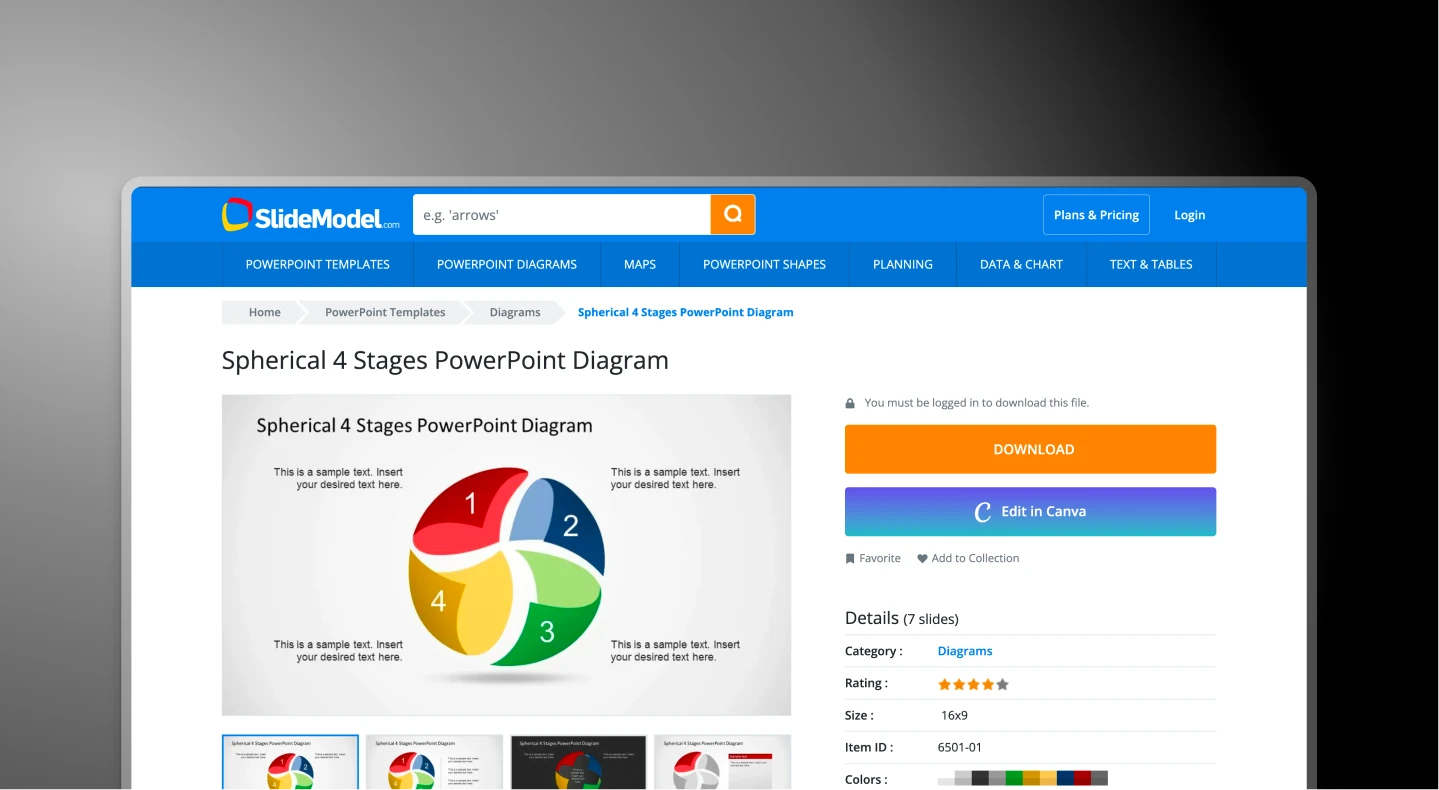
SlideModel is a premium asset repository designed for the user who needs a specific diagram (like a 3D funnel or a SWOT matrix) and knows how to manually customize it.
Step 1: Search – Navigate to SlideModel and search their library of 50,000+ assets for a specific keyword like 'Roadmap' or 'Venture Capital Pitch'.
Step 2: Download – Download the static .pptx file to your computer. This file contains lorem ipsum text and generic shapes.
Step 3: Manual Integration – Open the template in PowerPoint, separate from your main deck. Copy the shape from the SlideModel file and paste it into your own deck.
Step 4: Rescue (the 'Format Tax') – Manually change the every color, font and element to match your brand.
Total Time: 30 to 60 minutes per complex diagram
How Presentations AI Works
While SlideModel gives you the bricks, Presentations.AI acts as the architect and the builder.
Step 1: Intent – Upload a PDF report or type a prompt
Step 2: Generation – AI builds the slide with the correct layout and content
Step 3: Governance – Brand Sync applies your colors and logo automatically
Step 4: Refinement – Use the AI assistant to 'remix' the look in one click
Total Time: Under 15 minutes for an entire deck
Five Reasons Teams Choose Presentations.AI Over SlideModel
Generative vs. Retrieval:
SlideModel finds an old template that might work; Presentations AI creates a unique presentation from scratch.
Zero "Format Tax":
With Brand Sync, you never have to manually recolor a shape again. By simply entering your company URL, the AI locks every font, color, and logo across the entire deck automatically.
Narrative Intelligence:
SlideModel gives you a visual container, but it doesn't help you tell the story. Presentations AI reads your PDF, Word doc, or prompt and actually writes the content, summaries, and headlines for you.
Anti-Fragile Design:
SlideModel’s static shapes break if you add too much text. Presentations AI uses a responsive engine - if you add more content, the layout will automatically recalibrate to stay professional
Collaborative & Cloud-Native:
SlideModel lives in the world of "Presentation_Final_v3.pptx" email attachments. Presentations AI is a real-time, multi-player workspace that handles version control and team edits in the cloud.
The Hidden Format Tax of Manual Template Assembly
SlideModel is a titan of the legacy design world, but manual templates are the enemy of modern efficiency. The format tax (the hours spent matching fonts, resizing shapes, and fixing clashing masters) can cost your company thousands of dollars in wasted billable hours.
Presentations AI solves this structural bottleneck. It moves you past the "search and download" loop. By generating the slide from your documents or prompts, it saves teams from spending hours putting basic structures together.
