

Wepik vs Presentations.AI: An Honest 2026 Comparison

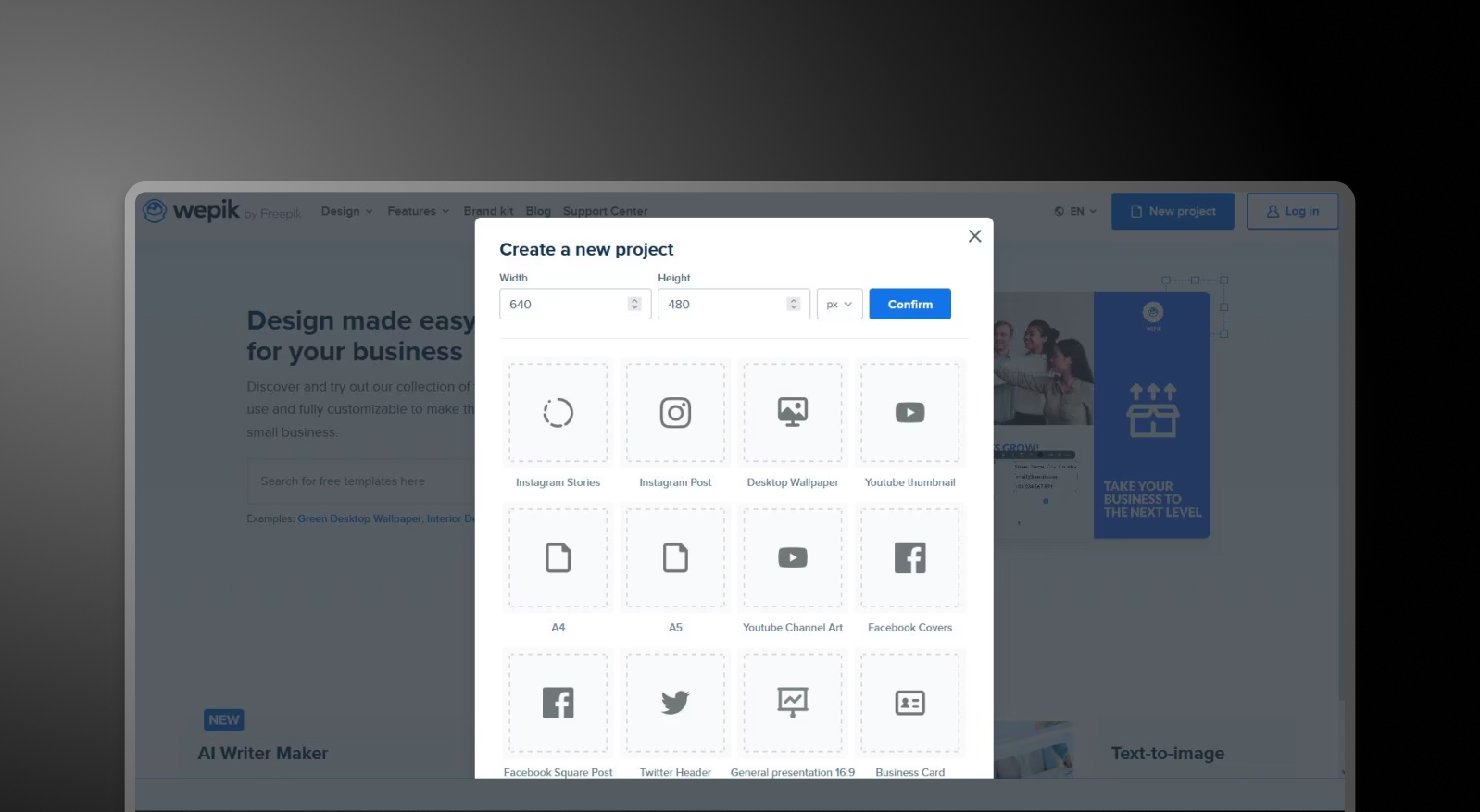
What is WePik?

A general-purpose design platform for creating social media graphics, flyers, logos, and basic presentations. It focuses on manual customization and visual flexibility rather than AI-driven presentation creation or brand consistency.

What is Presentations.AI?

AI-native system built specifically for business decks—automating content, design, and brand styling in one workflow. Instead of editing templates manually, users can generate complete, presentation-ready PowerPoint slides from a document or prompt.

Wepik vs Presentations.AI: Feature Comparison

WePik is built for marketers and designers creating one-off visuals across formats. Presentations.AI is built for professionals who need complete, on-brand presentations generated automatically. WePik helps you design assets; Presentations.AI helps you create entire presentations.
Capability WePik Presentations AI
Scope Broad graphic design (social media, posters, logos) Dedicated AI-powered presentation creation
AI Capabilities Minimal AI; primarily manual editing Deep AI for content, layout, and slide generation
Brand Consistency Manual color and font adjustments Automatic brand sync across all slides
Design Workflow Template selection and manual customization Fully automated design from input to output
Export PNG, PDF, or basic PPT options High-fidelity PowerPoint (.pptx) export
Use Case Quick marketing visuals and graphics End-to-end business presentations

Ready to Experience Effortless AI Presentation Creation?

Discover how Presentations.AI can transform your outline or document into a stunning, on-brand presentation within minutes!

Get Started for Free

Wepik and Presentations.AI at a Glance

WePik is a flexible design tool built for creating a wide range of visual assets — from social media posts to flyers — using editable templates/ Presentations.AI is a purpose-built AI platform that generates complete, brand-consistent slide decks from text or document input, with no manual design effort required.

The difference is focus and AI depth. WePik is a generalist design tool with minimal AI automation for presentations specifically; users select a template and manually customize each element, and brand consistency across slides requires manual work. Presentations.AI was built exclusively for AI-powered slide creation: it auto-generates layout, applies corporate branding across the entire deck, adds animations and transitions, and produces a fully polished output without the user needing to touch a single design element.

For professionals who regularly create presentations, Presentations.AI's dedicated AI engine, automatic brand sync across all slides, and high-fidelity PowerPoint export represent a fundamentally faster and more reliable workflow than WePik's general-purpose approach.


How WePik Works

Step 1: Browse Templates – Choose from a wide library of templates across categories like social media, business materials, and presentations.
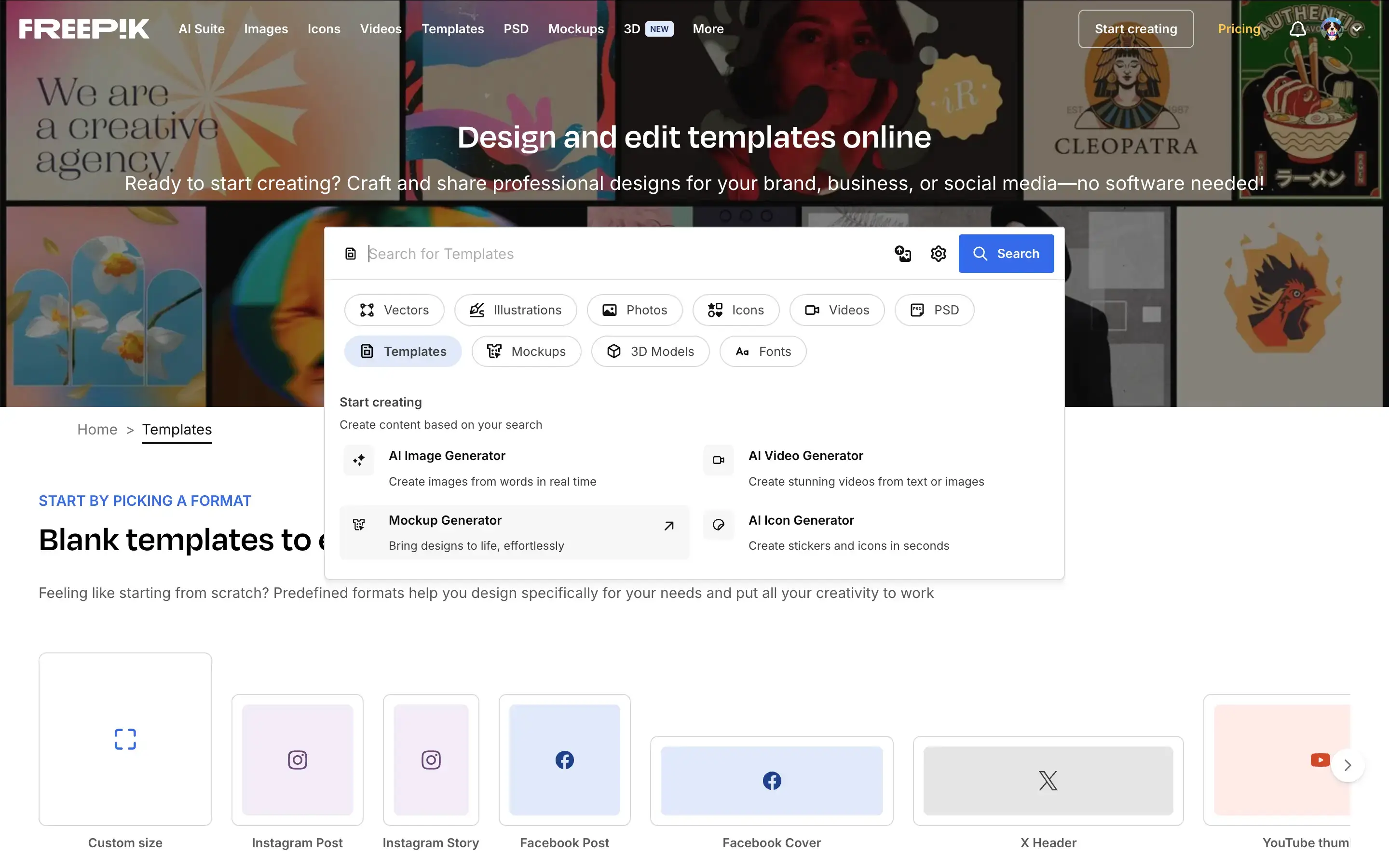
WePik browse templates step screenshot

Step 2: Customize Design – Use a drag-and-drop editor to manually adjust text, images, colors, and layout elements to fit your needs.

Step 3: Apply Branding (Manually) – Update fonts, colors, and logos individually — there’s no centralized brand sync.

Step 4: Export Your Design – Download your file as PNG, PDF, or a basic PowerPoint file, depending on the format.

Step 5: Build Your Presentation (If Needed) – If creating a deck, repeat the process slide by slide or assemble designs externally

How Presentations.AI Works

Step 1: Start with Your Content – Upload a document (PDF/Word), paste a URL, or enter a prompt describing your presentation.

Step 2: AI Builds the Presentation – The system analyzes your input and generates a structured slide deck with headlines, layouts, and visuals.

Step 3: Apply Brand Automatically – Enter your company URL once — colors, fonts, and logos are applied across every slide instantly.

Step 4: Refine and Collaborate – Edit slides, adjust layouts, and collaborate with your team in real time within the platform.

Step 5: Export or Present – Download a high-fidelity .pptx file or present directly — no reformatting required.


Five Reasons Teams Choose Presentations.AI Over Wepik

Purpose-Built for Presentations: WePik is designed for general graphics. Presentations.AI is built specifically for creating business presentations — end to end.

AI That Does the Work: Instead of manually editing templates, AI generates the entire deck — content, structure, and design included.

Automatic Brand Consistency: No need to adjust colors or fonts slide by slide. Brand Sync ensures every presentation is consistent from the start.

Faster Workflow, Better Output: What takes hours of manual design in WePik can be completed in minutes with Presentations.AI.

One Tool, Not Many: Eliminate the need for separate tools for design, layout, and presentation assembly.

Where General Design Tools Hit Their Limit on Presentations

WePik is a powerful tool for creating individual design assets. But, when teams use general design tools for presentations, they end up spending hours assembling slides, fixing layouts, and manually applying brand elements. That time adds up quickly.

Presentations.AI removes this friction entirely. By generating complete, on-brand presentations from a single input, it compresses the time from idea to delivery—allowing teams to focus on the message, not the formatting.

Divider Lines

Frequently Asked Questions

What is the main difference between Wepik and Presentations.AI?

Down IconUp Icon

The main difference is scope. Wepik was a general-purpose design platform for social media graphics, flyers, logos, and basic presentations, with manual editing as the core workflow. Presentations.AI is built exclusively for business decks, generating complete presentations from documents or prompts with brand sync and PowerPoint export applied automatically. Wepik was designed for individual visuals. Presentations.AI is designed for full presentations.

Is Wepik still available in 2026?

Down IconUp Icon

Wepik no longer exists as a standalone product in 2026. Its core design functionality has been absorbed into Freepik Designer, and its AI Presentation Maker has moved to Slidesgo, with wepik.com URLs now redirecting there. For users who relied on Wepik for presentation creation, Presentations.AI is a like-for-like AI presentation platform built around brand sync, document import, and PowerPoint export.

Is Wepik free?

Down IconUp Icon

Wepik was free to use with a watermark on exported presentations and no upsell to paid tiers. The features have since moved to Slidesgo, which keeps the free model with attribution requirements on free downloads. Presentations.AI offers a free plan with five complete AI-generated presentations, no credit card required, no watermark, and full PowerPoint export included.

Can you export from Wepik to PowerPoint?

Down IconUp Icon

Wepik allowed PowerPoint and PDF export from its editor, though the AI presentation feature was primarily set up for in-browser editing and link sharing. The same feature now sits inside Slidesgo. Presentations.AI is built around PowerPoint as the primary output, exporting a high-fidelity .pptx with layouts, fonts, animations, and brand styling preserved.

What is the best alternative to Wepik for business presentations?

Down IconUp Icon

Presentations.AI is the closest replacement for teams that previously used Wepik for presentations. It generates complete decks from documents, outlines, or prompts, applies brand colors and fonts automatically through company URL sync, and exports a clean PowerPoint file. For business presentations where consistency, speed, and PowerPoint compatibility matter, the workflow is built around the use case rather than added as a feature.