

Wepik vs Presentations.AI: 2026년 솔직한 비교

WePik이란 무엇인가요?

WePik이란 무엇인가요?

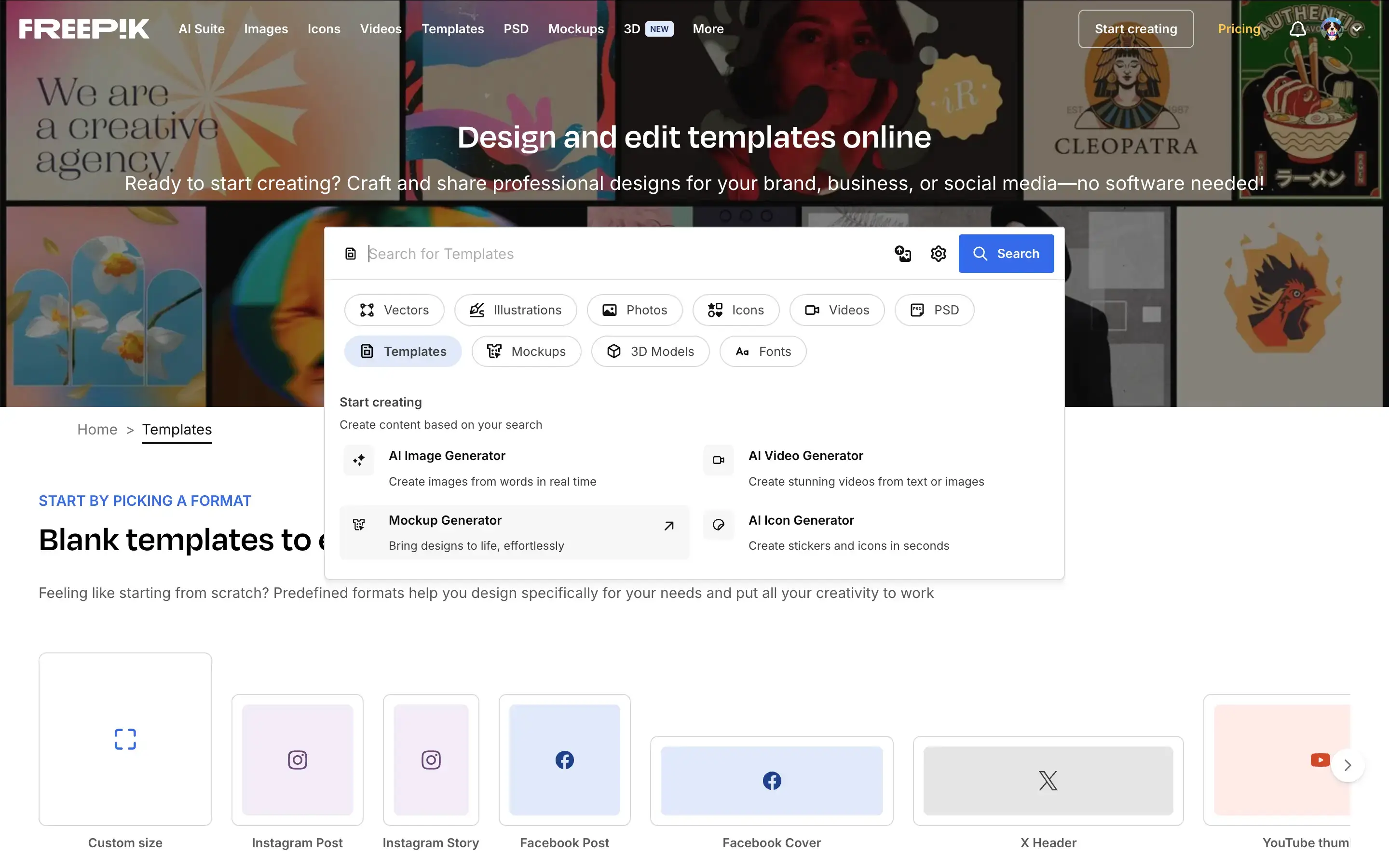
소셜 미디어 그래픽, 전단지, 로고 및 기본적인 프레젠테이션을 제작하기 위한 범용 디자인 플랫폼입니다. AI 기반 프레젠테이션 제작이나 브랜드 일관성보다는 수동 사용자 지정 및 시각적 유연성에 중점을 둡니다.

Presentations.AI란 무엇인가요?

Presentations.AI란 무엇인가요?

비즈니스 자료(덱)를 위해 특별히 구축된 AI 네이티브 시스템으로, 하나의 워크플로우에서 콘텐츠, 디자인 및 브랜드 스타일링을 자동화합니다. 사용자는 템플릿을 수동으로 편집하는 대신, 문서나 프롬프트에서 완전하고 프레젠테이션 준비가 된 파워포인트 슬라이드를 생성할 수 있습니다.

Wepik vs Presentations.AI: 기능 비교

WePik은 다양한 형식의 일회성 시각 자료를 제작하는 마케터와 디자이너를 위해 만들어졌습니다. Presentations.AI는 완전하고 브랜드 일관성이 유지되는 프레젠테이션을 자동으로 생성해야 하는 전문가를 위해 만들어졌습니다. WePik은 시각 자료를 디자인하는 데 도움을 주며, Presentations.AI는 전체 프레젠테이션을 만드는 데 도움을 줍니다.
Capability WePik Presentations AI
Scope Broad graphic design (social media, posters, logos) Dedicated AI-powered presentation creation
AI Capabilities Minimal AI; primarily manual editing Deep AI for content, layout, and slide generation
Brand Consistency Manual color and font adjustments Automatic brand sync across all slides
Design Workflow Template selection and manual customization Fully automated design from input to output
Export PNG, PDF, or basic PPT options High-fidelity PowerPoint (.pptx) export
Use Case Quick marketing visuals and graphics End-to-end business presentations

손쉬운 AI 프레젠테이션 제작을 경험할 준비가 되셨습니까?

Presentations.AI가 귀하의 개요나 문서를 몇 분 안에 멋지고 브랜드에 맞는 프레젠테이션으로 어떻게 변환하는지 알아보세요!

무료로 시작하기

Wepik과 Presentations.AI 한눈에 보기

WePik은 편집 가능한 템플릿을 사용하여 소셜 미디어 게시물부터 전단지에 이르기까지 다양한 시각 자료를 제작하도록 만들어진 유연한 디자인 도구입니다. Presentations.AI는 텍스트 또는 문서 입력으로부터 완전하고 브랜드 일관성이 유지되는 슬라이드 덱을 생성하며, 수동 디자인 작업이 필요 없는 특정 목적을 위해 구축된 AI 플랫폼입니다.

차이점은 초점과 AI의 깊이입니다. WePik은 특히 프레젠테이션을 위한 AI 자동화가 최소화된 범용 디자인 도구입니다. 사용자는 템플릿을 선택하고 각 요소를 수동으로 사용자 지정하며, 슬라이드 전반의 브랜드 일관성을 위해서는 수동 작업이 필요합니다. Presentations.AI는 AI 기반 슬라이드 제작을 위해 독점적으로 구축되었습니다. 레이아웃을 자동 생성하고, 전체 덱에 기업 브랜딩을 적용하며, 애니메이션과 전환 효과를 추가하고, 사용자가 단 하나의 디자인 요소도 건드릴 필요 없이 완벽하게 다듬어진 결과물을 생성합니다.

정기적으로 프레젠테이션을 만드는 전문가에게 Presentations.AI의 전용 AI 엔진, 모든 슬라이드에 걸친 자동 브랜드 동기화 및 고품질 파워포인트 내보내기는 WePik의 범용적인 접근 방식보다 근본적으로 더 빠르고 신뢰할 수 있는 워크플로우를 제공합니다.


WePik 작동 방식

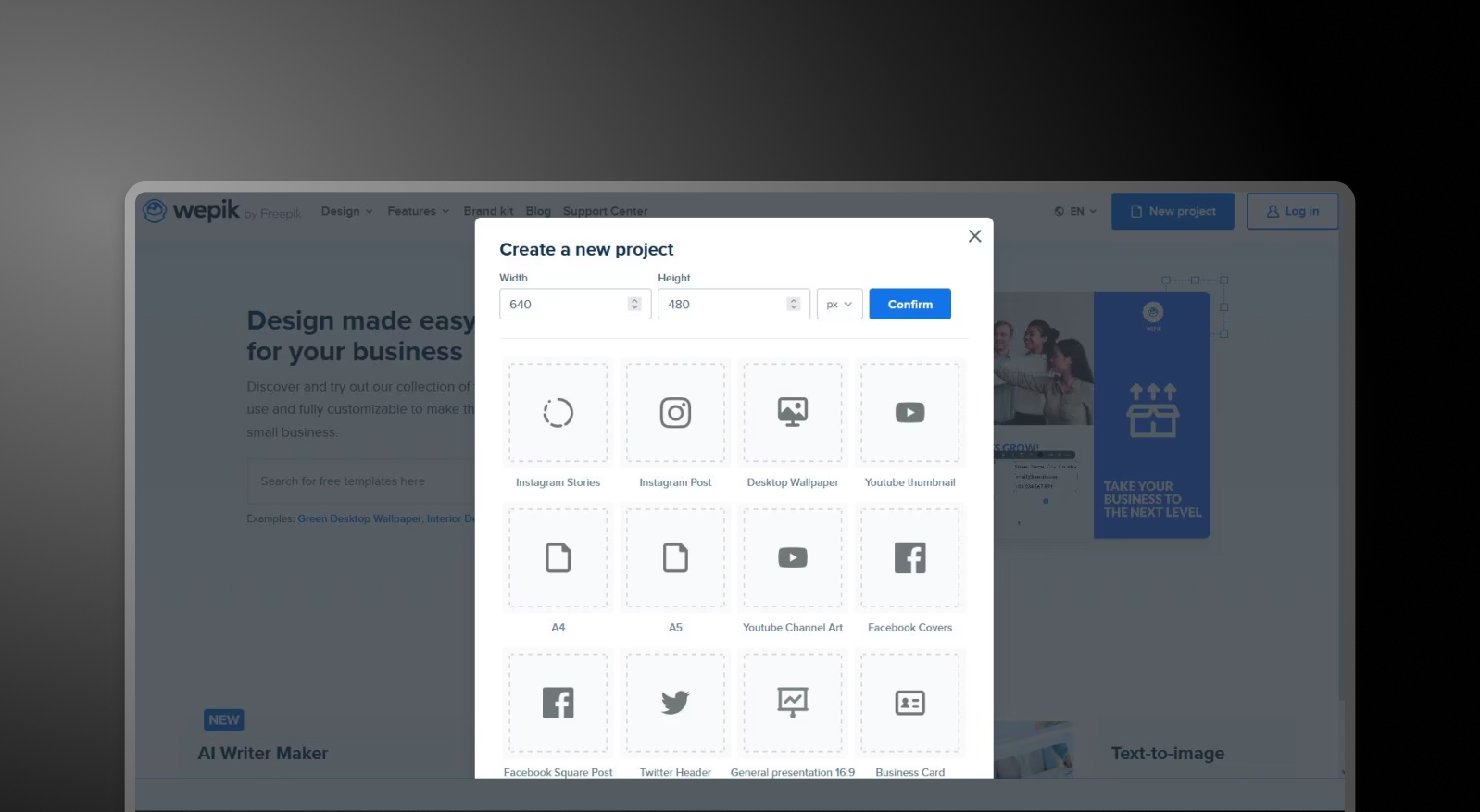
1단계: 템플릿 찾아보기 – 소셜 미디어, 비즈니스 자료, 프레젠테이션과 같은 다양한 카테고리의 방대한 템플릿 라이브러리에서 선택하세요.

WePik browse templates step screenshot

2단계: 디자인 사용자 지정 – 드래그 앤 드롭 편집기를 사용하여 텍스트, 이미지, 색상 및 레이아웃 요소를 필요에 맞게 수동으로 조정하세요.

3단계: 브랜딩 적용 (수동) – 글꼴, 색상 및 로고를 개별적으로 업데이트하세요. 중앙 집중식 브랜드 동기화 기능은 없습니다.

4단계: 디자인 내보내기 – 형식에 따라 파일을 PNG, PDF 또는 기본 PowerPoint 파일로 다운로드하세요.

5단계: 프레젠테이션 만들기 (필요한 경우) – 덱을 만드는 경우, 슬라이드별로 과정을 반복하거나 외부에서 디자인을 조합하세요.

Presentations.AI 작동 방식

1단계: 콘텐츠로 시작하기 – 문서(PDF/Word)를 업로드하거나, URL을 붙여넣거나, 프레젠테이션을 설명하는 프롬프트를 입력하세요.

2단계: AI가 프레젠테이션을 만듭니다. – 시스템이 입력을 분석하여 헤드라인, 레이아웃, 시각 자료를 포함한 구조화된 슬라이드 덱을 생성합니다.

3단계: 브랜드 자동 적용 – 회사 URL을 한 번만 입력하면 색상, 글꼴, 로고가 모든 슬라이드에 즉시 적용됩니다.

4단계: 다듬고 협업하기 – 슬라이드를 편집하고, 레이아웃을 조정하며, 플랫폼 내에서 팀과 실시간으로 협업하세요.

5단계: 내보내기 또는 발표 – 고품질 .pptx 파일을 다운로드하거나 직접 발표하세요. 다시 포맷할 필요가 없습니다.


팀이 Wepik 대신 Presentations.AI를 선택하는 다섯 가지 이유

프레젠테이션을 위해 특별히 제작됨: WePik은 일반 그래픽용으로 설계되었습니다. Presentations.AI는 비즈니스 프레젠테이션 제작을 위해 처음부터 끝까지 특별히 구축되었습니다.

작업을 수행하는 AI: 템플릿을 수동으로 편집하는 대신, AI가 콘텐츠, 구조, 디자인을 포함한 전체 덱을 생성합니다.

자동 브랜드 일관성: 슬라이드별로 색상이나 글꼴을 조정할 필요가 없습니다. 브랜드 싱크 기능이 모든 프레젠테이션의 일관성을 처음부터 보장합니다.

더 빠른 워크플로우, 더 나은 결과물: WePik에서 수동 디자인에 몇 시간이 걸리는 작업도 Presentations.AI를 사용하면 몇 분 안에 완료할 수 있습니다.

여러 도구 대신 하나로: 디자인, 레이아웃, 프레젠테이션 조립을 위해 별도의 도구가 필요 없습니다.

프레젠테이션에서 일반 디자인 도구의 한계점

WePik은 개별 디자인 자산을 만드는 데 강력한 도구입니다. 하지만 팀이 프레젠테이션을 위해 일반 디자인 도구를 사용할 때, 슬라이드를 조립하고, 레이아웃을 수정하고, 브랜드 요소를 수동으로 적용하는 데 몇 시간을 소비하게 됩니다. 그 시간은 빠르게 누적됩니다.

Presentations.AI는 이러한 마찰을 완전히 제거합니다. 단일 입력으로 완전하고 브랜드에 맞는 프레젠테이션을 생성함으로써, 아이디어 구상부터 전달까지의 시간을 단축합니다.—이를 통해 팀은 서식이 아닌 메시지에 집중할 수 있습니다.

Divider Lines

자주 묻는 질문

What is the main difference between Wepik and Presentations.AI?

Down IconUp Icon

The main difference is scope. Wepik was a general-purpose design platform for social media graphics, flyers, logos, and basic presentations, with manual editing as the core workflow. Presentations.AI is built exclusively for business decks, generating complete presentations from documents or prompts with brand sync and PowerPoint export applied automatically. Wepik was designed for individual visuals. Presentations.AI is designed for full presentations.

Is Wepik still available in 2026?

Down IconUp Icon

Wepik no longer exists as a standalone product in 2026. Its core design functionality has been absorbed into Freepik Designer, and its AI Presentation Maker has moved to Slidesgo, with wepik.com URLs now redirecting there. For users who relied on Wepik for presentation creation, Presentations.AI is a like-for-like AI presentation platform built around brand sync, document import, and PowerPoint export.

Is Wepik free?

Down IconUp Icon

Wepik was free to use with a watermark on exported presentations and no upsell to paid tiers. The features have since moved to Slidesgo, which keeps the free model with attribution requirements on free downloads. Presentations.AI offers a free plan with five complete AI-generated presentations, no credit card required, no watermark, and full PowerPoint export included.

Can you export from Wepik to PowerPoint?

Down IconUp Icon

Wepik allowed PowerPoint and PDF export from its editor, though the AI presentation feature was primarily set up for in-browser editing and link sharing. The same feature now sits inside Slidesgo. Presentations.AI is built around PowerPoint as the primary output, exporting a high-fidelity .pptx with layouts, fonts, animations, and brand styling preserved.

What is the best alternative to Wepik for business presentations?

Down IconUp Icon

Presentations.AI is the closest replacement for teams that previously used Wepik for presentations. It generates complete decks from documents, outlines, or prompts, applies brand colors and fonts automatically through company URL sync, and exports a clean PowerPoint file. For business presentations where consistency, speed, and PowerPoint compatibility matter, the workflow is built around the use case rather than added as a feature.