


Maximize Your Webinar's Impact with Our Recap Presentation Template



Template for Recap Webinars
Webinars are a powerful way to educate, engage, and connect with your audience, but their impact doesn't have to end when the live event is over. With Presentations.AI's Presentation Template for Recap Webinars, you can create engaging, visually appealing recaps that remind attendees of key takeaways, encourage further engagement, and extend the life of your content. Our AI-powered platform helps you curate the most impactful moments and insights, while our extensive library of design elements makes it easy to create a professional, on-brand look.
With our Webinar Recap Presentation Template, you can:
✅ Highlight key topics, speakers, and takeaways from your webinar
✅ Provide a clear, concise summary of the main points and insights
✅ Include relevant quotes, stats, and visuals to reinforce key messages
✅ Offer additional resources and next steps for attendees to continue learning
✅ Customize the template to match your webinar's branding and style
By using Presentations.AI to create your webinar recap presentations, you can:
Reinforce key learnings and takeaways for attendees
Encourage further engagement and sharing of your webinar content
Demonstrate the value and impact of your webinars to stakeholders and sponsors
Save time and effort with our intuitive, user-friendly platform and AI-powered suggestions
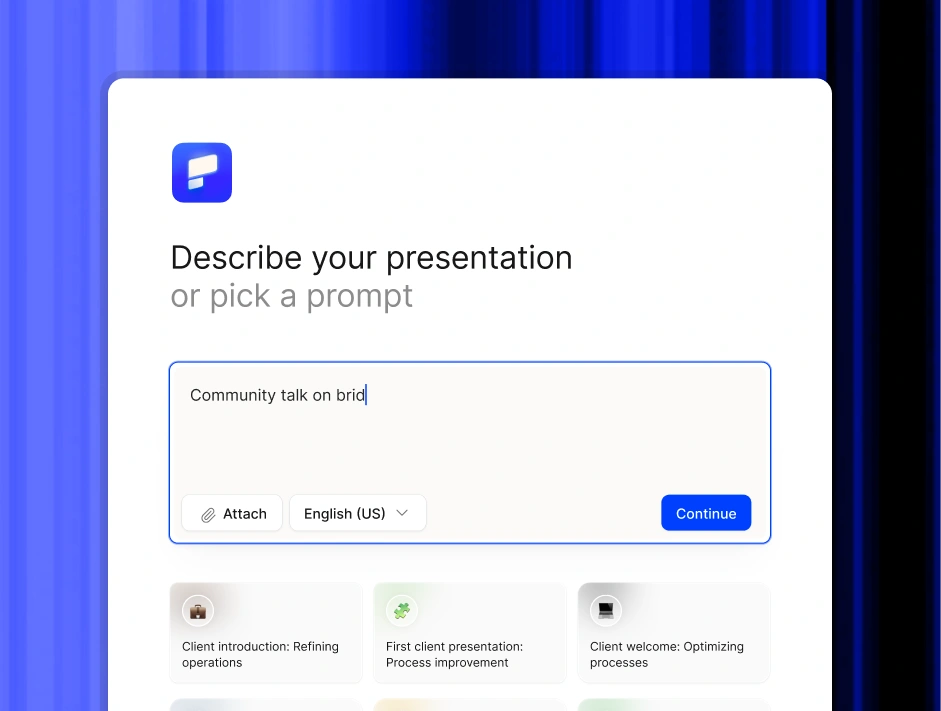
Describe your deck and Presentations.AI will build it
Don't see what you need in the 1000+ template library? Type a one-line prompt and our AI will draft, design, and brand a full deck in under 60 seconds.
FEATURES
Transform Your Presentations with AI-Powered Templates
Presentations.AI offers a wide range of AI-powered presentation templates designed to help businesses and individuals create stunning, professional-looking presentations in minutes. Our templates are fully customizable, allowing you to tailor them to your specific needs and brand guidelines.
Enhance your presentations with AI-powered suggestions and insights.
Turn any idea into a presentation instantly.
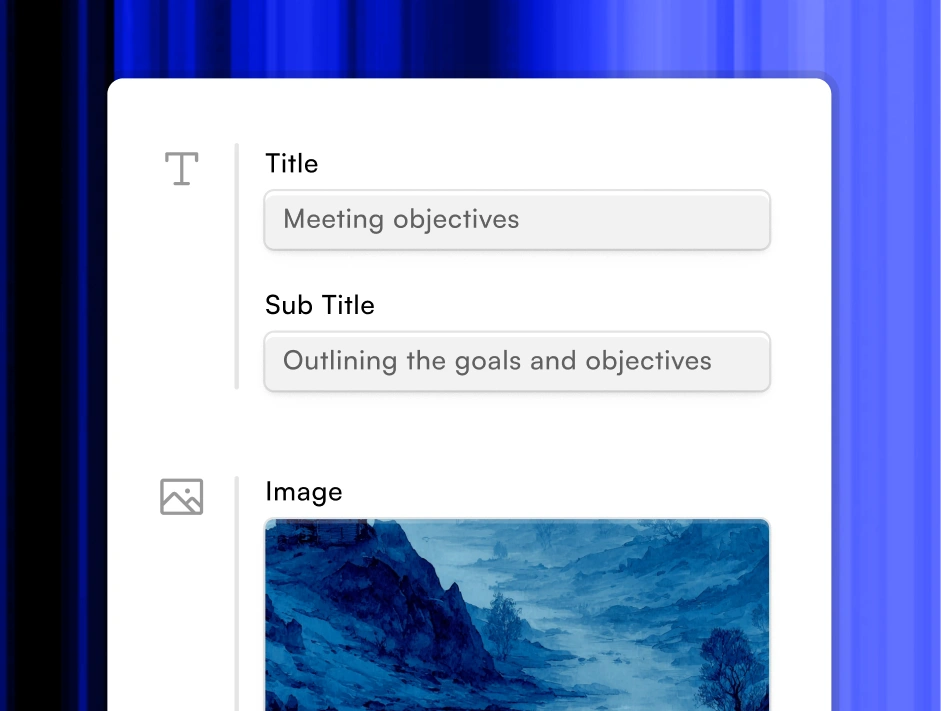
Visually appealing slides with our library of design elements.
Focus on your strategy, no design work needed.
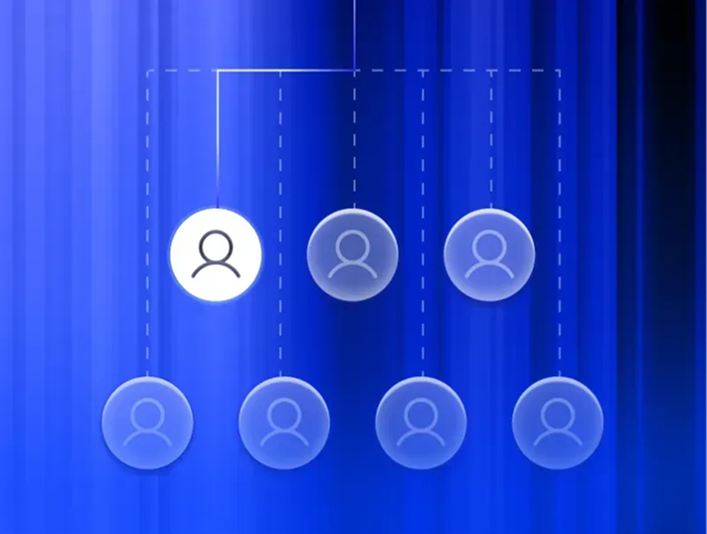
Collaborate with your team in real-time, anywhere in the world.
Separate teams, brand systems, and permissions.


Frequently Asked Questions


Our AI-powered
Template for Recap Webinars
streamlines your creation process in three simple steps:
2. Our AI analyzes your input and generates customized content
3. Review, edit, and customize the generated presentation with our intuitive editor
Can I customize the AI-generated content?
Yes, absolutely! While our AI creates professional-quality initial content, you maintain full control. You can edit text, modify layouts, adjust styling, and add or remove sections as needed. Our platform provides both automated suggestions and manual customization options.
Do I need design experience to use this template?
No design experience needed! Our AI-powered platform handles the design elements automatically. You focus on your content, and we ensure it looks professional and polished. Our smart design system adapts to your content while maintaining brand consistency.
Can I use my brand colors and logos?
Yes! Our templates support full brand customization. You can easily upload your logo, input your brand colors, and apply your fonts. The AI will automatically incorporate these elements throughout the presentation while maintaining professional design standards.