


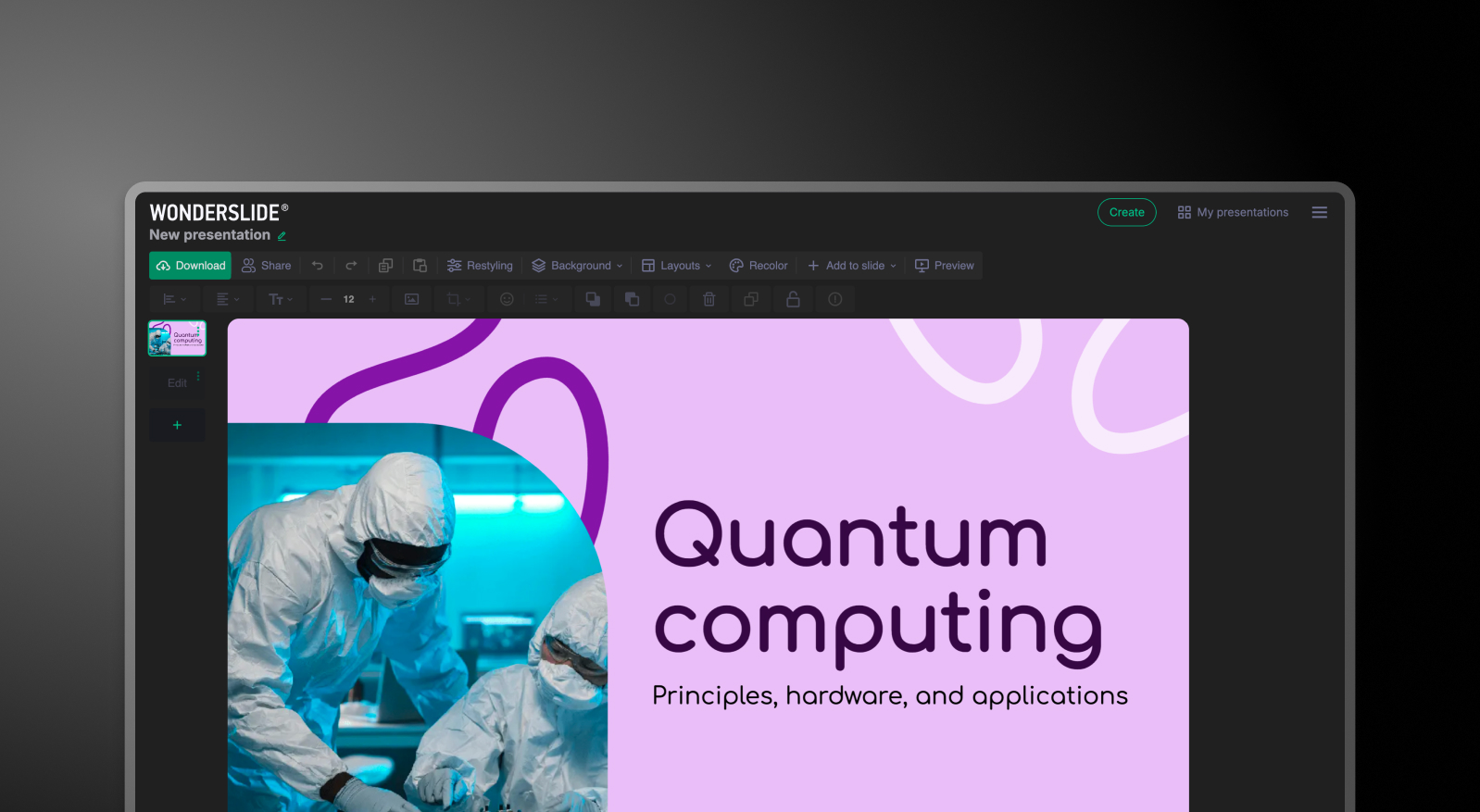


Summary: WonderSlide vs Presentations.AI
WonderSlide is an AI presentation tool that converts text into basic slide outlines — useful as a first structural pass, but limited in design automation. Presentations.AI is a full-stack AI presentation platform that handles content, design, brand alignment, animations, and layout simultaneously, producing a business-ready deck from a single input.
The core difference is what "AI-generated" actually delivers for each tool. WonderSlide outputs rough frameworks: text in slide placeholders with minimal visual design. To get a finished presentation, users open the output in PowerPoint or Google Slides and manually apply branding, icons, transitions, and layouts. Presentations.AI applies all of that during generation — brand colors, fonts, logos, and animations are built in, not bolted on afterward.
For business teams, the gap matters. Presentations.AI includes real-time collaboration, so teams can review and refine without switching platforms. WonderSlide has no integrated collaboration. If you need a polished, on-brand PowerPoint export — not just a structural draft — Presentations.AI removes the manual rounds that WonderSlide leaves behind.
How WonderSlide Works
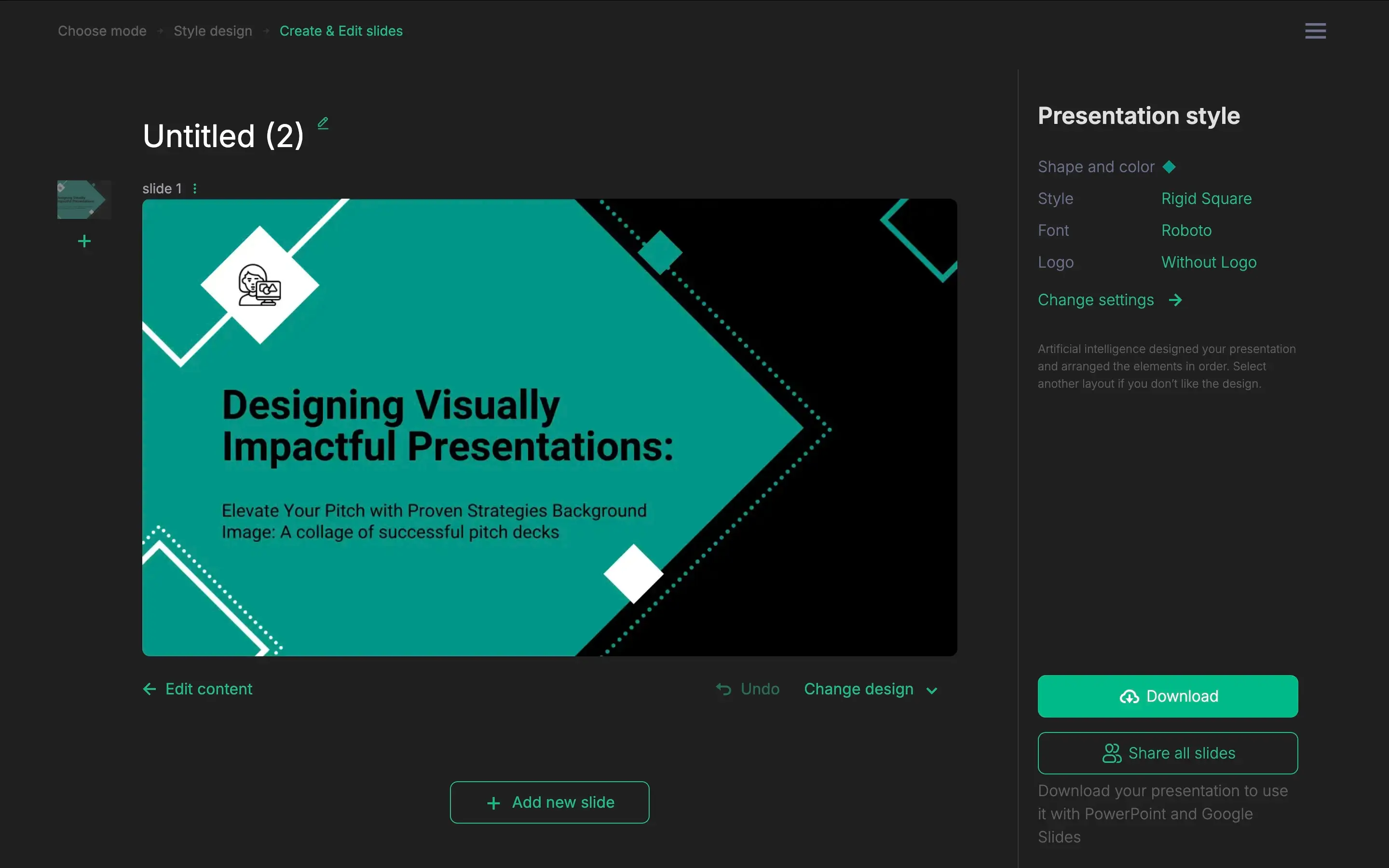
Step 1: Input – Paste in bullet points or a rough outline for each slide concept. This is where your input ends.
Step 2: AI generates a basic deck – WonderSlide produces a rough slide structure with placeholders. Content is organized, but design and styling are minimal.
Step 3: Take it to an external tool – Open the deck output in PowerPoint or Google Slides to apply your brand colors, fonts, and logos, all manually.
Step 4: Finalize by hand – Add transitions, icons, and visual polish yourself. The AI got you a starting point. The rest is manual work.
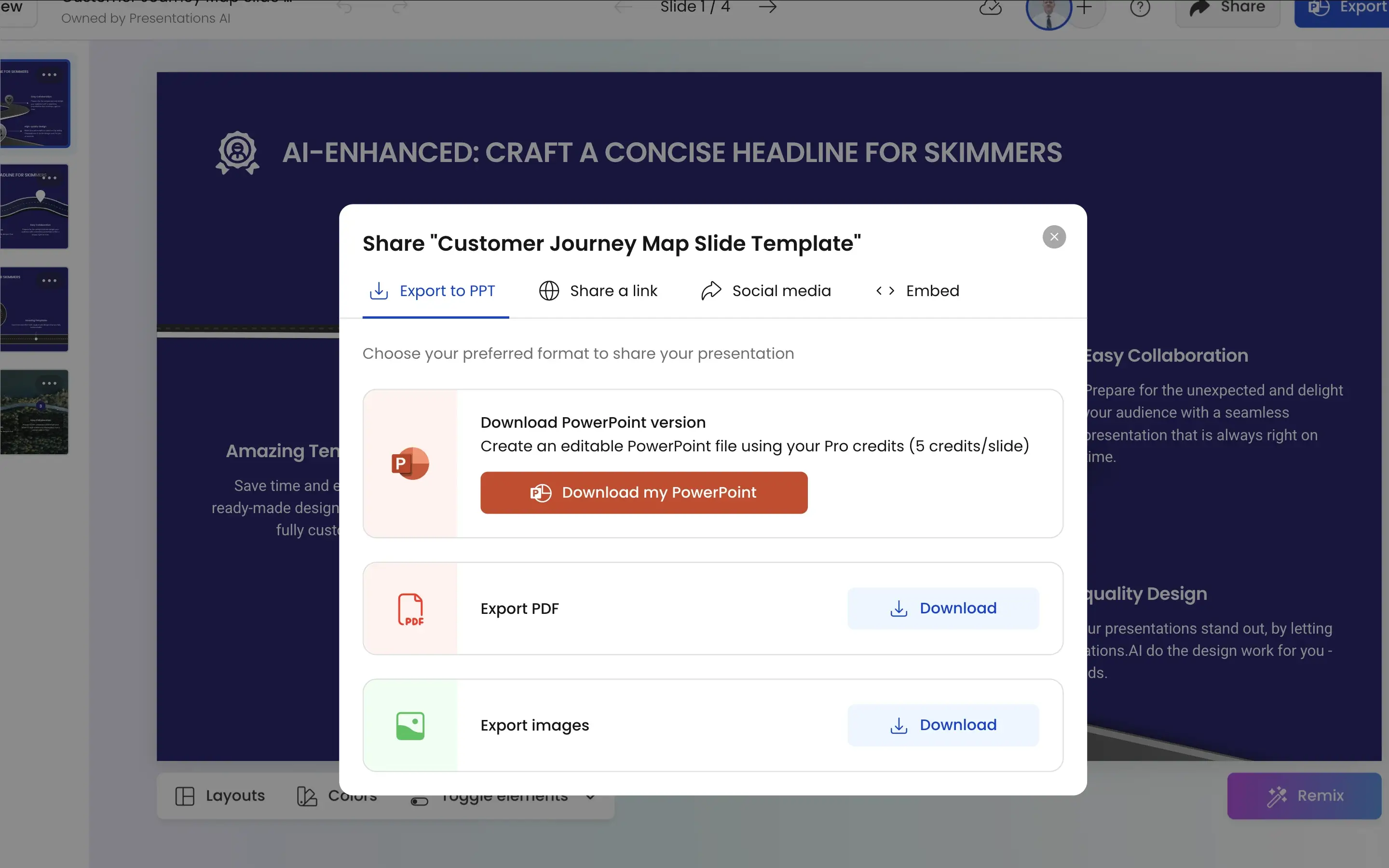
How Presentations.AI Works
Step 1: Sign up – Free plan includes 5 full AI presentations. No credit card required.
Step 2: Upload your source material – Drop in a Word doc, PDF, or typed outline. Presentations.AI reads and understands your content in context.
Step 3: AI builds the full deck – Design, brand theming, animations, and visuals are applied automatically — not just content, but a complete, polished presentation.
Step 4: Collaborate and export – Make final edits with your team in real time, then export a high-fidelity .pptx file that opens cleanly in PowerPoint. No reformatting, no cleanup.
Why Presentations.AI is the Better Alternative to WonderSlide
From Draft to Done:
WonderSlide gives you a structural starting point. Presentations.AI gives you a finished deck. Design, brand alignment, animations, and layout are handled during generation — not left as manual follow-up work in PowerPoint.
Zero Format Tax:
WonderSlide's output needs to be opened in an external tool before it looks like anything. With Presentations.AI, enter your company URL once and every deck — fonts, colors, logos — is automatically on-brand from the first slide.
Narrative Intelligence, Not Just Structure:
WonderSlide organizes your text into placeholders. Presentations.AI reads your source material — a PDF, Word doc, or prompt — and builds a presentation with actual story arc, headlines, and persuasive flow built in.
Anti-Fragile Design:
WonderSlide's placeholder-based layouts break when your content doesn't fit the template. Presentations.AI uses a responsive engine that recalibrates automatically when you add or remove content — the design stays intact regardless.
Built for Teams, Not Solo Drafts:
WonderSlide has no collaboration layer — sharing means exporting a file. Presentations.AI is a real-time multiplayer workspace with version control, so your team edits, reviews, and finalizes in one place without the "final_final_v2" cycle.
The Business Reality
WonderSlide is a useful starting point if you need a rough structure fast. But rough structures don't close deals, secure funding, or impress boards — polished, on-brand, well-designed presentations do.
If your team is creating presentations that actually need to land, the back half of the WonderSlide workflow — manual branding, external design tools, formatting fixes — is exactly the problem Presentations.AI eliminates. You get a complete, professional deck in the time it would take WonderSlide to give you a draft.