


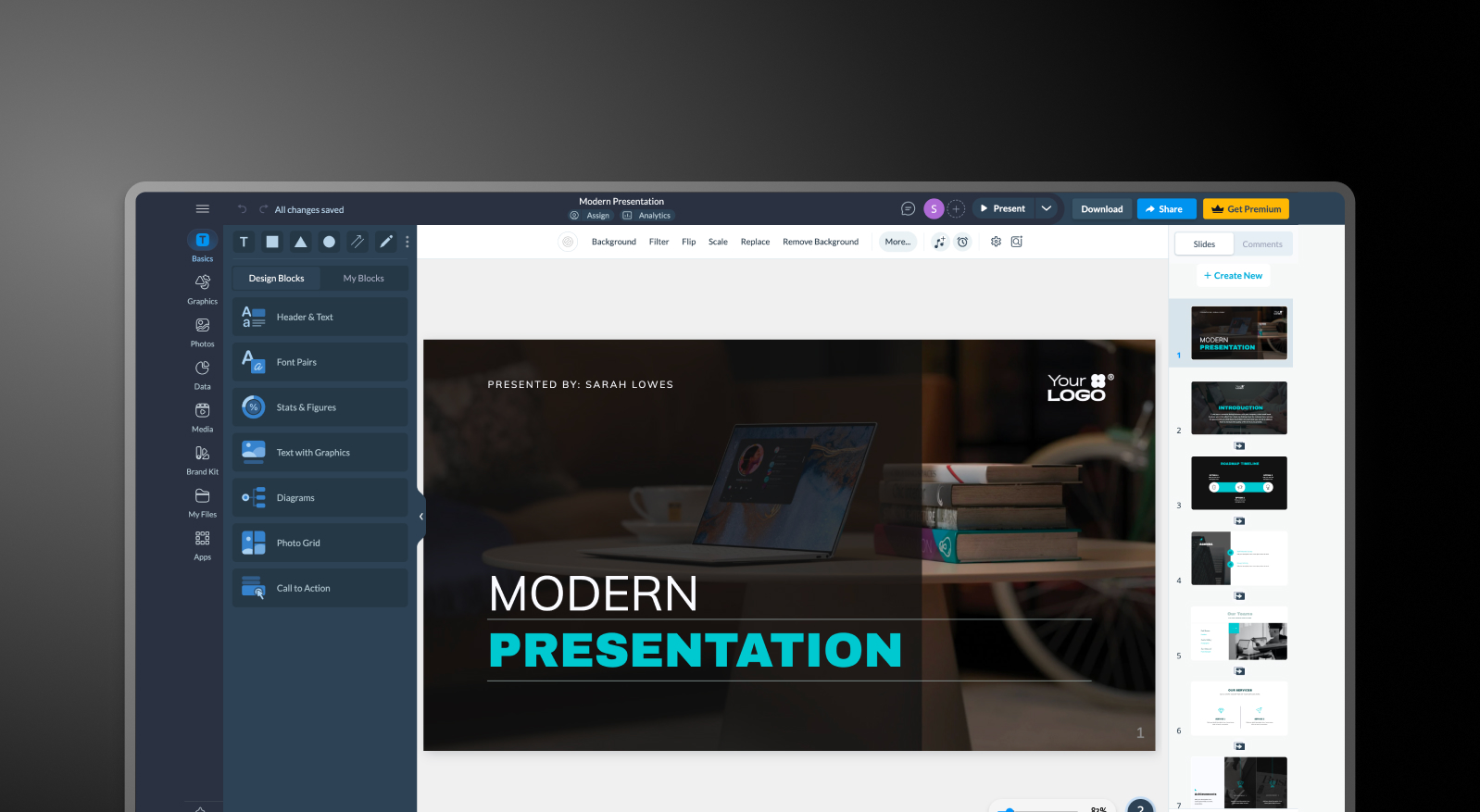


Visme and Presentations.AI at a Glance
Visme is a versatile visual content platform spanning infographics, charts, animations, documents, and presentations — it's built for graphic designers and marketers who need a broad creative toolkit. Presentations.AI is a focused, AI-native slide creator built specifically to turn text or documents into fully designed, on-brand presentation decks as fast as possible.
The fundamental difference is scope versus specialization. Visme's wide feature set comes with a moderately high learning curve, and its AI capabilities are limited — brand consistency still requires manual setup of brand kits, and slide creation is largely a drag-and-drop manual process. Presentations.AI, built from the ground up around AI automation, handles text-to-slide conversion automatically and syncs brand identity across every deck without any manual configuration. That text-to-slide conversion is what the AI presentation maker does in a single pass, straight from a document or a prompt.
For creative agencies or marketing teams producing varied visual content, Visme's breadth makes sense. For consultants, analysts, and business teams whose deliverable is consistently a PowerPoint deck, Presentations.AI is the sharper tool for the job.
How Visme Works
Step 1: Sign up – Free and paid plans available across a wide feature set covering presentations, infographics, and documents.
Step 2: Choose a template – Browse categories spanning presentations, infographics, proposals, and reports. Finding the right starting point takes time given the breadth of options.
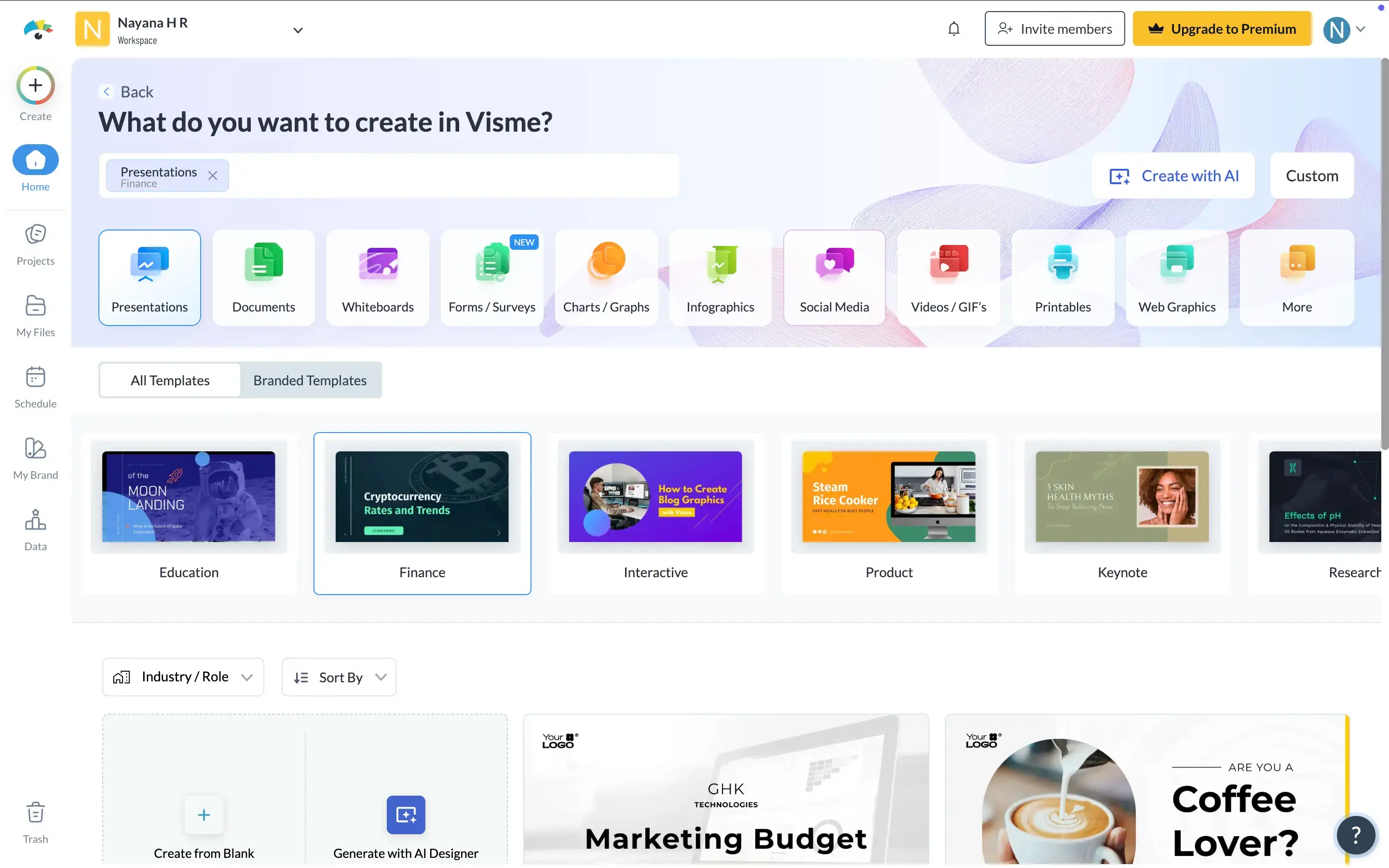
Step 3: Design manually – Build your presentation using drag-and-drop tools. Set brand colors, add elements, and configure layouts by hand. AI assistance is limited.
Step 4: Export – Download as PDF, PPT, image, or share online via HTML5. PowerPoint export is available but not the platform's primary focus.
How Presentations.AI Works
Step 1: Sign up – Free plan includes 5 AI-generated presentations. No credit card, no lengthy onboarding.
Step 2: Import your content – Upload a Word doc, PDF, or type an outline. No template selection required — the AI reads your material directly.

Step 3: Auto-generate Slides – Structure, layout, brand styling, and animations applied in one pass. No drag-and-drop, no manual brand configuration. Need just one more slide later? The AI slide creator adds it on-brand without rebuilding the deck.
Step 4: Review & Export – Make any final adjustments, then download a high-fidelity .pptx or present directly online. Clean PowerPoint output every time.
Four Reasons Teams Choose Presentations.AI Over Visme
Built for Decks, Not Everything:
Visme's broad feature set adds friction when a presentation is all you need. Presentations.AI is purpose-built for slides — the workflow is faster and nothing is designed for a use case that isn't yours.
AI That Does the Work:
Visme's AI assistance is limited. Presentations.AI generates a complete, polished deck from raw input. The difference between light AI assistance and an AI that actually builds the presentation is significant.
No Brand Kit Setup:
Visme requires manual brand kit configuration per project. But Presentations.AI needs your brans's URL just once — every deck becomes automatically on-brand from that point forward.
Faster Turnaround Time:
Visme's multi-step design process — template selection, drag-and-drop building, brand configuration — adds up. Presentations.AI compresses that entire process into a single AI-generated pass.
When a Broad Design Tool Becomes Overhead
Visme is the right tool if your team produces a wide range of visual content all in one place. For that use case, the breadth justifies the complexity.
But if presentations are your primary output, you're carrying a lot of platform overhead you don't need. Presentations.AI removes that overhead entirely — from raw content to a polished, on-brand PowerPoint without touching a template or configuring a brand kit. For teams measured on the quality and speed of their decks, a focused tool consistently outperforms a broad one.
