




SlideSpeak and Presentations.AI at a Glance
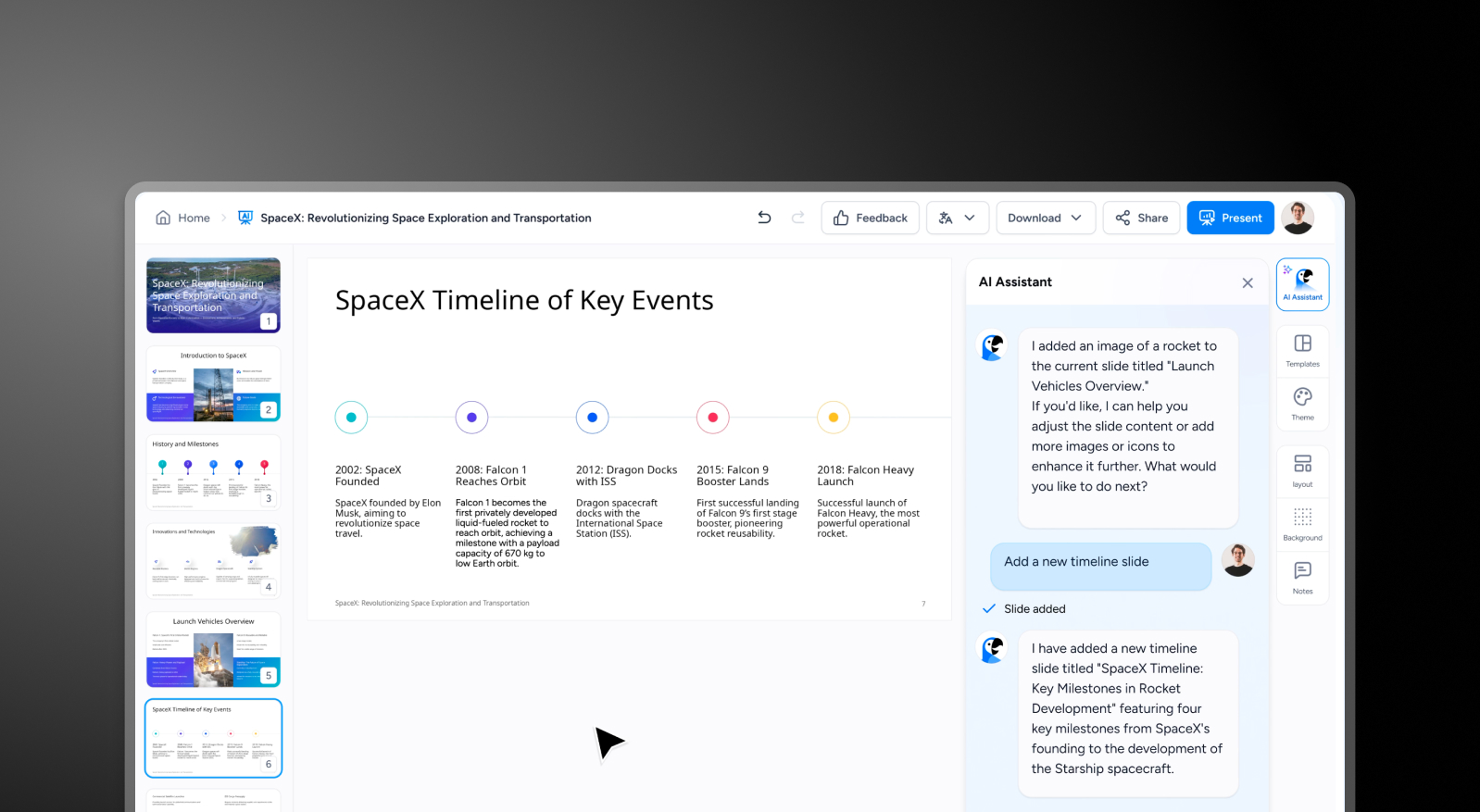
SlideSpeak is an AI tool focused on generating text-based slide content and speaker notes from a prompt or outline — it accelerates the writing stage of presentation creation. Presentations AI goes further, producing complete branded slide decks with layout, visuals, animations, and corporate identity applied automatically from the same input.
SlideSpeak's main limitation is that it stops at content: the output is structured text organized into slides, but design, branding, and visual polish are left entirely to the user in a separate tool. This means extra steps — exporting to PowerPoint or Google Slides, applying brand colors and fonts, sourcing images, adding transitions — before the deck is ready to present. Presentations AI eliminates those steps entirely, combining design and content into a single automated workflow.
For professional use cases where brand compliance matters, Presentations AI's automatic brand sync and high-fidelity .pptx export mean the deck coming out of the AI is the deck you present. Real-time team collaboration is also built in, so there's no need to export drafts back and forth.
How SlideSpeak Works
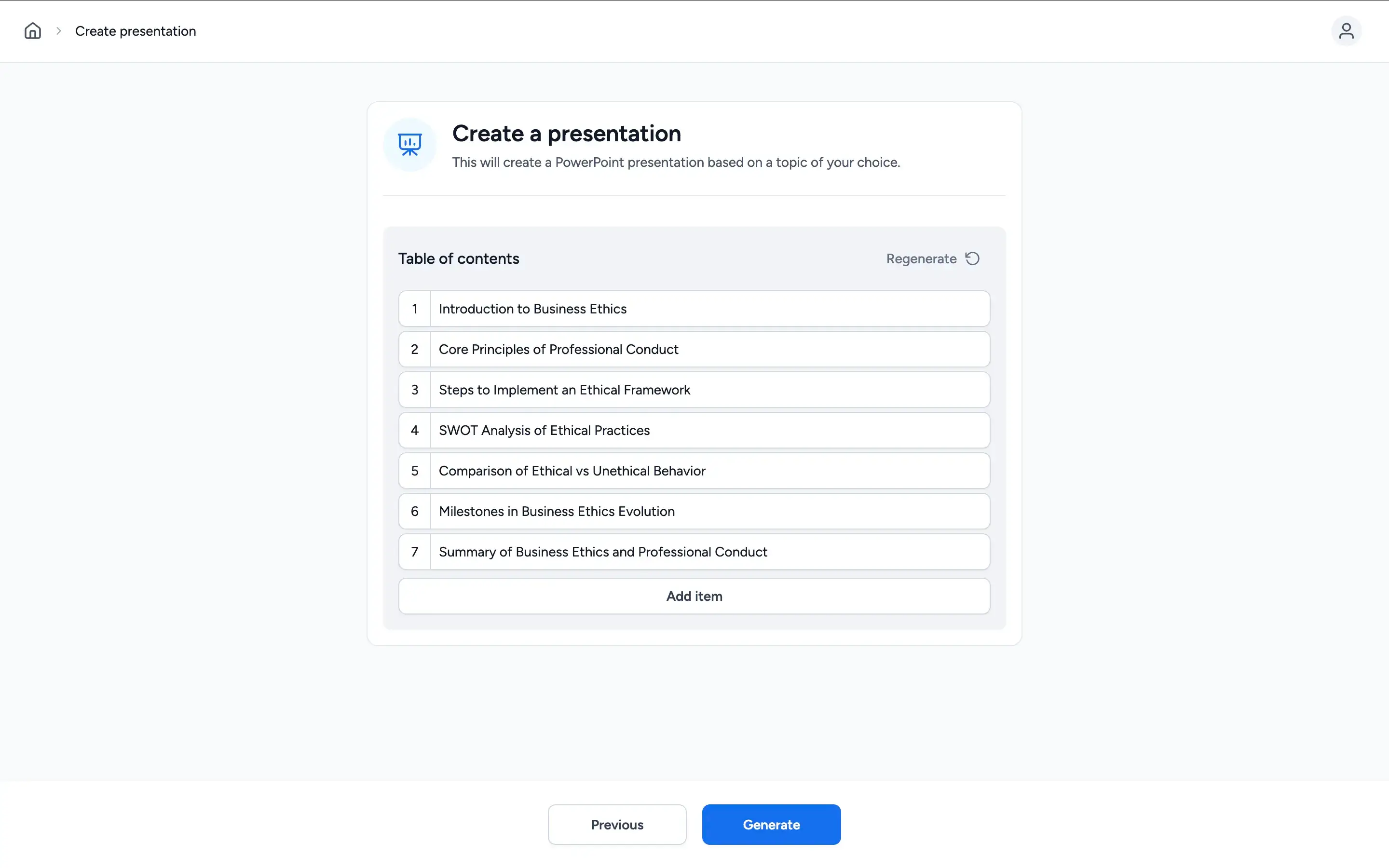
Step 1: Enter a prompt – Describe your presentation topic. SlideSpeak uses this as the basis for generating slide content and speaker notes.

Step 2: AI generates text-based slides – The AI produces bullet points and speaker notes for each slide — content-focused output with minimal visual design applied.
Step 3: Take it to an external tool – For anything beyond a content draft — brand colors, fonts, logos, proper layouts — you open the output in PowerPoint or Google Slides and handle it manually.
Step 4: Export in basic format – Save or export in available formats. What you get is a content framework, not a finished presentation.

How Presentations AI Works
Step 1: Sign up – Free plan available. No credit card required. Up and running in under a minute.
Step 2: Upload your material – Drop in a Word doc, PDF, or type an outline. Presentations AI reads your content and understands it in context.
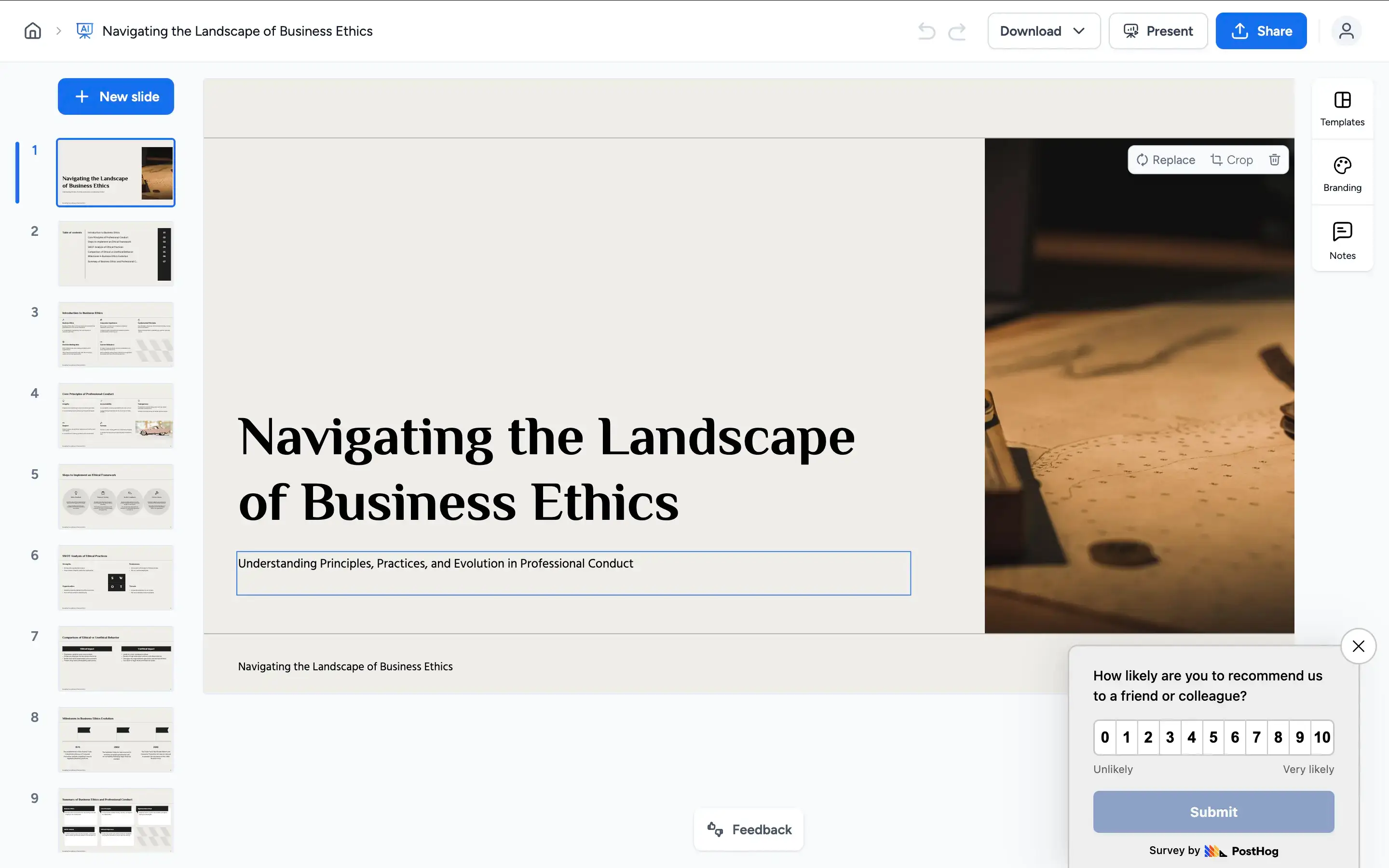
Step 3: AI builds the complete deck – Design, brand theming, animations, and transitions are applied automatically. You get a fully finished presentation, not just organized text.
Step 4: Collaborate and export – Collab and edit with your team in real time, then export a high-fidelity .pptx that opens cleanly in PowerPoint. No reformatting, no extra steps.

Five Reasons Teams Choose Presentations.AI Over SlideSpeak
Content and Design, Not Content Instead of Design:
SlideSpeak produces text and speaker notes. Presentations AI produces a complete deck — layout, visuals, animations, and brand included. No second tool needed.
Zero Format Tax:
SlideSpeak's output needs redesigning before it's presentable. Enter your company URL in Presentations AI once and every deck is instantly brand-compliant.
Narrative Intelligence, Not Just Notes:
SlideSpeak organizes content into bullets. Presentations AI builds a deck with story arc and persuasive flow — the AI does more than just produce bullet points, it completes an entire visual deck
Anti-Fragile Design:
SlideSpeak's text-based layouts break when content volume changes. Presentations AI uses a responsive engine that recalibrates automatically — design stays professional regardless.
Built for Teams:
SlideSpeak has no collaboration layer. Presentations AI is a real-time multiplayer workspace with version control — edit, review, and finalize in one place.
Where Content Drafts End and Finished Decks Begin
SlideSpeak is a capable drafting tool if you need speaker notes and a rough content structure fast. But a content draft isn't a finished presentation — and the work between SlideSpeak's output and a deck that's actually ready to send or present is significant.
Presentations AI handles the whole process. From a raw prompt, PDF, or Word doc to a polished, on-brand, export-ready PowerPoint — in minutes. For teams creating presentations that need to perform in front of clients, boards, or investors, that's the difference between a tool that starts the job and one that finishes it. The AI presentation maker covers the full deck, and the AI slide creator covers the single slide you need to redo before a meeting.
