


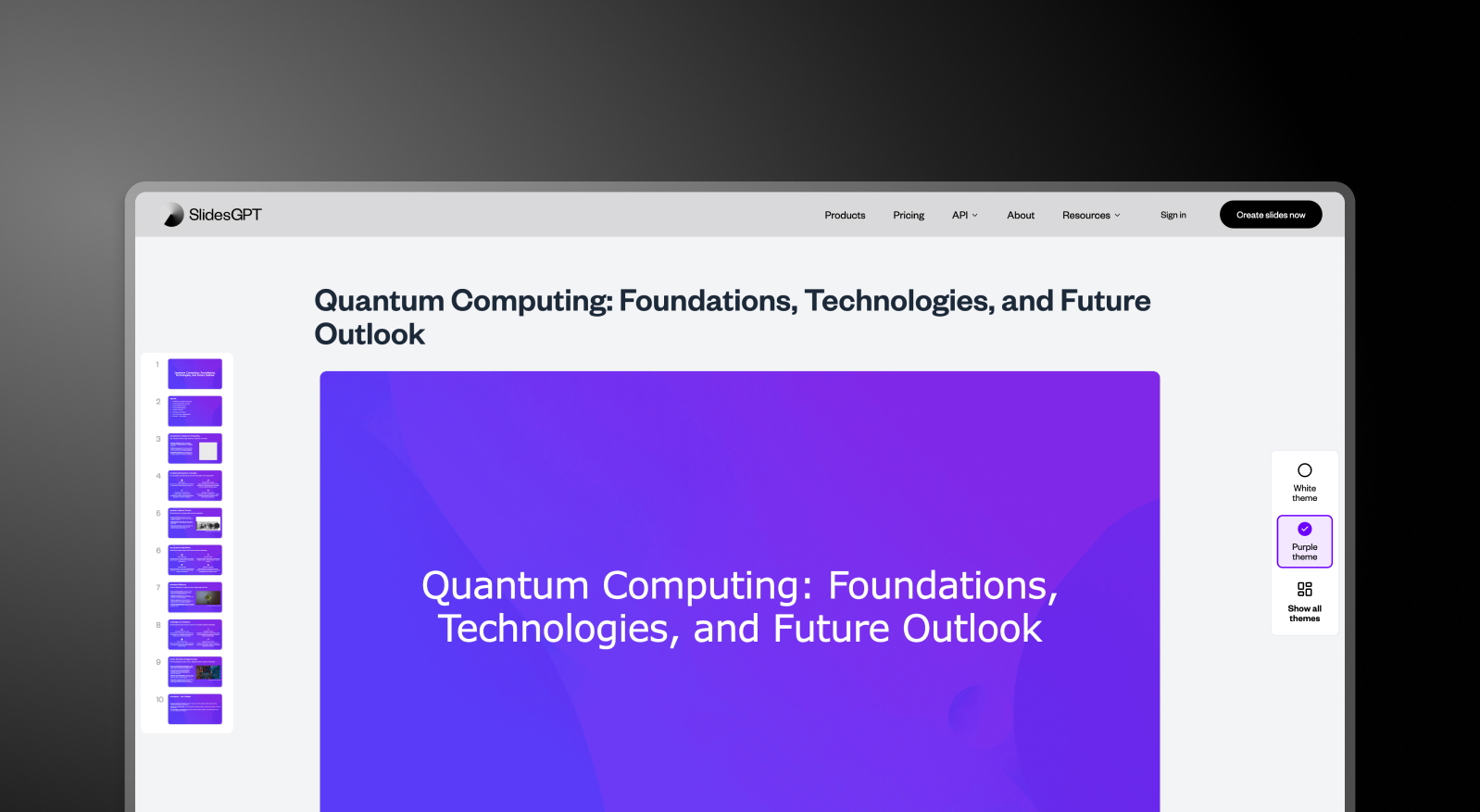


Summary: SlidesGPT vs Presentations AI
SlidesGPT uses GPT-based AI to quickly structure presentation text into slides, making it useful for generating a fast outline or rough draft. Presentations AI builds on AI-native foundations to produce fully designed, brand-aligned presentations complete with layout, visuals, animations, and corporate identity — all from the same text input.
SlidesGPT's output is essentially organized text: slides with content but limited visual design or brand application. Users routinely need to open the exported file in Google Slides or PowerPoint to apply brand colors, fonts, imagery, and formatting before the deck is presentation-ready. Presentations AI handles all of that automatically during generation — brand sync is applied across every slide without any manual intervention.
Presentations AI also brings built-in real-time collaboration, something SlidesGPT doesn't offer natively. The high-fidelity .pptx export means minimal reformatting after download. For teams that need polished, on-brand decks without bouncing between tools, Presentations AI is an end-to-end solution rather than a starting point.
How SlidesGPT Works
Step 1: Enter a prompt – Type in your topic. SlidesGPT uses GPT to generate text content organized into slide structure.
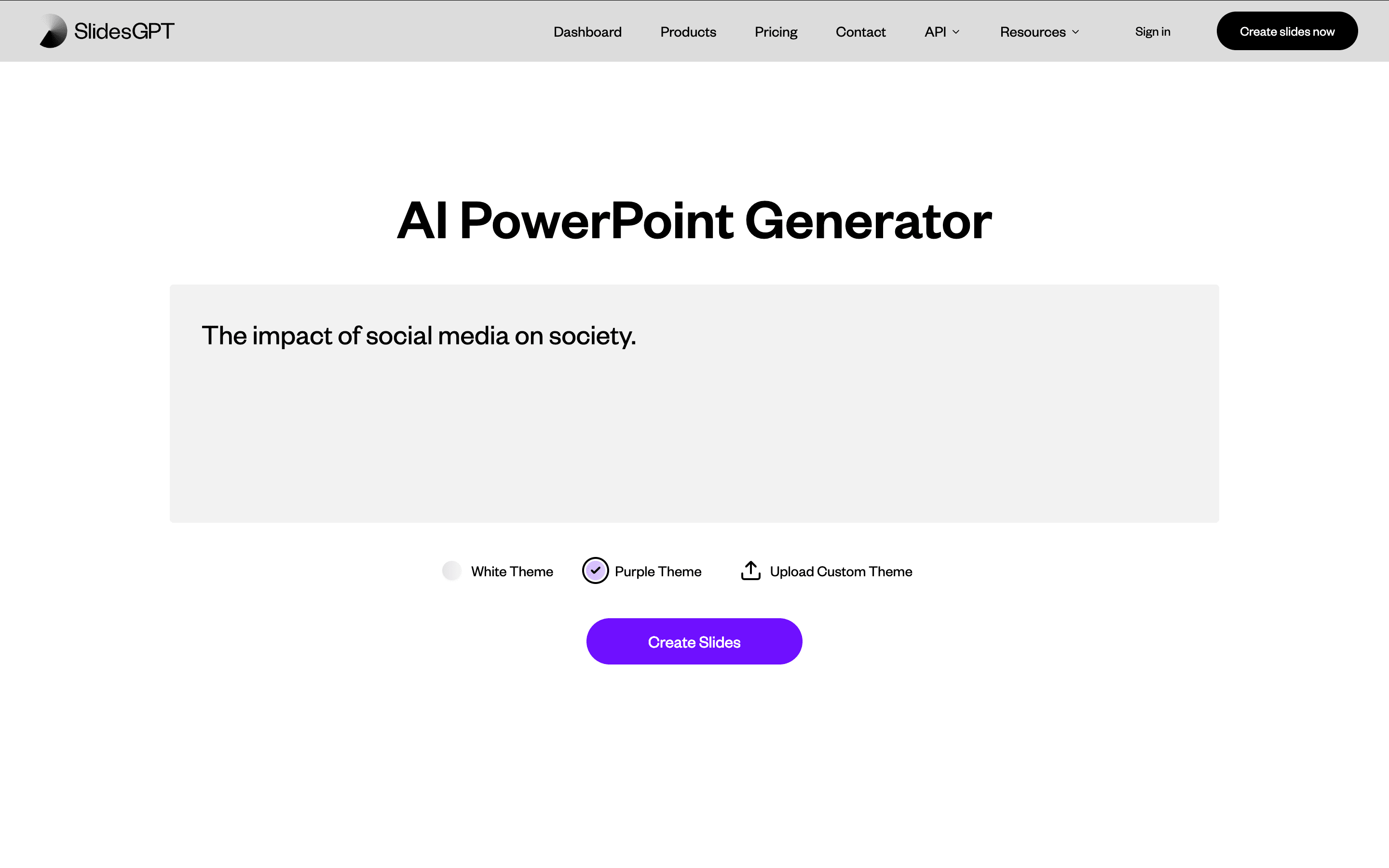
Step 2: AI generates text-based slides – Content is arranged into slides with basic text layouts. Design and brand elements are not applied at this stage.
Step 3: Open in an external editor – Take the output into Google Slides or PowerPoint to apply branding, fix layouts, and add any visual elements.
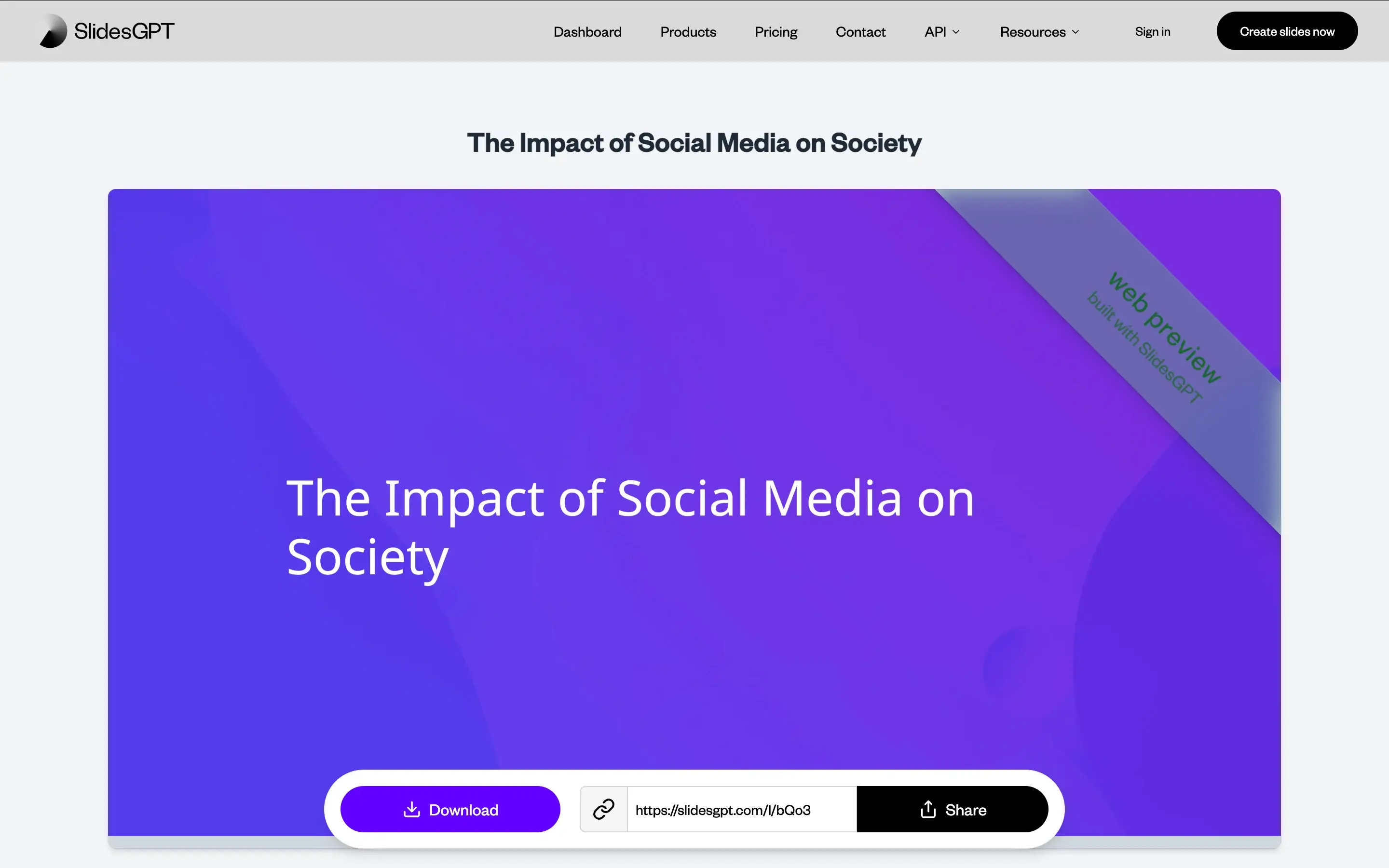
Step 4: Finish manually – Apply brand colors, fonts, and transitions by hand. SlidesGPT gave you organized text. The presentation is still yours to build.
How Presentations AI Works
Step 1: Sign up – Free plan includes 5 full AI presentations. No credit card required.
Step 2: Import your content – Upload a PDF, Word doc, or type an outline. Presentations.AI reads and understands your material in context.
Step 3: AI builds the complete deck – Brand colors, fonts, animations, and transitions are applied automatically — a fully finished presentation, not just organized text.
Step 4: Review and export – Tweak any details, then export a high-fidelity .pptx with animations intact. Opens cleanly in PowerPoint — no reformatting needed.

Why Presentations AI is the Best Alternative to SlidesGPT
Complete Decks, Not Just Text :
SlidesGPT structures your prompt into bullet points. Presentations AI delivers a finished deck — layout, visuals, animations, and brand applied automatically. No second tool, no manual finishing. That's the core promise of our AI Presentation Maker: one prompt in, one finished deck out.
Instant Brand Compliance :
Enter your company URL once. Every deck is automatically on-brand — fonts, colors, and logos applied from slide one, every time.
Story, Not Just Structure :
Presentations AI builds decks with narrative arc and persuasive flow. SlidesGPT organizes text. There's a difference between content that's arranged and content that convinces.
Layouts That Don't Break :
Add more content and Presentations AI recalibrates automatically. SlidesGPT's text-based layouts don't — you fix them manually. The AI slide creator behind this rebuilds each slide's layout as content changes, instead of leaving you to patch it by hand.
Real Collaboration Built In :
No file sharing, no email chains. Presentations AI is a live multiplayer workspace — your team edits and finalizes in one place.
The Business Reality
SlidesGPT is a quick way to get text into slides. For a solo user who needs a rough outline and is happy to finish the design themselves, it works. But for business teams creating presentations that need to perform — in front of clients, boards, or investors — a text generator isn't enough.
Presentations AI handles the full job. From prompt, PDF, or Word doc to a polished, on-brand, export-ready PowerPoint in minutes. That's the difference between a tool that starts the process and one that completes it.