


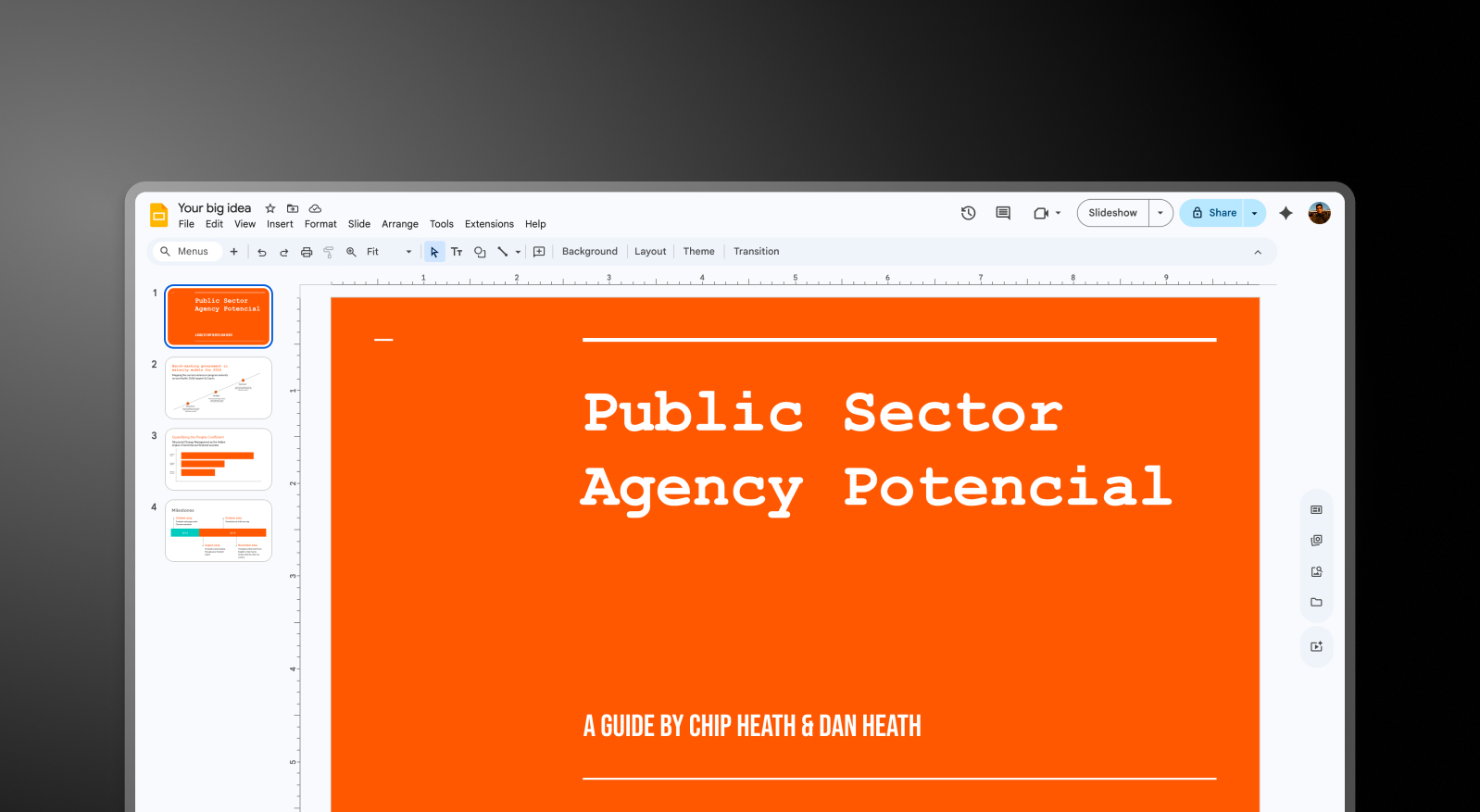


Summary: SlideMake vs Presentations.AI
SlideMake is a hybrid presentation service that combines AI tools with human designers to refine, revamp, or build slides — it's aimed at users who want designer-level results but need external help to get there. Presentations.AI is a self-service AI platform that generates entire, brand-consistent decks instantly, without any designer involvement or waiting for a delivery turnaround.
The practical difference is speed and control. SlideMake's turnaround depends on designer availability and how many revision rounds it takes to get the deck right. As a full AI presentation maker, Presentations.AI delivers instantly, brand colors, fonts, animations, and layout applied automatically from your input, with your team collaborating in real time inside the same platform.
For businesses creating presentations at any kind of volume, the SlideMake model doesn't scale without scaling costs. Presentations AI runs on a single subscription, handles unlimited decks, and keeps brand assets and collaboration entirely in-house.
How SlideMake Works
Step 1: Submit request – Provide your existing slides or a project brief. This kicks off the design process on their end.
Step 2: AI and designers refine your deck – SlideMake applies design tweaks using a mix of AI suggestions and human designer input. You're not in the driver's seat during this stage.
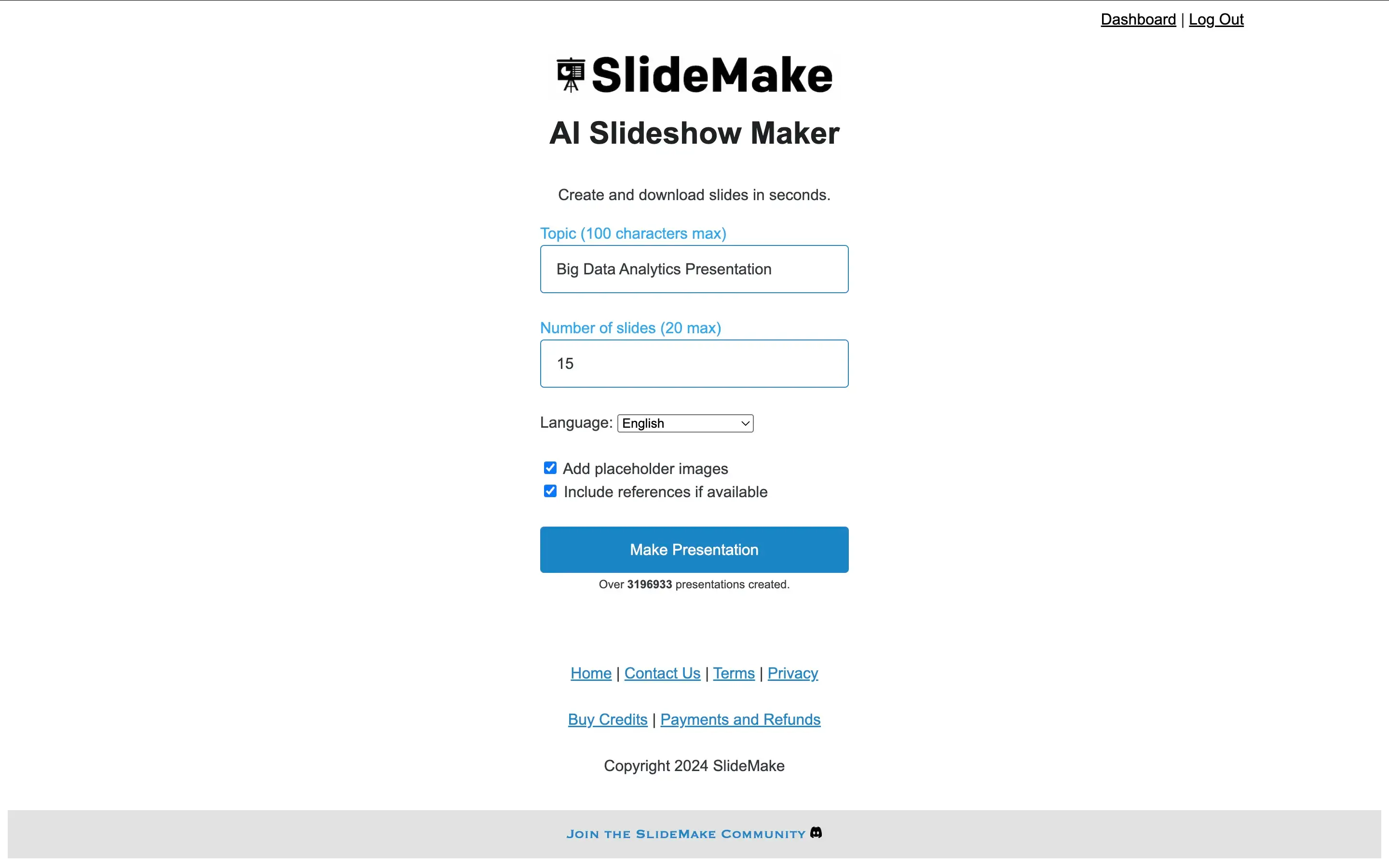
Step 3: Review and revise – Receive a draft, provide feedback, and go through revision rounds. Turnaround depends on designer availability and how many cycles it takes.
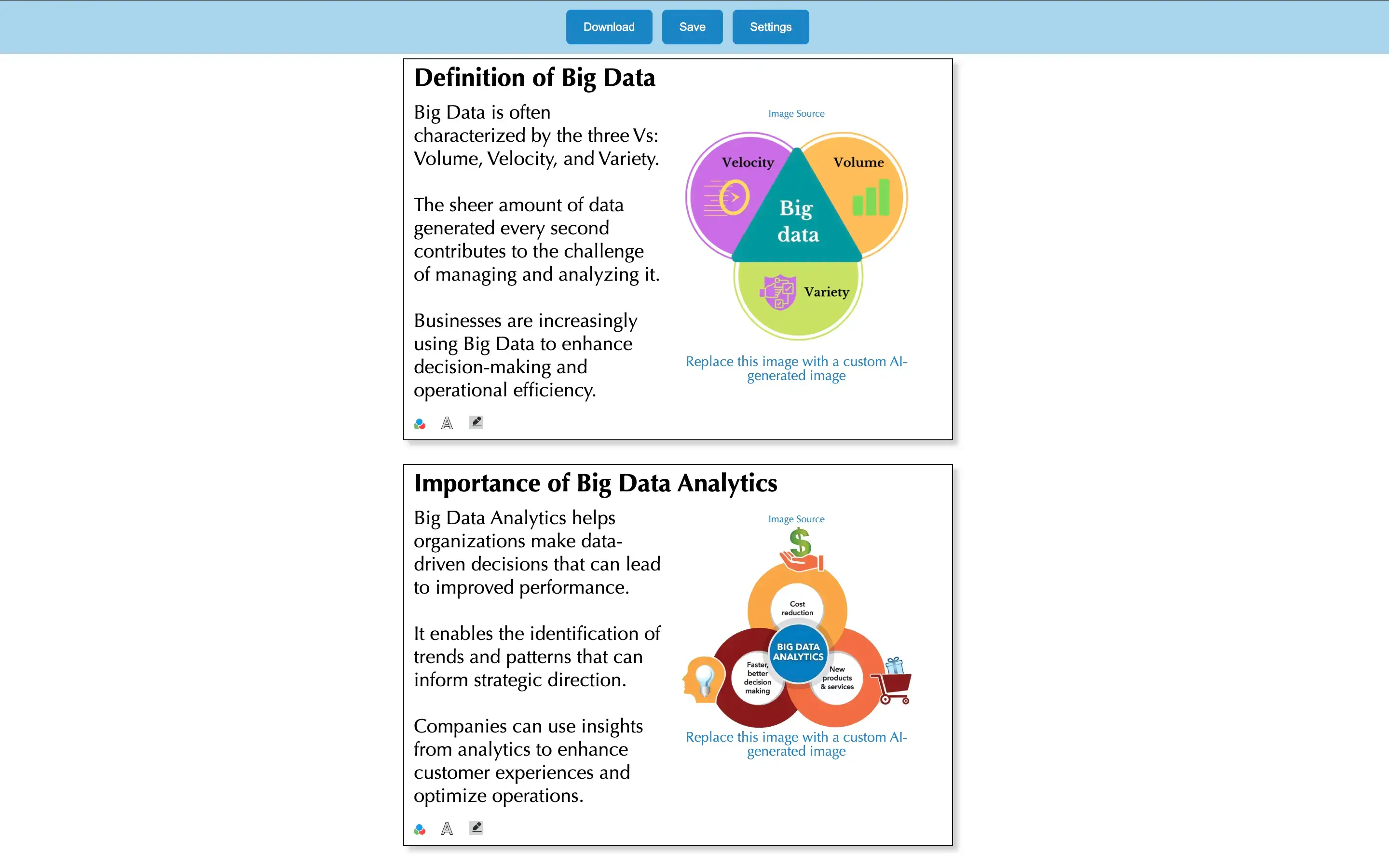
Step 4: Receive the final file – You get an updated PowerPoint file once the process is complete. Timeline varies.
How Presentations AI Works
Step 1: Sign up – Free plan includes 5 full AI presentations. No credit card required.
Step 2: Import your content – Upload a PDF, Word doc, or paste an outline. Presentations AI reads your material and understands it in context.
Step 3: AI builds the complete deck – Automatic brand styling, layout, animations, and transitions — a finished presentation.
Step 4: Export or present – Download a high-fidelity .pptx ready to open in PowerPoint, or present directly from the browser. Want to fine-tune individual slides first? The AI slide creator lets you adjust each one without touching the rest of the deck. No reformatting, no waiting.
Why Presentations AI is the Best Alternative to SlideMake
Immediate Results:
SlideMake's turnaround depends on designer availability and revision cycles. Presentations AI delivers a complete, polished deck the moment you finish your input.
In-House Control:
With SlideMake, your brand assets and presentation content go to an external team. Presentations AI keeps everything internal — your team creates, collaborates, and exports without involving anyone outside the organization.
Cost Effective:
SlideMake's design packages get expensive as volume increases. Presentations AI runs on a single subscription — create as many decks as you need without paying per project.
Brand Consistency Without a Designer:
SlideMake applies brand elements manually through their team. Enter your company URL in Presentations AI once and every deck is automatically on-brand.
Real Collaboration:
SlideMake's collaboration is back-and-forth communication with an external team. Presentations AI is a live multiplayer workspace — your team edits and finalizes together in real time.
The Business Reality
SlideMake makes sense for a one-off deck where design quality matters more than speed or cost. But as a workflow for a team that creates presentations regularly, it doesn't hold up — the revision cycles, designer dependencies, and per-project costs compound quickly.
Presentations AI is built for teams that need presentations at speed and scale. From brief to polished, on-brand PowerPoint in minutes — with full team collaboration and brand control kept entirely in-house. No external designers, no waiting, no per-deck costs.