




PowerPoint vs Gamma vs Presentations AI: Feature-by-feature Comparison
AI-Powered Slide Generation
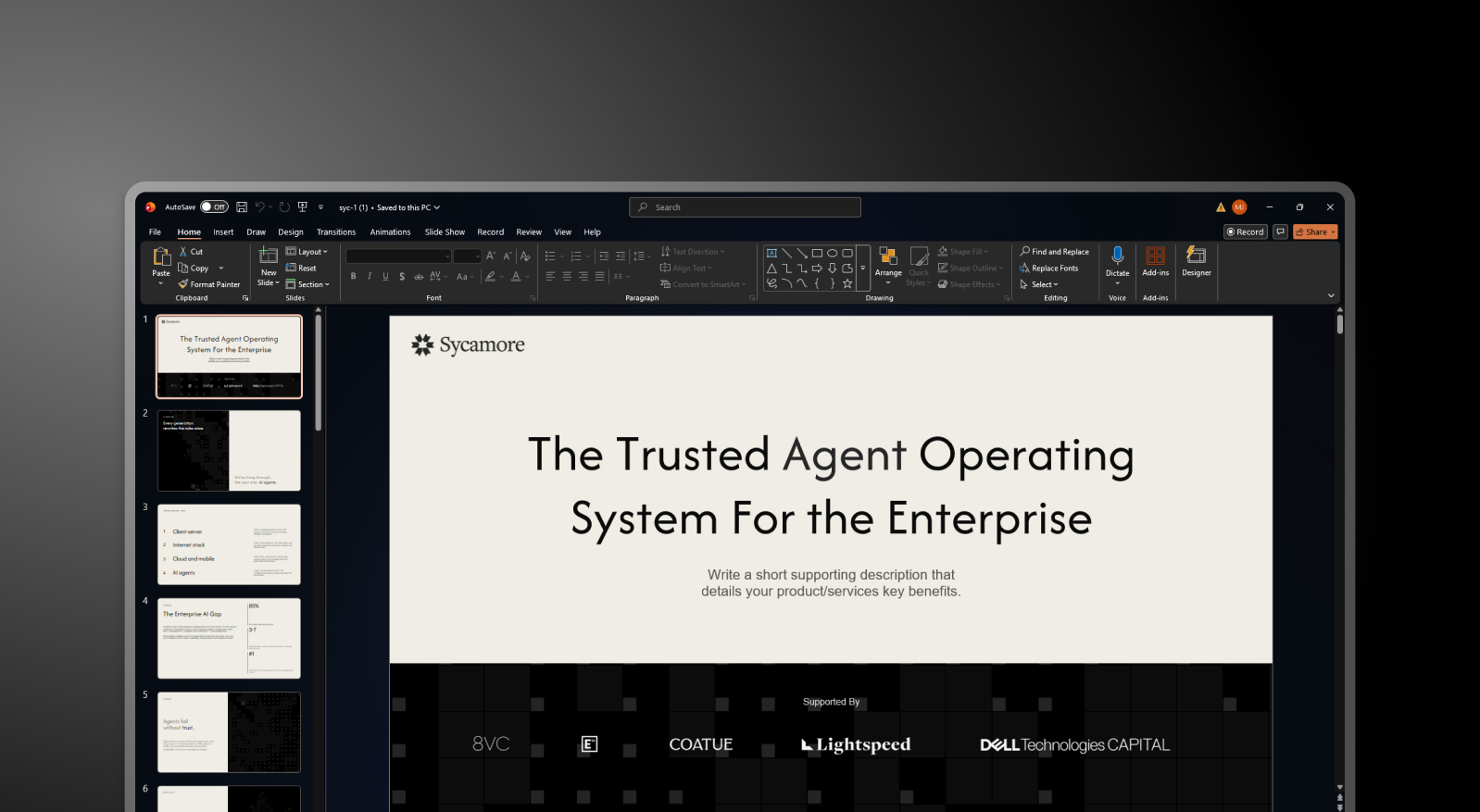
PowerPoint: PowerPoint's design toolkit is extensive and highly configurable. Copilot for PowerPoint can generate a first draft from a prompt, giving teams a starting point to work from. For users who know exactly what they want to say and need granular control over how each slide looks, PowerPoint's manual workflow is unmatched in depth.
The creation process is hands-on by design, which is where pairing it with a purpose-built AI creation tool like Presentations AI delivers the most value: AI handles the initial generation, PowerPoint handles the refinement.
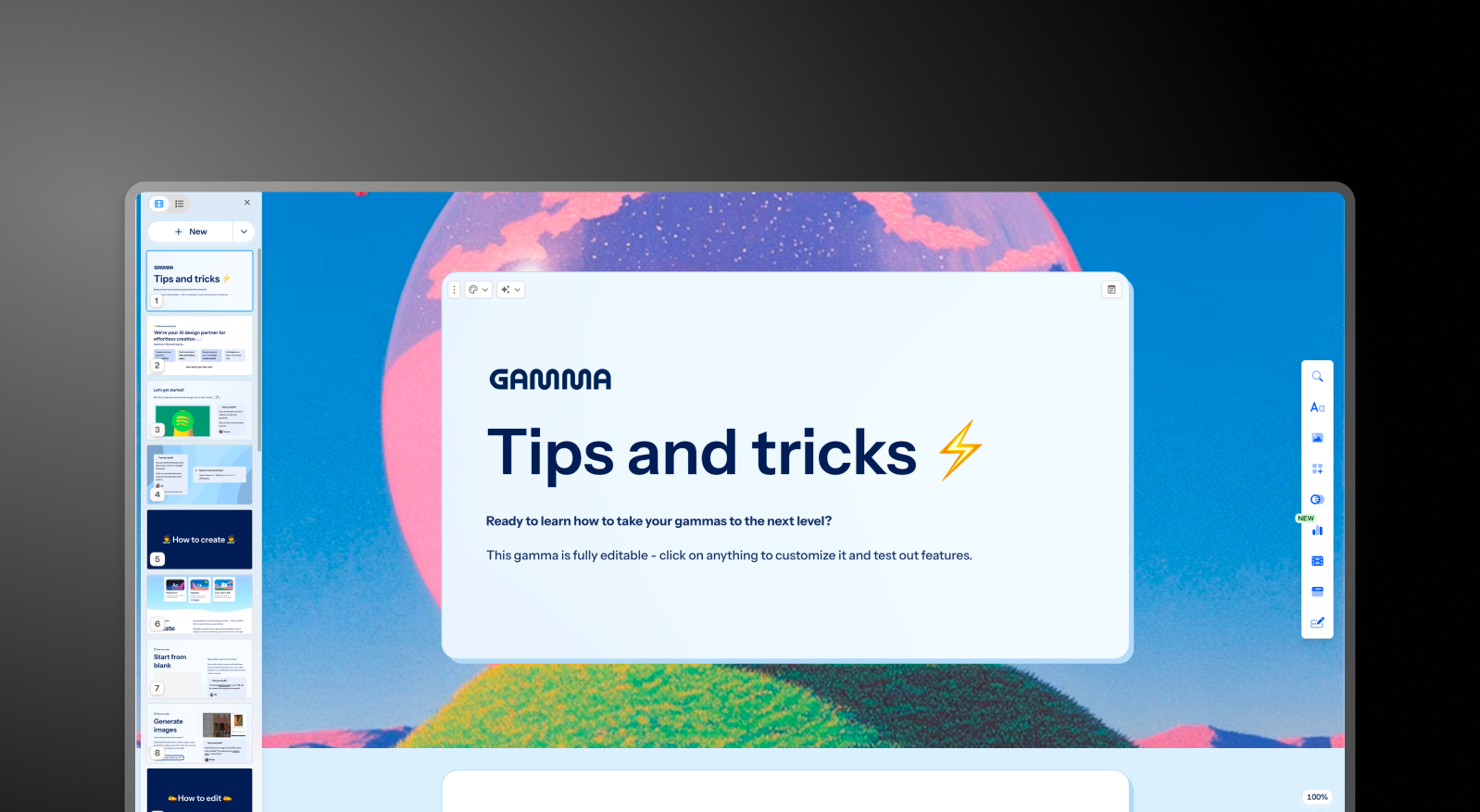
Gamma: Gamma generates a full deck from a prompt using ChatGPT integration and continues iterating through its AI Agent. Users can ask the AI to revise sections, research topics, or add new content after the initial draft.
The speed is genuine: a 20-slide deck in under three minutes is realistic. But the output is generalist. The AI produces the same quality of content regardless of whether you are pitching a board or drafting an internal update, and the deck typically requires significant editing before it is suitable for a high-stakes external audience.
Presentations AI: Clip-E handles end-to-end deck creation using AI trained specifically on business persuasion architecture. Generate from a prompt, import a PDF, paste a URL, or upload a Word doc, and the AI builds a structured, brand-consistent deck that is business-ready with minimal editing.
You can refine, add slides, and adjust content through natural conversation without leaving the platform. The AI stays engaged across the full creation process, not just the opening draft.
Design Quality and Customization
PowerPoint: Design depth is PowerPoint's clearest competitive advantage. Every element on every slide is fully customizable: position, size, animation, transition, color, and layering are all under precise manual control. For presentations that need to match exacting brand standards at the pixel level, or that include complex custom charts and data visualizations, PowerPoint remains the gold standard.
Presentations AI is designed to complement this strength: the AI handles design and brand application during creation, and the exported .pptx brings that output into PowerPoint where any further design refinement can be applied with full control.
Gamma: Gamma's output is visually modern and well-suited to its card-based format. Customization options on paid plans include custom fonts and themes. Visual quality is strong for browser-based sharing but loses fidelity in exported PowerPoint format.
For teams coming from PowerPoint who expect design precision in their .pptx output, Gamma's export limitations are a meaningful step backward.
Presentations AI: Anti-fragile templates adapt intelligently as content changes without breaking the design structure. Brand Sync automatically applies your company's visual identity from a URL, so every deck is on-brand from the first slide without any manual theme setup.
The 10,000-plus professional template library, vast stock image and icon libraries, and automatic professional animations deliver a level of consistent visual quality that removes the design overhead PowerPoint places on its users.
Collaboration and Team Features
PowerPoint: Collaboration in Microsoft 365 is functional and familiar. Real-time co-authoring works across the web and desktop apps, and Teams integration makes sharing and presenting straightforward for organizations already inside the Microsoft ecosystem.
Presentations AI fits naturally into this workflow: the AI creates the initial deck, exports it as a clean .pptx, and from that point the team collaborates in PowerPoint as they normally would, with no change to how they review, comment, or present.
Gamma: Real-time collaboration is available on all plans. Team-level features, including custom company themes, shared folders, admin controls, and centralized billing, cost $20/seat/month with a minimum of two seats.
Brand management requires manual setup for every presentation, with no centralized governance across the workspace.
Presentations AI: Team collaboration, real-time sync, and access controls are included at the Starter level. Every team member has access to Clip-E, which means any user can produce professional-quality output independently without relying on a designated deck designer.
Brand Sync is a one-time setup that delivers perpetual consistency across every presentation anyone on the team creates. The Enterprise tier adds admin capabilities, company-wide templates, and enterprise security.
Export and Integration Options
PowerPoint: PowerPoint is the export standard. There is no conversion step, no fidelity loss, no formatting cleanup. Files work offline, integrate natively with Excel for live-linked charts, and open correctly in every client environment regardless of operating system.
Presentations AI is designed to feed directly into this strength: build the deck in Presentations AI, export the high-fidelity .pptx, and open it in PowerPoint for any final adjustments, advanced chart work, or offline delivery. The two tools are built to work in sequence.
Gamma: Exports to PowerPoint and PDF on all plans, including the free tier. The card-based format frequently produces overlapping boxes, missing fonts, and broken formatting in the exported .pptx file.
Gamma presentations look strong in a browser. In a boardroom with a .pptx file open on a client's laptop, the results are inconsistent. Budget time for cleanup if PowerPoint delivery is part of your workflow.
Presentations AI: High-fidelity PowerPoint export on the Pro plan, designed from the ground up to translate correctly to .pptx format: one-click and boardroom-ready. PDF export is also available on Pro and above.
Multiple import options, including PDF, Word, and URL, give it the most flexible intake of the three. For teams transitioning away from PowerPoint who still need to deliver editable .pptx files, Presentations AI is the only AI-native option in this comparison with a consistently clean export record.
Ease of Use and Learning Curve
PowerPoint: Most professionals have used PowerPoint for years, which makes the learning curve a non-issue. For teams that already run their workflow in PowerPoint, Presentations AI slots in as the creation step that precedes it.
With Presentations AI added, there’s no new delivery format, no retraining stakeholders, no change to how the final file is reviewed or presented. The AI creates the deck; PowerPoint handles everything after.
Gamma: Gamma onboards quickly, with a generous free tier that lets new users create real presentations before committing. The card-based format takes a few sessions to get comfortable with, particularly for users accustomed to traditional slide layouts.
The multi-format scope of the platform can create confusion for users who only need presentation output.
Presentations AI: Clip-E's conversational interface significantly reduces the time from brief to finished deck. Users describe what they need in plain language; the AI handles structure, design, and brand application.
For teams currently spending hours in PowerPoint on formatting and layout, the productivity shift is immediate. Brand Sync also removes the setup friction that slows teams down when adopting a new tool.
Which Tool is Best for Your Use Case?
Best for Startups and Pitch Decks
Speed matters more than anything when you are building an investor deck under deadline. Presentations AI wins here. Clip-E generates a structured, persuasion-ready pitch deck from a prompt or an uploaded document, built on AI that understands how funding decisions get made. You can iterate in natural language in minutes rather than hours.
For early-stage founders on a budget, the Pro plan at $240/year is significantly more affordable than a full Microsoft 365 Business Standard subscription for a team. PowerPoint remains a valid option for founders who need offline access or plan to share fully editable files with their investors.
Best for Sales Teams
Sales teams need decks that are fast to produce, consistently on-brand, and trackable once shared. Presentations AI delivers on all three: AI-driven creation, Brand Sync for consistent output across every rep without manual theme setup, and viewer analytics on paid plans.
PowerPoint can serve sales teams well, but brand consistency across a large sales organization using PowerPoint typically requires dedicated design support or strict template governance. Gamma is the weakest fit for sales workflows given its PowerPoint export limitations and generic AI output.
Best for Marketing Teams
Marketing teams that need presentations as part of a broader content workflow, alongside social graphics and campaign materials, may already be using Microsoft 365 and PowerPoint by default. For those teams, adding Presentations AI for presentation-specific work is a practical complement rather than a replacement.
The brand-consistent output from Presentations AI's Brand Sync integrates well with marketing teams that have established visual identity guidelines and need every deck to reflect them automatically.
Best for Enterprise and Large Teams
Large enterprises running Microsoft 365 already have PowerPoint. The question is whether Copilot for PowerPoint meets the AI bar they need. Based on current reviews, it does not. For enterprise teams that need AI-generated, brand-consistent presentations with SOC 2 Type II security and clean data ownership terms, Presentations AI at the Enterprise tier is the stronger AI presentation choice alongside an existing Microsoft 365 deployment.
Gamma's data ownership clause and lack of SOC 2 certification make it difficult to clear procurement in regulated or security-conscious organizations.
Best for Individuals and Freelancers
For solo users, the decision comes down to whether you already pay for Microsoft 365 for other reasons. If you do, PowerPoint is effectively free. If presentations are your primary need and you do not already subscribe to Microsoft 365, paying $12.50/month for Business Standard to access PowerPoint alone is hard to justify against Presentations AI Pro at $16.50/month equivalent with genuinely capable AI included. Gamma's free tier is the best zero-cost entry point for individuals who want AI-generated content without any subscription commitment.
Why Presentations AI Complements PowerPoint and Outperforms Gamma
PowerPoint wins on compatibility, control, offline access, and deep Microsoft ecosystem integration. Those strengths are real, and the best workflow for most teams is not to abandon PowerPoint but to stop using it for the part it was never designed for: creating a full, brand-consistent deck from scratch under time pressure.
Presentations AI was built for exactly that first step. Here is how the combined workflow delivers what neither tool achieves alone:
- AI handles creation; PowerPoint handles refinement. Build the core deck in Presentations AI with AI-driven slides, text, brand styling, and animations. Export the .pptx. Open in PowerPoint for final tweaks, advanced chart work, or PowerPoint-specific add-ons. The workflow is additive, not disruptive.
- Brand Sync removes the manual setup step before every deck. Presentations AI reads your company URL once and applies your visual identity automatically across every deck created. Every .pptx export arrives in PowerPoint already on-brand, without anyone applying a template or checking brand guidelines manually.
- Multi-source input converts existing documents into decks directly. Turn a PDF, a Word doc, a URL, or a plain prompt into a polished, structured deck. Neither PowerPoint nor Gamma supports conversion from all four input types. For teams that regularly create presentations from reports, briefings, or strategy documents, this removes the most time-consuming part of the PowerPoint workflow entirely.
- The data ownership terms are clean. Presentations AI users retain full rights to their content. Gamma's terms grant the platform perpetual, worldwide rights. For teams working with confidential proposals, financial data, or proprietary strategy, that distinction has real legal and compliance weight.
- SOC 2 Type II certification clears enterprise procurement faster. Gamma frequently fails enterprise IT reviews due to the absence of SOC 2 compliance. Presentations AI is certified and GDPR-ready, which means it integrates into enterprise environments without additional security review friction.
The Verdict: Which Presentation Tool Should You Choose?
Use PowerPoint for:
- Final editing, advanced chart work, and PowerPoint-specific add-ons
- Offline delivery in client environments without reliable internet
- Live-linked Excel charts that update when the data model changes
- Pixel-level design control on every element
- Sharing editable .pptx files with stakeholders who work in PowerPoint
Choose Gamma if you:
- Create content across multiple formats: presentations, docs, web pages, social posts
- Share presentations via browser link rather than delivering .pptx files
- Want month-to-month flexibility with no annual commitment
- Do not need enterprise-grade security compliance or clean data ownership terms
Use Presentations AI for:
- AI-driven initial deck creation before taking it into PowerPoint for final edits
- Automatic brand application across every deck your team creates
- Converting PDFs, Word docs, or URLs directly into structured presentations
- Business-critical decks that need to be built fast and exported cleanly to .pptx
- Enterprise environments that require SOC 2 Type II certification and GDPR compliance.
