


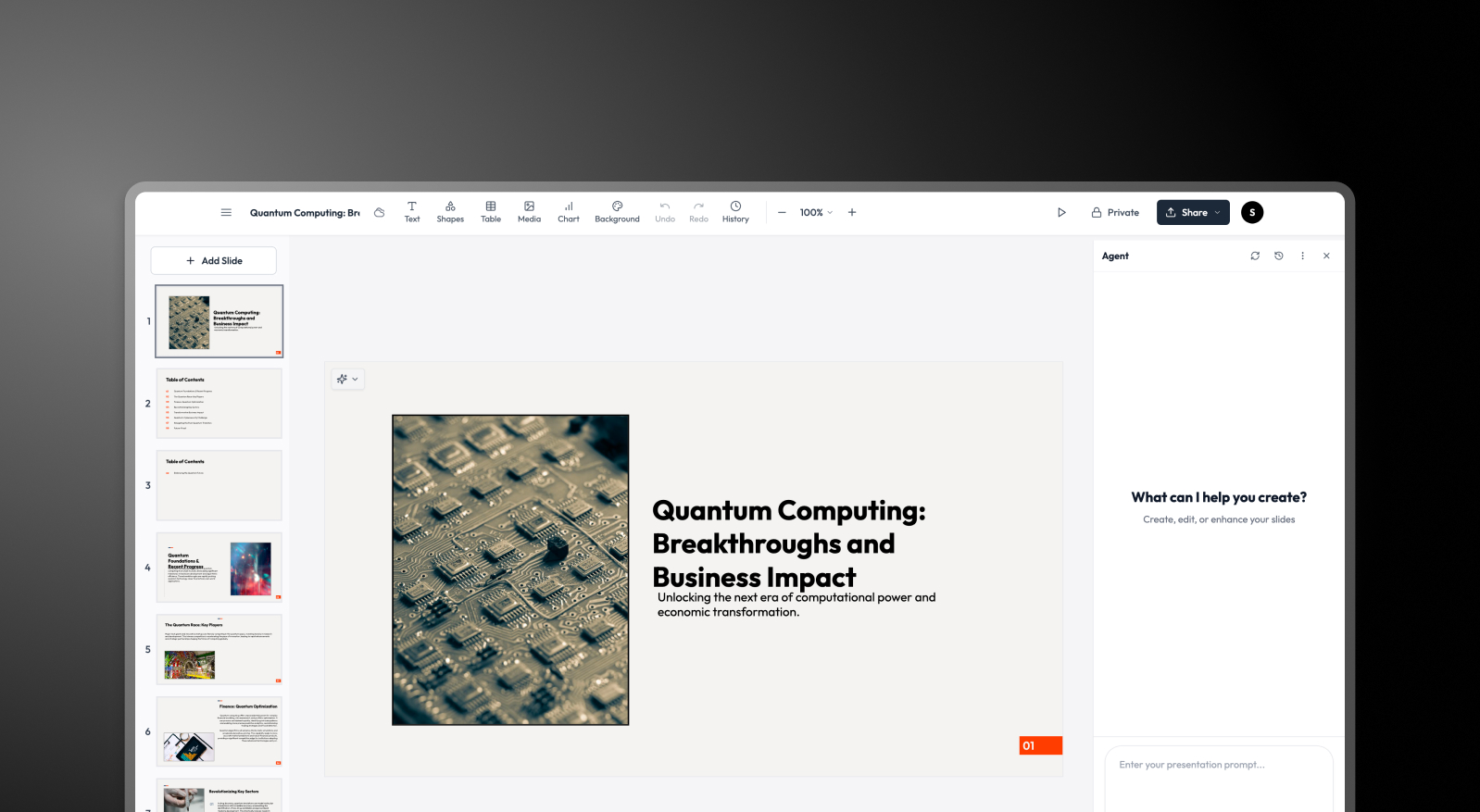


Summary: MagicSlides vs Presentations AI
MagicSlides is a prompt-driven AI slide generator — type a topic, get a text-based deck framework quickly. But the output consistently requires a second round of work: opening in Google Slides or PowerPoint, applying brand elements manually, fixing layouts, and adding visual polish before the deck is presentable. That extra round of work adds time and introduces inconsistency.
Presentations AI eliminates that second round entirely. A single input — document, outline, or prompt — produces a complete deck with layout, brand styling, animations, and high-fidelity PowerPoint export handled automatically. For teams where presentation speed and brand consistency are non-negotiable, the difference between a framework generator and a complete AI presentation maker is significant.
MagicSlides works for solo users who need a starting point and enjoy the design process. For anyone producing decks that go in front of clients, leadership, or large audiences, Presentations AI delivers the polish that MagicSlides requires you to add yourself. It is the faster, more complete solution.
How MagicSlides Works
Step 1: Enter a prompt – Type a topic or paste bullet points. This is the primary input MagicSlides works from.
Step 2: AI generates a text-based framework – The tool produces a basic slide structure with content organized into slides. Visual design is minimal at this stage. Presentations AI treats a slide as a designed unit instead, which is why its AI slide creator produces a finished slide rather than a placeholder.
Step 3: Transfer to an external editor – Import the output into Google Slides or PowerPoint to begin the actual design work — layouts, visual hierarchy, and image placement all done manually.
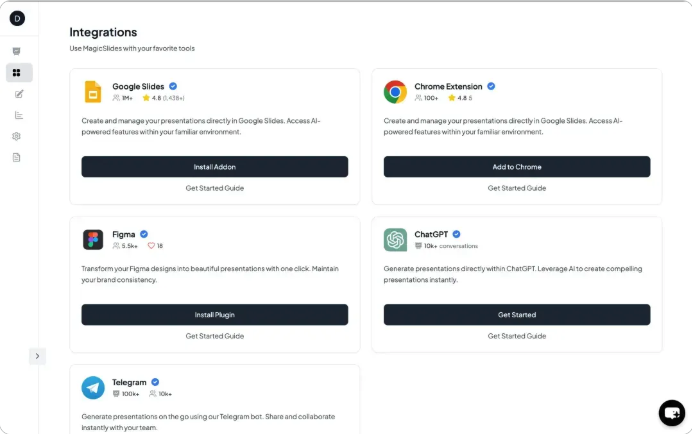
Step 4: Apply branding by hand – Fonts, colors, and logos are added manually in your external editor. Every new deck repeats this process from scratch.
How Presentations AI Works
Step 1: Sign up – Free plan available — no credit card, no lengthy setup.
Step 2: Upload your content – Drop in a PDF, Word doc, or outline. Presentations.AI parses your material and understands it in context — not just as raw text.
Step 3: AI handles design, brand, and animations – Layout, brand colors, fonts, transitions, and visuals applied automatically in a single generation pass. No external editor needed.
Step 4: Collaborate and export – Invite team members to co-edit in real time, then download a high-fidelity .pptx with every design element intact. Open in PowerPoint and it works — no fixes required.

Why Presentations AI is the Best Alternative to MagicSlides
One Platform, Complete Output:
MagicSlides produces a framework that needs finishing elsewhere. Presentations AI delivers a presentation that's ready to send — layout, visuals, animations, and brand included from the start.
Automatic Brand Compliance:
MagicSlides requires manual brand application in an external tool. Presentations AI pulls brand identity from your company URL once and applies it to every deck automatically — no repetition, no inconsistencies.
Genuine Design Intelligence:
MagicSlides organizes your text. Presentations AI applies real layout logic, visual hierarchy, and narrative structure — the difference between content that's placed and a presentation that's designed.
PowerPoint Export That Works:
MagicSlides output typically routes through Google Slides with partial formatting intact. Presentations AI exports high-fidelity .pptx natively — animations preserved, layouts clean, ready for any meeting room or client inbox.
Built for Teams:
MagicSlides has no collaboration layer. Presentations AI supports real-time multi-user editing, version control, and centralized brand management — built for teams, not just individuals.
The Business Reality
MagicSlides is a useful ideation tool — fast, lightweight, and good for getting thoughts into a slide structure quickly. For personal use or early-stage drafting, it earns its place.
But business presentations have a higher bar. MagicSlides saves you five minutes getting content into slides. It costs you thirty finishing them. For a team creating presentations weekly for clients, investors, and boards that's a hidden tax on every deck. The redesigning, rebranding, and reformatting work is done automatically by Presentations AI. The free tool isn't free when you account for the time it borrows.