





The Best AI Presentation Maker!

ChatGPT for Presentations

Type a topic. AI builds your full slide deck - branded and ready to present.

Try for free

No credit card required

chatgpt for presentations

Backed By

Together LogoAccel Logo

Trusted by over 10 million professional teams

TRUSTED BY

Google Logo
Adobe Logo
Microsoft Logo
Amazon Logo
Notion Logo
Facebook Logo
Google Logo
Adobe Logo
Microsoft Logo
Amazon Logo
Notion Logo
Facebook Logo
Google Logo
Adobe Logo
Microsoft Logo
Amazon Logo
Notion Logo
Facebook Logo

AI-powered Presentation Generator!

Benefits of Using Presentations.AI

Build ChatGPT Presentations in Seconds

Build ChatGPT Presentations in Seconds

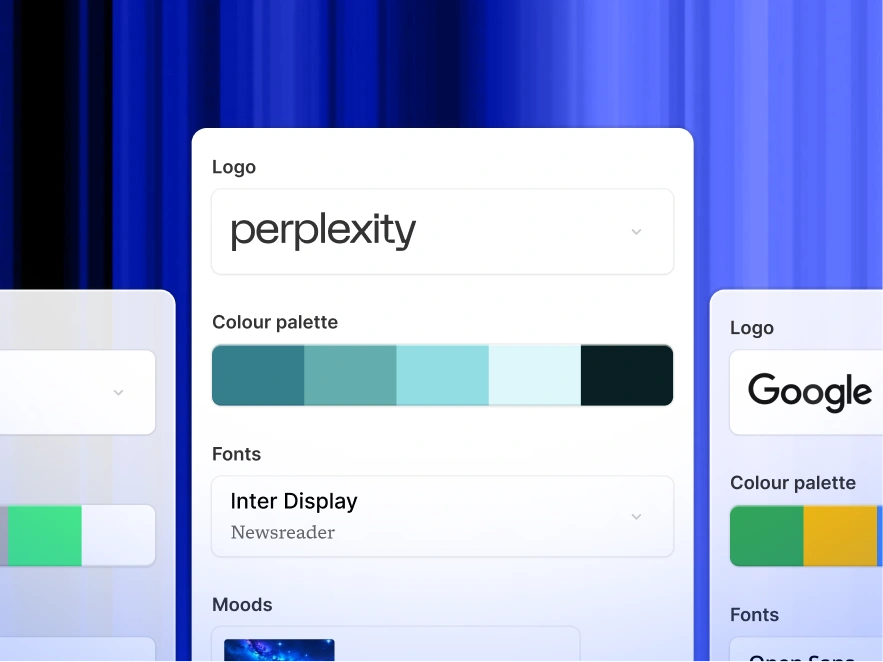
Auto Brand Kit — Colors, Fonts, Logo Applied

Auto Brand Kit — Colors, Fonts, Logo Applied

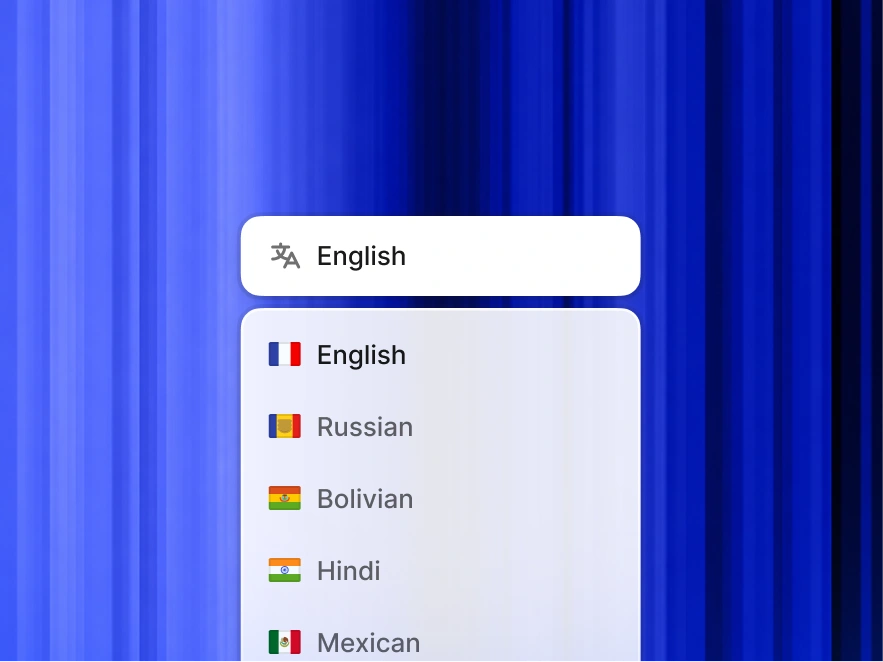
Works in Any Language — 30+ Supported

Works in Any Language — 30+ Supported

Share, Present, or Export to PowerPoint

Share, Present, or Export to PowerPoint

Edit and Customize Anything

Edit and Customize Anything

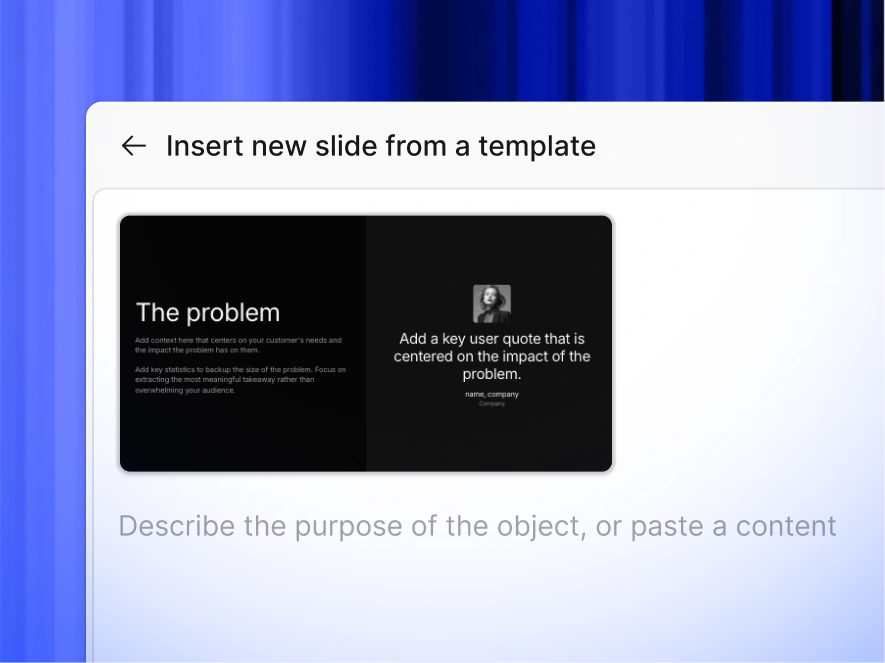
Access Millions of Templates, Icons, and Images

Access millions of templates,icons and images

Never start from a blank slide again

Type a topic, paste your notes, or upload a document. In minutes, you get a polished, structured presentation - edit or export directly to PowerPoint or Google Slides.

Try For Free

Transform the way you communicate with Presentations.AI, where innovative technology meets creative expression.

How to Create a ChatGPT Presentation in 3 Steps

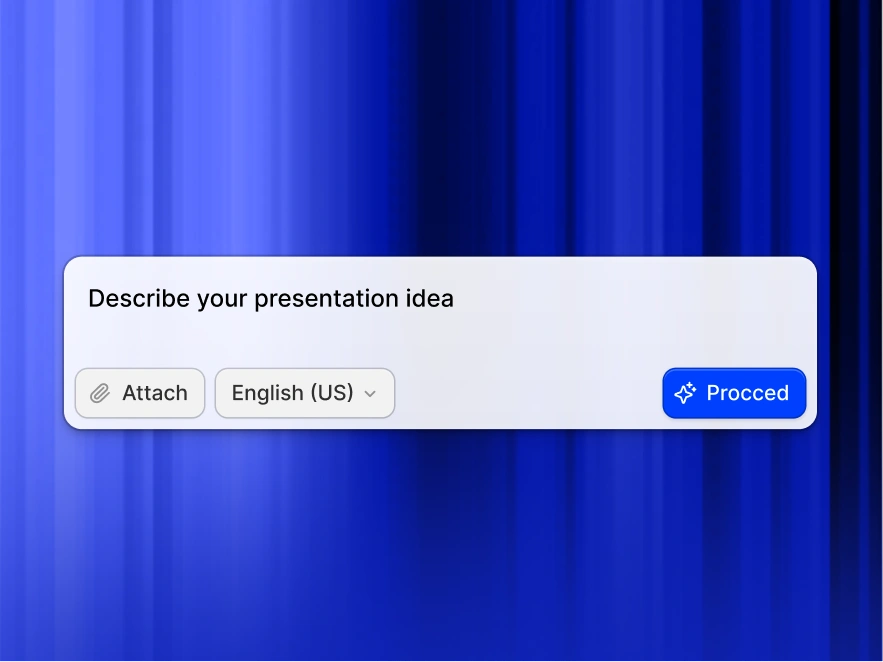
Step 1: Type your topic or paste your content

Start with your unique idea or requirement. Whether it's crafting an investment story or summarizing market research, just type in your prompt.
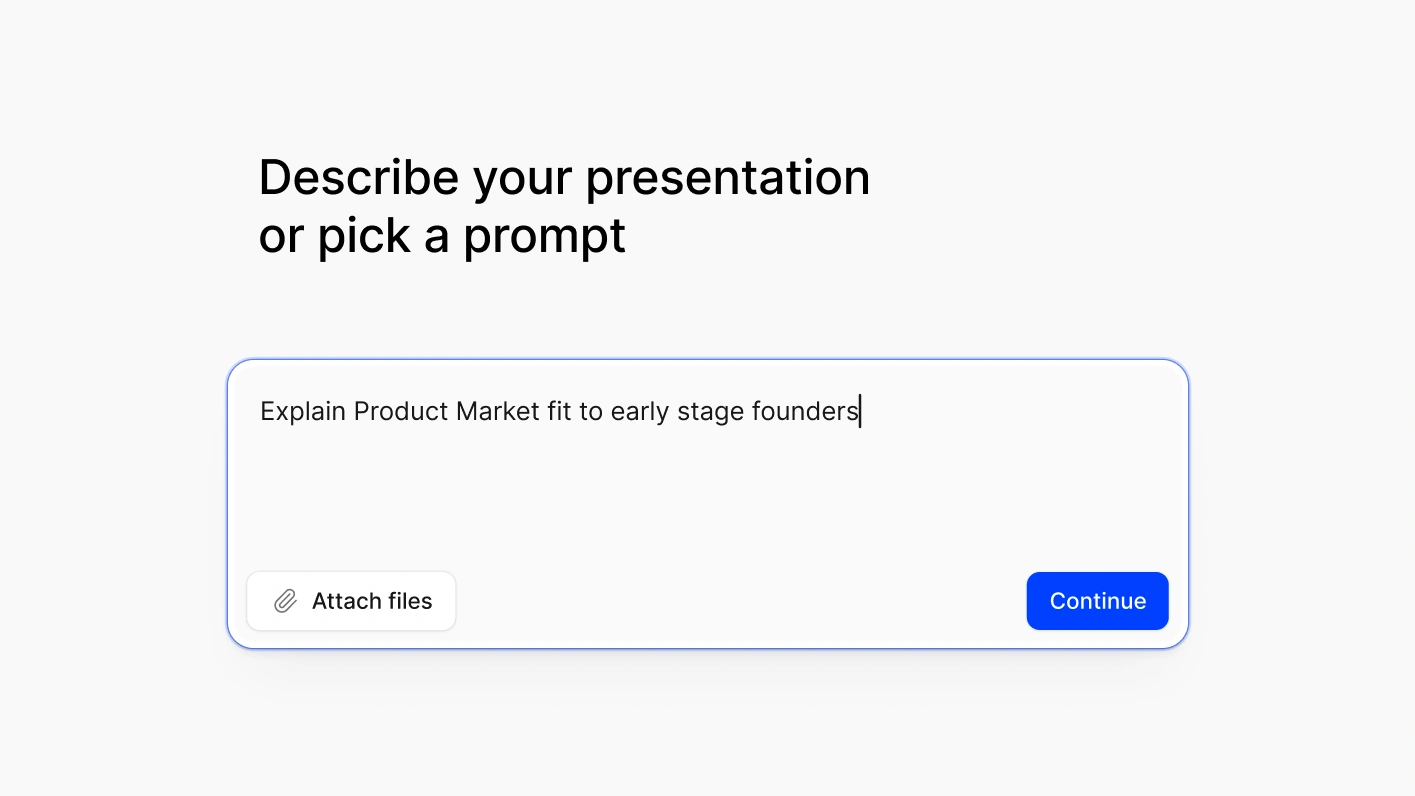
Type your topic or paste your content

Step 2: AI designs your slides with your brand

Select the number of slides you need. Our AI customizes the presentation to fit your story perfectly.
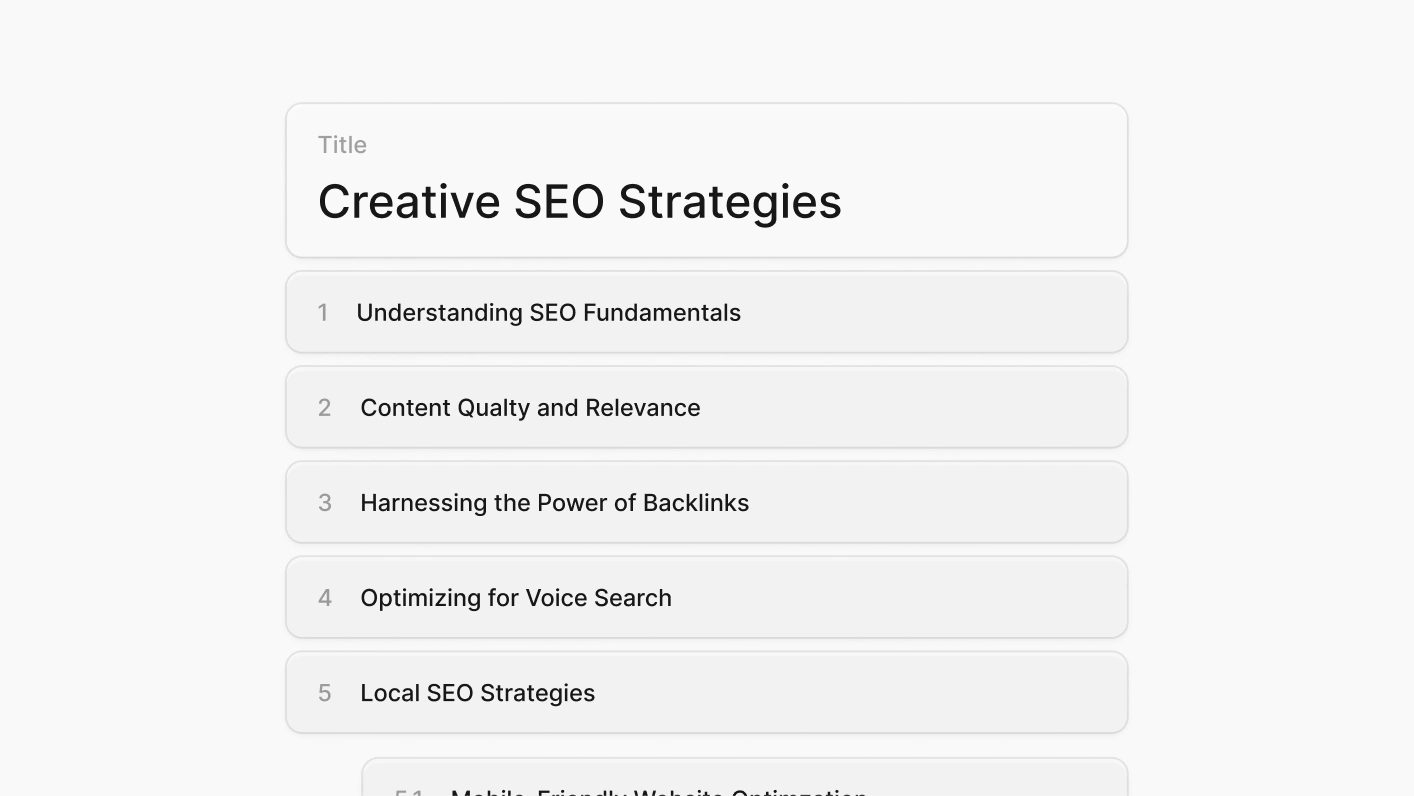
AI designs your slides with your brand

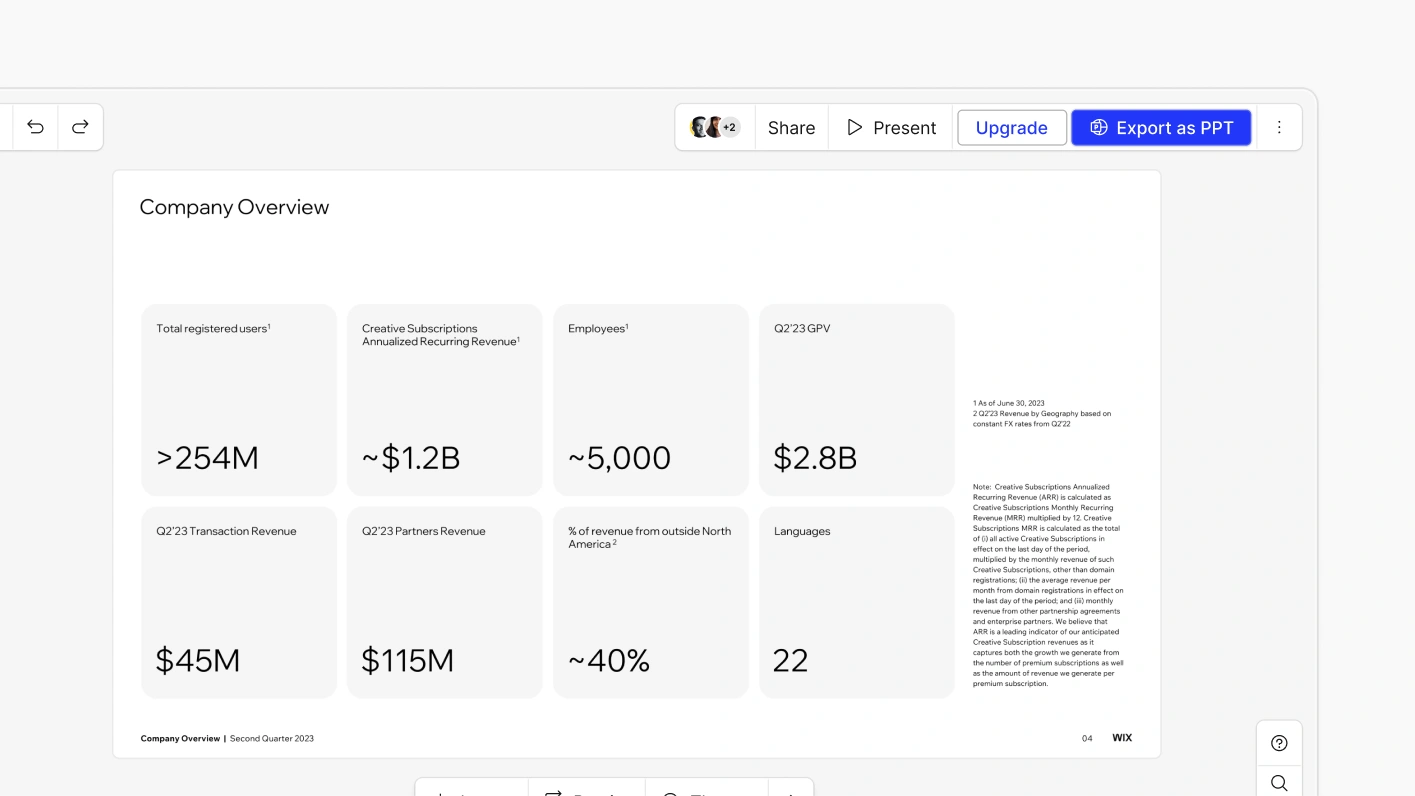
Step 3: Edit, export to PowerPoint, or share a link

Hit generate, and within seconds, your idea is now a presentation ready to captivate any audience.

Edit, export to PowerPoint, or share a link
Divider Lines

Frequently Asked Questions

What is ChatGPT for presentations?
Down IconUp Icon

'ChatGPT for presentations' means using AI to build slide decks from a prompt - instead of writing every slide manually. ChatGPT itself only generates text; it can't build actual slides. Presentations.AI is purpose-built for this: you give it a prompt, document, or URL, and it generates a complete, branded, editable PowerPoint deck in under a minute.

Can ChatGPT make a PowerPoint presentation?
Down IconUp Icon

Not directly. ChatGPT can write slide content as text, but it can't build the actual .pptx file, apply layouts, or design slides. You'd still have to copy the text into PowerPoint and design every slide yourself. Presentations.AI handles the full process - content, layout, branding, and export and gives you a finished PowerPoint file.

How is Presentations.AI different from using ChatGPT directly?
Down IconUp Icon

ChatGPT writes slide content as text. You still have to copy it into PowerPoint, build layouts, apply your brand, and format every slide manually. Presentations.AI does all of that for you. It generates the content, builds the slide structure, applies your brand, picks layouts, and exports a finished, editable PowerPoint file - in one step. The output is a deck that's ready to present, not a list of bullet points you still need to turn into one.

How does the ChatGPT PPT Maker work ?
Down IconUp Icon

Type a topic, paste an outline, or upload a document (Word, PDF, or URL). Presentations.AI reads your input, builds a complete presentation with the right layout for each slide, applies your brand, and exports a ready-to-present deck. No manual design work needed.

Can I edit the slides after the AI creates them?
Down IconUp Icon

Yes. Every slide is fully editable. Text boxes, layouts, charts, and shapes are all live elements - nothing is locked or flattened. You can edit directly in the platform or after exporting to PowerPoint.

Will the slides match my brand colors, fonts, and logo?
Down IconUp Icon

Yes. Paste your company website URL and Presentations.AI pulls your brand colors, fonts, and logo automatically - then applies them across every slide. No manual setup, no asset uploads, no template configuration. Every deck stays on-brand without anyone having to enforce it.

Can I export my AI presentation to PowerPoint?
Down IconUp Icon

Yes and it actually works. Every export is a real .pptx file with editable text boxes, native charts, and shapes that open normally in PowerPoint and Google Slides. No flat images, no broken formatting, no cleanup required.

What types of presentations can I create?
Down IconUp Icon

Business decks, sales pitches, investor presentations, internal reports, board reviews, educational content, and more. You can start from a prompt, a document, or a template, and customize the output for your specific audience. For a single slide - a chart, summary, or title card - the AI slide creator handles it without building a full deck.

How much time does this save vs building slides manually?
Down IconUp Icon

Instead of spending hours on structure, layout, and design, you get a complete, presentation-ready deck in under a minute. Teams report saving several hours per presentation compared to building manually in PowerPoint.

Is the ChatGPT PPT maker free to use?
Down IconUp Icon

Yes. You can create 3 full presentations for free, no credit card needed. Each free deck is fully functional, branded, structured, and exportable. Paid plans unlock unlimited presentations, editable PowerPoint export, custom brand kits, analytics, team collaboration, and live data connections.