

Simplified vs Presentations.AI: An Honest 2026 Comparison

What is Simplified?

What is Simplified?

Design and marketing suite featuring templates for social media and branding, basic collaborative tools, and some AI copywriting or content generation. Jack-of-all-trades but lacks deep AI for full-scale presentation creation.

What is Presentations.AI?

What is Presentations.AI?

An AI presentation platform built for one thing: converting documents, outlines, and prompts into fully designed, branded, export-ready PowerPoint decks — with none of the overhead of a multipurpose marketing tool.

Simplified vs Presentations.AI: Feature Comparison

Simplified is a marketing tool that happens to include presentations. Presentations AI is a presentation tool, built from the ground up for that single output. When AI is focused on one problem instead of spread across ten, the results show — in output quality, brand consistency, and time from input to finished deck.
Capability Simplified Presentations AI
Primary Focus Marketing assets (ads, posts, visuals) Specialized AI-driven presentations
AI Depth Some copywriting & design suggestions Full slide generation + brand compliance
Brand Consistency Manual or partial brand kit Automated brand-sync per slide
Export PNG, PDF, occasionally PPT High-fidelity PPT export
Content Creation Manual input with limited AI assistance AI-generated content, summaries, and slide structure
Design Workflow Template-based editing with manual adjustments End-to-end automated slide design and layout
Ease of Use 4.0 / 5 4.5 / 5

Ready to Experience Effortless AI Presentation Creation?

Discover how Presentations.AI can transform your outline or document into a stunning, on-brand presentation within minutes!

Get Started for Free

Simplified and Presentations.AI at a Glance

Simplified is a capable marketing suite for teams producing social content, ads, and branding materials at volume. Its AI assists with copywriting and image generation across those formats — but presentations are an afterthought, with limited templates, shallow design automation, and basic PPT export that often requires manual cleanup.

Presentations AI applies every capability toward a single outcome: a polished, boardroom-ready slide deck. Input a document or outline and the platform generates a complete presentation — brand colors, fonts, logos, layout, and animations handled automatically. No template browsing, no manual brand configuration, no reformatting after export.

For marketing teams already living in Simplified for social content, adding Presentations AI for slide decks is a sharper division of labor than forcing a marketing suite to do a job it wasn't designed for.


How Simplified Works

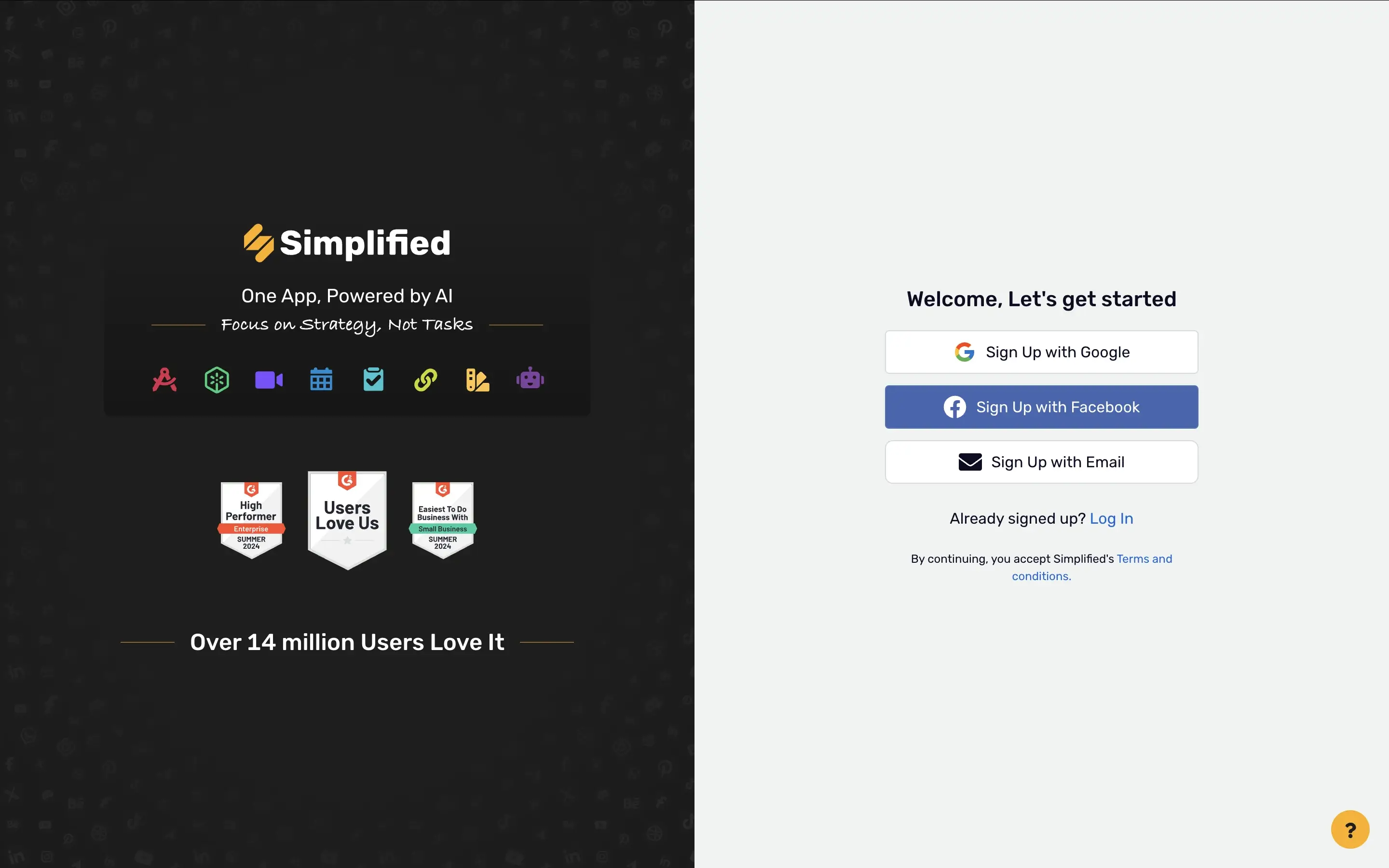
Step 1: Sign up – Free plan available with paid tiers for advanced features across the full design suite.

Simplified sign-up step screenshot

Step 2: Choose a template – Browse categories spanning social posts, flyers, ads, and limited presentation templates. Presentation options are narrow compared to the platform's core use cases.

Step 3: Edit manually – Build your design using text boxes, color pickers, and brand kit tools. AI assistance is available for copy and image suggestions but layout work is largely manual.

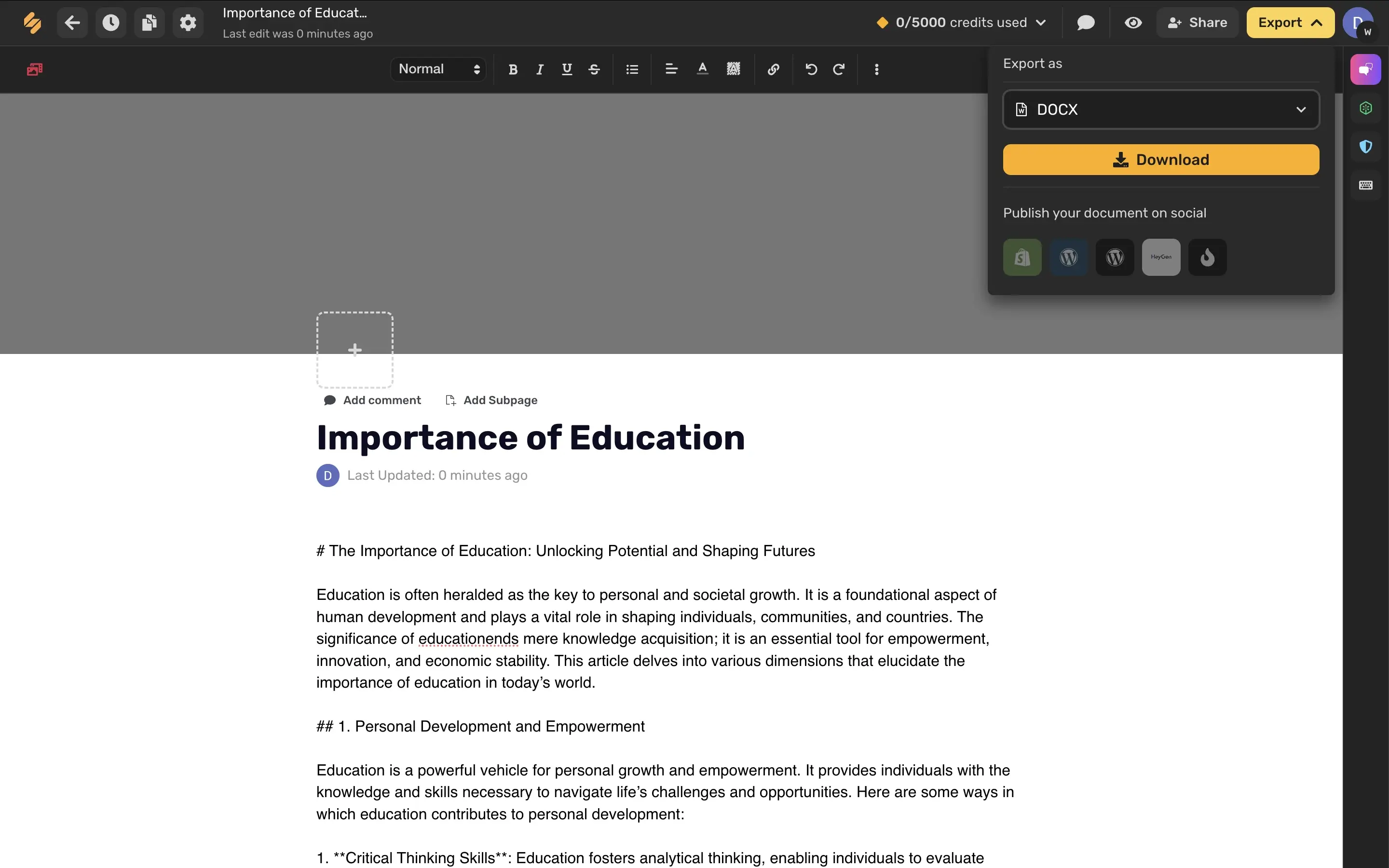
Step 4: Export – Download as image, PDF, or basic PPT. PowerPoint export works but isn't the platform's primary output, formatting inconsistencies are common.

Simplified export step screenshot


How Presentations AI Works

Step 1: Sign up – Free plan includes 5 full AI presentations. No credit card required.

Step 2: Input your content – Upload a Word doc, PDF, or type an outline. Presentations AI reads your material in context — not just as text to reformat.

Step 3: AI builds the complete deck – Every slide auto-populated with content, brand styling, layout, and visuals in one generation pass. No manual design work required.

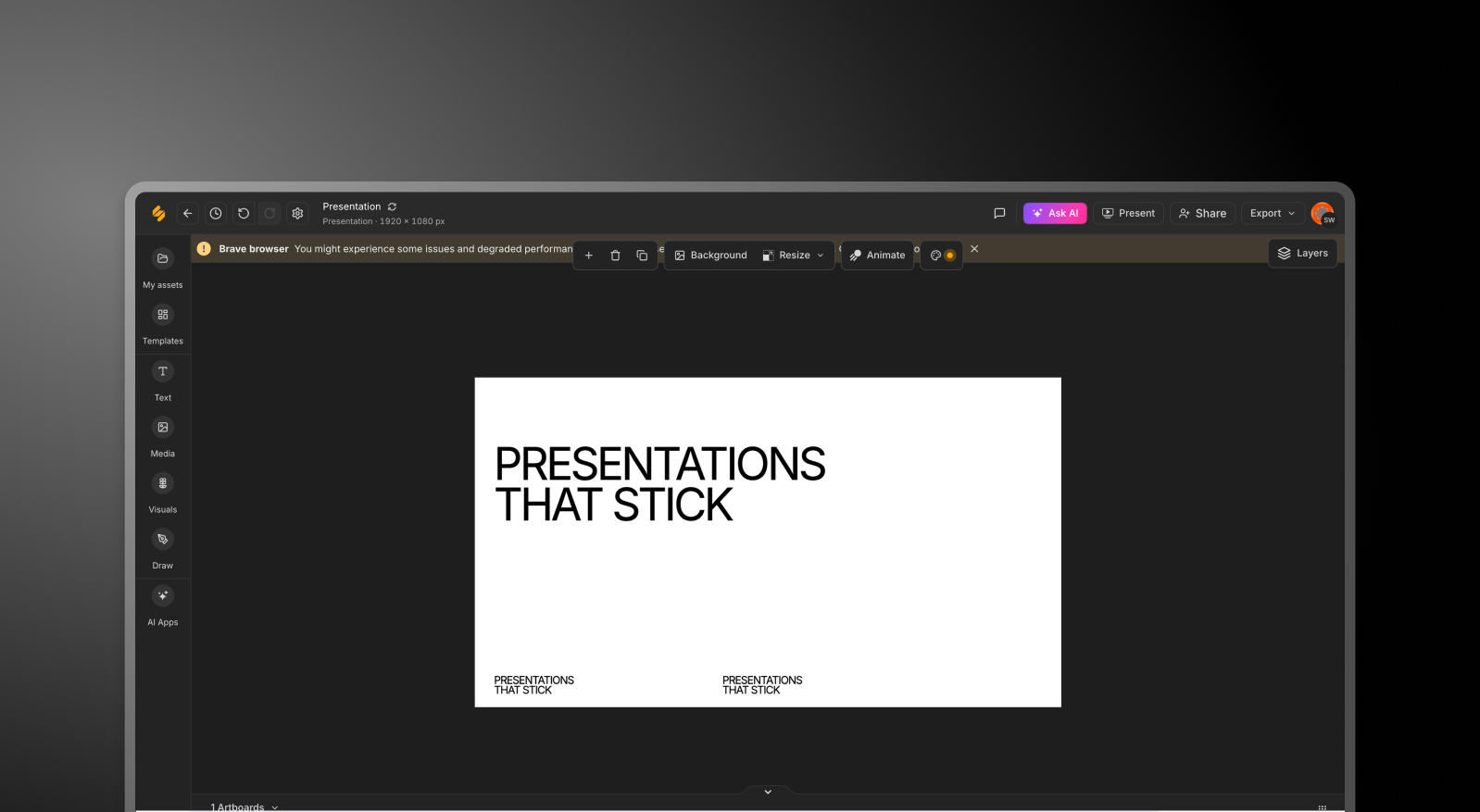
Step 4: Adjust and export – Make any final edits, then download a high-fidelity .pptx with full design fidelity — or present directly online. Clean PowerPoint output, every time.

Presentations.AI adjust and share step screenshot


Five Reasons Teams Choose Presentations.AI Over Simplified

Depth Over Breadth: Simplified spreads its AI across social content, ads, and copy. Presentations AI puts everything toward one output — slides. The difference in quality shows.

Brand That Applies Itself: Simplified's brand kit is configured manually per project. Presentations AI needs your company's URL just once and every deck is automatically on-brand.

No Second Tool Required: Simplified's presentation output needs finishing elsewhere. Presentations AI delivers a complete, designed deck in one pass — no transfer, no reformatting.

PowerPoint Export Done Right: Simplified's PPT export is basic and inconsistent. Presentations AI outputs high-fidelity .pptx natively — animations preserved, layouts clean, ready to send.

Built for Boardrooms, Not Social Feeds: Simplified is optimized for marketing content. Presentations AI is built for client meetings, investor pitches, and board reports — the design logic reflects that difference.

Why Marketing Suites Struggle With Boardroom Decks

Picture this: your team has a client pitch in two hours. Someone opens Simplified, picks a presentation template from a library built for social media, manually applies brand colors, and starts copying in content from a report. Forty minutes later, the deck is half-built and the export has font issues.

With Presentations AI, that same report gets uploaded, the AI structures the narrative, brand is applied automatically, and a clean PowerPoint export is ready in minutes — leaving the team time to actually prepare for the meeting instead of fighting the tool.

Simplified is the right choice for marketing teams producing social content at scale. But for the presentation that needs to land in a boardroom or close a deal, a dedicated AI presentation platform consistently outperforms a generalist design suite.

Divider Lines

Frequently Asked Questions

What is the main difference between Simplified and Presentations.AI?

Down IconUp Icon

The main difference is focus. Simplified is an all-in-one marketing suite that bundles a designer, video editor, social media manager, AI writer, and presentation maker into one platform. Presentations.AI is built exclusively for slide decks, with AI generating complete branded presentations from documents or prompts. Simplified spreads its AI across many formats. Presentations.AI concentrates everything on a single output.

Is Simplified free?

Down IconUp Icon

Yes, Simplified has a free plan with a one-time quota for AI generation across images, presentations, carousels, and other design features. Once the quota is used, generation stops until you upgrade to a paid plan that refreshes monthly. Presentations.AI offers a free plan with five complete AI-generated presentations, no shared quota across other content types, no credit card required, and full PowerPoint export included.

Can you export from Simplified to PowerPoint?

Down IconUp Icon

Simplified offers PNG, PDF, and limited PowerPoint export, though PPT output is inconsistent and not the platform's primary focus. Many users report formatting issues and missing fonts on export. Presentations.AI exports a high-fidelity .pptx file natively, with animations, layouts, and brand styling preserved exactly as designed in the editor. PowerPoint compatibility is the default, not an afterthought.

Does Simplified have AI for presentations?

Down IconUp Icon

Yes, Simplified has an AI Presentation Maker powered by GPT-5.1 that generates a 10-slide deck from a topic prompt, with templates for business, marketing, and educational use cases. The AI works well for first drafts but is one of several AI tools in the suite rather than the core focus. Presentations.AI is AI-native and built around presentation generation specifically, producing complete branded decks in a single pass.

What is the best alternative to Simplified for business presentations?

Down IconUp Icon

Presentations.AI is the strongest alternative for teams whose primary deliverable is presentations rather than mixed marketing content. It generates complete decks from documents or prompts, applies brand styling automatically through company URL sync, includes 10,000+ business-specific templates, and exports a clean PowerPoint file with no formatting issues. For decks meant for boardrooms, sales pitches, and client meetings, the workflow consistently outperforms a generalist suite.