


High-quality AI presentations in minutes
Turn Ideas, Documents, and Data Into Presentation-Ready Decks
Effortlessly create and update high‑quality, on‑brand AI presentations at scale. Generate editable PowerPoint files faster than ever before.
No credit card required
Backed By


Trusted by over 10 million professional teams
TRUSTED BY







What is Presentations.AI
Presentations.AI is an AI presentation platform that turns ideas, documents, and URLs into professional slide decks in minutes. It automatically applies your brand, helps create compelling content, and exports directly to PowerPoint, making it effortless to go from concept to presentation-ready deck.
BUILT FOR BUSINESS
The World's Most Popular AI Presentation Maker For High-Stakes Presentations

SOC 2 Type II Certified.
Over 10 million enterprise teams worldwide trust us with mission-critical presentations

Enterprise-ready Compliance.
GDPR compliant with flexible data controls and enterprise-grade security.
PROBLEM
Why do most presentations lead to nothing? Presentations is a clarity problem.
Creation is a grind.
You spend hours building slides. But the room still asks, “What’s the point?” You have wasted time focusing on design instead of outcomes.

Data gets old fast.
Updating a monthly report means ten open tabs, copy-pasted numbers, and the quiet fear that something is wrong.

One size fits no one.
You know personalized decks work better, but customizing a deck for every single client is just too much manual work.

SOLUTION
Presentations.AI solves all three. AI to create, update, and scale professional presentations.
Think of Presentations.AI as "ChatGPT for Presentations" - turn raw input into structured, decision-ready slide decks. From first draft to final presentation, Presentations.AI helps teams create professional, brand-ready presentations faster.
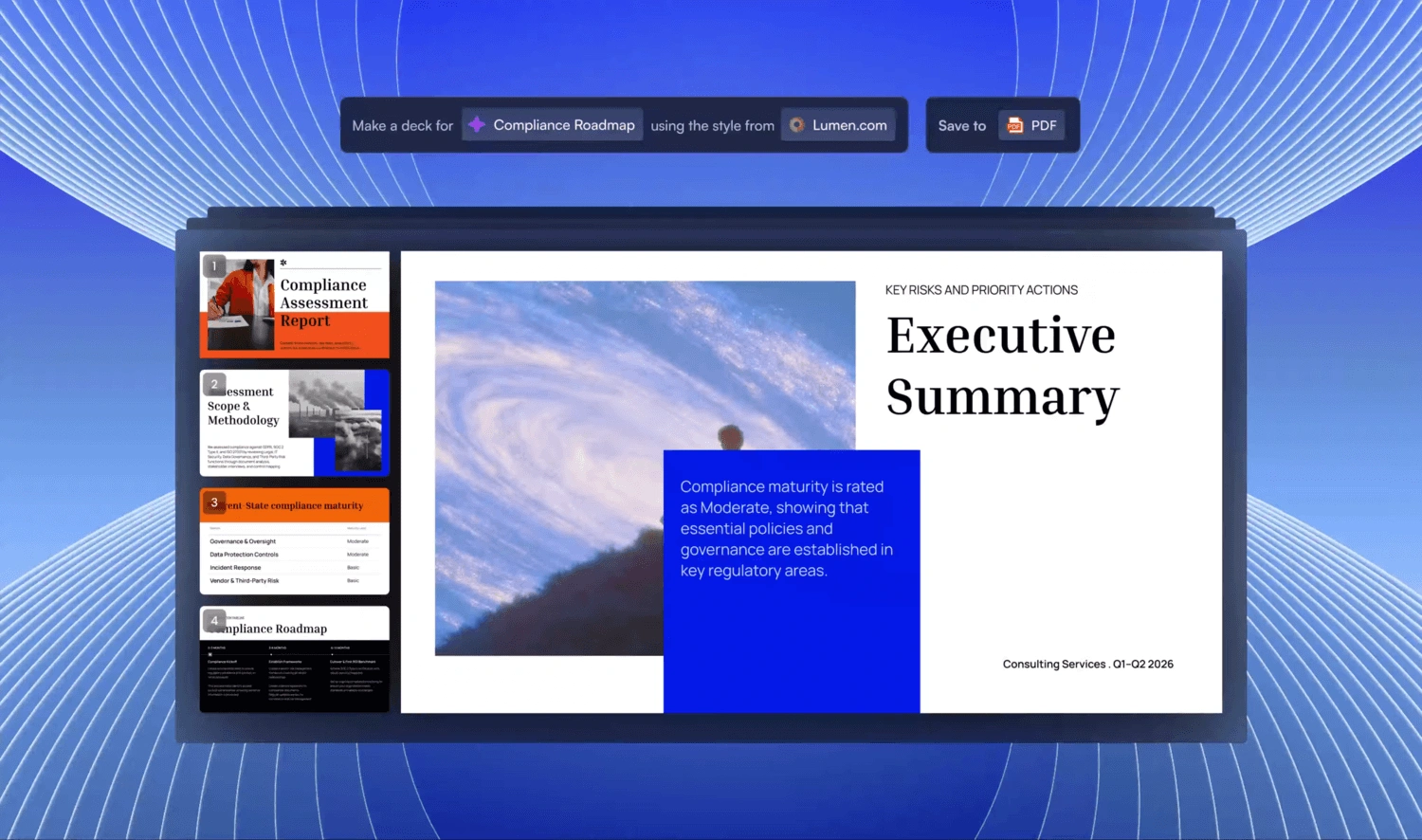
Turn Anything Into a Decision-Ready Presentation
Type a topic, paste notes, upload a document, or share a link. Our AI Presentations Maker builds a structured presentation with clear flow, strong framing, and ready-to-use slides - no blank slides, no formatting work.
Start With Anything You Have
Text, PDFs, Word docs, URLs, Google Docs, and Excel files. If you have content, there's nothing to prepare.
Structured For Your Objective
The AI sequences differently for an investor pitch, a sales deck, and a board presentation. You tell it what the deck needs to achieve. It builds accordingly.
Instant Branding
Paste your website URL. Our proprietary “Brand Sync” capability pulls your logo, fonts, and colors automatically. Every slide looks like you.
Native PowerPoint Export
Download a fully editable .pptx file. Open it in PowerPoint or Google Slides - nothing moves, nothing breaks.
Stop Rebuilding Presentations From Scratch
Most presentations get rebuilt from scratch every time. Refresh starts from your master - the version you already got right - and adapts it. New month's data, new prospect, new context. Your structure and design stay intact.
Set Up a Master Template
Create or import a master presentation - a high-value sales deck or a quarterly report template for eg. Set up update rules.
Data-Driven Updates
Connect your master to Salesforce, HubSpot, Google Sheets, Tableau, Looker, Databox, Mixpanel, PostgreSQL, MySQL, Snowflake, and 50+ more. Set a schedule - daily, weekly, or monthly. When your data changes, the deck changes with it.
Audience Customization
Take your best sales proposal. Drop in a new prospect's company, industry, pain points, and relevant context. Get a tailored version in minutes - without touching the slide structure or redesigning anything.
Update Rules
Define once what stays fixed - your narrative, your design, your brand - and what adapts - the data, the recipient, the numbers. Refresh handles the rest.
Generate Presentations At Scale
Add AI Presentations to your product or workflow. Create hundreds of personalized presentations from a single source of truth. Each one consistent, accurate, and relevant.
Personalization at Scale
Feed in your data. Get back hundreds of decks - each with the right client name, logo, numbers, and narrative. One source, unlimited outputs.
White-Label
Your users get AI presentation capabilities inside your product. They see your brand. They never see ours.
Trigger From Anything
No code: connect via Zapier or Make. With code: REST API and webhooks. Generate a deck the moment a form is submitted, a project starts, or a deal moves to proposal stage.
Not better presentations. Better outcomes. Built for how decisions actually get made Who Uses Presentations.AI?
Founders
Sales
Product Teams
Product Managers
Marketers
Freelancers
Customer Success
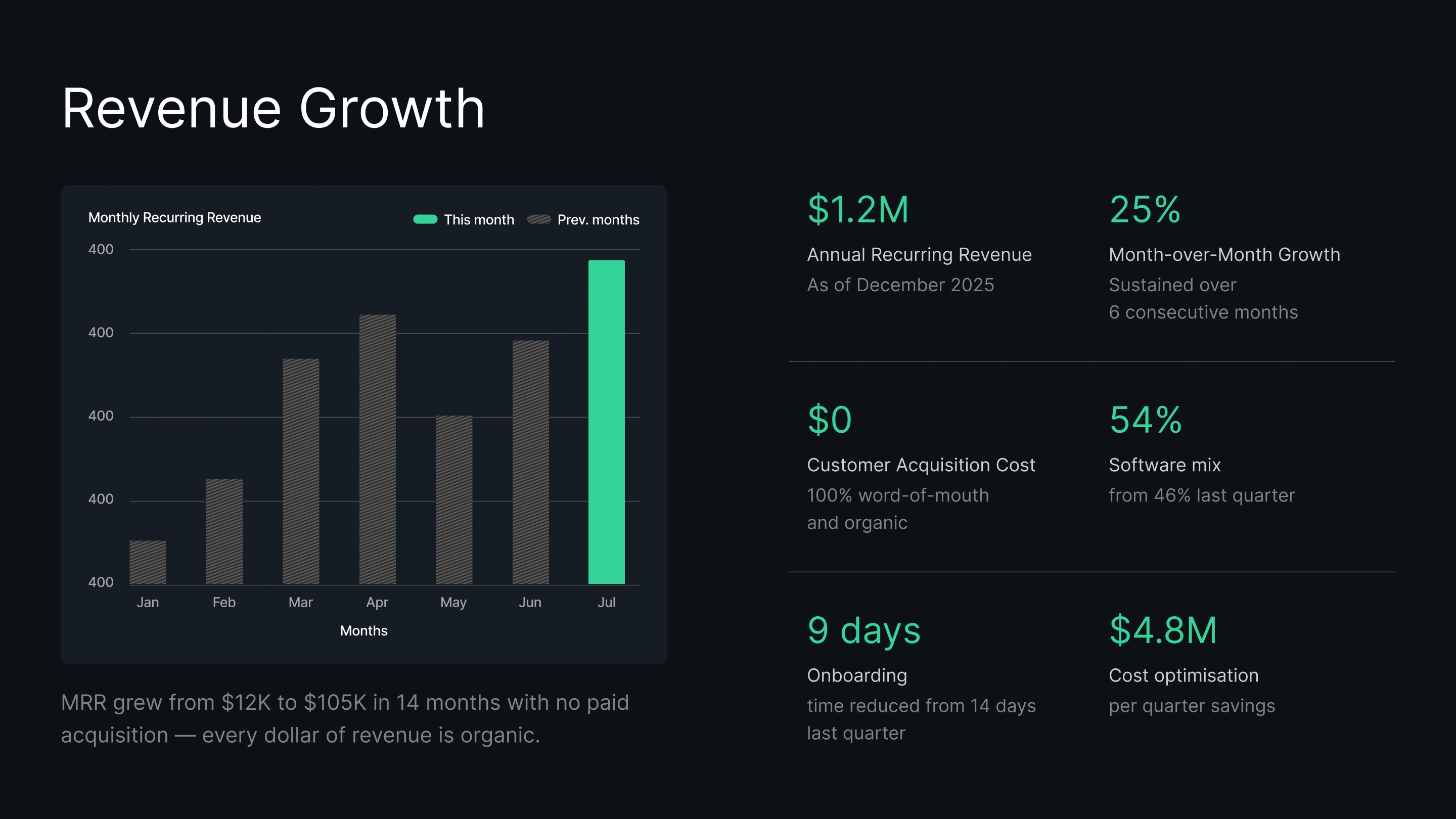
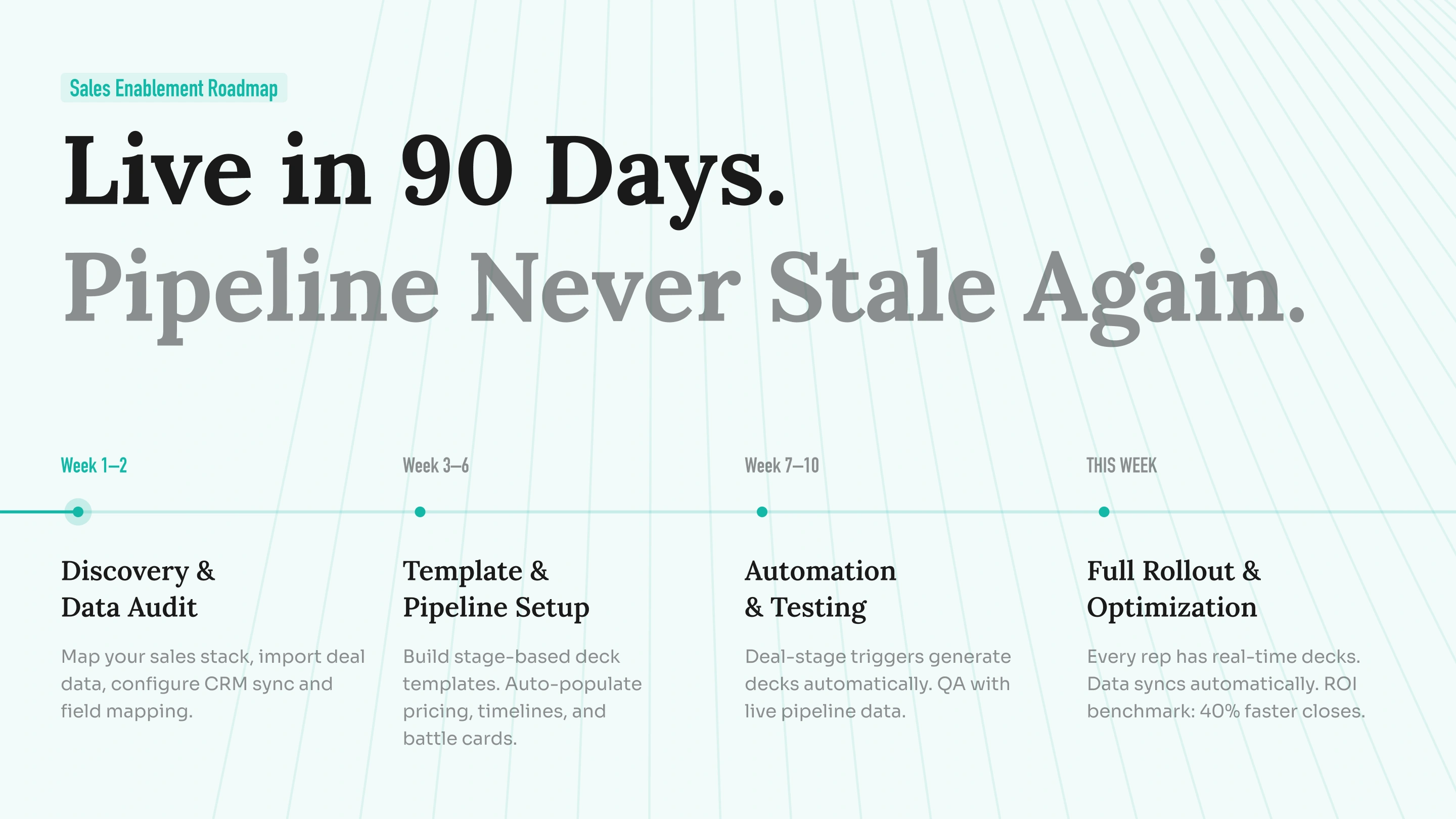
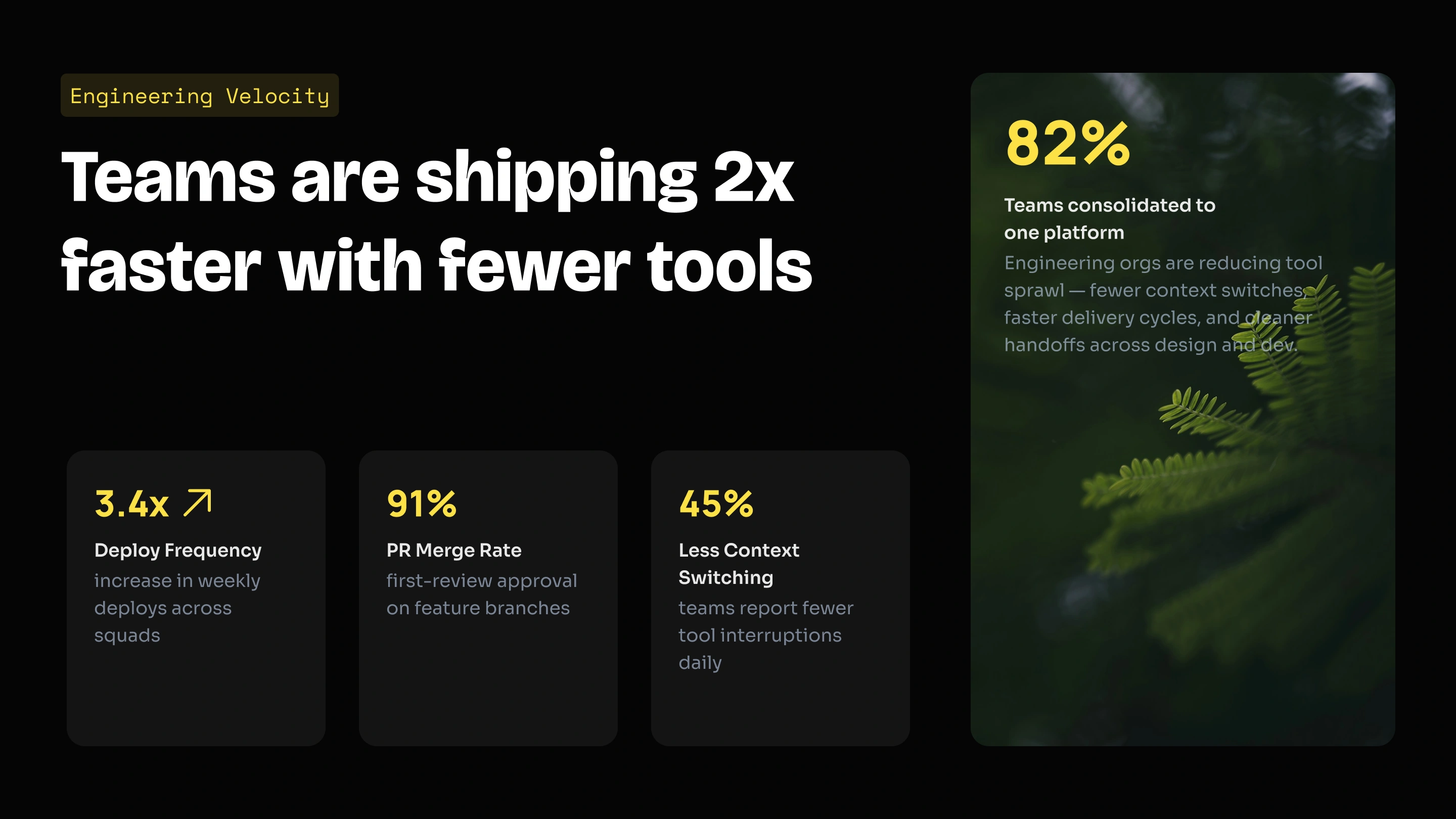
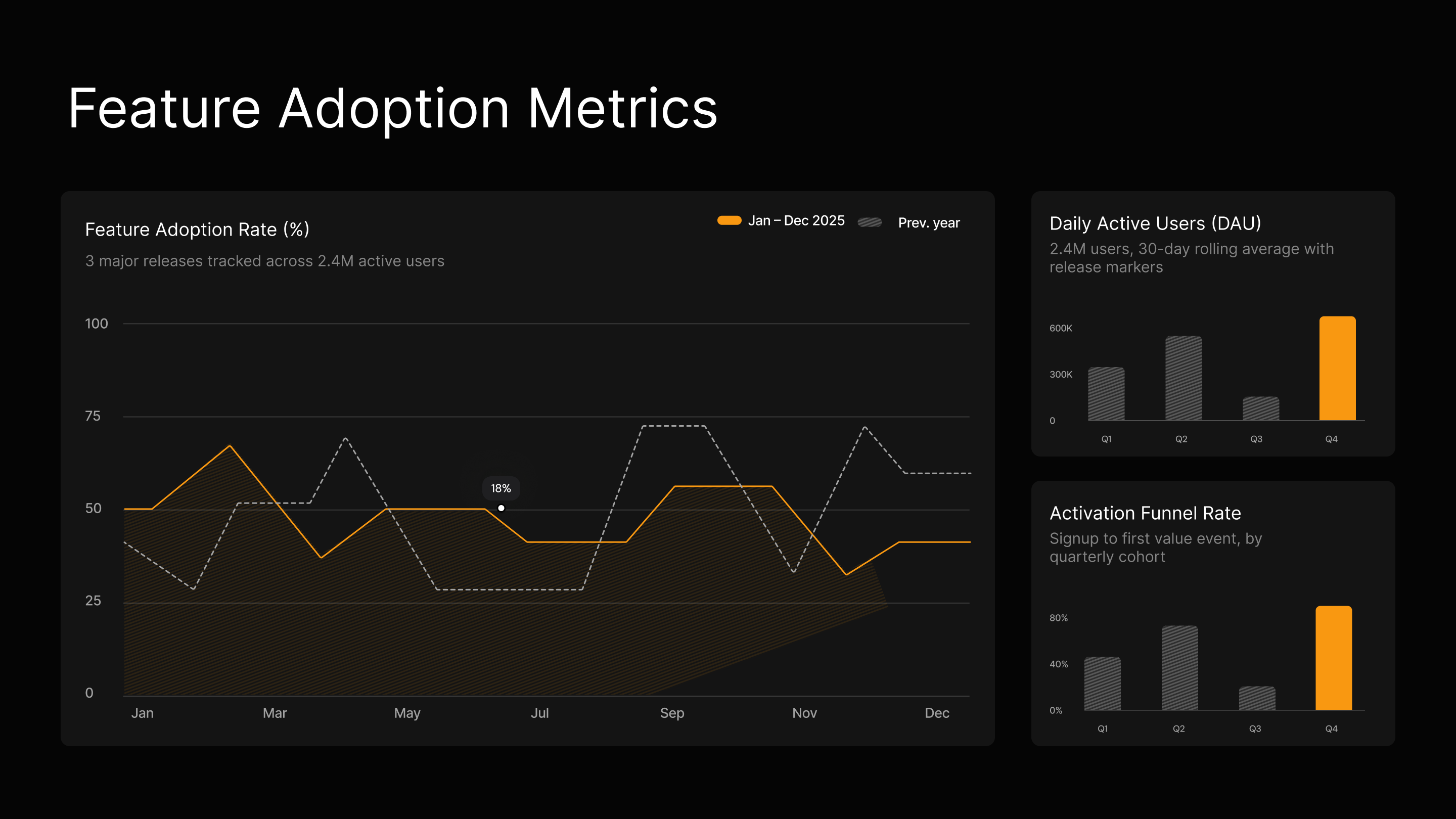

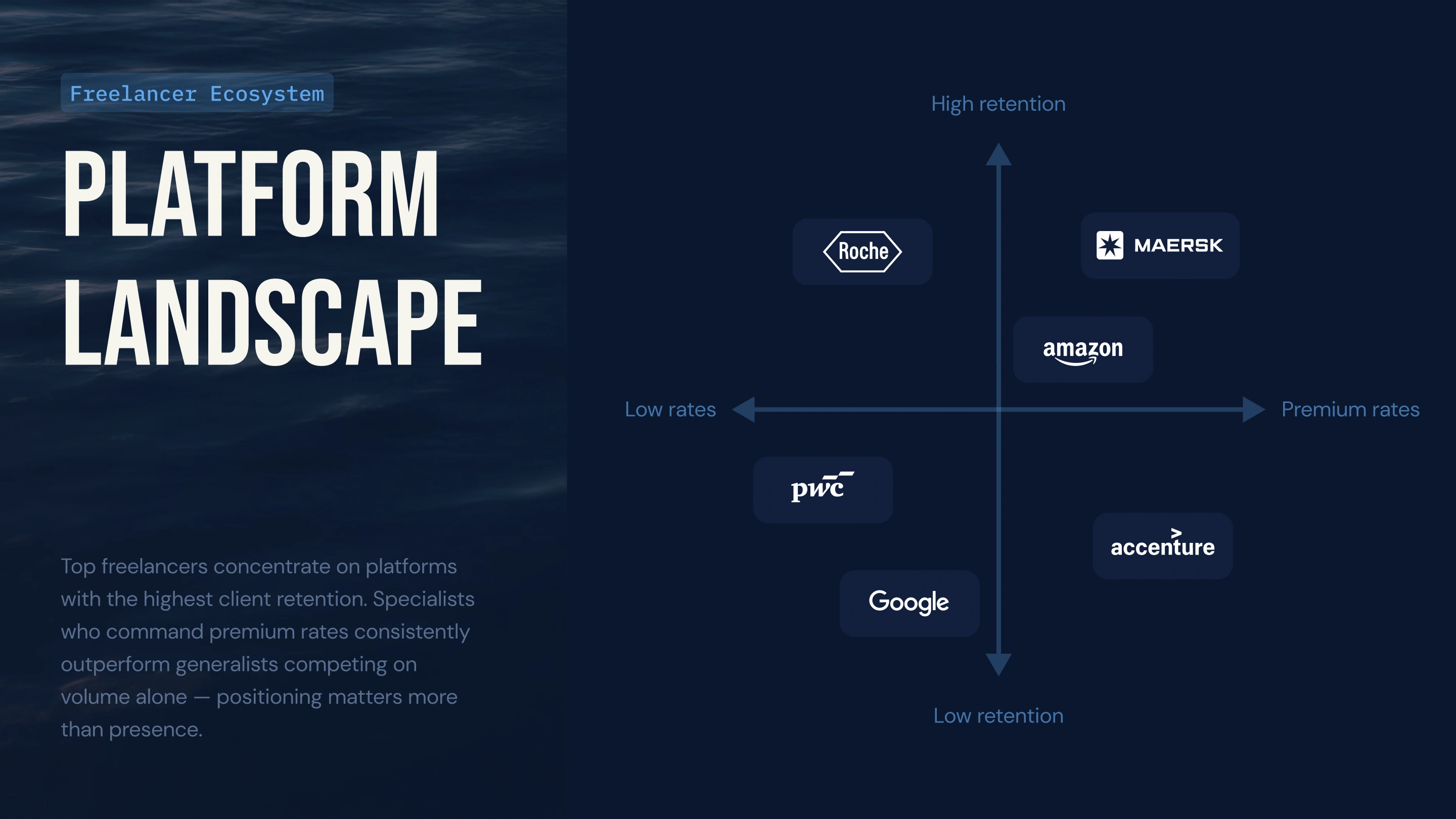
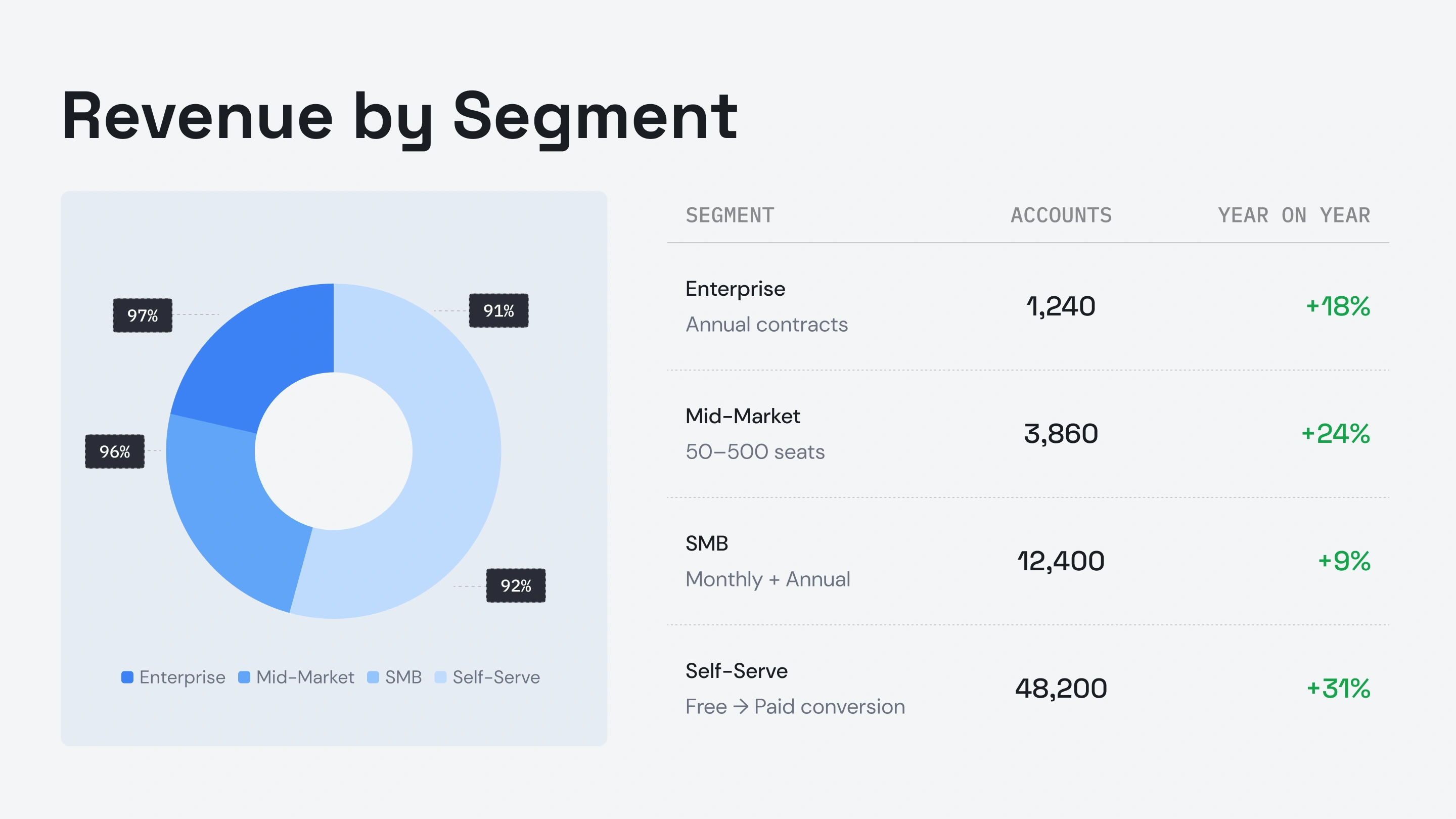

Testimonials
Hear what teams around the world are saying about Presentations.AI

I needed a pitch deck for investment but had no business background. Your AI created a near-perfect presentation in minutes.

Your product is clearly extremely good with the research part. I got data about the startup that I didn’t even know existed. The design and the animations are also great, and I found the overall product a really helpful, useful and dynamic tool.

Your product was very good at creating a presentation based on my prompt and short brief of a technical topic. The subject content generated for the scenarios was particularly interesting in how it was structured and the layout with use of animation was particularly surprising. Overall a game changer!

After drafting long documents, I struggle to summarize them and prepare presentations. I found the platform surprisingly intuitive and effective. The quality of the presentation is exactly what we needed for our first client presentation.

ENTERPRISE
Built for How Enterprise Presentations Actually Get Created, Reviewed, and Delivered
Design That Doesn’t Break.
Layouts adapt to your content automatically: no manual fixes, ever.
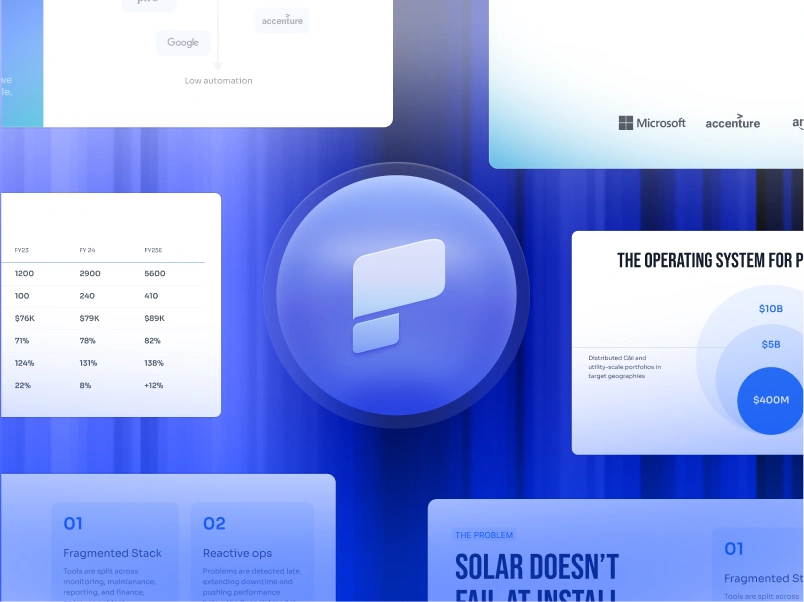
Scheduled Presentation Generation.
Reports and decks generate automatically—no manual work.
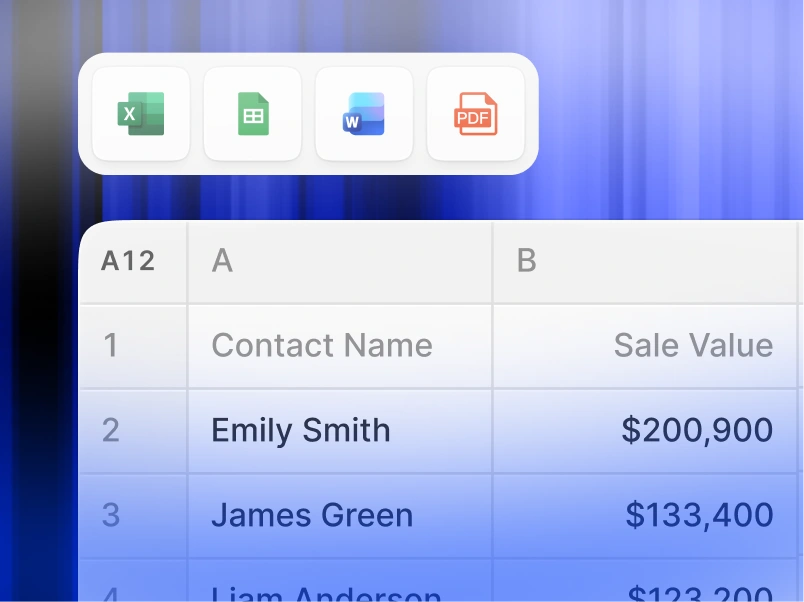
Multi-Team Workspaces.
Separate teams, brand systems, and permissions—fully controlled.

Start Free. Scale As You Grow.
Create professional presentations in minutes. Upgrade when you need PowerPoint export, advanced models, branding, collaboration, and enterprise controls.
Start
Frequently Asked Questions
What is Presentations.AI?


Presentations.AI is an AI tool that turns your ideas, documents, or data into ready-to-present slide decks. Give it a prompt, a Word doc, a PDF, or a URL - it builds the narrative, writes the copy, picks the right layout, and applies a clean design. You get a finished presentation in under a minute.
How do I create a presentation with AI?
Start with any input - type a topic, paste your notes, upload a Word doc or PDF, or share a URL. Presentations.AI reads your content, builds a structured deck with clear flow, and applies a clean design. You can edit the slides and export them to PowerPoint or Google Slides in one click.
Can AI create PowerPoint presentations automatically?
Yes. Presentations.AI creates complete PowerPoint decks automatically from your input - no manual setup. You can download the deck as a native .pptx file that opens in Microsoft PowerPoint or Google Slides with all text, layouts, and fonts intact.
Who is Presentations.AI for?
Presentations.AI is built for anyone who needs to turn ideas into decisions through presentations - founders, sales teams, marketers, product managers, consultants, and trainers. It's used across startups, enterprises, and agencies wherever clear decks move work forward.
How is Presentations.AI different from Gamma, Canva, and Copilot?
Most AI presentation tools focus on speed. Presentations.AI focuses on outcomes - clearer decks, faster alignment, fewer follow-up meetings. Gamma is built for web-first, one-time presentations. Canva is a general design tool, not a presentation platform. Copilot works inside PowerPoint but can't connect to live data or generate decks at scale. Presentations.AI is the only platform that combines deck creation, data-connected refresh, and API-based generation in one product.
Does the AI make things up (hallucinate)?
Presentations.AI builds primarily from what you give it. When you upload documents or data, that's the source of truth. If your input is short or vague, the AI may add structured content from general knowledge - which you can review and edit. For important decks, you can anchor every slide to your own data and sources.
Is my data safe and secure?
Yes. Presentations.AI is SOC 2 Type II certified, GDPR compliant, HIPAA-ready, and ISO 27001 ready. Your data is encrypted at rest (AES-256) and in transit (TLS 1.2+). Enterprise plans add SSO (Okta, Azure AD, Google), role-based access, audit logs, IP whitelisting, and private cloud deployment. Your content is never used to train AI models, and you can delete it anytime.
How much does Presentations.AI cost?
You can start free with the Starter plan - no credit card needed. Paid plans unlock PowerPoint export, advanced AI models, brand customization, and unlimited presentations. Team and Enterprise plans add shared workspaces, role-based access, SSO, and dedicated support for organizations creating decks at scale. You can cancel anytime from your account settings.
Do you offer team or enterprise plans?
Yes. Team and enterprise plans include: shared workspaces, role-based access control, brand management, collaboration workflows. These features support organizations that rely on presentations for decision-making at scale.
How do I cancel my subscription?
Cancel anytime from your account settings. No penalties, no cancellation fees. Access continues through the end of your current billing period.
How do I cancel my subscription?
Cancel anytime from your account settings. No penalties, no cancellation fees. Access continues through the end of your current billing period.
Do you offer team or enterprise plans?
Yes.
Team and enterprise plans include:
- shared workspaces
- role-based access control
- brand management
- collaboration workflows
These features support organizations that rely on presentations for decision-making at scale.