



TL;DR
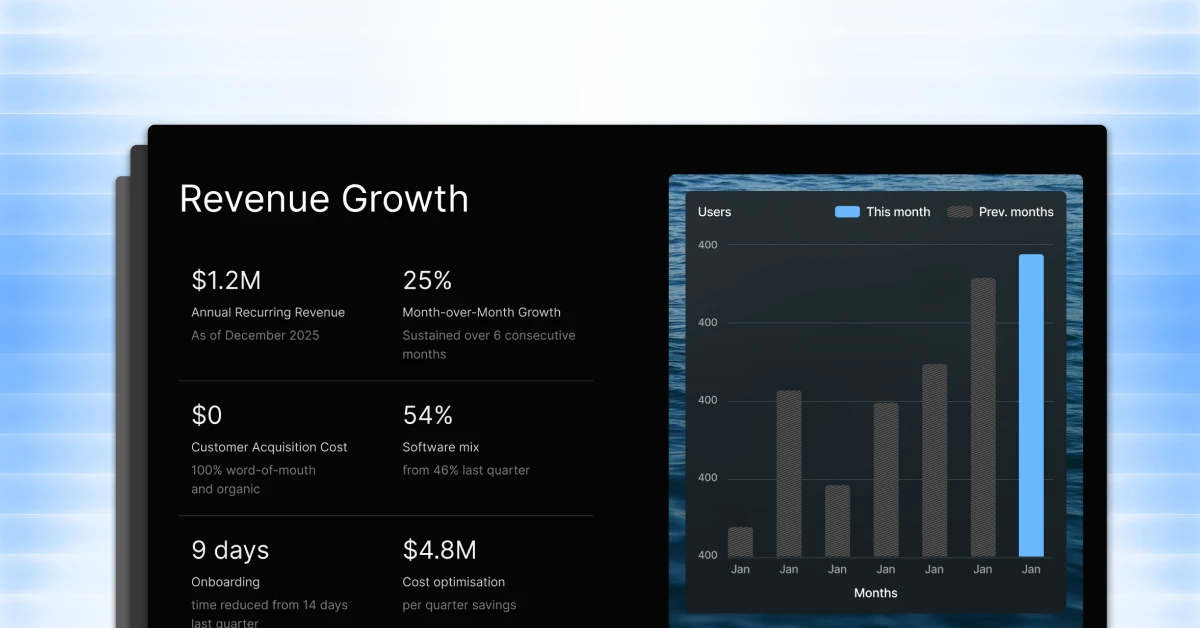
- Gamma is a capable AI presentation tool, but teams tend to outgrow it fast. The brand controls are thin, PowerPoint exports are unreliable, collaboration features are limited, and AI credit limits kick in sooner than most expect.
- For most teams, Presentations AI is the strongest replacement. It matches Gamma on AI-driven deck generation, then goes significantly further with Brand Sync for automatic brand consistency, clean PowerPoint exports, real-time collaboration, and analytics to track how decks perform after they're shared.
- Pitch is a good pick for teams that need structured collaboration, comments, and approval workflows. Canva is a strong choice if you want design flexibility and a massive template library. Google Slides with AI add-ons works well for teams that prioritize real-time collaboration over design quality
Gamma makes a strong first impression. It has a clean interface, decent AI drafts, and a format that felt fresher than PowerPoint. But spend enough time with it, especially in a team setting, and the cracks start to show.
You may have hit the AI credit wall one too many times. A client may have asked for an editable PowerPoint, and the export left you redoing half the deck. Your brand guidelines may exist in a separate document that Gamma has never heard of. Whatever the reason, you're here on this page, and you're not alone.
This guide cuts through the noise and compares 10 practical Gamma alternatives that real teams are actually using in 2026. Each one is evaluated on what matters in day-to-day work: AI draft quality, brand control, export options, collaboration, and value for money.
Top Gamma Alternatives: Comparison and Ranking Methodology
Not all "best of" lists are built the same. Here's exactly how we selected and ranked these tools. We evaluated each tool across six criteria:
- AI draft quality: Does the AI generate a deck you can actually use, or just a rough outline you have to rebuild from scratch?
- Brand control: Can you put in fonts, colors, and layouts consistently across decks?
- Export options: Does it export cleanly to PowerPoint and PDF? Are those exports editable?
- Template and design quality: Does it work like a true AI slide creator with professional built-in designs, or do they look like clip art from 2009?
- Collaboration features: Can teams work together with proper permissions and shared libraries?
- Pricing and value: Are the limits reasonable, and does the free/paid structure make sense for typical usage?
We also cross-referenced user reviews on G2 and Capterra to validate real-world pain points rather than just marketing claims.
Common Pain Points That Make Teams Look Beyond Gamma
Before diving into the alternatives, it's worth being specific about what's actually driving people away from Gamma.The reasons fall into a few clear categories.
You need stronger brand control
For individual users making one-off decks, inconsistency is a minor annoyance. For teams making client-facing materials, it's a real problem. Gamma doesn't offer strong brand enforcement. You can't lock down fonts, color palettes, or logo placement at the workspace level. Every new deck is essentially a fresh start, which creates friction at scale. Teams with established brand guidelines need a tool that embeds those rules from the first slide.
You need better exports for client and stakeholder decks
Gamma's PowerPoint exports have been a consistent pain point in user reviews. The formatting doesn't always survive the trip. Layouts shift, fonts don't embed correctly, and clients who open the file in PowerPoint get something different from what you designed. For internal presentations, that might be fine. For client deliverables or board decks, it's not.
You want faster prompt-to-deck workflows
Gamma's AI gets you to a starting point, but it often requires significant manual cleanup to get to a presentation you'd actually send. Teams who want to type a prompt and get a deck that's 80–90% ready, rather than 40–50%, need a dedicated AI PowerPoint maker with stronger generation built in.
You need real team workflows
Gamma wasn't built primarily for teams. Shared themes, granular permissions, commenting, and version control are limited or absent. Growing teams inevitably hit these gaps and start looking for something with more structure.
Pricing and limits don't match your usage
Gamma's free plan is generous for occasional use, but teams that use it regularly run into AI credit limits faster than expected. And the jump from free to paid can feel steep if you're not fully sold on the tool yet.
10 Best Gamma Alternatives
Each tool below includes what it's best for, where it shines, where it falls short, and who it fits best.
1. Presentations.AI

If Gamma's core appeal is "type a prompt, get a deck," Presentations AI is the AI presentation maker that takes that same promise and executes it at a higher level for professional use. The platform is built around the idea that every user should be a power user. You describe what you need (A sales deck, a project update, or a product roadmap, for instance), and the AI generates a fully designed, structured presentation in seconds. No wrestling with slide layouts. No starting from a blank canvas.
What separates it from Gamma is what happens after the first draft. Presentations AI includes a Brand Sync feature that automatically aligns every deck to your visual identity. We’re talking about fonts, colors, logo placement, and design style, without you having to enforce it manually. For teams who've ever spent 20 minutes making sure a deck "looks right," this alone is worth the switch.
Key strengths
- Prompt-to-deck workflow that produces genuinely usable output
- Brand Sync keeps every presentation on-brand automatically
- Anti-fragile templates that adapt to content changes without breaking the design
- Clean PowerPoint export that preserves formatting
- Real-time sharing with access controls
- Analytics and tracking to see how presentations perform after they're shared
- Multilingual support for global teams
- Works across all devices
Limitations
- Newer platform, so the template library is still growing compared to more established tools
Best for: Business teams who need fast, brand-ready AI decks. It can also be used by sales teams, marketing teams, founders pitching investors, and any team that regularly produces branded client-facing decks.
2. Beautiful.ai
Beautiful.ai earns its name. The core concept, "smart slides" that automatically reformat as you add content, means you spend less time fiddling with layout and more time on the actual content.

Key strengths
- Smart slide layouts that rebalance themselves automatically
- High-quality default design aesthetic
- Relatively easy learning curve
Limitations
- Brand customization is locked behind team/enterprise plans
- Less AI-driven than some competitors; it's more of a design assistant than a content generator
- PowerPoint exports don't always retain smart layout behavior
Best for: Individual professionals and small teams who prioritize visual polish and want slides to look good with minimal effort, without needing advanced AI generation or team features.
3. Canva
Canva isn't primarily a presentation tool. It's a design platform that just happens to do presentations well. That breadth is both its strength and its limitation. You get access to thousands of templates, millions of stock assets, and a drag-and-drop interface that almost anyone can figure out in minutes.
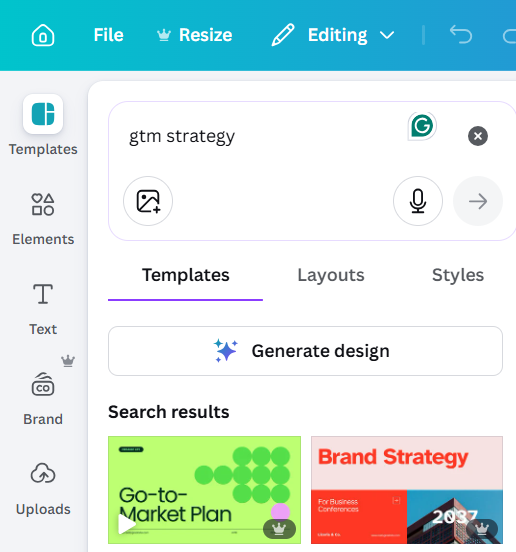
The AI features (Magic Design, Magic Write) are improving, but Canva's strength remains in its flexibility and template depth, not in pure AI generation.
Key strengths
- Massive template and asset library
- Strong free tier
- Easy sharing and collaboration
- Brand Kit feature on paid plans
Limitations
- AI generation is less sophisticated than dedicated AI presentation tools
- Can become a time sink; too much flexibility sometimes means more decisions, not fewer
- Not optimized for presentation workflows specifically
Best for: Marketing teams, small businesses, and anyone who needs a versatile design tool that covers presentations alongside other content formats, and values a large asset library over AI-first generation.
4. Microsoft PowerPoint + Copilot
If your stakeholders send PowerPoint files, your clients expect .ppt files, and your workflow is built around PPTs, this is your answer. Microsoft 365 Copilot integrates directly into PowerPoint, letting you generate slides from a prompt, summarize existing presentations, and reformat content with natural language commands.
Key strengths
- Native PowerPoint experience with no export/import friction
- Copilot understands your existing files and company data (via Microsoft Graph)
- Familiar interface with near-zero learning curve for existing PPT users
Limitations
- Requires a Microsoft 365 Copilot license, which adds cost
- AI output quality varies and often needs significant cleanup
- Not a standalone product; it's an add-on to tools you already pay for
Best for: Enterprise teams already in the Microsoft 365 ecosystem who want to add AI without switching platforms, and whose workflows are built around .pptx files.
5. Google Slides + AI Add-ons
Google Slides is free, familiar, and genuinely excellent for collaboration. Multiple people can work on the same deck simultaneously, comments are threaded, and version history is automatic. Add-ons like Slides AI layer in basic AI generation capabilities.
Key strengths
- Best-in-class real-time collaboration
- Free with a Google account
- Seamless sharing and access control
- Strong integration with Google Docs, Sheets, and Drive
Limitations
- Native design capabilities are limited compared to dedicated presentation tools
- AI add-ons are third-party and vary in quality
- Not the right choice if you care deeply about design or brand consistency
Best for: Teams already in Google Workspace who need a free, collaborative solution and aren't making heavily designed or brand-sensitive client-facing decks.
6. Pitch
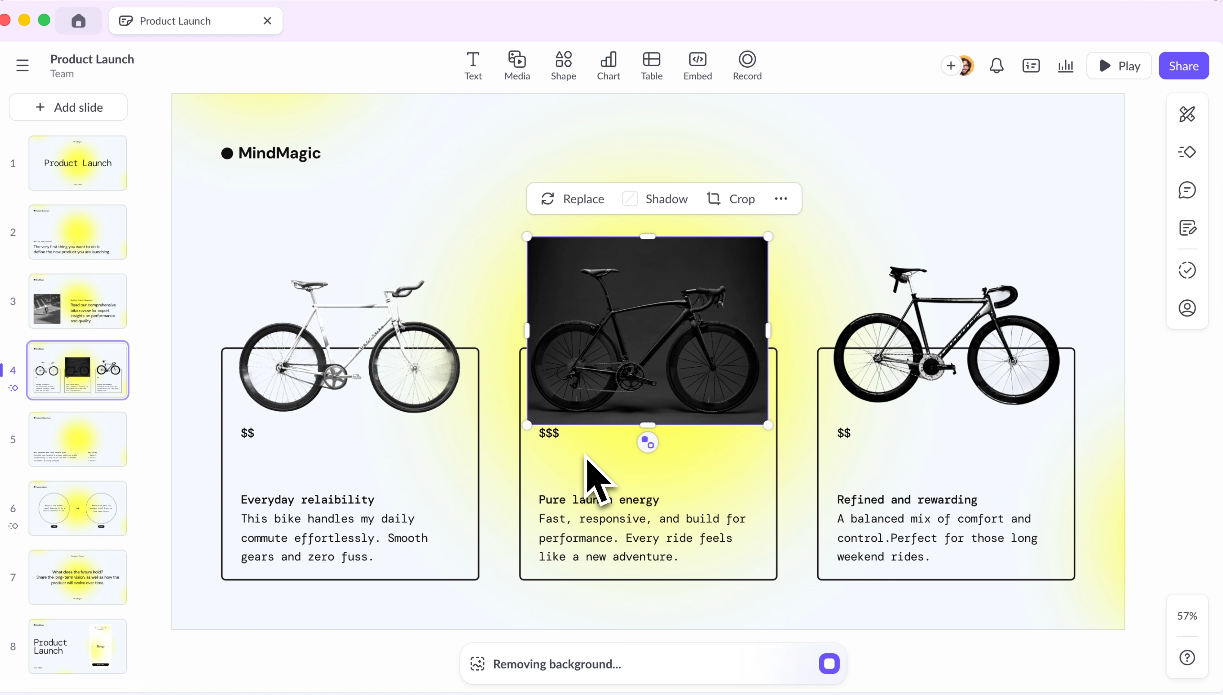
Pitch is what happens when you rebuild a presentation tool from the ground up with teams in mind. Shared workspaces, branded templates, commenting, and defined roles are all first-class features, not afterthoughts.
Key strengths
- Purpose-built for team workflows
- Shared template libraries and brand kits
- Strong commenting and review features
- Good analytics on deck engagement
Limitations
- AI generation features are less advanced than dedicated AI-first tools
- Pricing gets steep for larger teams
- Learning curve for teams migrating from simpler tools
Best for: Marketing and sales teams that produce a high volume of decks and need structure, consistency, and collaboration baked in, particularly where review and approval workflows matter.
7. Prezi
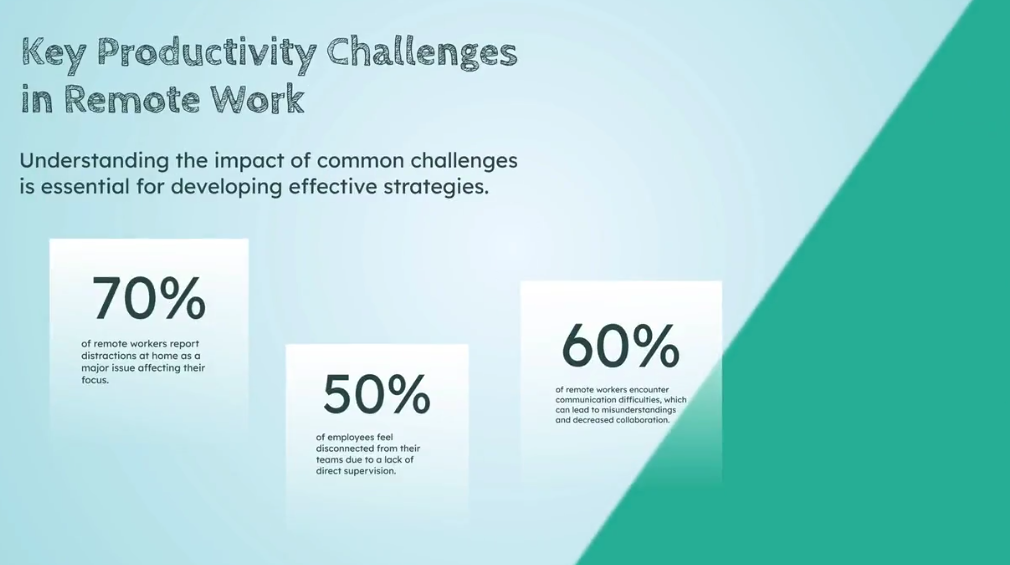
Prezi doesn't use slides. Instead, it uses a zoomable canvas where you pan and zoom across a single visual space rather than clicking through sequential slides. It's memorable, different, and genuinely engaging when done well.
Key strengths
- Highly distinctive, memorable presentation style
- Good for visualizing complex relationships and structures
- Strong for conference presentations or demos
Limitations
- Steep learning curve
- Format doesn't suit all content types
- Can be disorienting for audiences if overused
- Limited AI capabilities compared to newer tools
Best for: Speakers and educators who want to stand out and have content that benefits from a non-linear, visual structure rather than standard sequential slides.
8. Visme
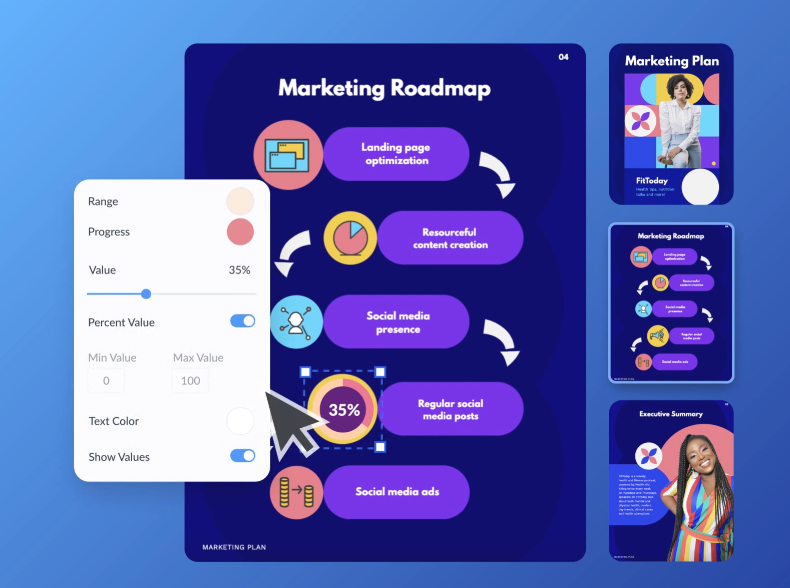
Visme is a strong choice when your presentations need to include charts, infographics, data visualizations, and branded graphics, not just text and images on a slide. It's more of a visual content platform than a pure presentation tool.
Key strengths
- Excellent infographic and data visualization capabilities
- Strong brand kit features
- Wide range of content types beyond slides
Limitations
- More complex than most users need for standard presentations
- AI generation is not its core strength
- Pricing can feel high for lighter use cases
Best for: Marketing teams and content creators who need branded visual content across multiple formats and whose presentations are data-heavy or infographic-driven.
9. Keynote
Keynote is Apple's answer to PowerPoint, and it shows. The default templates are genuinely beautiful, the animations are smooth, and if you're already on a Mac, there's nothing to install. It's free, fast, and reliable.
Key strengths
- Stunning default design quality
- Free for Apple users
- Smooth animations and transitions
- Great for live presenting on Apple devices
Limitations
- No meaningful AI generation features
- Collaboration is limited compared to Google Slides or Pitch
- Exporting to PowerPoint sometimes causes formatting issues
Best for: Mac users who want a polished, reliable presentation tool for live presentations and don't need AI generation, team collaboration, or cross-platform compatibility.
10. Slidesgo
Sometimes you don't need AI. You just need a professional starting point. Tools like Slidesgo offer large libraries of free, well-designed presentation templates for PowerPoint and Google Slides. You pick one, customize it, and you're done.

Key strengths
- Large, free template libraries
- No learning curve
- Works with tools you already know (PowerPoint, Google Slides)
Limitations
- No AI generation
- Templates are starting points only; customization is entirely manual
- Not suitable if you need speed or brand automation
Best for: Occasional presenters and students who need a quick, professional starting point without committing to a new platform or learning a new tool.
Quick Comparison Table: Gamma vs Alternatives
What to Look for in a Gamma Alternative
With so many options, it helps to have a clear framework. Here's what actually matters when evaluating a Gamma replacement.
AI draft quality and editing control
The first question is: Does the AI produce output you can actually use? A deck that's 80% ready is dramatically more valuable than one that's 30% ready. Test the tool with a real prompt from your work, not a toy example, and see how much manual cleanup is required before you'd feel comfortable sending it.
Equally important is how easy it is to edit the AI output. Good AI generation paired with a clunky editing experience is still a frustrating workflow.
Templates, layouts, and design consistency
Templates aren't just starting points. They're the backbone of a consistent presentation style. Look for tools with well-designed, easy-to-work-with templates that are flexible enough to accommodate different content types without breaking.
Brand themes and style settings
For teams, brand control is non-negotiable. At minimum, you should be able to set a color palette, upload your logo, define your fonts, and have those settings apply automatically to every new deck. Better tools let you lock these settings so team members can't accidentally go off-brand.
Exports (PPT, PDF) and sharing
If anyone in your workflow will ever open your presentation in PowerPoint, a client, a stakeholder, a colleague, your export quality matters enormously. Test the export before committing to any tool. Fonts should embed correctly, layouts should hold, and the file should be editable on the other end without a redesign.
Collaboration and permissions
For teams, ask: Can multiple people edit the same deck? Can you define who can view vs. edit, or comment? Is there a shared template library that enforces consistency? Can you review and approve before a deck goes out? These aren't nice-to-haves for growing teams. They're requirements.
The Best Gamma Alternative for Most Teams: Presentations AI
After evaluating the full list, one tool consistently stands out for the broadest range of business use cases: Presentations AI.
Why Presentations AI is the best all-around replacement
The pitch is simple: idea to deck in seconds. Type a prompt, describe your content, and the AI generates a fully designed, structured presentation — not a rough draft you rebuild from scratch, but something you can genuinely work with.
What makes it the best overall pick rather than just the best at AI generation is the combination of features that matter to real teams:
- Brand Sync automatically aligns every presentation to your brand's visual identity, including colors, fonts, logo, and layout. You set it once, and it applies everywhere. For teams that have spent years enforcing brand standards manually, this is a significant upgrade.
- Anti-fragile templates adapt to your content changes without the design falling apart. Swap out text, add a new section, change the data in a chart, and the layout adjusts and stays cohesive.
- Exportación a PowerPoint es limpia y compatible, lo cual es enormemente importante para los equipos cuyos clientes y partes interesadas utilizan PowerPoint.
- Funciones colaborativas incluyen el uso compartido en tiempo real y el control de acceso, lo que permite a los equipos trabajar juntos sin el caos de las versiones.
- Análisis y seguimiento le permiten ver el rendimiento de las presentaciones después de compartirlas, incluyendo quién las ve, durante cuánto tiempo y dónde abandonan. Este tipo de ciclo de retroalimentación es realmente valioso para los equipos de ventas y marketing.
Funciona en todos los dispositivos y ofrece soporte multilingüe para equipos globales. Tú pones la historia. Presentations AI pone el diseño.
Quién debería elegir Presentations AI
- Equipos de ventas que necesitan crear y personalizar presentaciones rápidamente para cada conversación con el cliente
- Equipos de marketing que producen un gran volumen de materiales de marca y necesitan coherencia de marca a gran escala
- Fundadores y ejecutivos que presentan proyectos regularmente y quieren presentaciones con un aspecto impecable sin pasar horas diseñando
- Equipos internos que necesitan presentaciones rápidas y de aspecto profesional para actualizaciones, informes y propuestas
Conclusión
Gamma es una buena herramienta para lo que es: un creador de presentaciones con IA ligero que te permite empezar rápidamente. Pero "bueno para empezar" no es lo mismo que "diseñado para el trabajo real", y esa distinción se hace evidente cuando los equipos intentan escalar su uso.
Si estás pensando en cambiar:
- Para la mayoría de los equipos empresariales, Presentations AI es la elección obvia. Combina una potente generación de IA con los controles de marca y las funciones de colaboración que los equipos realmente necesitan.
- Para equipos ya inmersos en Microsoft 365, PowerPoint + Copilot es el camino de menor resistencia.
- Para equipos que priorizan la colaboración por encima de todo lo demás, Pitch o Google Slides merecen una seria consideración.
La herramienta adecuada es la que se adapta a tu flujo de trabajo real, no la que tiene la lista de funciones más larga. Empieza por lo que más necesitas (calidad de IA, control de marca, exportaciones, colaboración, precio) y trabaja a partir de ahí.









