The Text to PPT Challenge We Sorted
Your reality right now: Meeting notes that need to become a stakeholder presentation. A project brief that should be pitch slides. Scattered ideas that need visual structure.
Manual creation is Painful
Blank slide syndrome. Design decisions that paralyze you. Formatting that never looks quite right. Two hours later, you've built underwhelming slides and lost your creative momentum.
Our text to PowerPoint converter delivers
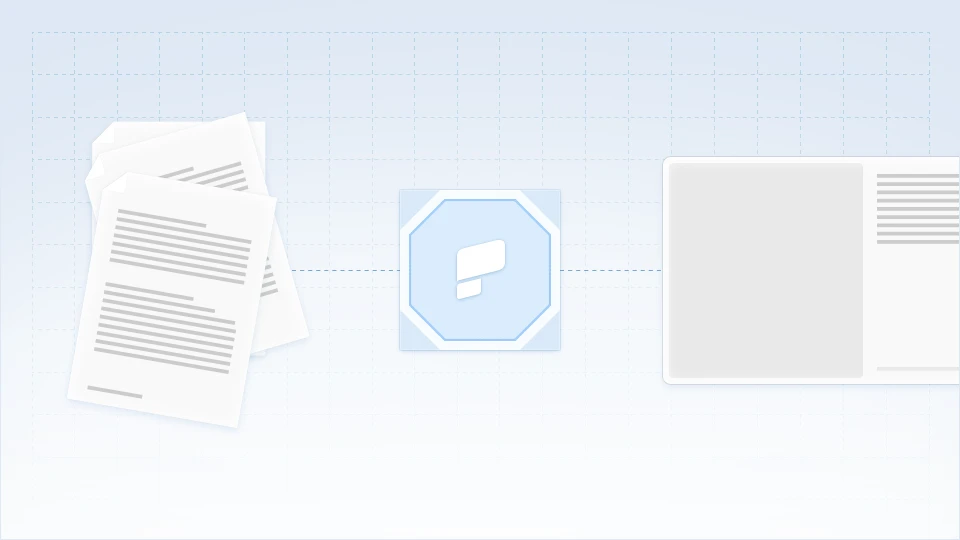
Paste any text. Watch our AI understand intent, organize structure, and generate presentation-ready slides. Complete with visuals, animations, and your brand identity.
How to Convert Text to PowerPoint Presentations
Step 1: Navigate to your dashboard and input your text content
Enter the text you want to transform into a PowerPoint presentation. Meeting notes, project briefs, research summaries, article drafts, training outlines; our text to PPT converter handles them all.
Supported text inputs:
- Meeting notes and transcripts
- Project briefs and proposals
- Research summaries and reports
- Article drafts and blog content
- Training outlines and documentation
- Business plans and strategies

Step 2: Configure your presentation settings
Customize your conversion preferences. Select desired slide count, choose your language, and specify your target audience. Our AI adapts complexity, tone, and design to match your exact needs.

Step 3: Generate your PowerPoint with one click
Convert your text with a single click! Our converter doesn't just format; it comprehends. The AI identifies key themes, supporting details, logical flow, and information hierarchy. In 30 seconds, your text transforms into a complete PowerPoint presentation.
PRO TIP: Add your company URL during conversion. Brand Sync automatically applies your exact colors, fonts, and logo to every slide.

Step 4: Preview Your AI-Generated Presentation
Preview immediately as a slideshow. Unlike basic PDF to PPT tools that create static images, you get:
- Fully editable PowerPoint elements
- Preserved formatting and structure
- Professional transitions
- Speaker notes from PDF annotations
- Clickable hyperlinks maintained

Step 5: Make any changes you deem fit
You can expand on the AI-generated draft and effortlessly make any changes you wish to the text, images or layouts from right within the editor. You can also add more slides if you wish to do so.
- "Summarize to 10 slides" - Executive summary creation
- "Add speaker notes" - Generate presentation talking points
- "Modernize design" - Update dated PDF layouts
- "Create sections" - Add logical chapter breaks
Step 6: Share Anywhere
Once you are satisfied with the output, you can share your deck with the world by publishing it as a link or you can invite selected team mates to view and edit it with you. You can also export it to PDF or a fully-editable PowerPoint if you wish to do so.
- PowerPoint (.pptx): Full fidelity, editable elements
- PDF: Professional documents with working links
- Share Link: Present from any browser
- Image Files: PNG/JPG for individual slides

Why Our Text to PowerPoint Converter Dominates
Content Intelligence Beyond Formatting
Basic text to PPT tools dump paragraphs on slides. We understand meaning. A 2,000-word document becomes a compelling 10-slide narrative. Scattered notes become a structured argument. Raw ideas become visual stories.
Presentation-Native Content Design
Text documents are for reading. Presentations are for engaging. Our AI restructures written content for audience impact—long paragraphs become impactful bullets, dense information becomes digestible charts, abstract concepts become visual metaphors.
Smart Content Hierarchy
The AI recognizes what matters. Main themes become section headers. Supporting points become slide content. Details become speaker notes. You get presentation structure that actually makes sense.
Multi-Format Text Handling
Plain text? Formatted documents? Bullet lists? Paragraphs? Mixed content? Our text to PPT converter processes any text format and creates cohesive presentations that flow naturally.