


Never start from a blank slide again
Drop in your ideas, notes or documents. We create a designed presentation that you can export, edit, and present in PowerPoint or Google Slides.
No credit card required
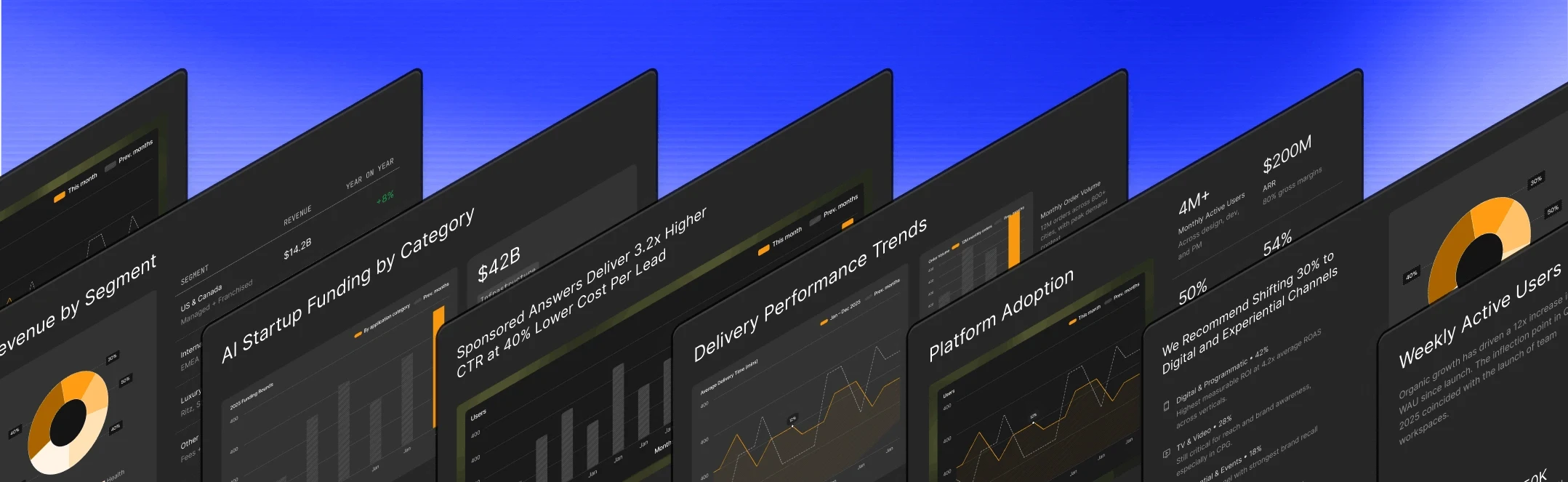
Trusted by over 12 million professional teams
TRUSTED BY







Why teams love Presentations.AI
Accelerate the drafting process
Input a rough idea and let AI build a structured, designed presentation in minutes.
Transform documents instantly
Upload PDFs, Word docs, or reports to extract key points and visualize them into a presentation automatically.
Leverage built-in expertise
Access a library of templates with logical arguments and narrative structures built for business outcomes.
Automate brand consistency
Input a website URL to extract your official colors, fonts, and logos instantly, and apply it across every slide.
Export native PowerPoint files
Download fully editable .pptx files that preserve vector shapes and transitions.
Built for teams that hustle
Teamwork and efficiency aren't just buzzwords here.
Collaborate Without the Chaos:
Feedback, edits, and high-fives without leaving your seat.

Share Like a Pro:
Links, emails, or embeds—sharing's never been this slick.

Present from Anywhere:
All you need is a browser and a dream. Plus, PowerPoint exports for the old school.
Play around with Presentations.AI first. Pay and add your team later
| Platform | Rating | Price/Year (Individual) | Free Plan | AI Architecture | Brand Sync | PowerPoint Export | Enterprise Security | Data Refresh | Best For |
|---|---|---|---|---|---|---|---|---|---|
| Presentations.AI | 4.5/5 | $240 | 5 presentations, fully functional | Built AI-native (2018-present) | ✅ Automatic via URL | ✅ High-fidelity | ✅ SOC 2 Type II | ✅ Patented agent | Business decisions & recurring decks |
| Gamma | 3.5/5 | $120 | 400 credits, limited | Retrofitted 2023 after product failed | ❌ Manual | ❌ Poor quality | ❌ None | ❌ None | Casual multi-format content |
| Beautiful.AI | 2.5/5 | $480 | ❌ No free plan | Marginal AI add-on | ❌ Manual | ❌ Font issues | ❌ Basic | ❌ None | Difficult to recommend |
| Tome | 1.5/5 | $240 | No AI features | Removed from free tier | ❌ Manual | ❌ Not supported | ❌ Basic | ❌ None | Sales storytelling only |
| Canva | 4.0/5 | Varies | Yes, limited | Lightweight suggestions | ❌ Manual | ⚠️ Basic | ⚠️ Limited | ❌ None | Multi-purpose design teams |
| Google Slides | 4.0/5 | Free | Fully functional | ❌ None | ❌ Manual | N/A (native) | ✅ Workspace standard | ❌ None | Collaboration-first teams |
| PowerPoint | 4.5/5 | $160 | 30-day trial | ❌ None | ❌ Manual | N/A (native) | ✅ M365 enterprise | ❌ None | Traditional workflows |
Takeaway: Only Presentations.AI was built from the ground up for AI-powered business presentations. Others either added AI as marketing (Gamma, Beautiful.AI, Tome) or never intended to be AI tools (traditional platforms).
Got questions? We’ve got answers.
What makes an AI Presentation Maker different from traditional presentation software?

AI Presentation Makers leverage artificial intelligence to automate design and content suggestions, making the creation process faster and more efficient than traditional methods.
Can I customize the design templates in the AI Slide Maker to fit my brand?
Yes, you can customize templates with your brand colors, fonts, and logos, ensuring your presentations consistently reflect your brand identity.
How does the AI Powerpoint Generator simplify the presentation creation process?
By analyzing your content, it suggests layouts, designs, and visuals, streamlining the creation process from hours to minutes.
Is there a learning curve to using the AI Presentation Maker effectively?
It's designed with user-friendliness in mind, minimizing the learning curve. Most users find it intuitive from the start.
What collaboration features are available with the AI Presentation Tool?
Real-time co-editing, comments, and seamless sharing options are available, facilitating teamwork on presentations.
How secure is my data when using the AI PPT Generator?
High-standard encryption and secure cloud storage protect your data, ensuring privacy and security.


